
RAIGNV S119
RAIGNV S119 GPS 4K Drone Instruction Manual
Model: S119
Introduction
Welcome to the RAIGNV S119 GPS 4K Drone instruction manual. This guide provides essential information for the safe operation, setup, and maintenance of your drone. Please read this manual thoroughly before your first use to ensure optimal performance and safety.
What's in the Box
Verify that all components are present in your package:
- RAIGNV S119 4K Drone x 1
- Remote Control x 1
- RAIGNV S119 Battery x 3
- Micro-USB Cable x 1
- Memory Card x 1
- Spare Propellers x 8
- Organizer Bag x 1
- Screwdriver x 1
- Data Cable x 1
- APP Manual x 1

The package includes the RAIGNV S119 drone, remote control with screen, three batteries, spare propellers, a carrying bag, screwdriver, Micro-USB cable, memory card, data cable, and APP manual.
Product Overview
The RAIGNV S119 is a lightweight (under 249g) GPS-enabled drone featuring a 4K dual camera, 5G screen remote, obstacle avoidance, and brushless motors. It is designed for ease of use, making it suitable for beginners while offering advanced features for experienced pilots.

The RAIGNV S119 drone features a foldable design and a 4K dual camera system.

The drone is equipped with an obstacle avoidance module for enhanced flight safety.
This video provides a comprehensive review and flight test of the RAIGNV S119 GPS 4K Drone, demonstrating its features and performance.
Setup
Battery Installation and Charging
The drone uses modular 7.4V 3800mAh batteries. Ensure batteries are fully charged before each flight. Connect the Micro-USB cable to the battery and a suitable power source. The charging indicator will show the charging status.
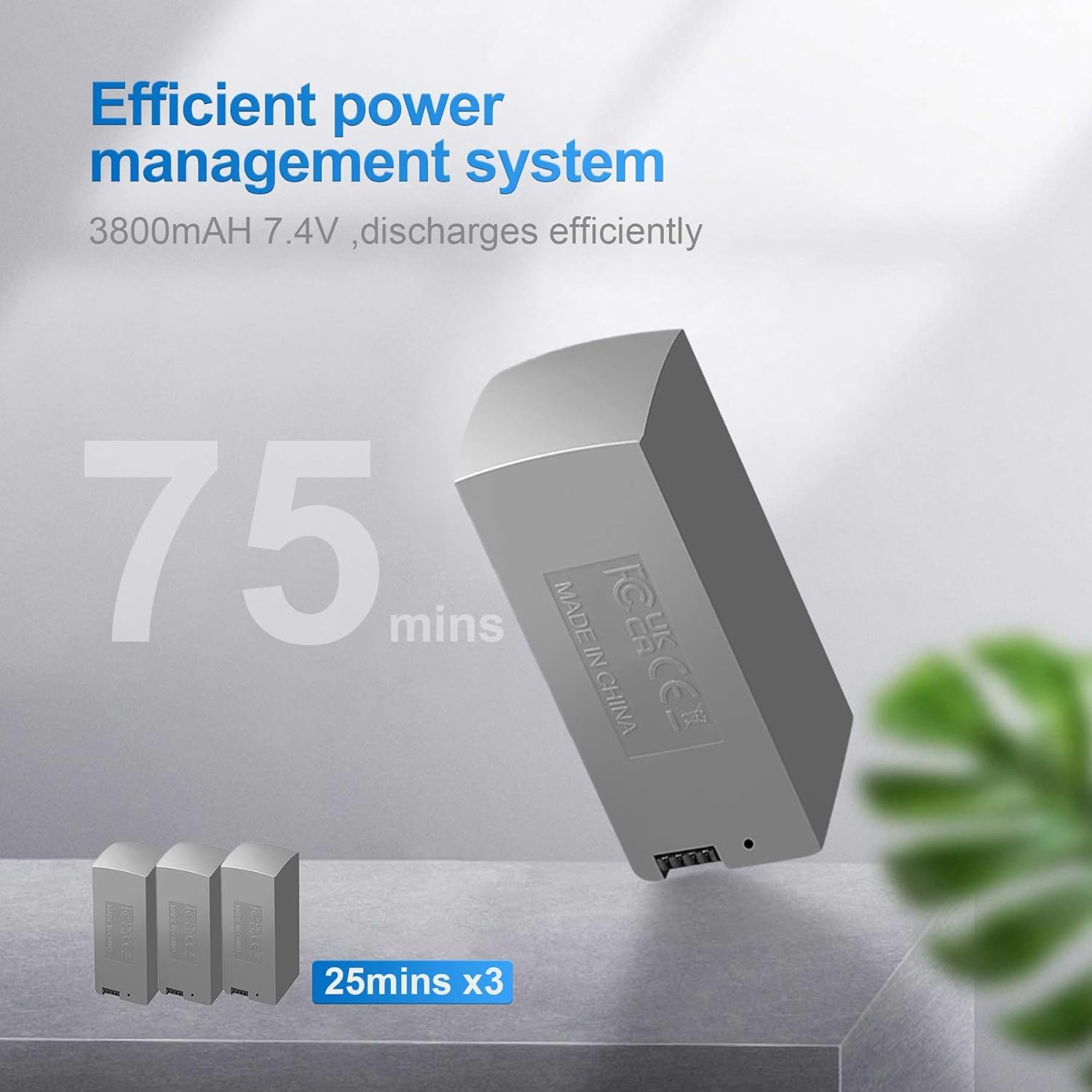
The drone comes with three 3800mAh 7.4V batteries, each providing up to 25 minutes of flight time.
Propeller Installation
Carefully attach the propellers to the motor shafts, ensuring they are securely fastened. Refer to the markings on the propellers and drone arms for correct orientation. Incorrect installation can affect flight stability.
Remote Control Setup
The remote control features a built-in screen for FPV viewing. Ensure the remote control is charged. Power on the remote and then the drone to establish a connection. Follow the on-screen prompts for initial pairing.

The remote control features a 5G screen for real-time first-person view (FPV) during flight.
Obstacle Avoidance Module Installation
The obstacle avoidance module can be installed on top of the drone. Remove the protective cover from the drone's top and gently attach the module until it clicks into place. Ensure it is firmly secured before flight.
This video demonstrates the installation of the obstacle avoidance module and outdoor operation procedures for the RAIGNV S119 drone.
Operating Instructions
Pre-Flight Checklist
- Ensure batteries are fully charged for both the drone and remote control.
- Check propellers for any damage and ensure they are correctly installed.
- Select an open outdoor area free from obstacles, people, and animals.
- Verify GPS signal acquisition before outdoor flight for optimal performance of smart features.
Takeoff and Landing
Use the one-key takeoff/landing function for simplified operation. Press the designated button on the remote control to initiate an automatic takeoff or landing sequence. For manual control, gently push the throttle stick upwards for takeoff and downwards for landing.
The drone supports one-click takeoff and landing for ease of use, especially for beginners.
Flight Modes and Features
GPS Auto Return
The drone supports GPS auto return functions including one-key return, low-battery return, and lost-signal return. This feature automatically guides the drone back to its takeoff point, enhancing safety and preventing loss.

The GPS Auto Return feature ensures the drone safely returns to its starting point in case of low battery, signal loss, or user command.
Obstacle Avoidance
The S119 drone is equipped with obstacle sensing capabilities to help prevent collisions during flight. This system detects obstacles in its path and adjusts its trajectory to avoid them, providing a safer flying experience.

Intelligent obstacle avoidance mode helps the drone detect and avoid obstacles, enhancing flight safety.
Follow Me Mode
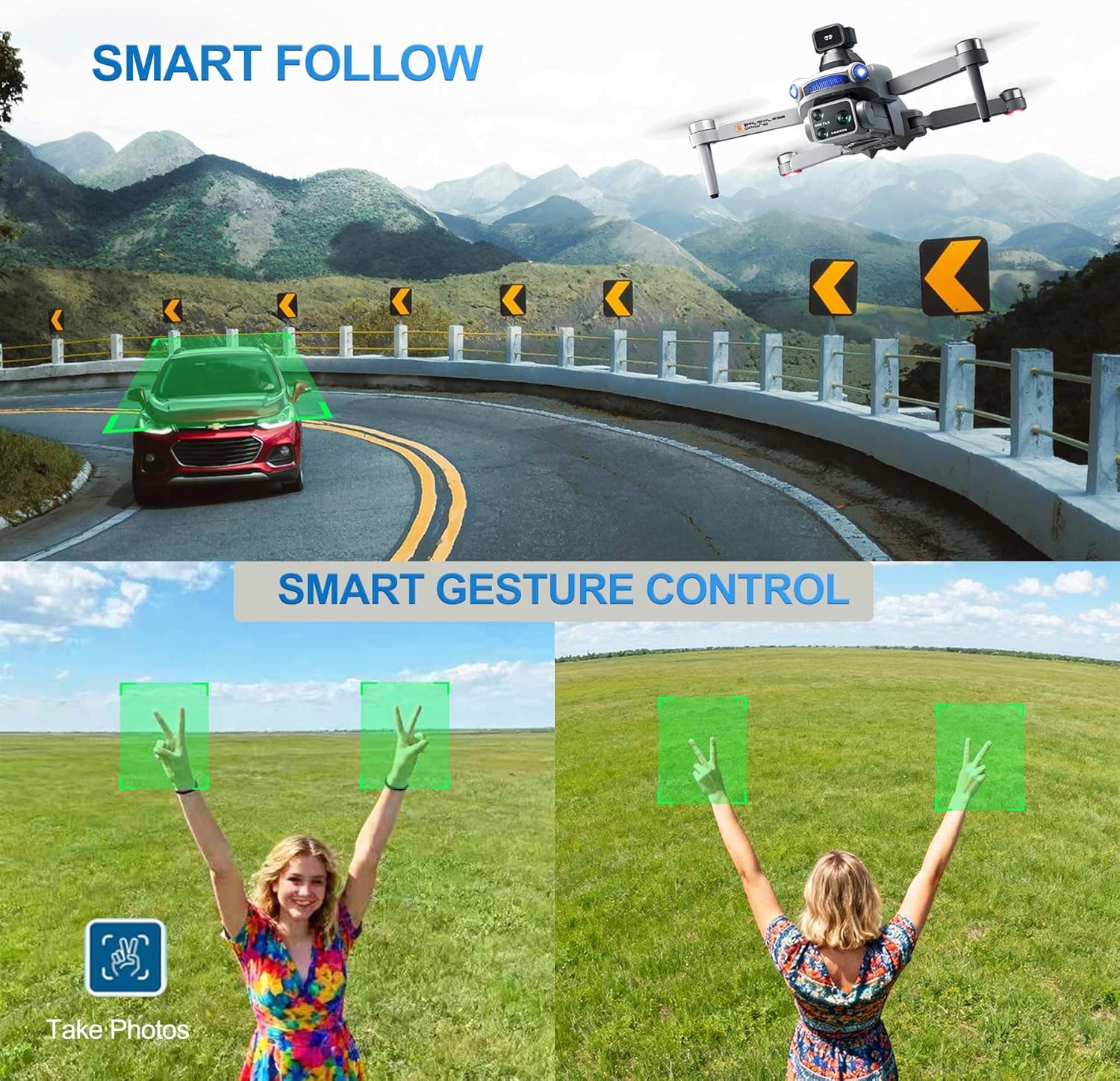
In Follow Me mode, the drone uses GPS positioning from your smartphone to track and follow you, capturing dynamic footage as you move. Ensure your smartphone's GPS is active and the drone has a clear line of sight.

The GPS Follow mode allows the drone to automatically track a subject, ideal for capturing action shots.
Waypoint Flight
Plan your flight path by setting multiple waypoints on the map within the companion app. The drone will automatically fly along the designated route, allowing for precise and repeatable aerial photography or videography.

Trajectory Flight allows users to define a flight path on the app, and the drone will follow it automatically.
Circle Fly (Point of Interest)
Activate Circle Fly to have the drone orbit a specific point of interest, capturing smooth 360-degree footage. Set the radius and the drone will maintain a consistent distance and altitude around your chosen subject.

The Point of Interest feature enables the drone to fly in a perfect circle around a chosen subject.
Headless Mode
In Headless Mode, the drone's orientation is relative to the pilot, making it easier to control without needing to know the drone's front direction. This is particularly useful for beginners.

Headless Mode simplifies control by maintaining the drone's orientation relative to the pilot, regardless of its actual front.
Optical Flow Positioning
The bottom camera and optical flow positioning system assist in stable hovering, especially in indoor environments or when GPS signal is weak. This technology helps the drone maintain its position accurately.

Optical Flow Positioning provides stable flight and hovering, contributing to clearer photos and videos.
Gesture Control
Use specific hand gestures to command the drone to take photos or record videos. This feature allows for hands-free operation during certain flight scenarios.

Gesture control allows for hands-free photo and video capture with simple hand movements.
This video demonstrates the indoor operation procedures for the RAIGNV S119 drone, including gyroscope calibration.
This video showcases the RAIGNV S119 drone with its screen controller and foldable design, highlighting its features.
This video focuses on the ease of use of the RAIGNV S119 drone for beginners, featuring the screen controller.
This video highlights the RAIGNV S119 4K drone's capabilities for content creation.
This video shows an indoor flight test of the RAIGNV S119 GPS 4K Drone, demonstrating its stability and control.
This tutorial provides a detailed introduction to the S119 drone and its usage.
Maintenance
General Care
Keep the drone clean and free from dust and debris. Use a soft, dry cloth for cleaning. Store the drone in the provided carrying case when not in use to protect it from damage and environmental factors.
Battery Care
Store batteries in a cool, dry place away from direct sunlight and extreme temperatures. Do not overcharge or over-discharge the batteries. If storing for extended periods, charge them to approximately 50-60% capacity to prolong their lifespan.
Propeller Inspection
Regularly inspect propellers for any cracks, bends, or other signs of damage. Damaged propellers can significantly affect flight stability and safety. Replace damaged propellers immediately using the provided spare parts and screwdriver.
Troubleshooting
Drone Not Responding
- Check battery levels of both the drone and remote control. Recharge if necessary.
- Ensure proper pairing between the drone and remote. Refer to the setup section for pairing instructions.
- Recalibrate the gyroscope if flight is unstable or unresponsive.
Poor GPS Signal
- Move to an open outdoor area away from tall buildings, dense foliage, or sources of electromagnetic interference.
- Wait for the drone to acquire sufficient GPS satellites before attempting takeoff or using GPS-dependent features.
Unstable Flight
- Recalibrate the gyroscope and compass as per the instructions in the APP manual.
- Check for damaged or improperly installed propellers. Replace any damaged propellers.
- Ensure the drone is placed on a flat, level surface for takeoff.
Specifications
| Feature | Detail |
|---|---|
| Model Name | S119 |
| Brand | RAIGNV |
| Item Weight | 237 g |
| Video Capture Resolution | 4K |
| Effective Still Resolution | 12 MP |
| Maximum Range | 2000 meters |
| Battery Capacity | 3800 mAh (x3 included) |
| Flight Time | Up to 25 minutes per battery (75 minutes total with 3 batteries) |
| Connectivity Technology | Wi-Fi 5G transmission |
| Special Features | 4K dual camera, Obstacle Avoidance, GPS Auto Return, Follow Me, Waypoint Flight, Circle Fly, Headless Mode, Optical Flow Positioning, One-key takeoff/landing, Speed Adjustment |
| Item Dimensions (L x W x H) | 4.73"L x 4.73"W x 1.81"H |
| Material | Aluminum, Electronic Components, Metal, Plastic |
| UPC | 749877145345 |
Warranty and Support
Warranty Information
For detailed warranty information regarding your RAIGNV S119 drone, please refer to the official RAIGNV website or contact our customer support team directly. Keep your purchase receipt as proof of purchase.
Customer Support
If you encounter any issues, have questions, or require technical assistance with your RAIGNV S119 drone, please do not hesitate to contact our dedicated customer support team. We are here to help.
Email: info@raignv.com

Contact RAIGNV customer support via email for assistance.
Ask a question about this manual
Ask about setup, troubleshooting, compatibility, parts, safety, or missing instructions. Manuals+ will review the question and use this page’s manual context to help answer it.