
Introduction
This manual provides detailed instructions for the assembly, operation, maintenance, and troubleshooting of your Sweetcrispy Computer Gaming Chair, Model DJY02-GN-H2sun. Please read this manual thoroughly before assembly and use to ensure proper function and longevity of your chair.
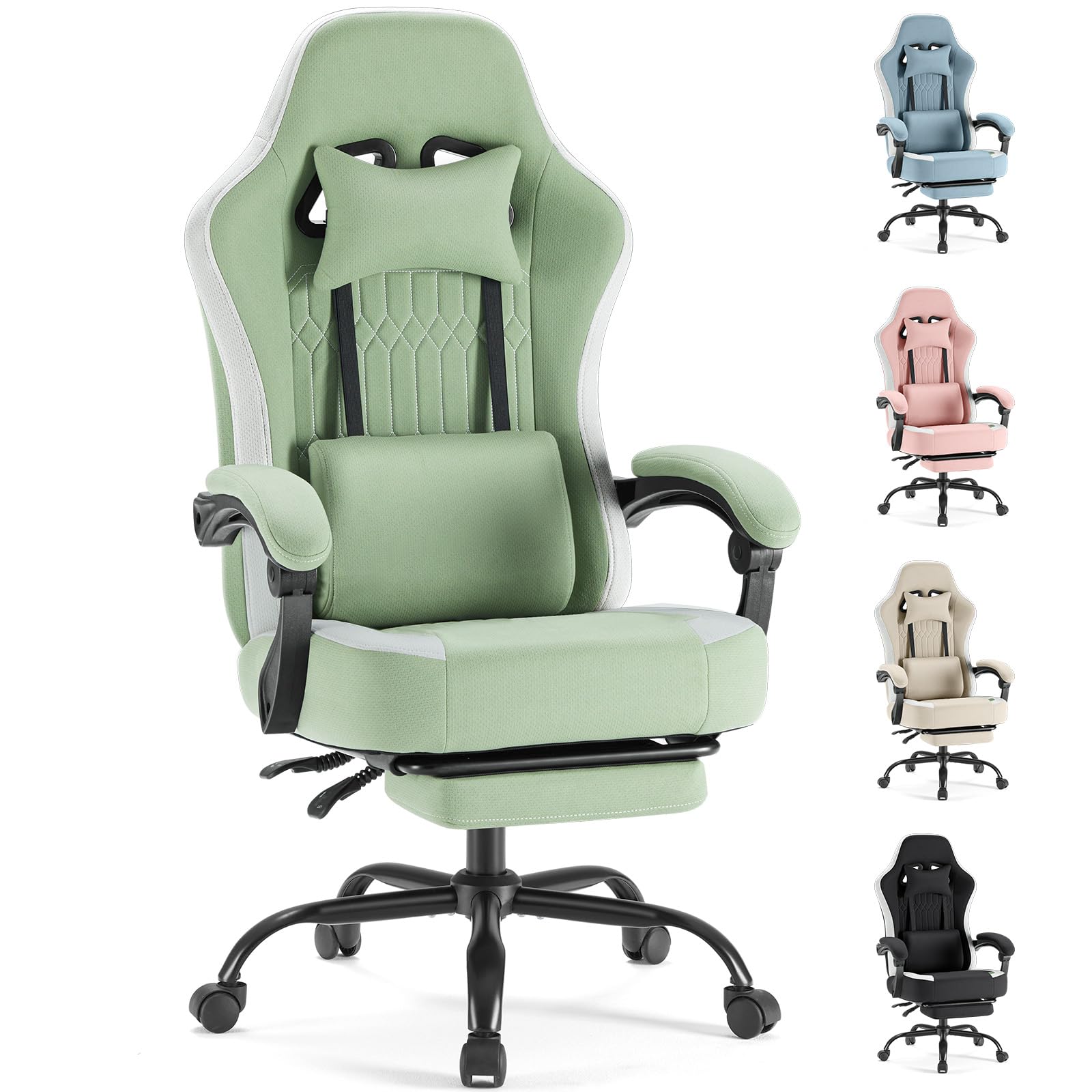
Image: Sweetcrispy Computer Gaming Chair (Model DJY02-GN-H2sun) in a typical office environment.
Setup and Assembly
Before beginning assembly, ensure all parts are present and undamaged. It is recommended to assemble the chair on a soft, clean surface to prevent scratches.
Package Contents:
- Backrest
- Seat Cushion with Armrests
- Star Base
- Casters (5x)
- Gas Lift Cylinder
- Gas Lift Cover
- Mechanism Plate
- Lumbar Support Pillow
- Headrest Pillow
- Hardware Kit (screws, washers, Allen wrench)
Assembly Steps:
- Attach Casters to Star Base: Insert each of the five casters into the holes at the end of the star base legs until they click securely into place.
- Install Gas Lift: Place the gas lift cylinder into the center hole of the assembled star base. Cover the gas lift with the provided plastic cover.
- Attach Mechanism Plate to Seat Cushion: Align the mechanism plate with the pre-drilled holes on the underside of the seat cushion. Ensure the front of the mechanism faces the front of the seat. Secure with screws from the hardware kit.
- Connect Seat to Gas Lift: Carefully place the assembled seat cushion onto the gas lift cylinder, ensuring the tapered end of the gas lift fits securely into the mechanism.
- Attach Backrest to Seat Cushion: Align the backrest brackets with the corresponding holes on the seat cushion. Secure with screws from the hardware kit.
- Install Lumbar and Headrest Pillows: Attach the lumbar support pillow and headrest pillow using their integrated straps, positioning them for optimal comfort.
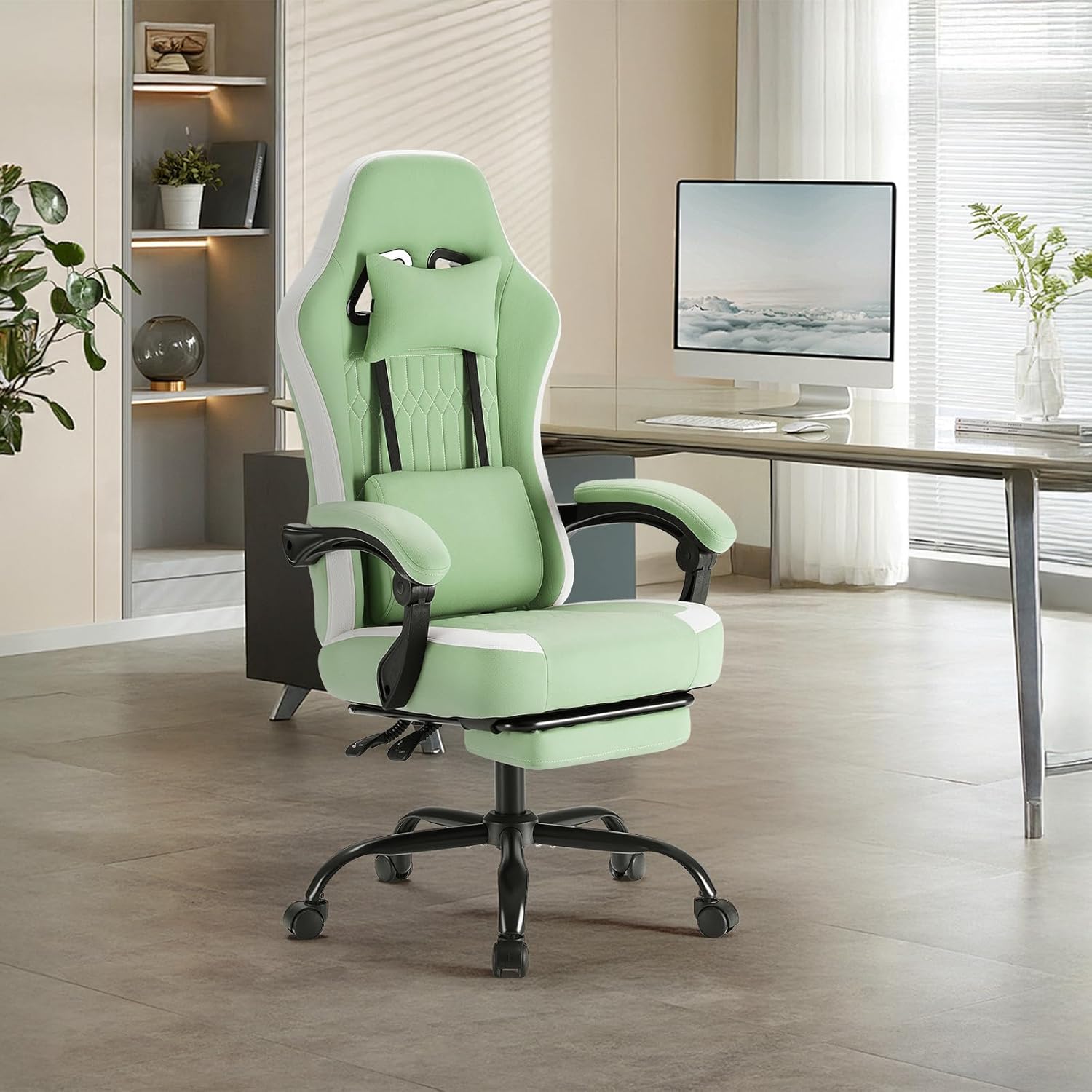
Image: Front view of the fully assembled Sweetcrispy Computer Gaming Chair.
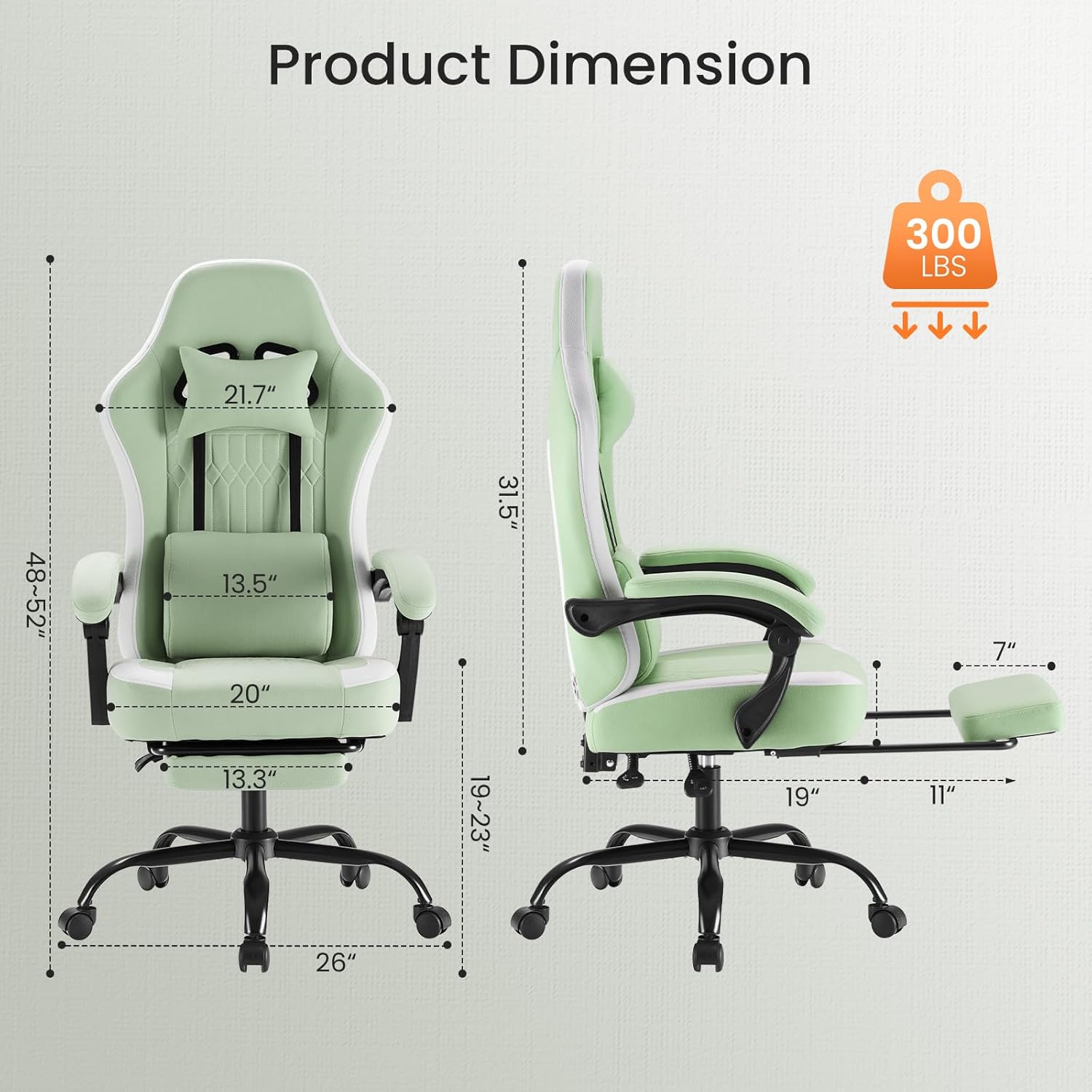
Image: Side view of the fully assembled Sweetcrispy Computer Gaming Chair, showing the linkage armrests and footrest.
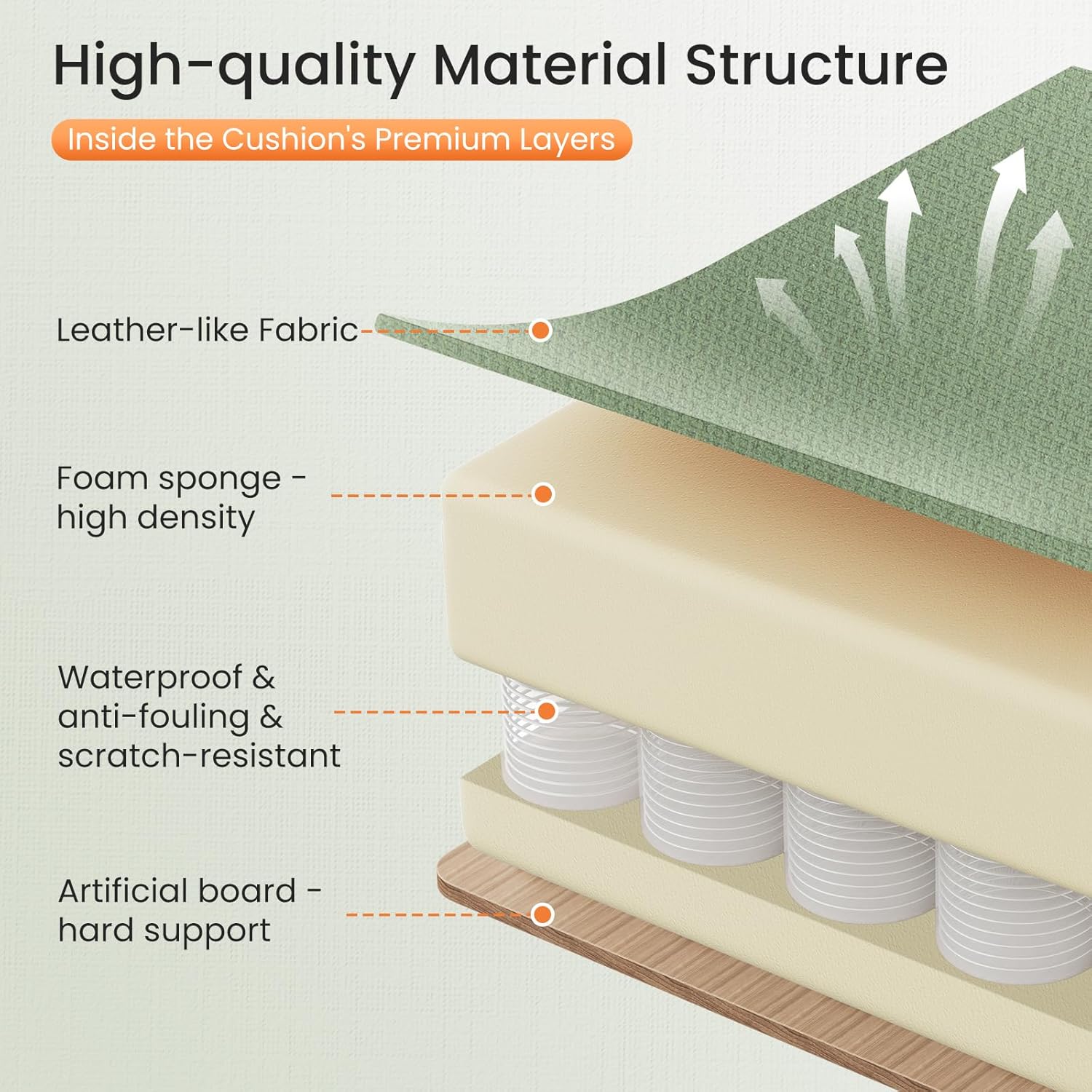
Image: Back view of the fully assembled Sweetcrispy Computer Gaming Chair.
Operating Instructions
Your Sweetcrispy Gaming Chair offers multiple adjustment features to customize your seating experience.
Chair Adjustments:
- Seat Height Adjustment: Use the lever located under the right side of the seat to adjust the chair's height. Pull the lever up while seated to lower, or pull up while standing to raise. Release the lever to lock the height. The chair offers approximately 4 inches of height adjustment.
- Backrest Recline: Use the lever on the right side of the chair, below the seat, to adjust the backrest angle. The backrest can recline from 90° (focused position) to 135° (relaxed position). Pull the lever up, lean back to your desired angle, and release the lever to lock.
- 360° Swivel: The chair is equipped with a 360° swivel mechanism, allowing for full rotation.
- Linkage Armrests: The armrests are designed to move with the recline of the backrest, providing continuous arm support.
- Retractable Footrest: To extend the footrest, pull it out from under the seat. To retract, push it back in until it is fully stored.
- Lumbar Support and Headrest: The lumbar support pillow and headrest pillow are removable and can be adjusted vertically by sliding their straps to fit your preferred position.

Image: Illustration of the chair's adjustable recline (90° to 135°), 360° swivel, seat height adjustment, and retractable footrest.
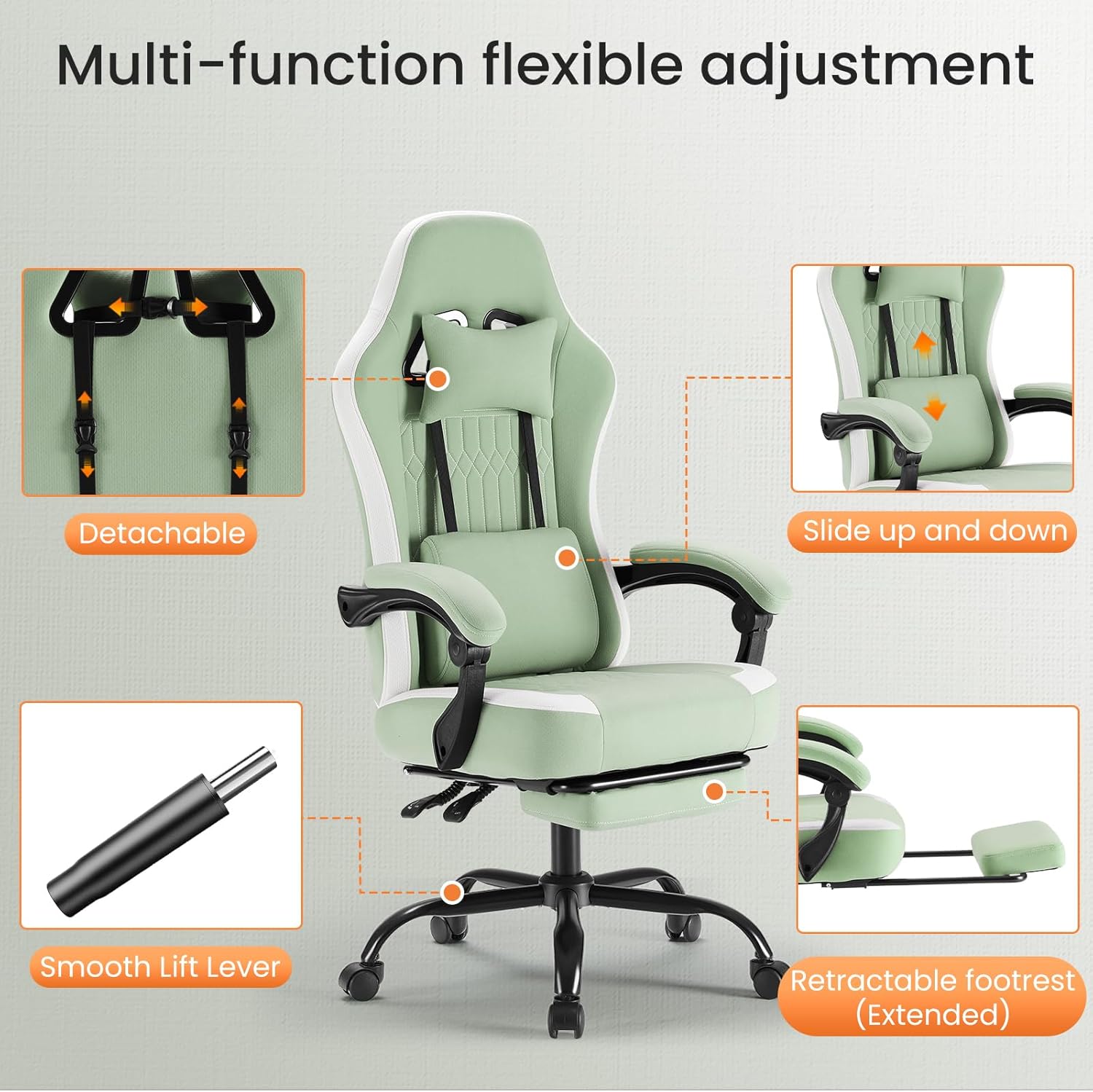
Image: Detail of the linkage armrest, demonstrating its movement during working and reclining positions.
Maintenance
Regular maintenance will help preserve the appearance and functionality of your Sweetcrispy Gaming Chair.
- Cleaning: The chair's polyester microfiber fabric is designed to be durable and scratch-resistant. For general cleaning, wipe the surface with a damp cloth. Avoid harsh chemical cleaners that may damage the fabric.
- Hardware Check: Periodically check all screws and bolts to ensure they are tight. Re-tighten any loose fasteners to maintain stability and prevent wobbling.
- Caster Care: Keep casters clean from debris (hair, dust) to ensure smooth rolling.
- Footrest Mechanism: If the footrest mechanism becomes stiff, a small amount of silicone-based lubricant can be applied to the sliding parts.
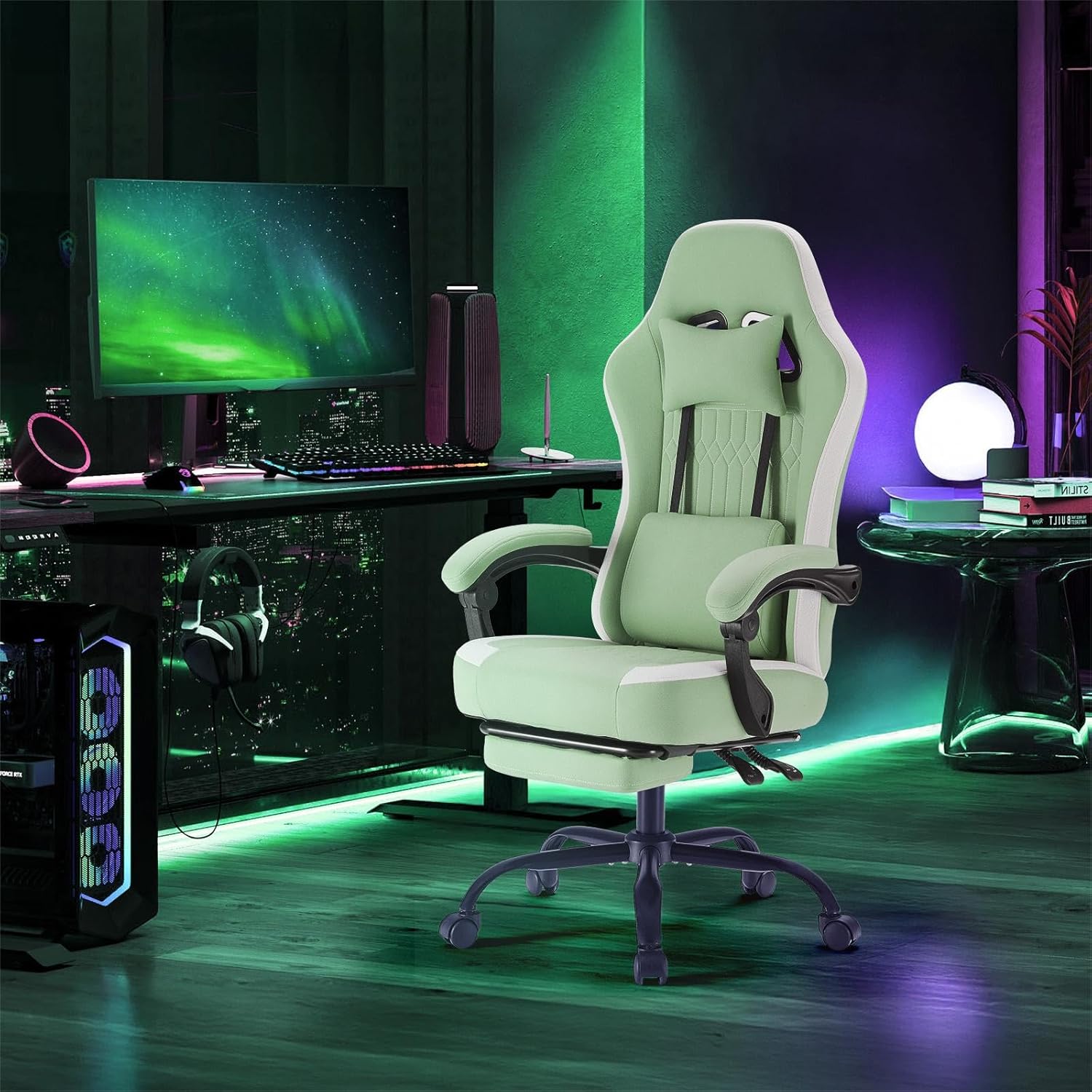
Image: Detail of the chair's fabric, illustrating its texture and the recommended cleaning method using a damp cloth.
Troubleshooting
Refer to the following common issues and solutions:
| Problem | Possible Cause | Solution |
|---|---|---|
| Chair feels wobbly or unstable. | Loose assembly bolts. | Check and re-tighten all assembly bolts, especially those connecting the backrest to the seat and the mechanism to the seat. |
| Footrest is difficult to extend or retract. | Friction in the sliding mechanism; lack of lubrication. | Ensure no obstructions are blocking the footrest. Apply a small amount of silicone-based lubricant to the sliding rails of the footrest mechanism. |
| Gas lift does not adjust height smoothly. | Gas lift malfunction or debris. | Ensure the height adjustment lever is fully engaged. Check for any obstructions around the gas lift. If the issue persists, contact customer support. |
| Casters do not roll smoothly. | Debris (hair, dust) caught in casters. | Turn the chair over and carefully remove any debris from the caster wheels. |
Specifications
| Brand | Sweetcrispy |
| Model Number | DJY02-GN-H2sun |
| Color | Fabric Green |
| Material | Polyester Microfiber Fabric, Metal Frame, Foam Fill |
| Product Dimensions (D x W x H) | 64D x 64.5W x 123.2H centimetres (approx. 25.2D x 25.4W x 48.5H inches) |
| Item Weight | 16.78 kg (37 lbs) |
| Maximum Weight Recommendation | 136.08 kg (300 lbs) |
| Back Style | Wing Back |
| Reclining Position Count | 2 (90° to 135° adjustable) |
| Special Features | Adjustable Backrest, Linkage Armrests, Ergonomic Design, Retractable Footrest, Lumbar Support, Headrest, 360° Swivel Wheels |

Image: Detailed product dimensions, including height, width, and depth measurements.
Warranty Information
Specific warranty details for the Sweetcrispy Computer Gaming Chair (Model DJY02-GN-H2sun) are not provided in this manual. For information regarding warranty coverage, terms, and conditions, please refer to the product packaging or contact Sweetcrispy customer support directly.
Customer Support
If you have any questions, require assistance with assembly, or encounter issues not covered in the troubleshooting section, please contact Sweetcrispy customer support. Please have your model number (DJY02-GN-H2sun) and purchase information ready when contacting support.
Contact information can typically be found on the product packaging, the retailer's website, or the official Sweetcrispy brand website.


