
1. Introduction to Adobe Premiere Pro 2026
This guide provides a comprehensive roadmap for mastering Adobe Premiere Pro 2026, designed for both new users and experienced creators. It covers essential tools and techniques required to transform raw footage into professional cinematic content.
The manual focuses on practical application and modern editing trends, including the utilization of powerful AI tools within Premiere Pro 2026 to enhance workflow efficiency and achieve high-quality results.
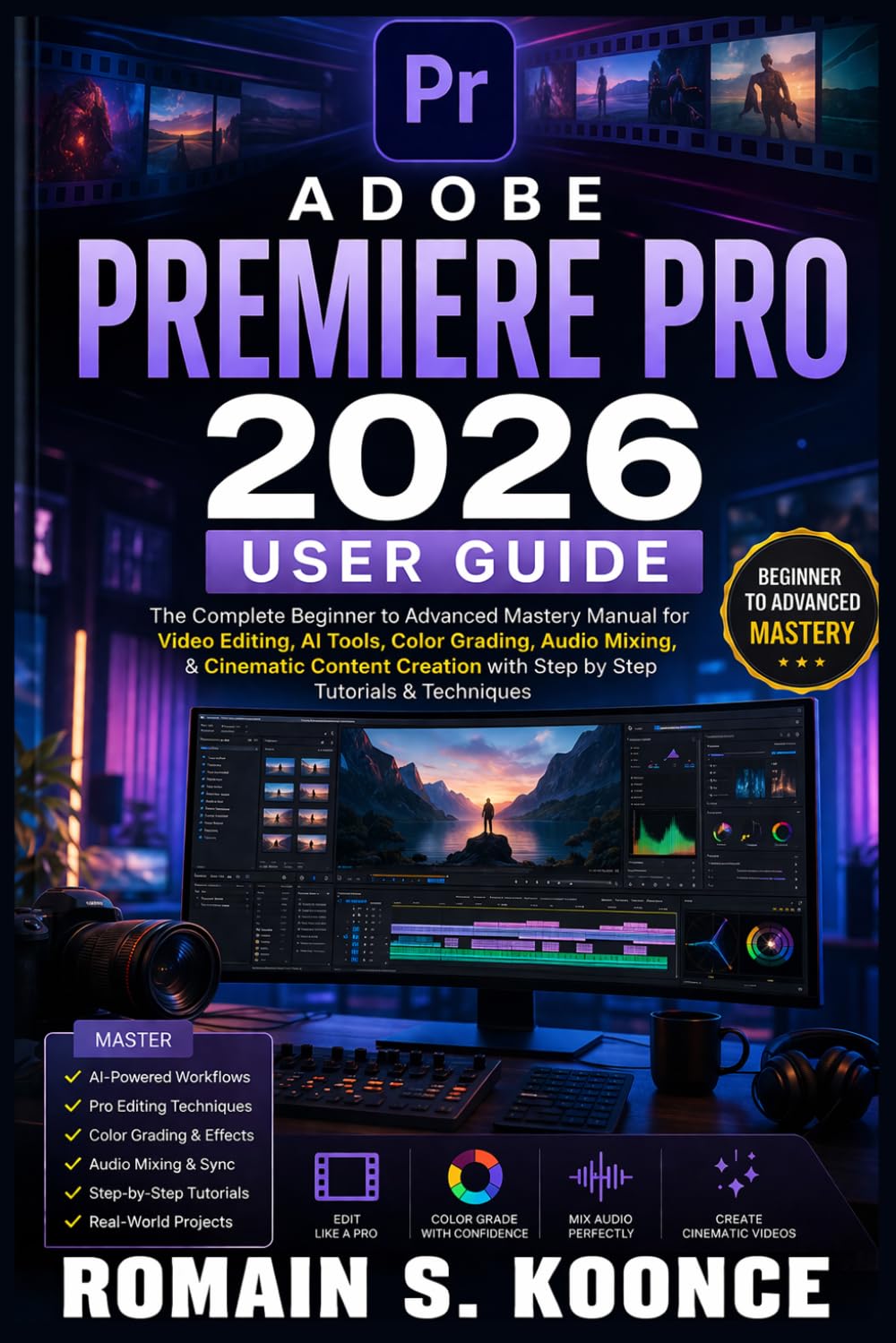
Image 1.1: Front cover of the Adobe Premiere Pro 2026 User Guide, illustrating the book's title and focus on video editing mastery.
2. Getting Started: Setup and Project Management
To begin your video editing journey, understanding the initial setup and project management is crucial. This section guides you through navigating the Premiere Pro interface and establishing efficient workflows.
2.1 Navigating the Interface
Familiarize yourself with the various panels and workspaces within Adobe Premiere Pro. The guide details how to customize your workspace for optimal productivity, ensuring all necessary tools are readily accessible.
2.2 Project Setup and Organization
Learn the correct procedures for setting up new projects. This includes understanding project settings, importing media, and organizing your assets effectively to maintain a streamlined editing process.
3. Core Operations: Editing, Transitions, and Enhancements
This section covers the fundamental operations of video editing within Premiere Pro 2026, from basic clip manipulation to advanced visual and audio enhancements.
3.1 Cutting and Trimming Clips
Master the techniques for precise cutting and trimming of video clips. This includes using various editing tools to refine your footage and create a coherent narrative flow.
3.2 Applying Smooth Transitions
Discover how to use and customize transitions between clips to ensure a seamless viewing experience. The guide covers different types of transitions and their appropriate applications.
3.3 Professional Color Grading
Enhance the visual appeal of your videos with professional color grading techniques. Learn to adjust exposure, contrast, saturation, and color balance to achieve a desired aesthetic and mood.
3.4 Refining Audio Mixing
Achieve clean and balanced audio for your projects. This involves understanding audio levels, applying effects, and mixing multiple audio tracks to create an immersive soundscape.
3.5 Utilizing AI Tools
Explore the powerful AI features integrated into Premiere Pro 2026. These tools can automate repetitive tasks, speed up your workflow, and assist in achieving sophisticated results with less manual effort.
4. Advanced Techniques and Export
Beyond the basics, this section delves into advanced editing strategies and the final steps of exporting your completed projects.
4.1 Creating Cinematic Sequences
Learn to construct compelling cinematic sequences, applying advanced effects and multi-layer timeline management to elevate your storytelling.
4.2 Exporting Projects
Understand the various export settings and formats to ensure your projects are rendered in the best quality for any target platform, whether it's YouTube, social media, or broadcast.
5. Product Specifications
| ASIN | B0GWT84BKL |
| Publisher | Independently published |
| Publication Date | April 10, 2026 |
| Language | English |
| Print Length | 227 pages |
| ISBN-13 | 979-8255838660 |
| Item Weight | 14.4 ounces |
| Dimensions | 6 x 0.52 x 9 inches |

Image 5.1: Back cover of the user guide, displaying the ISBN barcode (979-8255838660) and publisher information.
6. Warranty Information
As this product is a published book, standard product warranties do not apply. For information regarding returns or refunds, please refer to the retailer's return policy where the book was purchased. For content-related inquiries, please contact the publisher, Independently published.
7. Support and Further Resources
For additional support concerning Adobe Premiere Pro software, please refer to the official Adobe documentation and support channels. This user guide serves as an instructional manual for the software, providing step-by-step tutorials and insights.
For questions specifically about the content of this book, please reach out to the author, Romain S. Koonce, or the publisher.


