
1. Introduction
The LAUNCH Creader VII+ V3.0 is an advanced OBD2 diagnostic scan tool designed to assist in vehicle maintenance and troubleshooting. This device provides comprehensive diagnostic functions for various vehicle systems and offers essential reset services. This manual will guide you through the setup, operation, and maintenance of your diagnostic tool.
2. Product Overview
The Creader VII+ V3.0 is equipped with a 4-inch touch panel and supports multiple languages. It offers a range of features to accurately identify and resolve vehicle issues.
Key Features:
- 4-System Diagnostics: Capable of scanning Engine, Transmission, Anti-lock Braking System (ABS), and Supplemental Restraint System (SRS) for fault codes.
- 3 Reset Functions: Includes Oil Reset, Steering Angle Sensor (SAS) Reset, and Throttle Matching.
- Full OBD2 Functions: Supports all 10 OBD2 test modes, including reading/clearing codes, I/M readiness, O2 sensor test, and live data stream.
- Wide Vehicle Coverage: Compatible with over 10,000 12V vehicle models (excluding Daihatsu).
- Multi-language Support: Operates in 10 languages including English, Japanese, Spanish, French, German, Italian, Chinese, and Polish.
- Data Management: Features automatic diagnostic report generation, data recording, playback, and PC printing capabilities.
- Lifetime Free Updates: Ensures your device always has the latest software and vehicle data.
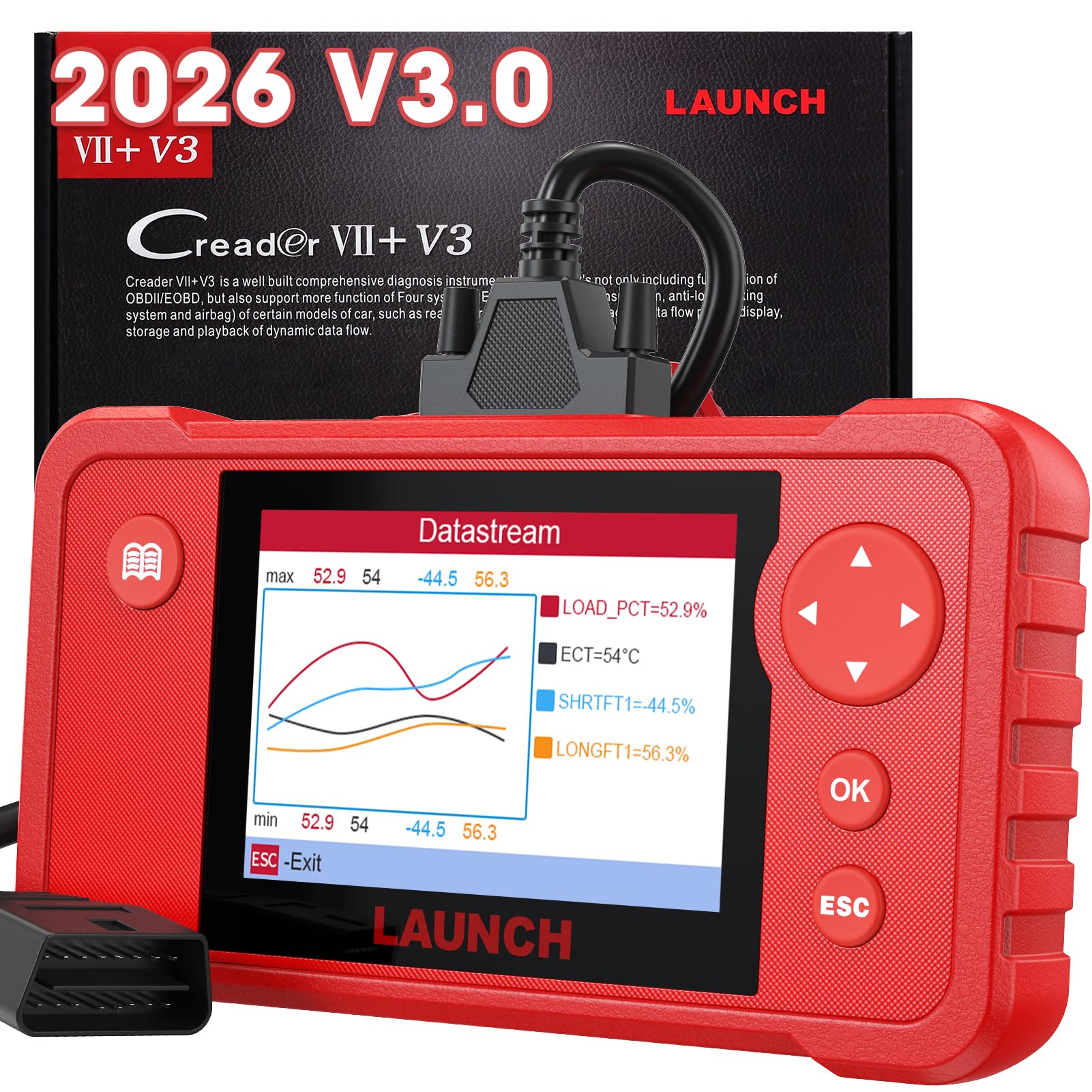
Figure 2.1: The LAUNCH Creader VII+ V3.0 diagnostic tool.
3. Setup
3.1 Unboxing and Components
Carefully unpack the device and verify that all components are present:
- Creader VII+ V3.0 Main Unit
- Diagnostic Cable (OBD2 cable)
- USB Cable
- Quick User Guide
- User Manual (this document)

Figure 3.1: Included components: main unit, diagnostic cable, USB cable, and documentation.
3.2 Connecting the Device
- Locate the vehicle's OBD2 port. This port is typically found under the dashboard on the driver's side.
- Ensure the vehicle's ignition is turned off.
- Connect the diagnostic cable to the OBD2 port on your vehicle.
- Connect the other end of the diagnostic cable to the Creader VII+ V3.0 main unit.
- Turn the vehicle's ignition to the 'ON' position (engine off). The device will power on automatically.

Figure 3.2: Visual representation of connecting the device to the OBD2 port and initiating a scan.
4. Operating Instructions
4.1 Basic Navigation
The device features a touch screen for navigation. Use the directional buttons and 'OK' button for menu selection and confirmation. The 'ESC' button is used to return to the previous screen.
4.2 4-System Diagnostics (Engine, AT, ABS, SRS)
This function allows you to read and clear diagnostic trouble codes (DTCs) from the Engine, Automatic Transmission (AT), Anti-lock Braking System (ABS), and Supplemental Restraint System (SRS).
- From the main menu, select 'Diagnostics'.
- Choose the desired system (Engine, AT, ABS, or SRS).
- Select 'Read Codes' to view current and pending DTCs.
- Select 'Clear Codes' to erase DTCs. Confirm the action when prompted.
- Select 'Live Data' to view real-time sensor data.

Figure 4.1: Overview of the 4-system diagnostic function, showing Engine, Transmission, SRS, and ABS systems.
4.3 Reset Functions
The Creader VII+ V3.0 includes three commonly used reset functions:
- Oil Reset: Resets the oil life indicator after an oil change or engine maintenance.
- SAS Reset (Steering Angle Sensor Reset): Calibrates the steering angle sensor, which is crucial for vehicle stability control systems.
- Throttle Matching: Relearns the throttle body position, often required after throttle body replacement or cleaning.

Figure 4.2: The three special reset functions available on the device.
4.4 Full OBD2 Functions
Access all 10 modes of OBD2 diagnostics for comprehensive engine system analysis:
- Read Codes: Displays current and pending Diagnostic Trouble Codes (DTCs).
- Clear Codes: Erases DTCs and turns off the Check Engine Light.
- Live Data: Shows real-time data stream from vehicle sensors in text or graph format.
- Freeze Frame: Stores a snapshot of operating conditions at the time an emission-related fault occurred.
- I/M Readiness: Checks the readiness of the emission monitoring systems.
- O2 Sensor Test: Retrieves O2 sensor monitor test results.
- On-Board Monitor Test: Retrieves results for emission-related powertrain components and systems.
- Component Test: Allows testing of specific components or systems.
- Vehicle Information: Retrieves vehicle identification number (VIN), calibration ID, and calibration verification number (CVN).
- DTC Lookup: Provides detailed descriptions for DTCs.

Figure 4.3: Comprehensive full OBD2 functions for engine diagnostics.
4.5 Live Data Display
The device can display live data streams in both text and graphical formats, allowing for visual analysis of up to four data parameters simultaneously. This helps in identifying intermittent problems and monitoring vehicle performance in real-time.
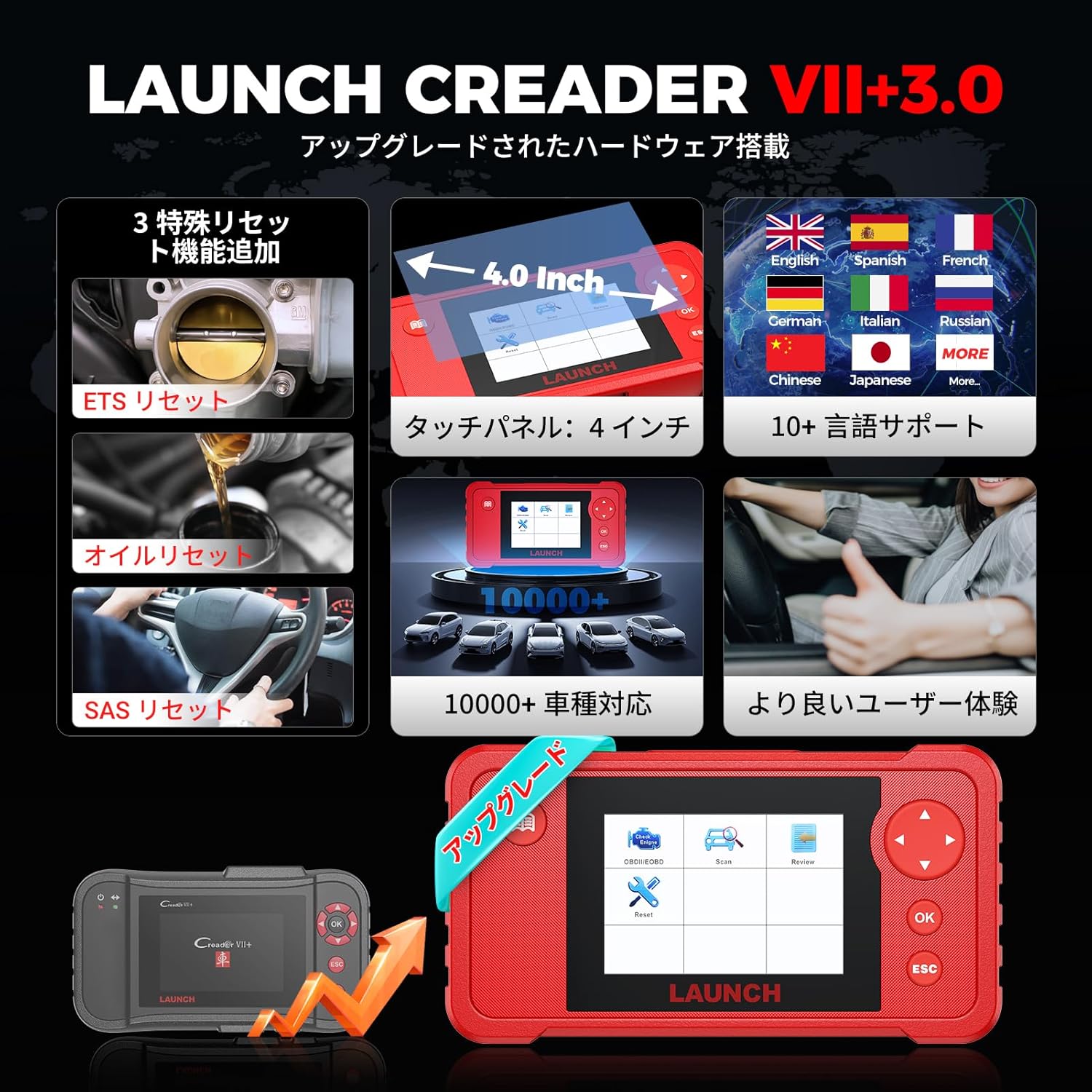
Figure 4.4: Live data display showing multiple parameters simultaneously in a graphical format.
4.6 Data Recording and Printing
The Creader VII+ V3.0 automatically records diagnostic information. You can review these reports at any time. To print a diagnostic report:
- Connect the device to a computer using the provided USB cable.
- Install the necessary PC software (available on the LAUNCH official website).
- Follow the software instructions to retrieve and print the diagnostic reports.
4.7 Language Selection
To change the operating language:
- From the main menu, select 'Settings'.
- Choose 'Language'.
- Select your preferred language from the list.

Figure 4.5: The device supports 10 languages for user convenience.
5. Maintenance
5.1 Device Care
- Keep the device clean and dry. Avoid exposure to extreme temperatures, moisture, or direct sunlight.
- Use a soft, damp cloth to clean the screen and casing. Do not use abrasive cleaners or solvents.
- Store the device in its protective case when not in use.
5.2 Software Updates
The Creader VII+ V3.0 offers lifetime free online updates. Regularly updating the software ensures compatibility with new vehicle models and access to the latest diagnostic features and bug fixes.
- Connect the device to a computer with internet access using the USB cable.
- Launch the update tool software on your computer (downloadable from the LAUNCH official website).
- Follow the on-screen instructions to download and install the latest software updates.

Figure 5.1: The device supports lifetime free software updates.
6. Troubleshooting
This section addresses common issues you might encounter while using the Creader VII+ V3.0.
| Problem | Possible Cause | Solution |
|---|---|---|
| Device does not power on. | Incorrect connection to OBD2 port; Vehicle ignition not ON; Faulty cable. | Ensure the diagnostic cable is securely connected to both the device and the vehicle's OBD2 port. Turn the vehicle ignition to the 'ON' position. Check the cable for damage. |
| Communication error with vehicle. | Incorrect vehicle protocol; Loose connection; Vehicle not OBD2 compliant. | Verify the vehicle is OBD2 compliant (most vehicles from 1996 onwards). Re-check cable connections. Try on a different OBD2 compliant vehicle if possible. |
| Screen freezes or device is unresponsive. | Software glitch; Low power. | Restart the device by disconnecting and reconnecting it. Ensure the vehicle battery has sufficient charge. Perform a software update if available. |
| Cannot clear DTCs. | Underlying fault still present; Ignition not ON. | Ensure the vehicle's ignition is in the 'ON' position (engine off). Address the underlying issue causing the DTC before attempting to clear it. Some codes may require multiple drive cycles to clear after repair. |
7. Specifications
- Brand: LAUNCH
- Model: Creader VII+ V3.0
- Automotive Attachment Type: Universal Fit
- UPC: 810139304326
- Country of Origin: China
- Included Components: Creader VII+ V3.0 Main Unit, Diagnostic Cable
8. Warranty and Support
8.1 Warranty Information
The LAUNCH Creader VII+ V3.0 comes with a one-year manufacturer's warranty from the date of purchase. This warranty covers defects in materials and workmanship under normal use. Please retain your proof of purchase for warranty claims.
8.2 Technical Support
For technical assistance, software updates, or any inquiries regarding your device, please visit the official LAUNCH website or contact their customer support. Timely technical support is available to assist you with any operational issues or questions.


