
1. Introduction
Thank you for choosing the NordicTrack AirGlide 16 Elliptical. This manual provides essential information for the safe assembly, operation, and maintenance of your fitness equipment. Please read all instructions carefully before use and retain this manual for future reference.
The NordicTrack AirGlide 16 is designed to provide an effective, low-impact cardio workout. It features a 16-inch HD touchscreen, adjustable incline and resistance, and integration with iFIT interactive workouts.
2. Safety Information
- Always consult with a physician before starting any exercise program.
- Read all instructions in this manual before using the elliptical.
- The maximum user weight capacity for this elliptical is 375 pounds (170 kg).
- Place the elliptical on a level surface with at least 3 feet (0.9 meters) of clear space around it.
- Keep children and pets away from the elliptical during operation.
- Ensure the power cord is not pinched or damaged. Do not use extension cords unless absolutely necessary and ensure they are rated for the equipment's power requirements.
- Always wear appropriate exercise attire and athletic shoes.
- Stop exercising immediately if you feel faint, dizzy, or experience pain.
3. What's in the Box
Before beginning assembly, ensure all components are present. The elliptical is shipped in a heavy box; two people are recommended for unpacking and moving the unit.
Included Components:
- NordicTrack AirGlide 16 Elliptical Main Unit
- Assembly Hardware Kit
- Safety Key
- User Manual (this document)
4. Assembly
Assembly typically requires two people due to the size and weight of the components. All necessary tools are included in the hardware kit. Follow the step-by-step instructions provided in the separate assembly guide that accompanies your elliptical.
Key Assembly Points:
- Unpack all parts and lay them out in an organized manner.
- Carefully connect all wiring harnesses as instructed to ensure proper function of the console.
- Ensure all bolts and nuts are tightened securely after assembly.
- Attach all plastic covers to complete the aesthetic finish.
5. Setup
5.1 Power Connection
Connect the power cord to the elliptical and then to a grounded electrical outlet. Ensure the outlet is easily accessible for disconnecting power if needed.
5.2 Initial Power-On and Software Updates
Upon first power-on, the elliptical's console may require software updates. This process is crucial for optimal performance and access to all features. Please allow sufficient time for updates to complete. During this process, the system may appear to freeze or become unresponsive; if this occurs, unplug the machine from the wall, wait 10 seconds, and plug it back in to restart the update process.
5.3 iFIT Activation and Account Creation
The NordicTrack AirGlide 16 is designed for use with an iFIT Pro Membership. You will be prompted to create an iFIT account and activate your membership during the initial setup. An iFIT Pro Membership is required to access all iFIT content and connected features, including streaming services.
6. Operating Instructions
6.1 Console Overview
The elliptical features a tilting 16-inch HD touchscreen console. This display provides access to iFIT workouts, machine controls, and performance metrics.

The console features a 16-inch tilt and pivot touchscreen, power ramp adjustment controls, resistance adjustment controls, two speakers with premium sound, Bluetooth headphone connectivity, an AutoBreeze fan, and a cup holder.
6.2 Adjusting Resistance
The AirGlide 16 offers 26 digital resistance levels to customize your workout intensity. You can adjust resistance directly from the touchscreen or using the integrated controls on the handles.

The elliptical provides 26 digital resistance levels for varied workout intensity. iFIT's auto-resistance response can automatically adjust these levels based on your workout.
6.3 Adjusting Incline/Decline (Power Ramp)
The elliptical features a 15° incline to -5° decline power ramp. This allows you to target different muscle groups and simulate varied terrain. Adjustments can be made via the touchscreen or the integrated handle controls.

The elliptical offers a power ramp with a range from -5% decline to 15% incline, allowing for terrain matching during iFIT workouts.
6.4 Integrated Handle Controls
The handles include convenient buttons for quick adjustments to both incline/decline and resistance, allowing you to modify your workout without interrupting your stride.
6.5 iFIT Features
With an iFIT Pro Membership, you can access a wide range of interactive features:
- SmartAdjust: iFIT automatically adapts your elliptical's resistance in real-time based on your workout history and performance.
- AI Coaching: Interact with an iFIT AI Coach via SMS for personalized guidance, workout plans, and recovery tips.
- Sync with Fitness Apps: Seamlessly sync your workout data with Strava, Garmin Connect, and Apple Health.
- Create Custom Workouts: Build personalized workouts by specifying time-based intervals, incline, and duration. Create map-based routes using Google Maps with terrain simulation.
- Off-Equipment Workouts: The tilting HD touchscreen allows you to follow strength, HIIT, yoga, and Pilates workouts off the elliptical.
- Streaming Services: Stream your favorite movies, shows, and music through popular streaming services (iFIT Pro Membership required).
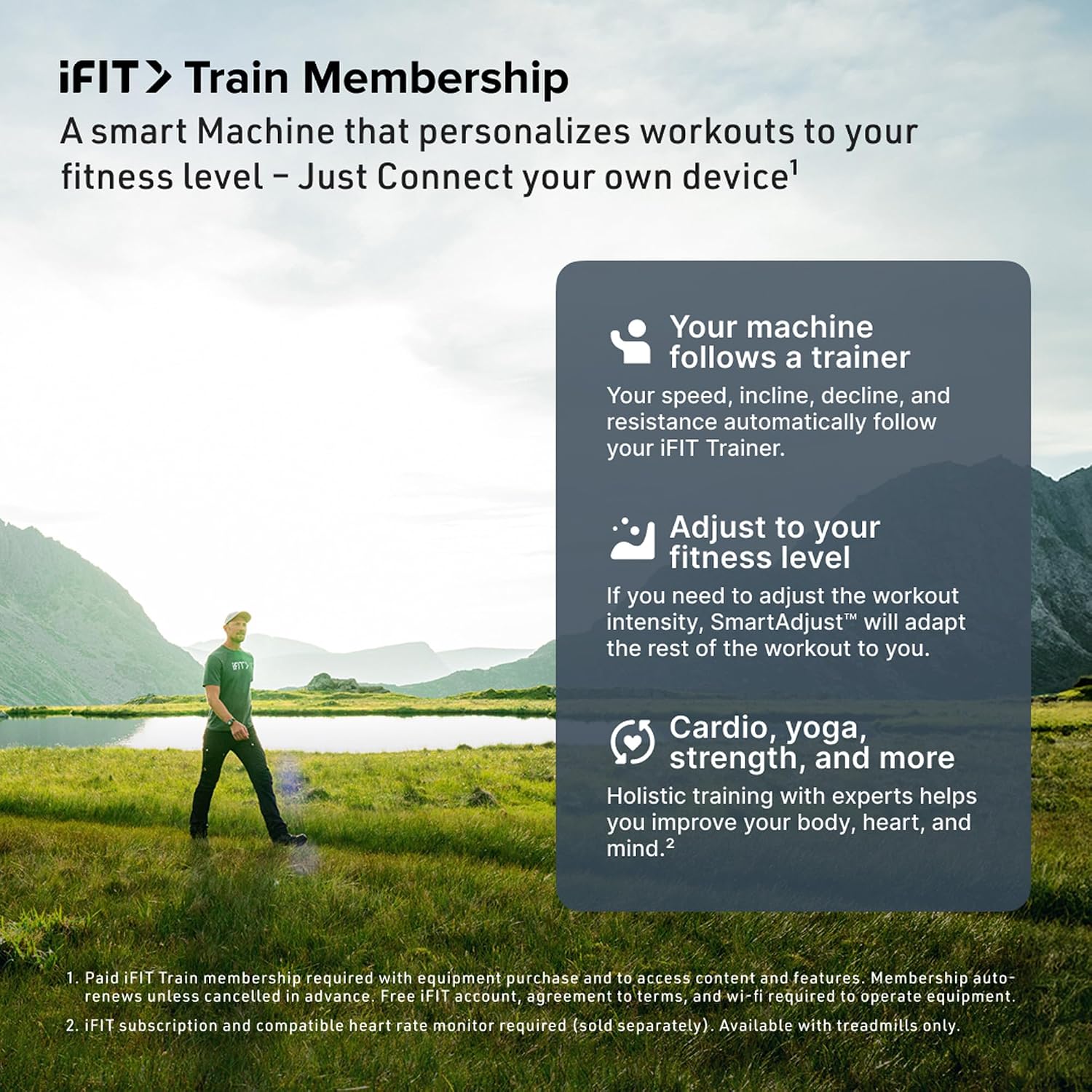
The iFIT Train Membership personalizes workouts, adjusts to your fitness level, and offers a variety of cardio, yoga, and strength programs.
6.6 AutoBreeze Fan
The integrated AutoBreeze fan automatically adjusts its speed based on the intensity of your workout to help keep you cool and comfortable.
6.7 Official Product Video
This video provides an overview of the NordicTrack AirGlide 16 Elliptical, demonstrating its key features and functionality.
7. Maintenance
7.1 Cleaning
- Regularly wipe down the elliptical with a damp cloth after each use to remove sweat and dust.
- Avoid using abrasive cleaners or solvents that could damage the finish or electronic components.
- Keep the touchscreen clean using a soft, lint-free cloth.
7.2 Inspection
- Periodically inspect all bolts and nuts to ensure they are tight.
- Check the power cord for any signs of damage.
- Ensure the moving parts operate smoothly and quietly.
8. Troubleshooting
- No Power: Ensure the power cord is securely plugged into both the elliptical and a functional wall outlet. Check the circuit breaker.
- Screen Unresponsive/Frozen: Unplug the elliptical from the power source for 10 seconds, then plug it back in. This will perform a hard reset.
- iFIT Connectivity Issues: Verify your Wi-Fi connection. Ensure your iFIT membership is active. Restart the elliptical and your Wi-Fi router if problems persist.
- Unusual Noises: Inspect all visible moving parts for obstructions. Ensure all assembly bolts are tightened. If noises persist, contact customer support.
9. Specifications

The elliptical measures 70.2 inches in length, 24.6 inches in width, and 67.4 inches in height, with a weight limit of 300 lbs.
| Feature | Detail |
|---|---|
| Model Name | Airglide 16 |
| Brand | NordicTrack |
| Model Number | NTEL714261000 |
| Product Dimensions (D x W x H) | 70.2" x 24.6" x 67.4" |
| Item Weight | 246 pounds |
| Maximum Weight Recommendation | 375 pounds |
| Material | Alloy Steel |
| Resistance Mechanism | Magnetic |
| Maximum Stride Length | 32 inches |
| Display Size | 16 inches |
| Number of Resistance Levels | 26 |
10. Warranty and Support
10.1 Warranty Information
Your NordicTrack AirGlide 16 Elliptical is covered by the following warranty:
- Frame: 10 Years
- Parts: 2 Years
- Labor & Repairs: 1 Year
Please retain your proof of purchase for warranty claims.
10.2 Customer Support
For technical assistance, warranty service, or to order replacement parts, please visit the official NordicTrack support website or contact their customer service department. Contact information can typically be found on the NordicTrack website or your purchase documentation.


