
1. Introduction
This manual provides essential instructions for setting up, operating, maintaining, and troubleshooting your Fastrack Revoltt FS3 Smart Watch. Please read this guide thoroughly to ensure proper use and to maximize the features of your device.
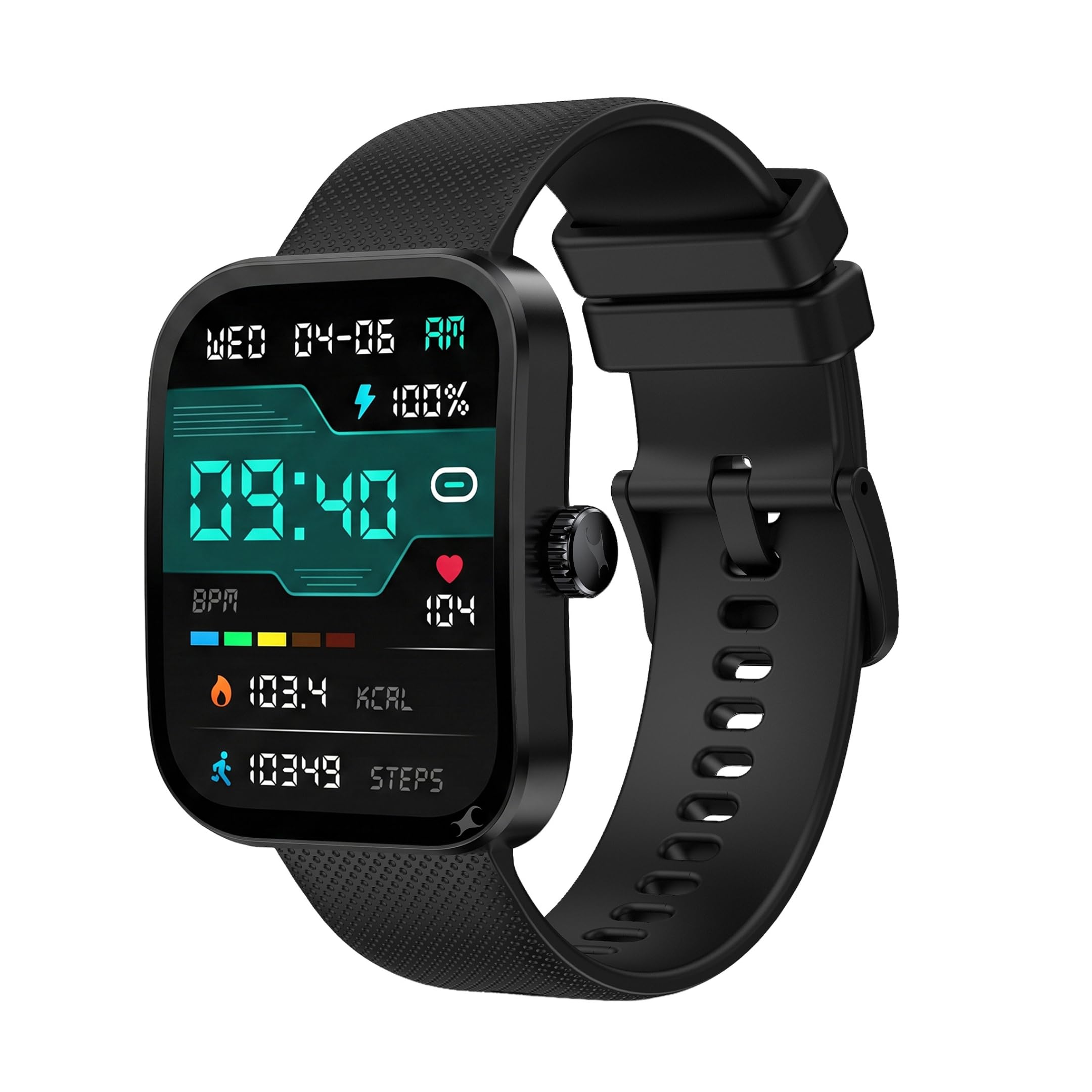
Image: Front view of the Fastrack Revoltt FS3 Smart Watch.
2. Setup
2.1 Package Contents
Verify that your package contains the following items:
- Fastrack Revoltt FS3 Smart Watch
- Magnetic Charging Cable with Type-C connector
- Quick Start Guide
- Warranty Card
2.2 Charging the Smart Watch
Before initial use, fully charge your Fastrack Revoltt FS3 Smart Watch. The watch features Nitrofast™ charging.
- Connect the magnetic charging cable to the charging pins on the back of the watch.
- Connect the Type-C end of the cable to a compatible USB power adapter (not included).
- The watch display will indicate charging status. A full charge typically takes approximately 2 hours.

Image: Fastrack Revoltt FS3 Smart Watch connected to its magnetic Type-C charging cable.
2.3 Pairing with Your Smartphone
To access all smart features, pair your watch with the Fastrack Smart World App on your smartphone.
- Download the Fastrack Smart World App from your smartphone's app store (available for Android and iOS devices).
- Ensure Bluetooth is enabled on your smartphone.
- Open the Fastrack Smart World App and follow the on-screen instructions to add your device.
- Select "Fastrack Revoltt FS3" from the list of available devices to complete the pairing process.

Image: Smartphone displaying the Fastrack Smart World App interface.
3. Operating the Smart Watch
3.1 Display and Navigation
The Fastrack Revoltt FS3 features a 2.01-inch TFT display with 2.5D graphics for clear visuals.
- Touchscreen: Swipe left, right, up, or down to navigate through menus and notifications. Tap to select items.
- Rotary Crown: Rotate the crown on the side of the watch to scroll through lists or adjust settings. Press the crown to return to the home screen or confirm selections.
- Push Button: Use the push button for quick access to specific functions or to power on/off the device.

Image: Fastrack Revoltt FS3 Smart Watch displaying various menu styles and highlighting the functional rotary crown.

Image: The 2.01-inch UltraVU Curved Display of the Fastrack Revoltt FS3 Smart Watch.
3.2 Health Monitoring
The watch provides 24/7 health monitoring features:
- Heart Rate Monitor: Tracks your heart rate throughout the day.
- SpO2 Monitor: Measures your blood oxygen saturation levels.
- Sleep Tracker: Monitors your sleep patterns and quality.
- Activity Tracker: Records steps, distance, and calories burned.
- Stress Tracking: Provides insights into your stress levels.
Access detailed health data and trends through the Fastrack Smart World App.

Image: Fastrack Revoltt FS3 Smart Watch showing its 24/7 Health Suite features.
3.3 Bluetooth Calling
Once paired with your smartphone, you can make and receive calls directly from your watch.
- Access the call log or dial pad from the watch interface.
- Use the built-in microphone and speaker for hands-free communication.
3.4 Smart Features and Tools
The watch includes several useful tools:
- Alarm: Set alarms directly on the watch or through the app.
- Stopwatch: Use for timing activities.
- Timer: Set countdown timers.
- Multiple Menu Styles: Customize the watch interface by selecting different menu layouts (Grid, List, Waterfall, Circular, Wheel, Zoom).
4. Maintenance
4.1 Water Resistance
The Fastrack Revoltt FS3 Smart Watch is IP68 water and dust resistant, allowing it to withstand immersion in water up to 1.5 meters deep. It is suitable for daily use and activities like swimming in shallow water. However, it is not recommended for diving or high-pressure water activities.
4.2 Cleaning
To maintain your watch, clean it regularly:
- Wipe the display and watch body with a soft, damp, lint-free cloth.
- For the silicone band, you can use mild soap and water, then rinse thoroughly and dry.
- Avoid using harsh chemicals or abrasive materials, as these can damage the watch.

Image: Close-up of the Fastrack Revoltt FS3 Smart Watch's cross-grid pattern silicone strap.
4.3 Battery Care
To prolong battery life:
- Avoid extreme temperatures.
- Charge the watch fully before long periods of inactivity.
- Do not leave the watch uncharged for extended periods.
5. Troubleshooting
If you encounter issues with your Fastrack Revoltt FS3 Smart Watch, refer to the following common solutions:
| Problem | Possible Solution |
|---|---|
| Watch does not power on or charge. |
|
| Cannot pair with smartphone. |
|
| Health monitoring data appears inaccurate. |
|
| Time cannot be set manually. | The watch synchronizes time automatically with your paired smartphone. Ensure your watch is correctly paired and connected to the Fastrack Smart World App for accurate time display. |
| Stopwatch does not run in the background. | Some watch functions, such as the stopwatch, may require the display to remain active to function continuously. Refer to the app for any settings related to background activity for specific features. |
6. Specifications
| Feature | Detail |
|---|---|
| Model Name | Fastrack Revoltt FS3 |
| Model Number | 38207PP01K |
| Display | 2.01-inch TFT Display with 2.5D Graphics |
| Maximum Display Brightness | 400 Nit |
| Operating System | Smartwatch OS |
| Connectivity | Bluetooth |
| Battery Type | Lithium Polymer |
| Battery Capacity | 300 mAh |
| Average Battery Life | Up to 5 Days |
| Battery Charge Time | Approximately 2 Hours |
| Health Metrics Measured | Heart Rate, SpO2, Sleep Duration, Stress |
| Water Resistance | IP68 (Water Resistant up to 1.5 meters) |
| Case Material | Plastic |
| Band Material | Silicone |
| Item Weight | 45 Grams |
| Human Interface Input | Microphone, Touchscreen |
| Controller Type | Voice Control |
| Compatible Devices | Smartphones (Android, iOS) |
7. Warranty and Support
7.1 Warranty Information
The Fastrack Revoltt FS3 Smart Watch comes with a 1-Year Manufacturer Warranty from the date of purchase. This warranty covers manufacturing defects. Please retain your purchase receipt and warranty card for any warranty claims.
The warranty does not cover damage caused by misuse, accidents, unauthorized repairs, or normal wear and tear.
7.2 Customer Support
For technical assistance, warranty claims, or product inquiries, please contact Fastrack customer support. You can find contact details on the official Fastrack website or refer to the warranty card included in your package.
Manufacturer: Titan Company Limited, 3 Sipcot Industries complex, Hosur- 635126, India.


