
1. Product Overview
The TCL 55T8D is a 55-inch 4K UHD Smart QLED Google TV, designed to deliver a high-quality viewing experience. It features a 4K QLED display with a 144Hz refresh rate, powered by an AiPQ Pro Processor. The television integrates Google TV for smart functionalities, offering access to various streaming services and Google Assistant.
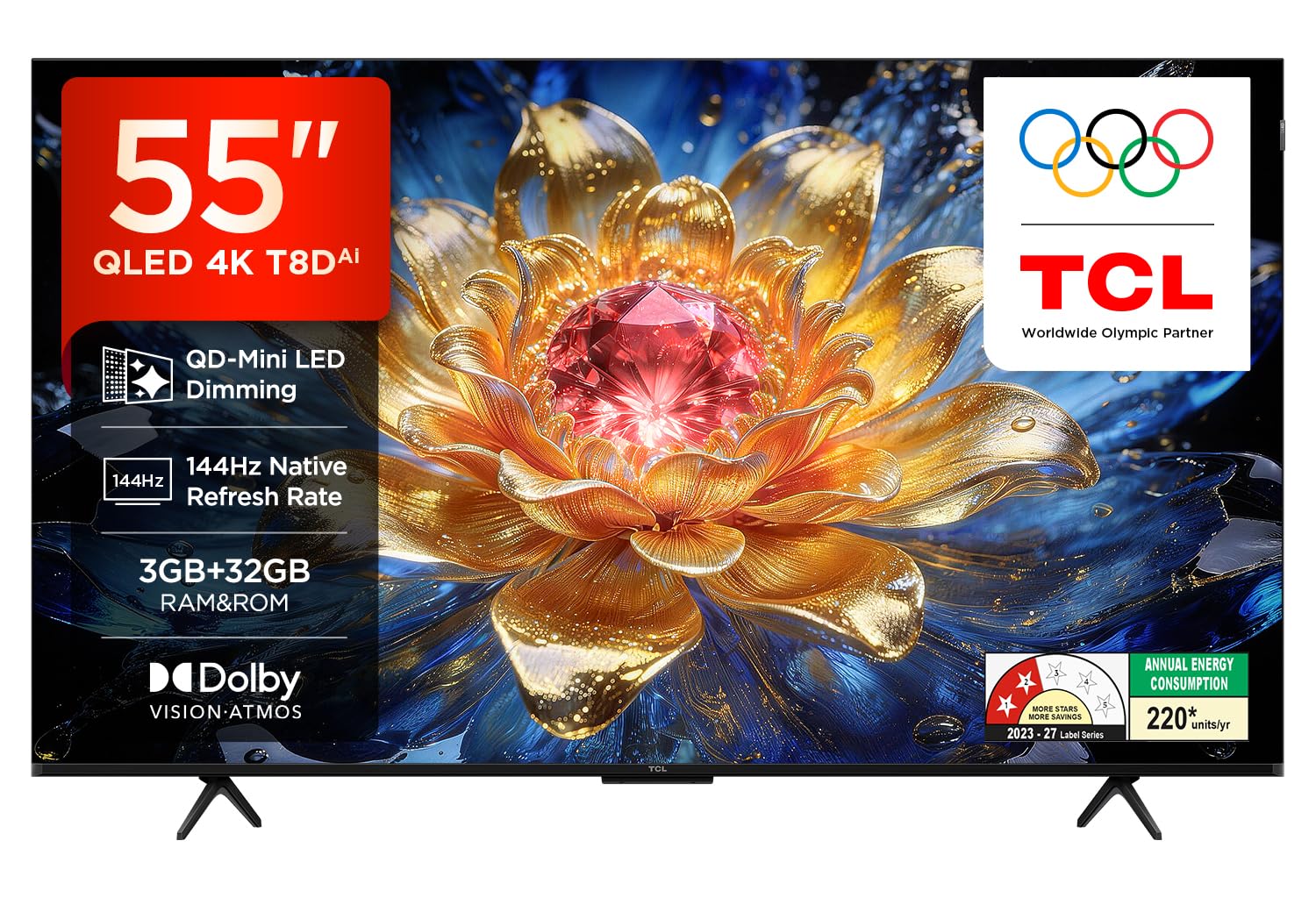
Image 1.1: Front view of the TCL 55T8D television, showcasing its slim design and display.
Key features include Dolby Atmos and DTS Virtual-X for immersive sound, multiple HDMI and USB ports for connectivity, and a metallic bezel-less design for an expansive screen view. The TV also incorporates multiple eye care technologies for comfortable viewing.
2. Setup and Installation
2.1 What's in the Box
Before beginning installation, ensure all components are present:
- 1N LED TV
- 1N Audio Cable
- 1N Stand (Table Top Stand)
- 1N User Manual
- 1N Warranty Card
- 1N Power cord
- 1N Remote Control
- 2N AAA Batteries (for remote control)

Image 2.1: Illustration of the items included in the TV box, such as the television, remote control, and batteries. It also indicates that a table-top stand is included, while a wall mount is not.
2.2 Stand Installation
- Carefully place the TV screen-down on a soft, flat surface to prevent damage.
- Attach the included table-top stand to the designated slots at the bottom of the TV using the provided screws. Ensure the stand is securely fastened.
- Place the TV on a stable, level surface.
2.3 Wall Mounting (Optional)
If you choose to wall-mount the TV, a fixed or adjustable wall mount is not included and must be purchased separately. Professional installation is recommended for wall mounting to ensure safety and proper setup. Refer to the wall mount manufacturer's instructions for specific installation steps.
2.4 Connecting Peripherals
The TV offers various connectivity options:
- HDMI Ports: Four HDMI ports are available. HDMI 1 and HDMI 2 support 4K@144Hz (eARC/ARC on HDMI 1). HDMI 3 and HDMI 4 support 4K@60Hz.
- USB Port: One USB 3.0 port is available for connecting external storage devices.
- LAN Port: For wired internet connection.
- Antenna/Cable Input: For connecting an antenna or cable TV signal.
- Satellite Input: For connecting a satellite dish.
- Digital Audio Out (Optical): For connecting to external audio systems.

Image 2.2: Detailed view of the TV's side and rear connectivity ports, including USB, LAN, HDMI, Antenna/Cable, Satellite, and Digital Audio Out.
3. Operating the TV
3.1 Remote Control
The TV comes with a remote control that supports both IR and Bluetooth technology. Insert the two AAA batteries into the remote control before use. The remote features dedicated buttons for quick access to popular streaming services and Google Assistant.

Image 3.1: The TV remote control, highlighting the Google Assistant button and one-button quick access to applications like Netflix, Prime Video, YouTube, SonyLIV, TCL Channel, and Web Browser.
3.2 Smart TV Features (Google TV)
The TCL 55T8D operates on Google TV, providing a personalized entertainment experience. You can access a wide range of internet applications including Prime Video, Netflix, Hotstar, Zee5, and more. Use the integrated Google Assistant for voice control, content search, and smart home device management.

Image 3.2: Screenshot of the Google TV interface on the TCL 55T8D, showing various streaming applications and content recommendations.
3.3 Display Features
- 4K QLED Display: Experience vibrant colors and sharp details with the Quantum Dot LED technology.
- 144Hz Refresh Rate: Enjoy smooth motion, especially beneficial for gaming and fast-paced action scenes. The refresh rate can boost up to 288Hz (DLG).
- HDR10+: Provides enhanced contrast and color accuracy, revealing more detail in both bright and dark scenes.
- Full Array Dimming: Precisely controls backlighting for deeper blacks and brighter whites.
- AiPQ Pro Processor: Optimizes picture and sound quality in real-time.
- Multiple Eye Care: Features like flicker-free display, natural light adjustment, low blue light mode, and motion compensation help reduce eye strain.

Image 3.3: Visual comparison illustrating the richer, more vivid colors produced by QLED technology compared to displays without QLED.

Image 3.4: An image demonstrating the enhanced detail and striking brightness provided by HDR10+ technology in a landscape scene.

Image 3.5: An illustration of a fast-moving car, emphasizing the smooth and clear motion provided by the 144Hz native refresh rate.

Image 3.6: Visual representation of the Multiple Eye Care features, including Flicker Free, Natural Light, Low Blue Light, and Motion Compensation, designed to protect viewers' eyes.
3.4 Audio Features
The TCL 55T8D features a 34 Watts maximum output sound system with Dolby Atmos and DTS Virtual-X support. This configuration delivers a multi-dimensional audio experience, enhancing movies, music, and games.
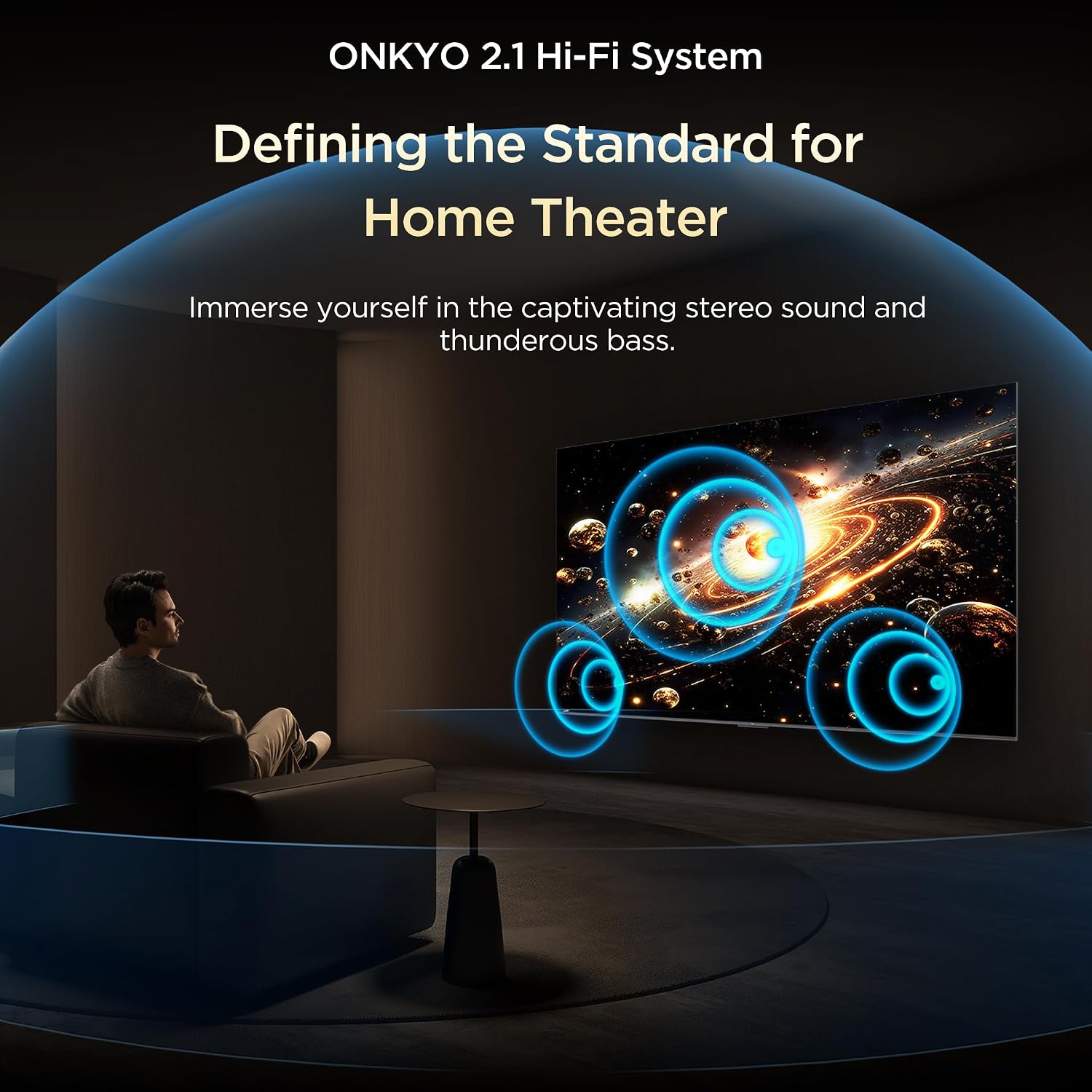
Image 3.7: An illustration depicting the immersive stereo sound and powerful bass provided by the ONKYO 2.1 Hi-Fi System, creating a home theater experience.
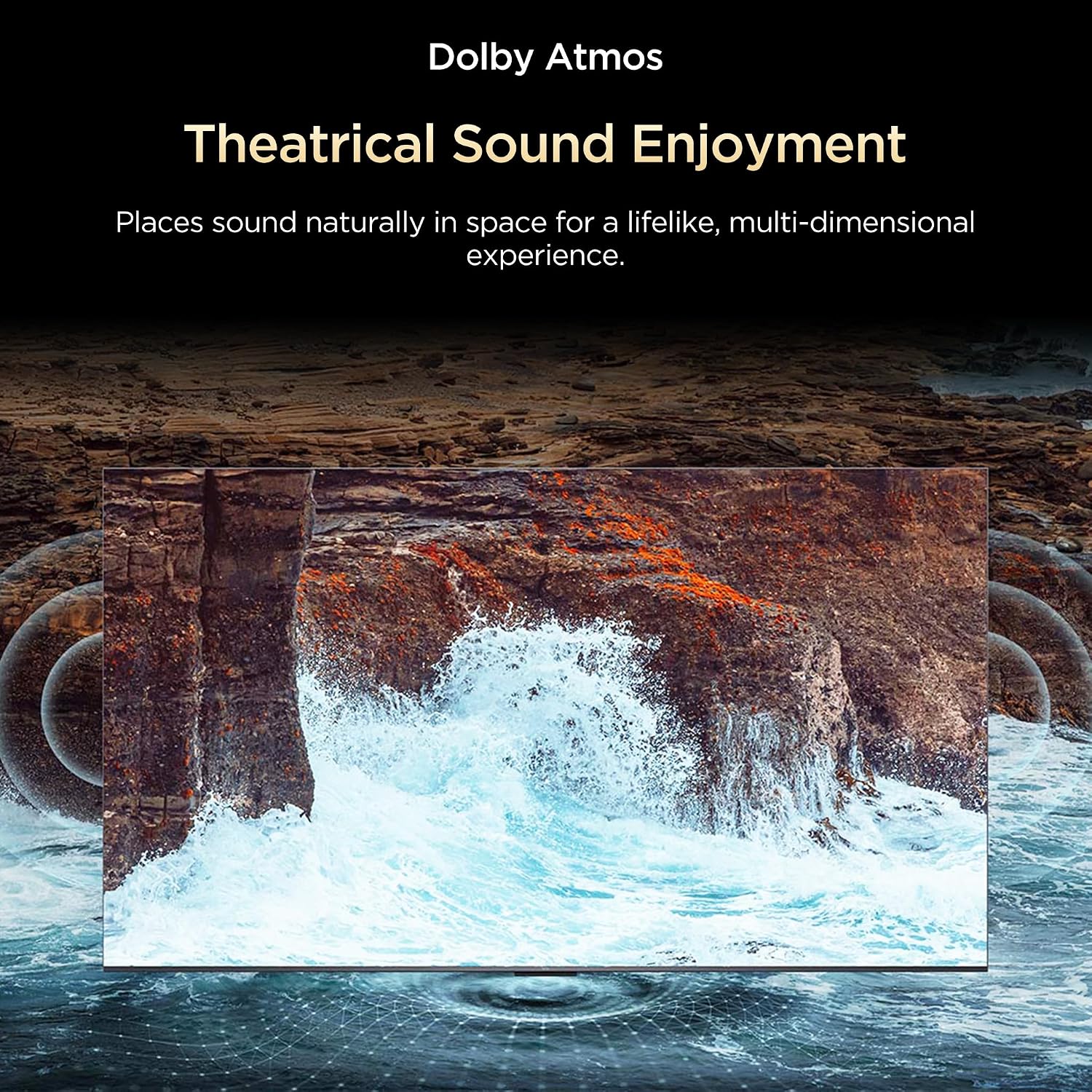
Image 3.8: A visual demonstrating how Dolby Atmos places sound naturally in space, offering a lifelike, multi-dimensional audio experience.
3.5 Bluetooth Audio
Utilize Bluetooth 5.0 connectivity for private listening with compatible headphones. This allows for personal audio enjoyment without disturbing others.

Image 3.9: An image showing a person enjoying private Bluetooth listening with headphones while others in the room are resting, emphasizing the quiet escape feature.
4. Maintenance
Proper maintenance ensures the longevity and optimal performance of your TCL 55T8D TV.
- Screen Cleaning: Gently wipe the screen with a soft, lint-free cloth. For stubborn marks, use a screen-specific cleaning solution applied to the cloth, not directly to the screen.
- Cabinet Cleaning: Use a soft, dry cloth to clean the TV cabinet. Avoid using abrasive cleaners or solvents.
- Ventilation: Ensure the TV's ventilation openings are not blocked to prevent overheating.
- Power Cord: Regularly check the power cord for any damage. Do not use a damaged power cord.
5. Troubleshooting
If you encounter issues with your TV, refer to the following common troubleshooting steps:
- No Power: Check if the power cord is securely plugged into both the TV and the power outlet. Ensure the power outlet is functional.
- No Picture/Sound: Verify that the correct input source is selected. Check all cable connections (HDMI, antenna, etc.).
- Remote Control Not Working: Replace the batteries in the remote control. Ensure there are no obstructions between the remote and the TV's IR sensor.
- Poor Picture Quality: Adjust picture settings (brightness, contrast, sharpness). Ensure the signal source is of high quality.
- Internet Connectivity Issues: For Wi-Fi, check your router and network settings. For wired connection, ensure the LAN cable is properly connected.
For persistent issues, consult the TCL support website or contact customer service.
6. Specifications
Detailed technical specifications for the TCL 55T8D 4K UHD Smart QLED Google TV.

Image 6.1: Diagram illustrating the dimensions (height, width, depth) and weight (with and without stand) of the TCL 55T8D television.
| Feature | Specification |
|---|---|
| Model Name | T8D |
| Model Number | 55T8D |
| Screen Size | 55 Inches (139 cm) |
| Display Technology | QLED |
| Resolution | 4K UHD (3840 x 2160) |
| Refresh Rate | 144 Hz (VRR 144Hz/DLG 288Hz) |
| HDR Format Supported | HDR10+ |
| Processor | 64-bit Quad Core Processor (AiPQ Pro Processor) |
| RAM | 3 GB |
| ROM (Storage) | 32 GB |
| Operating System | Google TV |
| Connectivity | Wi-Fi 5, Bluetooth 5.0, Ethernet |
| HDMI Ports | 4 (HDMI 1 & 2: 4K@144Hz; HDMI 3 & 4: 4K@60Hz) |
| USB Ports | 1 (USB 3.0) |
| Audio Output | Digital Audio Out (Optical) |
| Sound Output | 34 Watts |
| Audio Technology | Dolby Atmos, DTS Virtual-X |
| Viewing Angle | 178 Degrees |
| Product Dimensions (D x W x H) | 29.2D x 122.4W x 29.2H Centimeters (with stand) |
| Item Weight | 11 Kilograms (without stand) |
| Power Consumption | 150 Watts |
| Mounting Type | Wall Mount & Table Mount |
| Color | Black |

Image 6.2: The energy efficiency label for the TCL 55T8D, indicating its annual energy consumption and star rating.
7. Warranty and Support
7.1 Warranty Information
The TCL 55T8D television comes with a 2-year manufacturer's warranty. To avail warranty services, retain your purchase invoice. The warranty covers product defects but does not cover delivery damages.
7.2 Customer Support
For any queries, technical assistance, or warranty claims, please contact TCL customer support. You can find detailed contact information on the official TCL website or your warranty card.
Manufacturer Contact Information: TTE ELECTRONICS INDIA PRIVATE LIMITED, Vikruthamala Village, Papanaidupeta Post, Yerpedu Mandal, Tirupati, Vikruthamala Village, Chittoor, Andhra Pradesh, INDIA-517527


