
Introduction
This manual provides essential information for the safe and efficient operation of your Metz 40MQH7000Y 40-inch QLED Smart TV. Please read this manual thoroughly before using the television and retain it for future reference. This television features a 40-inch QLED display, HDR10 support, Dolby Audio, integrated Chromecast, Wi-Fi, Bluetooth 5.1, and multiple connectivity options including HDMI 2.1.
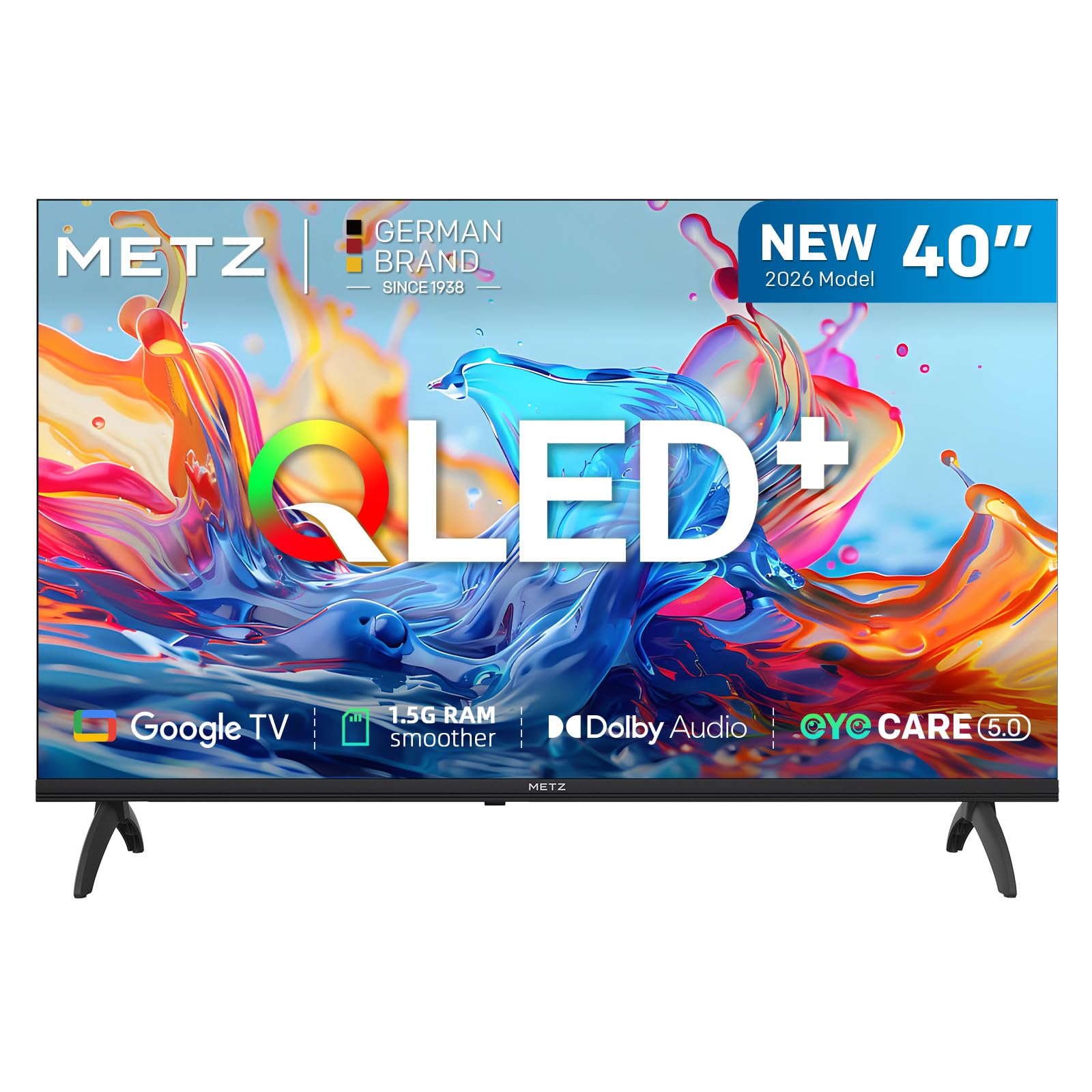
Image: Front view of the Metz 40MQH7000Y 40-inch QLED Smart TV.
Safety Information
Always follow basic safety precautions when using this television to reduce the risk of fire, electric shock, and injury. Do not expose the TV to rain or moisture. Do not open the cabinet; refer all servicing to qualified personnel. Ensure proper ventilation and avoid placing the TV near heat sources. Use only the power cable and accessories provided by the manufacturer.
What's in the Box
Verify that all items are present in the packaging:
- Metz 40MQH7000Y 40-inch QLED Smart TV
- Power Cable
- Remote Control
- Stand (2 pieces)
- User Manual (this document)
- Screws for stand assembly
Setup
1. Attaching the Stand
Place the TV screen-down on a soft, flat surface to prevent damage. Align the stand pieces with the designated slots on the bottom of the TV. Secure the stand using the provided screws. Ensure the stand is firmly attached before proceeding.
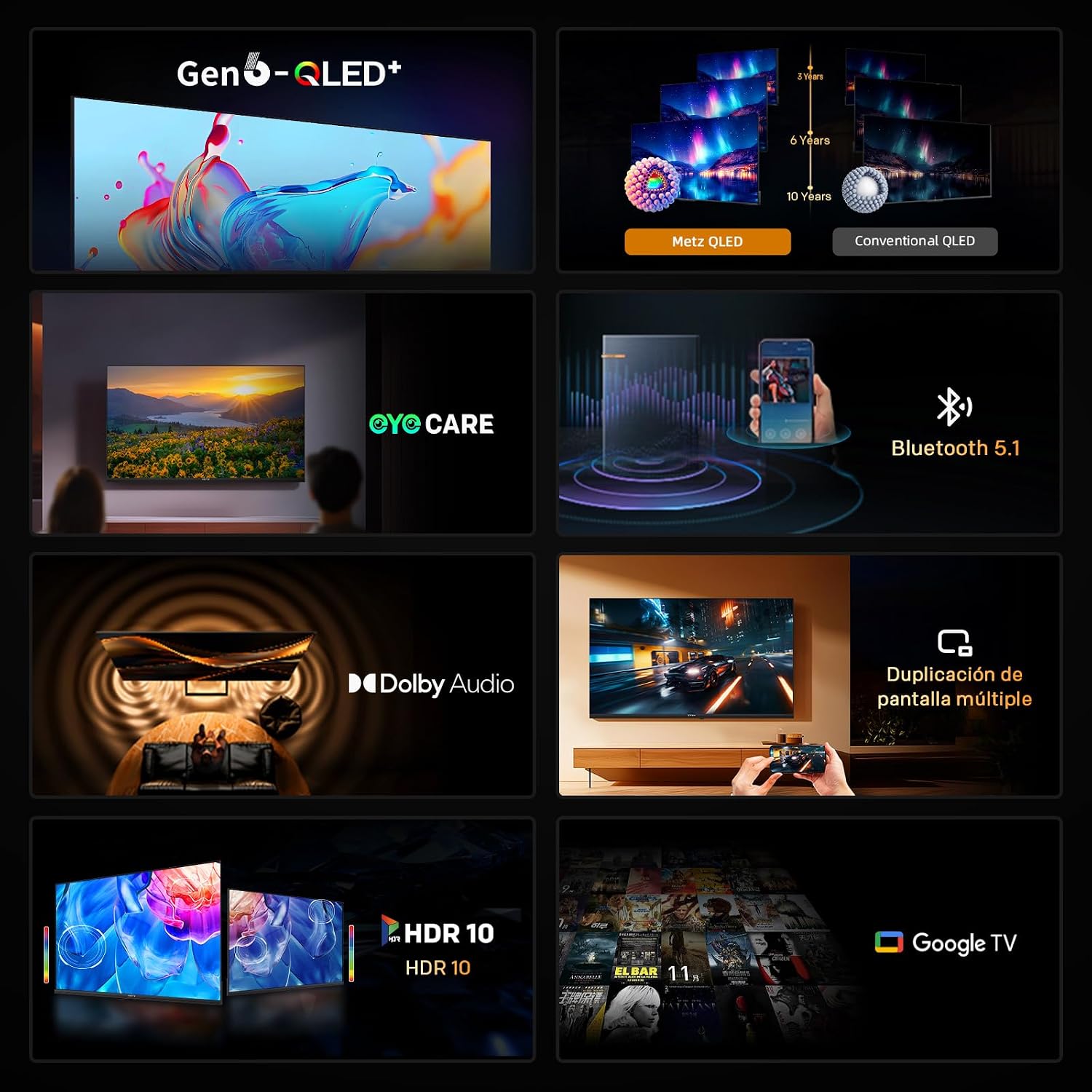
Image: Metz TV with its stand correctly assembled.
2. Wall Mounting (Optional)
If you choose to wall mount your TV, ensure you use a VESA-compatible mount (200 x 100 mm) and follow the instructions provided with the wall mount kit. Disconnect the stand before mounting. Professional installation is recommended for wall mounting.
3. Connecting Power
Connect the power cable to the TV's power input and then to a wall outlet. Do not power on the TV until all other connections are made.
4. Initial Setup
Upon first power-on, the TV will guide you through the initial setup process. This includes selecting your language, connecting to a Wi-Fi network, and signing in with your Google account to access Smart TV features. Follow the on-screen prompts.
Operating Instructions
1. Remote Control Overview
The included remote control allows you to navigate the TV's functions. Insert two AAA batteries (not included) into the remote control. Familiarize yourself with the buttons for power, volume, channel selection, input source, and smart TV navigation.

Image: The remote control for the Metz 40MQH7000Y TV.
2. Basic TV Functions
- Power On/Off: Press the power button on the remote control.
- Volume Control: Use the Volume Up/Down buttons.
- Channel Selection: Use the Channel Up/Down buttons or the number pad.
- Input Source: Press the 'Source' button to select between HDMI, DVB-T2/S2/C, or other connected devices.
3. Smart TV Features (Google TV)
Your Metz TV runs on Google TV, providing access to a wide range of streaming services, apps, and content. Navigate the Google TV interface using the remote's directional pad and 'OK' button. You can download apps from the Google Play Store.

Image: The Google TV interface displaying various content options.
4. Chromecast Built-in
The TV includes Chromecast built-in, allowing you to cast content from compatible apps on your smartphone, tablet, or computer directly to the TV screen. Ensure your device is connected to the same Wi-Fi network as the TV.

Image: Illustration of the Multiple Screen Cast feature, showing content from a mobile phone mirrored to the TV.
5. Bluetooth Connectivity
Connect Bluetooth devices such as headphones or soundbars to your TV for an enhanced audio experience. Go to the TV's settings menu, select 'Remotes & Accessories', and then 'Add accessory' to pair new devices.

Image: Visual representation of Bluetooth 5.1 connectivity.
Features Overview
QLED Display Technology
The Metz 40MQH7000Y features 6th generation Super Quantum Dot QLED technology, delivering pure colors, enhanced brightness, and long-term color stability. This technology ensures vibrant and accurate color reproduction for an immersive viewing experience.

Image: Visual demonstrating the vibrant colors of Gen6 QLED+ technology.

Image: Comparison illustrating the superior color stability of Metz QLED over 10 years compared to conventional QLED.
HDR10 and HLG Support
With HDR10 and HLG compatibility, the TV enhances brightness and contrast, providing a more realistic image with greater detail in both dark and bright scenes. This is particularly beneficial for movies, sports, and streaming content.

Image: Visual comparison of image quality with and without HDR10 & HLG enabled.
Dolby Audio
Experience powerful, clear, and immersive sound with Dolby Audio. This feature enhances the audio quality for movies, series, sports, and games, creating a cinematic sound experience.

Image: Graphic illustrating the immersive sound experience provided by Dolby Audio.
Eye Care Technology
The TV incorporates Low Blue Light and Flicker-Free technologies to reduce eye strain during prolonged viewing. This feature is designed for comfortable viewing, especially during extended sessions or at night.

Image: Visual demonstrating the Eye Care feature for reduced visual fatigue.
Enhanced Performance with 1.5GB RAM
Equipped with 1.5GB of RAM, the TV offers smoother performance, faster response times, and improved multitasking capabilities. This minimizes lag and blockages, allowing for seamless switching between applications like Netflix, Prime Video, and YouTube.

Image: Graphic illustrating the performance improvement with 1.5GB RAM.
Maintenance
Cleaning the TV
Always unplug the TV before cleaning. Use a soft, dry cloth to wipe the screen and cabinet. For stubborn marks, lightly dampen the cloth with water or a specialized screen cleaner. Avoid using harsh chemicals or abrasive materials.
Software Updates
Your TV may receive software updates periodically to improve performance and add new features. Ensure your TV is connected to the internet to receive these updates. You can check for updates manually in the TV's settings menu.
Troubleshooting
If you encounter issues with your TV, refer to the following common problems and solutions:
| Problem | Possible Cause | Solution |
|---|---|---|
| No Power | Power cable disconnected; outlet issue | Check power cable connection; try a different outlet. |
| No Picture, but Sound is Present | Incorrect input source; faulty cable | Verify input source; check HDMI/AV cable connections. |
| No Sound, but Picture is Present | Volume muted; external audio device issue | Unmute volume; check audio settings; verify external audio device connections. |
| Remote Control Not Working | Dead batteries; obstruction | Replace batteries; remove obstructions between remote and TV. |
| Wi-Fi Connection Issues | Router issue; incorrect password | Restart router; re-enter Wi-Fi password; ensure TV is within range. |
Specifications
Below are the technical specifications for the Metz 40MQH7000Y 40-inch QLED Smart TV:

Image: Diagram showing TV dimensions and available input/output ports.
| Feature | Detail |
|---|---|
| Model Number | 40MQH7000Y |
| Screen Size | 40 Inches |
| Display Technology | QLED |
| Resolution | 1080p (1920 x 1080) |
| Refresh Rate | 60 Hz |
| HDR Support | HDR10, HLG |
| Operating System | Google TV |
| RAM | 1.5GB |
| Audio Technology | Dolby Audio, Dolby Digital, Dolby Digital Plus (2 speakers) |
| Connectivity | Wi-Fi, Bluetooth 5.1, Ethernet |
| HDMI Ports | 2 (HDMI 2.1) |
| USB Ports | 2 |
| Tuner Type | DVB-T2/S2/C |
| Special Features | Blue Light Filter, Chromecast Built-in, Eye Comfort Mode |
| Dimensions (with stand) | 89.2 x 21.4 x 56.5 cm |
| Weight (with stand) | 8.3 kg |
| VESA Mounting Standard | 200 x 100 mm |
| Energy Efficiency Class | E |

Image: EU Energy Label for the Metz 40MQH7000Y TV. For more details, visit the EPREL database.
Warranty and Support
Your Metz 40MQH7000Y television comes with a 2-year manufacturer's warranty. This warranty covers defects in materials and workmanship under normal use. For warranty claims or technical support, please contact Metz customer service through their official website or the retailer where the product was purchased. Keep your proof of purchase for warranty validation.


