
1. Important Safety Instructions
To reduce the risk of serious injury, read all instructions before using the FOUSAE Treadmill. Always follow basic precautions, including:
- Placement: Place the treadmill on a flat, stable surface with at least 2 meters (6.5 feet) of clear space behind it and 0.6 meters (2 feet) on each side.
- Power: Connect the treadmill to a properly grounded outlet. Unplug the treadmill from the power source when not in use, before cleaning, and before performing any maintenance.
- User Weight: Do not exceed the maximum user weight of 158 kg (348 lbs).
- Children and Pets: Keep children and pets away from the treadmill at all times, especially during operation.
- Emergency Stop: Always attach the safety key clip to your clothing before starting your workout. In case of an emergency, the safety key will detach, and the treadmill will stop immediately.
- Medical Advice: Consult a physician before beginning any exercise program, especially if you have pre-existing health conditions.
- Footwear: Always wear appropriate athletic footwear when using the treadmill.
- Maintenance: Do not attempt to service the treadmill yourself beyond the maintenance steps described in this manual. Contact customer support for assistance.
2. Package Contents
Carefully unpack all components and ensure you have received the following items:
- FOUSAE Treadmill Unit
- Remote Control
- Safety Key
- Power Cord
- User Manual (this document)
- Silicone Oil (for lubrication)
3. Setup Guide
The FOUSAE Treadmill is designed for minimal assembly and is ready to use almost out of the box. Follow these steps to set up your treadmill:
- Unpack: Remove the treadmill from its packaging and place it on a clear, level surface.
- Unfold (if applicable): If the treadmill is in its folded position, gently lift the handrail until it locks into place. Ensure all locking mechanisms are secure.
- Adjust Incline (Optional): The treadmill features a manual 9% incline. To activate, locate the adjustable feet at the middle of the treadmill. Unscrew them until they touch the floor, then secure them by tightening the lock nuts. This provides a fixed incline for your workout.
- Connect Power: Plug the power cord into the treadmill's power port and then into a grounded electrical outlet.
- Safety Key: Place the safety key into its designated slot on the console. The treadmill will not operate without the safety key in place.

Image: The FOUSAE treadmill in its unfolded state, ready for use. This illustrates the simple setup process.

Image: A detailed view of the manual incline adjustment, showing how to engage the 9% incline by adjusting the feet.
4. Operating Instructions
Your FOUSAE Treadmill offers multiple ways to control your workout and track your progress.
4.1 Basic Operation
- Power On: Ensure the treadmill is plugged in and the safety key is in place. Press the power button on the console or remote control.
- Start Workout: Press the START button. The treadmill will begin at a low speed (e.g., 0.8 km/h) after a short countdown.
- Adjust Speed: Use the '+' and '-' buttons on the console or remote control to increase or decrease speed. The speed range is 1-11 km/h.
- Stop Workout: Press the STOP button to gradually slow down and stop the treadmill. Alternatively, pull the safety key to immediately stop the treadmill.
- Power Off: After your workout, press the power button to turn off the treadmill and unplug it from the wall.
4.2 Display and Controls
The integrated LED display shows key workout metrics:
- Speed: Current speed in km/h.
- Distance: Total distance covered during the current session.
- Time: Duration of your workout.
- Calories: Estimated calories burned.
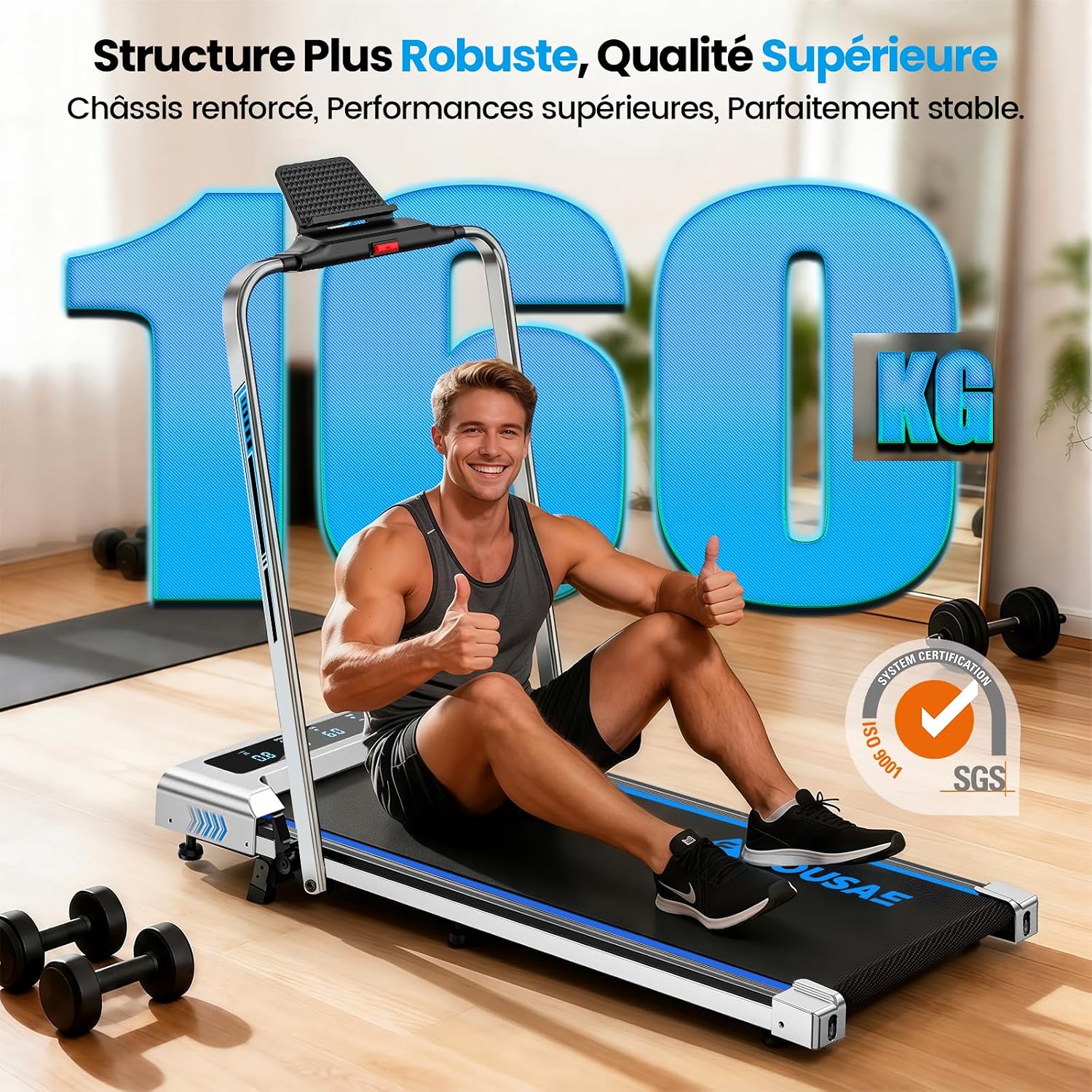
Image: The treadmill's LED display showing speed, distance, time, and calories, alongside the remote control for easy adjustments.
4.3 App Connectivity
Enhance your workout experience by connecting your treadmill to compatible fitness applications:
- Compatible Apps: The treadmill supports apps like Fitshow, Kinomap, and Zwift.
- Connection: Download the desired app on your smartphone or tablet. Follow the app's instructions to connect via Bluetooth.
- Features: Enjoy virtual workouts, track detailed progress, participate in challenges, and control your treadmill directly from the app.

Image: A user exercising on the treadmill with a tablet displaying a fitness app, highlighting the smart connectivity features.
5. Programs and Features
The FOUSAE Treadmill is equipped with various programs and features to diversify your training.
- 12 Pre-defined HIIT Programs: Choose from 12 High-Intensity Interval Training programs designed to optimize your fitness goals.
- Versatile Speed Range: Suitable for various activities:
- Walking: 0.8 - 5 km/h
- Jogging: 5 - 10 km/h
- Running: 10 - 11 km/h
- Quiet 2.75 HP Motor: The brushless motor operates below 40 dB, ensuring a smooth and quiet workout experience.
- Advanced Shock Absorption: Featuring eight columns and two damping bands, the system effectively absorbs impact, protecting your joints and knees.
- Device Holder: A convenient holder allows you to place your smartphone or tablet, enabling you to enjoy media during your workout.
- Foldable Design: The compact design allows for easy folding and storage, making it ideal for home and office use.
- Transport Wheels: Integrated wheels facilitate easy movement and storage of the treadmill.

Image: Demonstrates the treadmill's versatility, showing it used as a walking pad (flat) and as a traditional treadmill with the handrail raised.

Image: A detailed view of the powerful and silent 2.75 HP brushless motor, highlighting its quiet operation (under 40 dB).

Image: A cutaway view of the treadmill belt and cushioning system, showing the multiple layers and shock absorbers designed to protect joints.
6. Maintenance
Regular maintenance ensures the longevity and optimal performance of your FOUSAE Treadmill.
6.1 Cleaning
- Daily Cleaning: Wipe down the console and handrails with a soft, damp cloth after each use to remove sweat and dust.
- Belt Cleaning: Periodically clean the running belt and the area around it to prevent dust and debris buildup. Ensure the treadmill is unplugged before cleaning the belt.
6.2 Lubrication
The running belt requires periodic lubrication to reduce friction and extend its lifespan. Use the provided silicone oil.
- Frequency: Lubricate the belt every 3-6 months, or after approximately 100 hours of use, depending on usage frequency.
- Procedure: Locate the lubrication port on the front right side of the treadmill. Apply 10ml of silicone oil into this port. Alternatively, you can lift the edge of the running belt and apply the oil directly onto the deck.
- Distribution: After applying oil, run the treadmill at a slow speed (e.g., 3 km/h) for 5 minutes to distribute the lubricant evenly.
6.3 Belt Adjustment
If the running belt feels loose or is slipping, it may need adjustment. Refer to the detailed instructions in the full user manual or contact customer support.
7. Troubleshooting
If you encounter issues with your treadmill, refer to the following common problems and solutions:
| Problem | Possible Cause | Solution |
|---|---|---|
| Treadmill does not start | Power cord not plugged in; Safety key not in place; Power switch off. | Ensure power cord is securely plugged in; Insert safety key fully; Turn on the power switch. |
| Running belt slips or hesitates | Belt too loose; Insufficient lubrication. | Adjust belt tension (refer to full manual); Apply silicone oil as per maintenance instructions. |
| Unusual noise during operation | Loose components; Motor issue; Belt friction. | Check for loose screws and tighten; Lubricate the belt; If noise persists, contact customer support. |
| Display not working correctly | Loose connection; Console malfunction. | Check all cable connections; Power cycle the treadmill; If issue persists, contact customer support. |
For problems not listed here or if solutions do not resolve the issue, please contact FOUSAE customer support.
8. Specifications
| Feature | Detail |
|---|---|
| Brand | FOUSAE |
| Model Number | ZX390 |
| Color | Silver Blue |
| Product Dimensions (L x W x H) | 136 cm x 60 cm x 15 cm |
| Folded Size (L x W x H) | 130 cm x 56 cm x 13.5 cm |
| Material | Alloy Steel |
| Maximum Speed | 11 Kilometers per hour |
| Maximum Power | 2.75 Horsepower |
| Maximum Incline Percentage | 9% (Manual) |
| Assembly Required | No |
| Connectivity Technology | App-based (Bluetooth) |
| Meter Type | Distance, Speed, Time, Calories |
| Recommended Maximum Load | 158 kg (348 lbs) |
| Number of Programs | 12 (HIIT Programs) |
| Included Components | User Manual, Remote Control, Safety Key, Power Cord, Silicone Oil |
9. Warranty and Support
FOUSAE is committed to providing high-quality products and excellent customer service.
9.1 Warranty Information
For detailed information regarding the product warranty, including coverage period and terms, please refer to the warranty card included with your purchase or contact FOUSAE customer support directly.
9.2 Customer Support
Should you have any questions, concerns, or require assistance with your FOUSAE Treadmill, our professional after-sales team is available to help. We aim to respond to all inquiries within 18 hours.
Please visit the official FOUSAE website or refer to your purchase documentation for contact details.


