
Introduction
Thank you for choosing the Cillso Air3 Pro Hybrid Active Noise Canceling Headphones. These wireless earbuds are designed to provide an immersive audio experience with advanced noise cancellation, clear call quality, and extended playback time. This manual will guide you through the setup, operation, and maintenance of your new headphones.
What's in the Box
- Cillso Air3 Pro Hybrid Active Noise Canceling Headphones (Left and Right Earbuds)
- Charging Case with LED Display
- User Manual

Image: Cillso Air3 Pro earbuds in their charging case, displaying the battery level.
Setup
1. Initial Charging
Before first use, place both earbuds into the charging case and connect the case to a power source using a USB-C cable. The LED display on the charging case will indicate the battery level. A full charge provides up to 40 hours of total playback with the charging case.

Image: Visual representation of 40 hours long music playtime with the charging case.
2. Pairing with Your Device
- Ensure the earbuds are charged and inside the charging case.
- Open the charging case lid. The earbuds will automatically enter pairing mode.
- On your smartphone or other Bluetooth-enabled device, go to Bluetooth settings.
- Select "Cillso Air3 Pro" from the list of available devices.
- Once connected, you will hear a confirmation tone, and the earbuds will be ready for use.
Equipped with Bluetooth 5.4 technology, these earbuds ensure a stable and efficient connection with both iOS and Android devices.

Image: Diagram showing the benefits of Advanced Bluetooth 5.4 Technology.
Operating Instructions
Power On/Off
- Power On: Open the charging case lid, and the earbuds will automatically power on and connect to the last paired device.
- Power Off: Place the earbuds back into the charging case and close the lid. They will automatically disconnect and power off.
Active Noise Cancellation (ANC)
To activate or deactivate the Hybrid Active Noise Cancellation, long press the touch button on either earbud for 2 seconds. This feature blocks out ambient noise for an undisturbed listening experience.
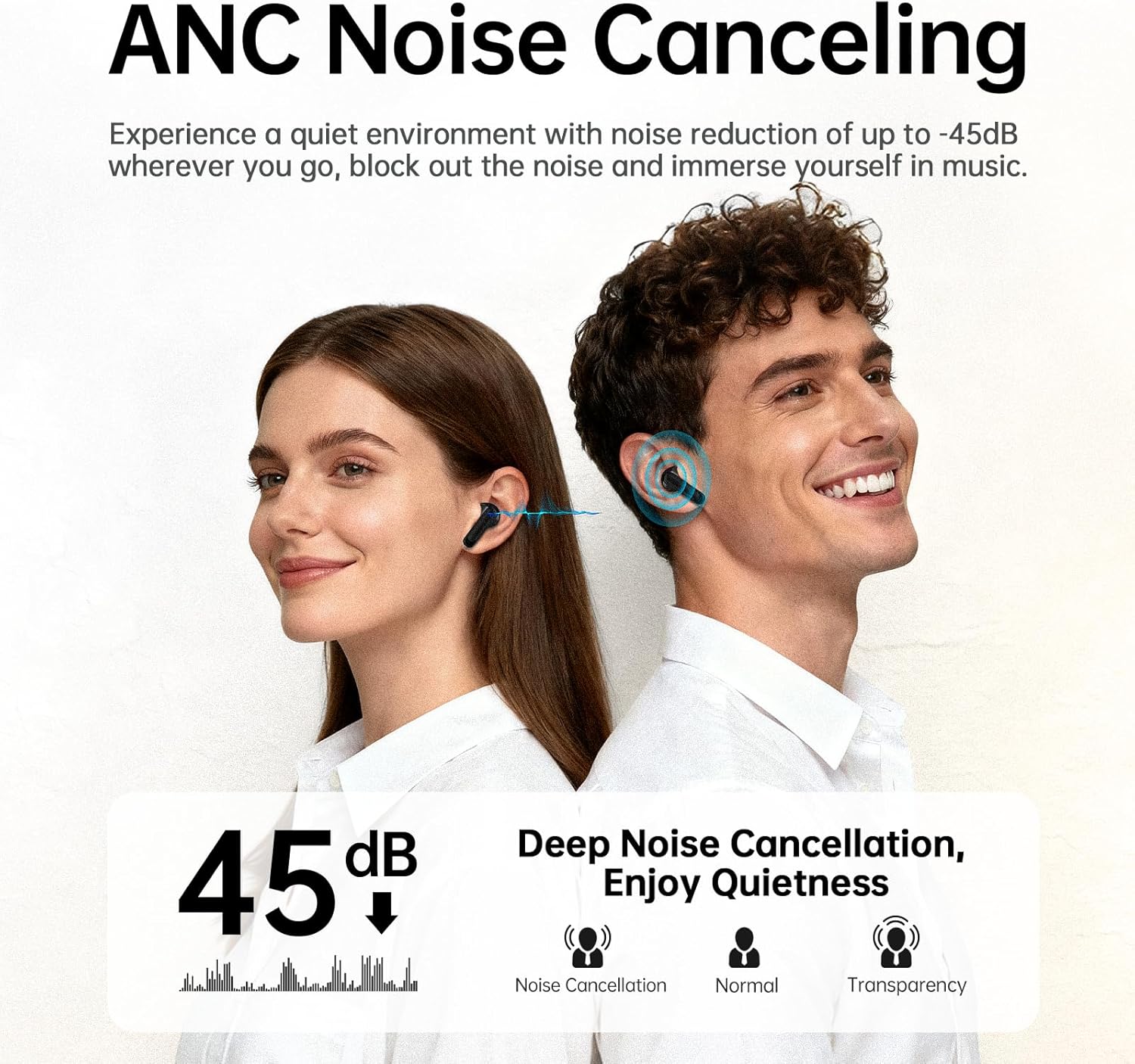
Image: Diagram illustrating the effect of ANC Noise Canceling, showing a reduction of up to -45dB.

Image: Internal view of an earbud highlighting the Hybrid Active Noise Cancellation Algorithm with Feedforward + Feedback Mics.
Clear Call Function (ENC)
The Cillso Air3 Pro features 6 Environmental Noise Cancelling (ENC) microphones to ensure crystal-clear phone calls. These microphones filter out background noise, allowing your voice to be heard clearly even in noisy environments.
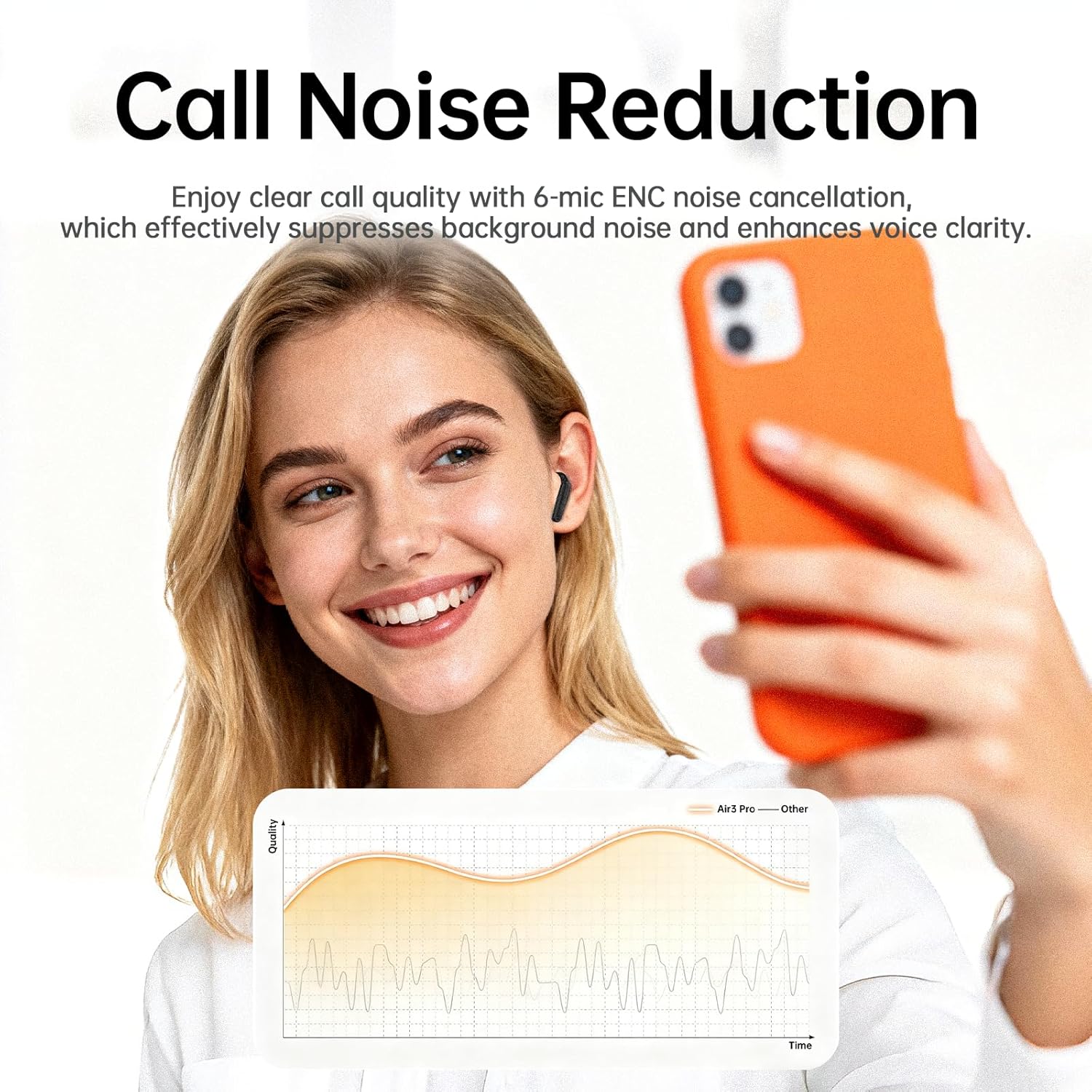
Image: A user making a call, demonstrating the call noise reduction feature.
Music Mode and Game Mode
To switch between Music Mode and Game Mode, triple-tap the left earbud. Music Mode optimizes audio for general listening, while Game Mode provides low-latency audio for an enhanced gaming experience.
Smart Life App (If Applicable)
For advanced customization, including 8 preset EQ modes, 3 ambient sound settings, and device search, refer to the Smart Life App. Download the app from your device's app store and follow the in-app instructions to connect your Air3 Pro earbuds.

Image: A smartphone displaying the Smart Life App interface for customizing earbud settings.
Maintenance
- Cleaning: Regularly clean the earbuds and charging case with a soft, dry, lint-free cloth. Do not use harsh chemicals or abrasive materials.
- Storage: When not in use, store the earbuds in their charging case to protect them from dust and damage.
- Water Resistance: The earbuds are not waterproof. Avoid exposure to excessive moisture or submersion in water.
- Ear Tips: Ensure the ear tips are clean and properly fitted for optimal sound quality and comfort. Different sizes are provided for a perfect fit.
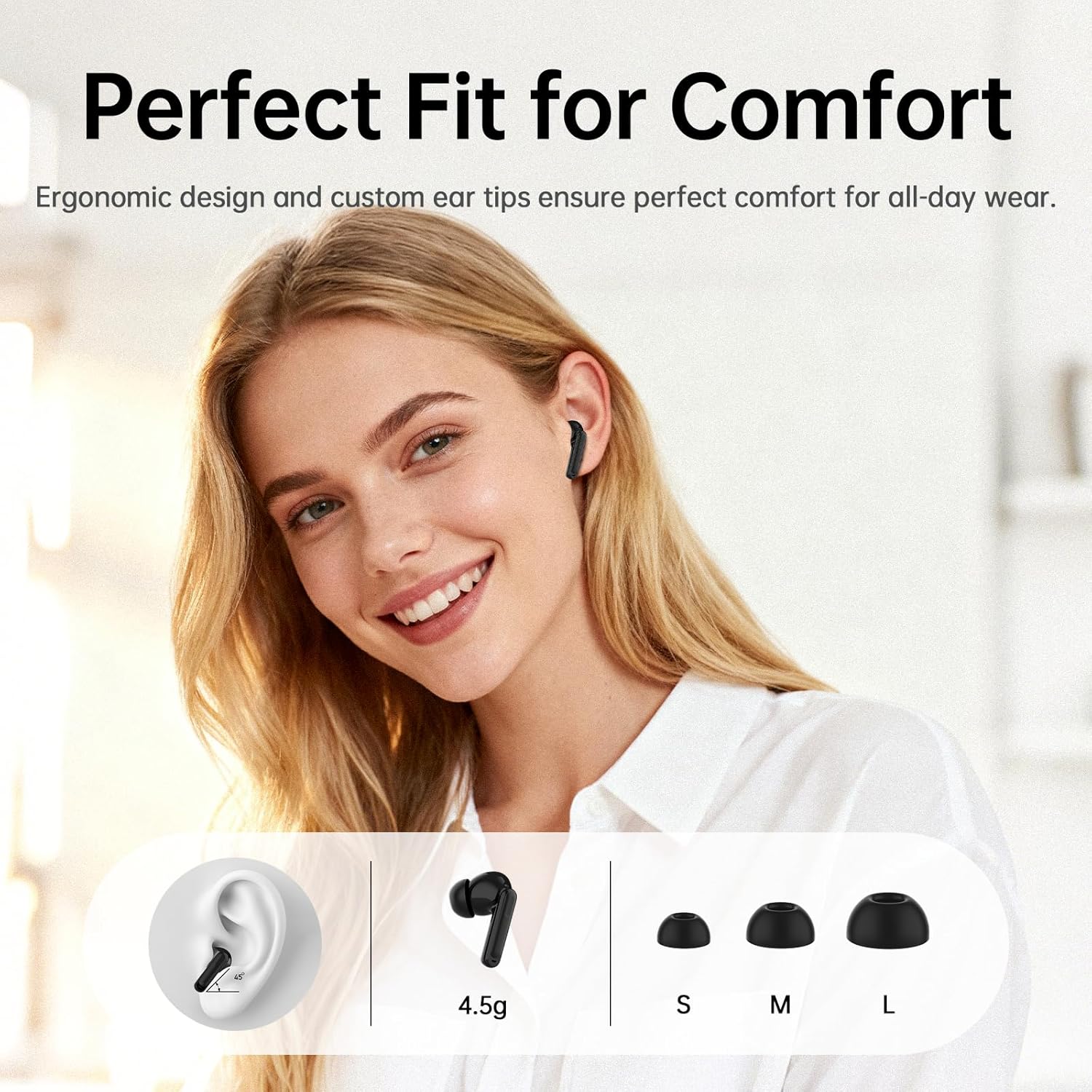
Image: Illustration of the ergonomic design and different ear tip sizes (S, M, L) for a comfortable fit.
Troubleshooting
| Problem | Possible Solution |
|---|---|
| Earbuds not pairing | Ensure earbuds are charged. Turn off and on your device's Bluetooth. Place earbuds back in case, close lid, then open to re-enter pairing mode. |
| No sound from earbuds | Check device volume. Ensure earbuds are connected. Try re-pairing. |
| ANC not working effectively | Ensure earbuds are properly seated in your ears. Activate ANC by long-pressing the touch button for 2 seconds. |
| Poor call quality | Ensure microphones are not obstructed. Move to a quieter environment if possible. |
| Charging case not charging | Check USB-C cable and power adapter. Ensure connections are secure. |
Specifications
- Model Name: Air3 Pro
- Brand: Cillso
- Connectivity Technology: Wireless (Bluetooth 5.4)
- Ear Placement: In Ear
- Form Factor: In Ear
- Noise Cancellation: Hybrid Active Noise Canceling (ANC)
- Microphones: 6 ENC Noise Cancelling Mics
- Playback Time: Up to 40 hours (with charging case)
- Compatibility: iOS, Android
- Color: Black
Warranty and Support
The Cillso Air3 Pro headphones come with a 1-Year Warranty from the date of purchase. This warranty covers manufacturing defects and ensures your product is free from material and workmanship flaws under normal use.
For technical support, warranty claims, or any questions regarding your product, please contact Cillso customer service through the retailer's platform or visit the official Cillso website for contact information.