
Introduction
These Transformers TF-T83 Clip-On Open-Ear Earbuds are designed for comfortable, open-ear listening. They feature Bluetooth 5.4 connectivity, directional sound transmission, and extended battery life, allowing you to enjoy audio while remaining aware of your surroundings. This manual provides detailed instructions for proper use and care of your earbuds.
Package Contents
Please check the package contents upon unboxing to ensure all items are present:
- 1 x Transformers TF-T83 Clip-On Open-Ear Earbuds (Left and Right)
- 1 x Charging Case
- 1 x USB Charging Cable
- 1 x User Manual

Image: The Transformers TF-T83 Earbuds, charging case, USB charging cable, and user manual as found in the product packaging.
Product Overview
The TF-T83 earbuds feature an innovative clip-on, open-ear design for comfort and situational awareness. They utilize advanced Bluetooth 5.4 technology for stable connections and directional sound transmission for a private listening experience.
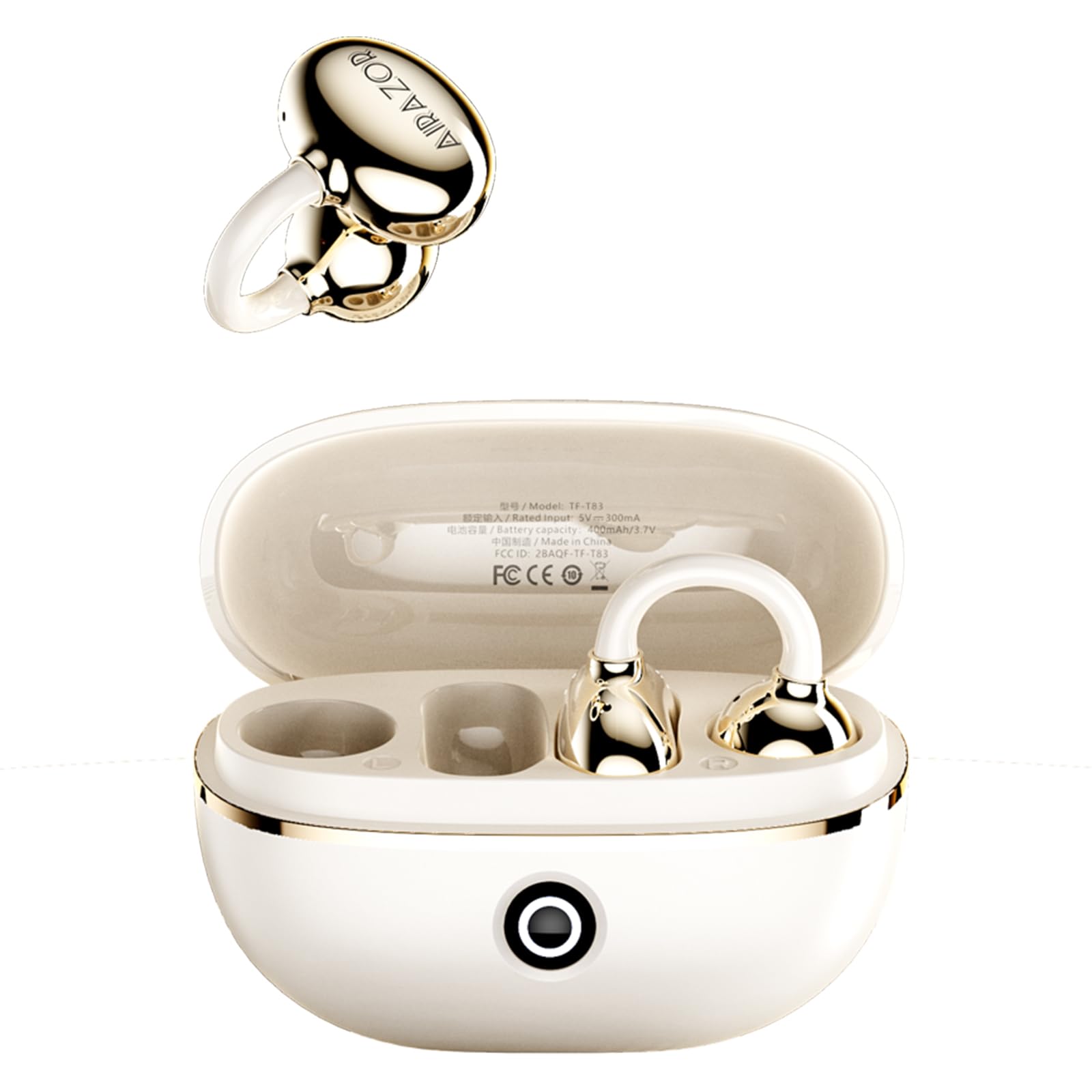
Image: White TF-T83 earbuds resting in their open charging case.

Image: Demonstrates the lightweight and comfortable fit of the earbuds on users' ears.

Image: Visual representation of the directional sound transmission technology, minimizing sound leakage.

Image: Detail of the earbud's internal components, emphasizing the Bluetooth 5.4 chip for stable connectivity.
Setup
1. Charging the Earbuds and Case
Before first use, fully charge the earbuds and the charging case. Place the earbuds into the charging case and connect the USB charging cable to the case and a power source. The indicator lights on the case will show the charging status. A full charge provides up to 70 hours of total battery life with the charging case.
2. Bluetooth Pairing
- Ensure the earbuds are charged.
- Open the charging case. The earbuds will automatically enter pairing mode.
- On your device (smartphone, tablet, laptop), enable Bluetooth and search for available devices.
- Select "TF-T83" from the list of devices to connect.
- Once connected, you will hear a confirmation tone, and the earbuds will be ready for use.
The earbuds will automatically reconnect to the last paired device when removed from the case, provided Bluetooth is enabled on your device.
Video: A demonstration of unboxing and initial setup of the Transformers TF-T83 Clip-On Earbuds, showing the charging case and earbuds.
Operating Instructions
The TF-T83 earbuds feature intuitive touch controls located on the surface of each earbud. Refer to the diagram below for specific functions:

Image: Detailed touch control functions for music playback, call handling, and volume adjustment.
Music Playback
- Play/Pause: Single tap on either the left (L) or right (R) earbud.
- Next Song: Triple tap on the right (R) earbud.
- Previous Song: Triple tap on the left (L) earbud.
Call Management
- Answer/Hang Up Call: Double tap on either the left (L) or right (R) earbud.
- Reject Call: Press and hold for 2 seconds on either the left (L) or right (R) earbud.
Volume Control
- Volume Up: Single tap on the left (L) earbud.
- Volume Down: Single tap on the right (R) earbud.
Voice Assistant
- Activate Voice Assistant (Siri/Google Assistant): Press and hold for 2 seconds on either the left (L) or right (R) earbud.
Wearing Instructions
The TF-T83 earbuds feature a unique clip-on design that rests securely on your ear without entering the ear canal. This design ensures comfort during extended wear and allows you to remain aware of your surroundings.
- Gently open the ear clip.
- Position the earbud so the speaker is aligned with your ear canal opening.
- Release the clip to secure the earbud comfortably on your outer ear.
- Adjust for a snug yet comfortable fit.
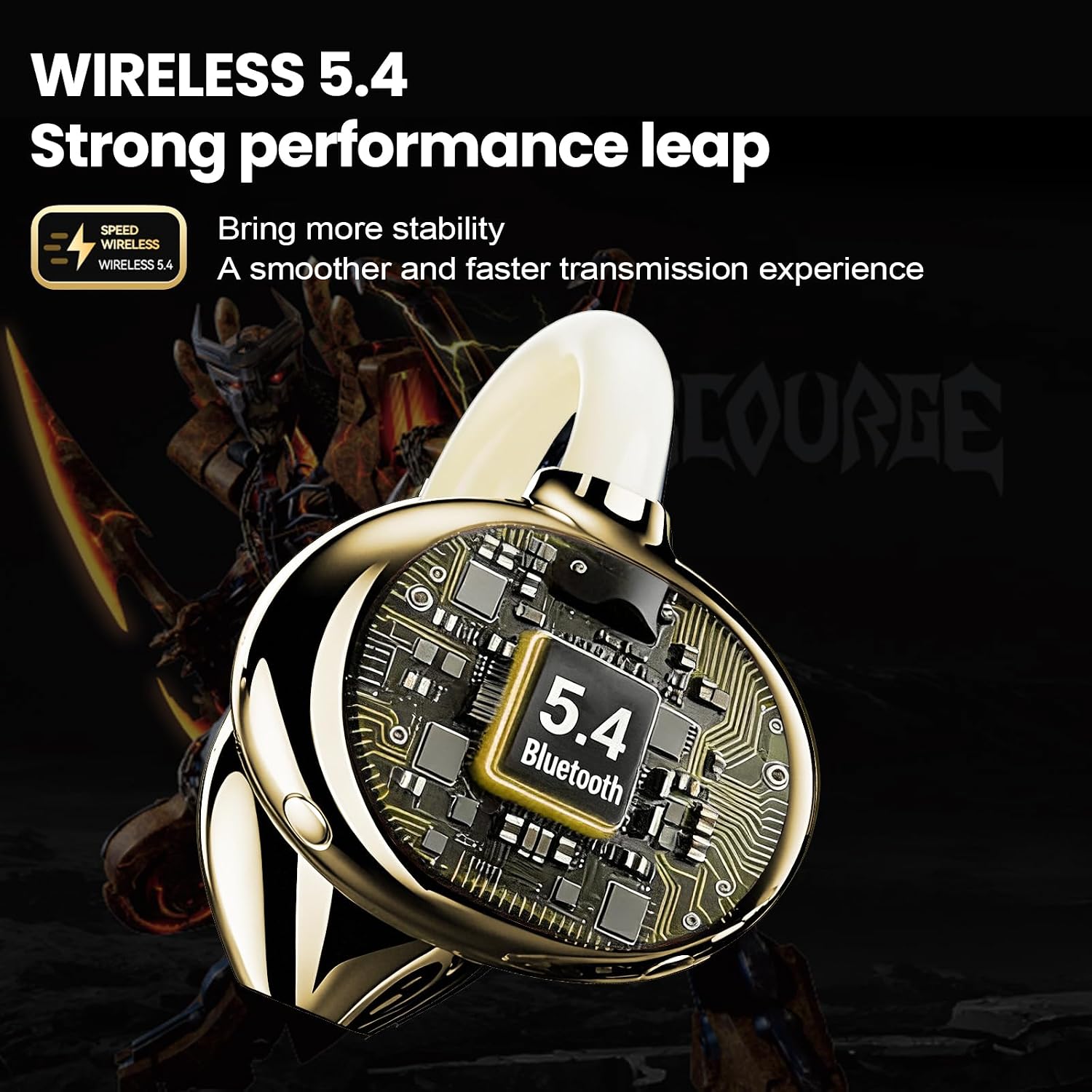
Image: Earbud correctly positioned on the ear.
Image: Demonstrates the lightweight and comfortable fit of the earbuds on users' ears.
Maintenance and Care
- Cleaning: Use a soft, dry cloth to clean the earbuds and charging case. Do not use abrasive cleaners or solvents.
- Water Resistance: The earbuds are IPX5 water-resistant, meaning they can withstand splashes and sweat. Do not submerge them in water. Ensure they are dry before placing them back in the charging case.
- Storage: Store the earbuds in their charging case when not in use to protect them and keep them charged. Avoid extreme temperatures.
- Charging: Use the provided USB charging cable. Avoid using damaged cables or chargers.
Troubleshooting
| Problem | Solution |
|---|---|
| Earbuds do not power on. | Ensure the earbuds and charging case are fully charged. Place earbuds in the case and close/open it to activate. |
| Cannot pair with device. | 1. Ensure Bluetooth is enabled on your device. 2. Make sure the earbuds are in pairing mode (open the case). 3. Forget/delete "TF-T83" from your device's Bluetooth list and try pairing again. 4. Ensure earbuds are within 10 meters of your device. |
| No sound from earbuds. | 1. Check device volume and earbud volume. 2. Ensure earbuds are properly connected to your device. 3. Try restarting your device and reconnecting the earbuds. |
| One earbud is not working. | 1. Place both earbuds back into the charging case, close it, and then open it again. 2. Ensure both earbuds are charged. 3. Try resetting the earbuds (refer to support if issue persists). |
Specifications
| Feature | Detail |
|---|---|
| Brand | Transformers |
| Model Number | TF-T83 |
| Color | White |
| Ear Placement | Open Ear |
| Form Factor | True Wireless |
| Impedance | 32 ohm |
| Connectivity Technology | Wireless (Bluetooth) |
| Bluetooth Version | 5.4 |
| Bluetooth Range | Up to 10 meters |
| Battery Life (Earbuds) | 6-8 hours (continuous playback) |
| Total Battery Life (with case) | 60-70 hours |
| Standby Time | Up to 90 days |
| Noise Control | Environmental Noise Cancellation (ENC) |
| Water Resistance | IPX5 |
| Item Weight (each earbud) | 4.6 grams |
| Item Weight (overall) | 46 grams |
Warranty Information
This product comes with a 2-year warranty from the date of purchase. This warranty covers manufacturing defects and workmanship. It does not cover damage caused by misuse, accidents, unauthorized modifications, or normal wear and tear. Please retain your proof of purchase for warranty claims.
Support
If you encounter any issues not covered in this manual or require further assistance, please contact the retailer or manufacturer's customer support. Refer to your purchase documentation for specific contact details.