
1. Introduction
This guide is designed to assist users of the Lunyee 3018 PRO CNC Machine, providing clear, step-by-step instructions from initial setup to advanced operation. Whether you are new to CNC machining or returning after a break, this manual offers practical procedures and systematic learning tools to help you achieve precise and repeatable results.
It aims to demystify the process, helping you understand not just what buttons to press, but why each step is important, how to identify problems early, and how to develop habits that protect your bits, workpieces, and time.
Disclaimer: This guide is an independent publication created for educational and reference purposes. It is not affiliated with, endorsed, or sponsored by Lunyee, its brand affiliates, or any other manufacturer. Product names, logos, and brands mentioned are the property of their respective owners. While every effort has been made to ensure accuracy at the time of writing, specifications, functions, software, and firmware are subject to change without notice. The author and publisher are not responsible for any errors, omissions, or damages resulting from the use or misuse of the information contained herein. Readers are advised to use this material at their own risk and always adhere to official safety guidelines and instructions provided by the manufacturer. This guide is not a substitute for the official product manual but is intended to complement it by providing additional practical explanations, examples, and learning resources.
2. Safety Information
Always prioritize safety when operating the Lunyee 3018 PRO CNC Machine. Familiarize yourself with all safety warnings and guidelines provided by the manufacturer. This section outlines general safety practices to ensure a secure working environment.
- Wear appropriate personal protective equipment (PPE), including safety glasses, hearing protection, and dust masks.
- Ensure your workspace is clean, well-lit, and free from obstructions.
- Never operate the machine while under the influence of drugs or alcohol.
- Keep hands and loose clothing away from moving parts and cutting tools.
- Always disconnect power before performing maintenance or making adjustments.
- Properly secure all workpieces to prevent movement during operation.
- Manage chips, dust, and noise appropriately in home or small workshop environments.
3. Setup and Assembly
This section details the process of safely unboxing, assembling, and wiring your Lunyee 3018 PRO CNC Machine. Follow these step-by-step instructions to prepare your machine for operation.
3.1 Unboxing and Component Identification
Carefully remove all components from the packaging. Verify that all parts listed in the packing list are present and undamaged. Refer to the diagram below for component identification.
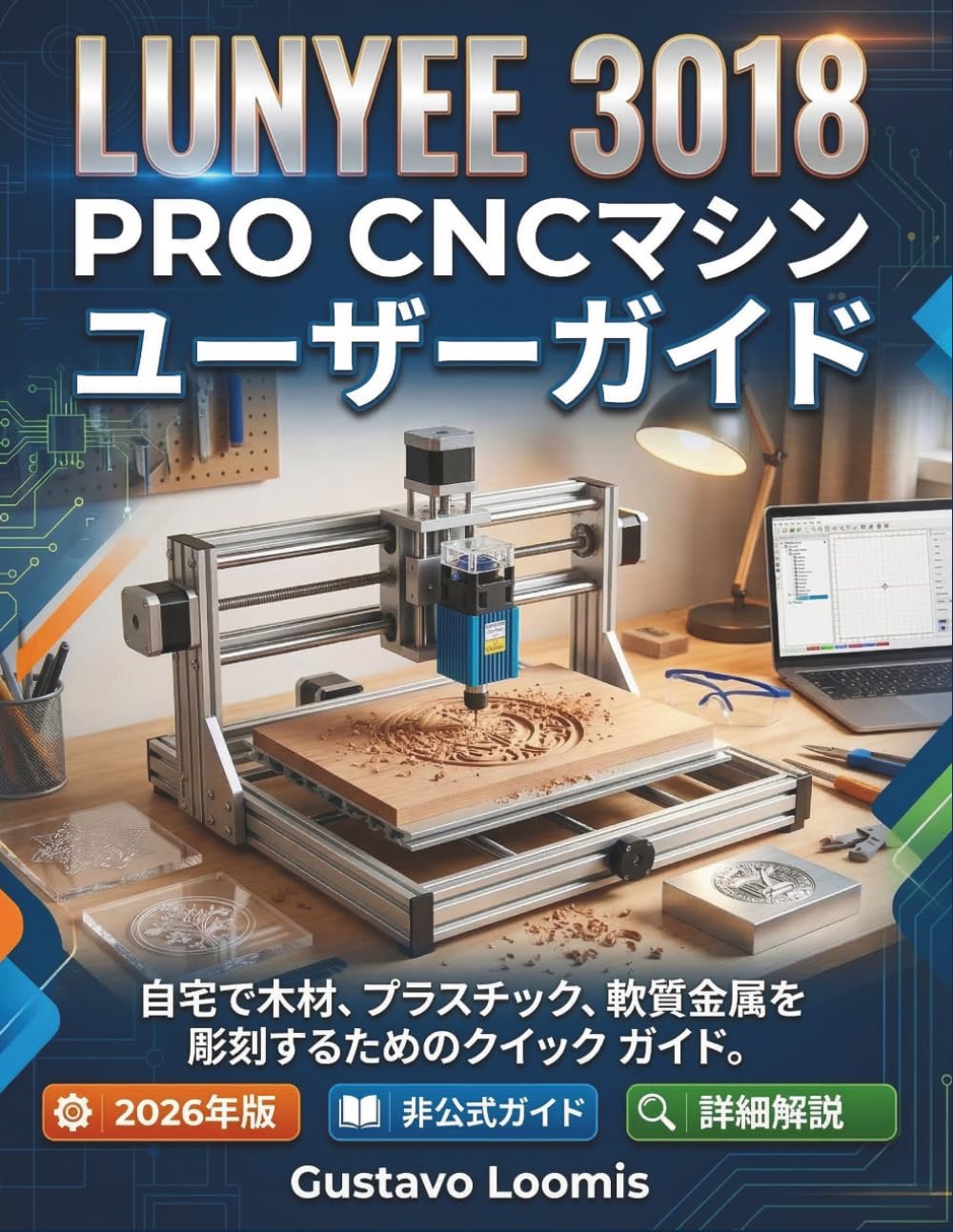
Figure 1: Main unit of the Lunyee 3018 PRO CNC Machine.
3.2 Assembly Steps
- Frame Assembly: Connect the base, side panels, and gantry according to the provided diagrams. Ensure all screws are tightened securely.
- Axis Installation: Install the X, Y, and Z axes, ensuring smooth movement and proper alignment.
- Spindle Mounting: Securely mount the spindle motor to the Z-axis carriage.
- Wiring: Connect all motor cables, limit switches, and the spindle power cable to the control board. Double-check all connections for correct polarity and secure fit.
- Control Board Connection: Connect the control board to your computer via USB or attach the offline controller.
3.3 Initial Calibration
Perform initial calibration and test cut projects to optimize the accuracy of all three axes without relying on guesswork.
4. Operating Instructions
This section covers the fundamental operations of your Lunyee 3018 PRO CNC Machine, including axis movement, spindle control, and software usage.
4.1 Software and Controller Overview
Understand the axes, motion, spindle control, and how to use the offline controller. This guide provides clear explanations of GRBL-based software, allowing you to constantly monitor the machine's operating status.
4.2 Pre-Operation Checklist
- Ensure the workpiece is securely clamped.
- Verify the correct cutting tool (bit) is installed and tightened.
- Check that all cables are connected and secure.
- Confirm the emergency stop button is accessible and functional.
- Clear the work area of any debris or loose items.
4.3 Startup and Shutdown Procedures
Follow these proven startup and shutdown procedures to reduce errors and enhance safety.
- Startup: Power on the machine, connect to the control software, and home the axes.
- Shutdown: Move the spindle to a safe position, turn off the spindle, disconnect from software, and power off the machine.
4.4 Work Holding and Origin Setting
Practical guidance on work holding, origin setting, cutting speed, feed rate, and cutting depth for processing wood, plastic, and soft metals.
4.5 G-Code and Workflow
Strategies for reading, understanding, and optimizing G-code, along with a simple workflow from design to finished product.
5. Maintenance
Regular maintenance ensures the longevity and optimal performance of your Lunyee 3018 PRO CNC Machine. This section outlines routine maintenance tasks.
- Cleaning: Regularly clean chips and dust from the machine bed, lead screws, and rails. Use a vacuum cleaner or compressed air (with caution).
- Lubrication: Apply a thin layer of appropriate lubricant to the lead screws and linear rails as recommended by the manufacturer.
- Tool Changes: Develop habits for proper tool changing to minimize errors and improve safety. Always ensure the spindle is off and the collet is clean before inserting a new bit.
- Inspection: Periodically inspect all cables, connections, and moving parts for wear or damage. Tighten any loose fasteners.
6. Troubleshooting
This section provides solutions to common issues you might encounter with your Lunyee 3018 PRO CNC Machine. For more complex problems, refer to the manufacturer's official support resources.
| Problem | Possible Cause | Solution |
|---|---|---|
| Machine not powering on | Power cable disconnected, faulty power supply, emergency stop engaged | Check power connections, test power supply, disengage emergency stop |
| Motors not moving | Loose motor cables, software not connected, GRBL settings incorrect | Secure motor cables, ensure software connection, verify GRBL configuration |
| Inaccurate cuts | Loose belts/lead screws, incorrect calibration, worn cutting tool | Tighten belts/lead screws, recalibrate axes, replace cutting tool |
| Spindle not rotating | Spindle power cable disconnected, faulty spindle motor, software command error | Check spindle connections, test spindle motor, verify G-code commands |
This guide also includes 2,500 practice questions and mock exams to reinforce safety, setup, calibration, troubleshooting, and daily operations.
7. Specifications
Key specifications for the Lunyee 3018 PRO CNC Machine:
- Model: 3018 PRO
- Brand: Lunyee
- ASIN: B0GSYL7443
- Supported Materials: Wood, Plastic, Soft Metals
- Control Software: GRBL-based
- Connectivity: USB, Offline Controller
- Dimensions: 21.59 x 1.24 x 27.94 cm (Book dimensions, actual machine dimensions not provided in source)
- Weight: 635 g (Book weight, actual machine weight not provided in source)
Note: Specific machine dimensions and weight were not available in the provided product data. The listed dimensions and weight refer to the physical book.
8. Warranty and Support
Information regarding warranty and official product support for the Lunyee 3018 PRO CNC Machine is typically provided by the manufacturer. Please refer to the documentation included with your machine or visit the official Lunyee website for details on:
- Warranty period and coverage
- Technical support contact information
- Availability of spare parts and accessories
- Official software updates and downloads
This independent guide does not offer direct warranty or support services.


