
Introduction
The UltraPro Samsung TV Replacement Remote is designed for immediate use with Samsung smart TVs. It serves as a direct replacement for original Samsung smart TV remotes, requiring no setup or programming. This remote features Samsung-specific keys and streaming app hotkeys for popular services, providing a familiar and convenient control experience.
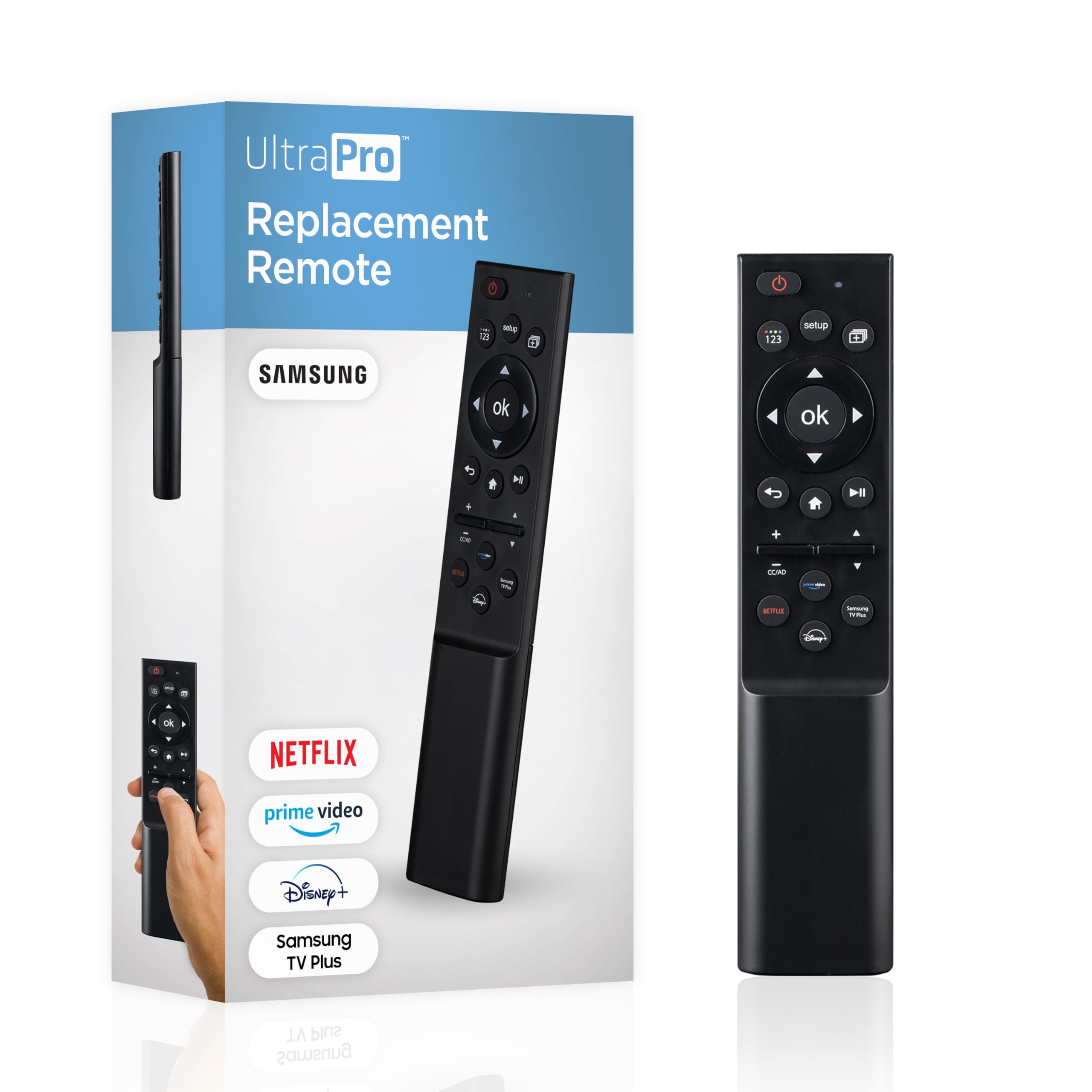
The UltraPro Universal Samsung TV Remote Control.
Setup
1. Battery Installation
Locate the battery compartment on the back of the remote. Slide the cover off. Insert two AAA batteries (not included), ensuring correct polarity (+/-). Replace the battery cover.

The remote requires two AAA batteries for operation, which are not included.
2. Initial Use
The remote is pre-programmed for Samsung smart TVs. No additional setup or programming is required. Once batteries are installed, the remote is ready for operation.

The remote is pre-programmed for Samsung TVs, ready for immediate use.
Operating Instructions
The UltraPro Samsung TV Remote Control features a user-friendly layout with dedicated buttons for various functions.
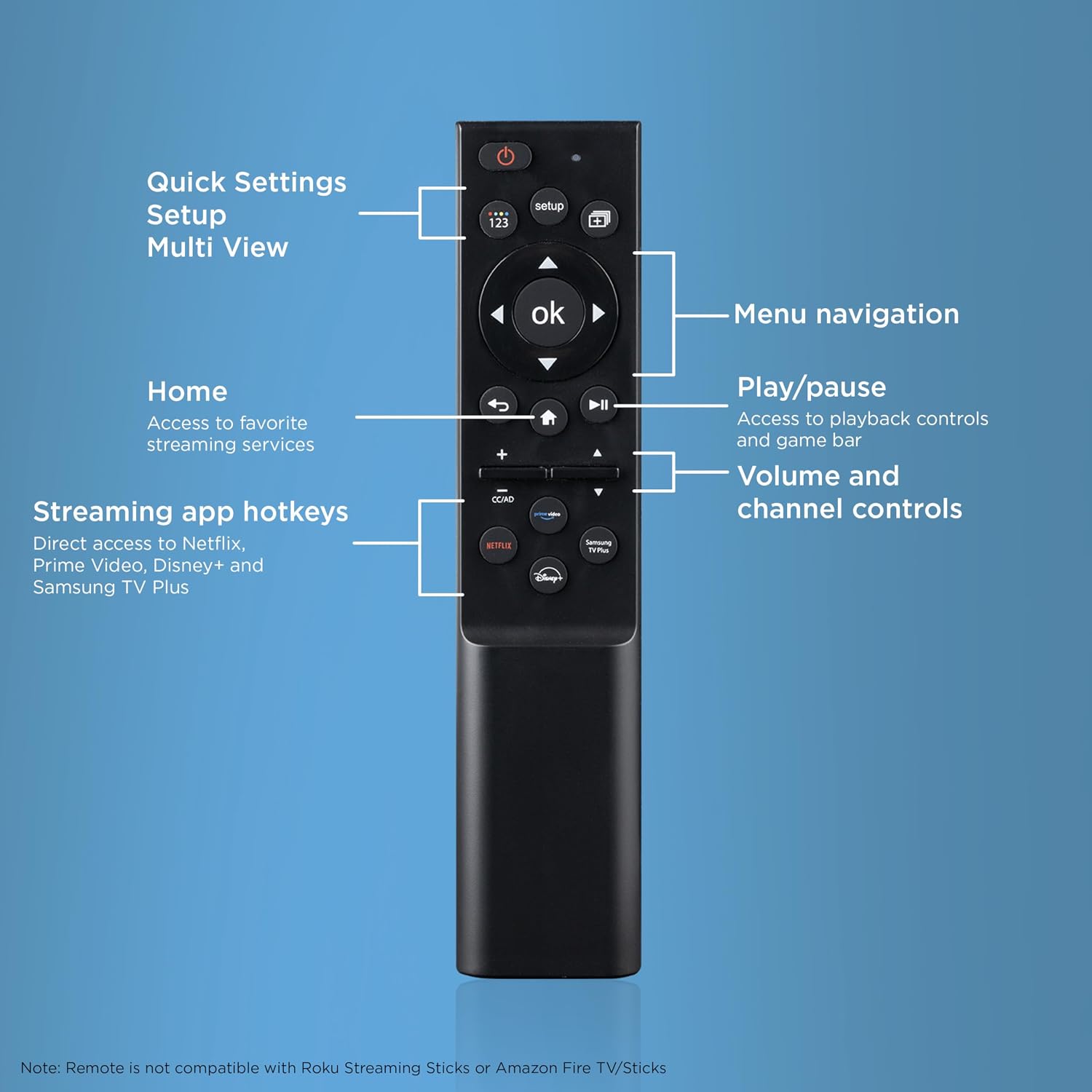
Detailed layout of the remote control buttons and their corresponding functions.
- Power Button: Located at the top, turns the TV on or off.
- Quick Settings/Setup/Multi View: Accesses TV settings and multi-view options.
- 123 Button: For numerical input.
- Menu Navigation (Directional Pad and OK button): Use the directional arrows to navigate menus and the 'OK' button to confirm selections.
- Return Button: Returns to the previous screen or menu.
- Home Button: Provides quick access to favorite streaming services and the Smart Hub.
- Play/Pause Button: Controls media playback.
- Volume and Channel Controls: Adjust volume up/down and change channels.
- Streaming App Hotkeys: Dedicated buttons for direct access to Netflix, Prime Video, Disney+, and Samsung TV Plus. (Note: Streaming service subscriptions may be required for all but Samsung TV Plus).
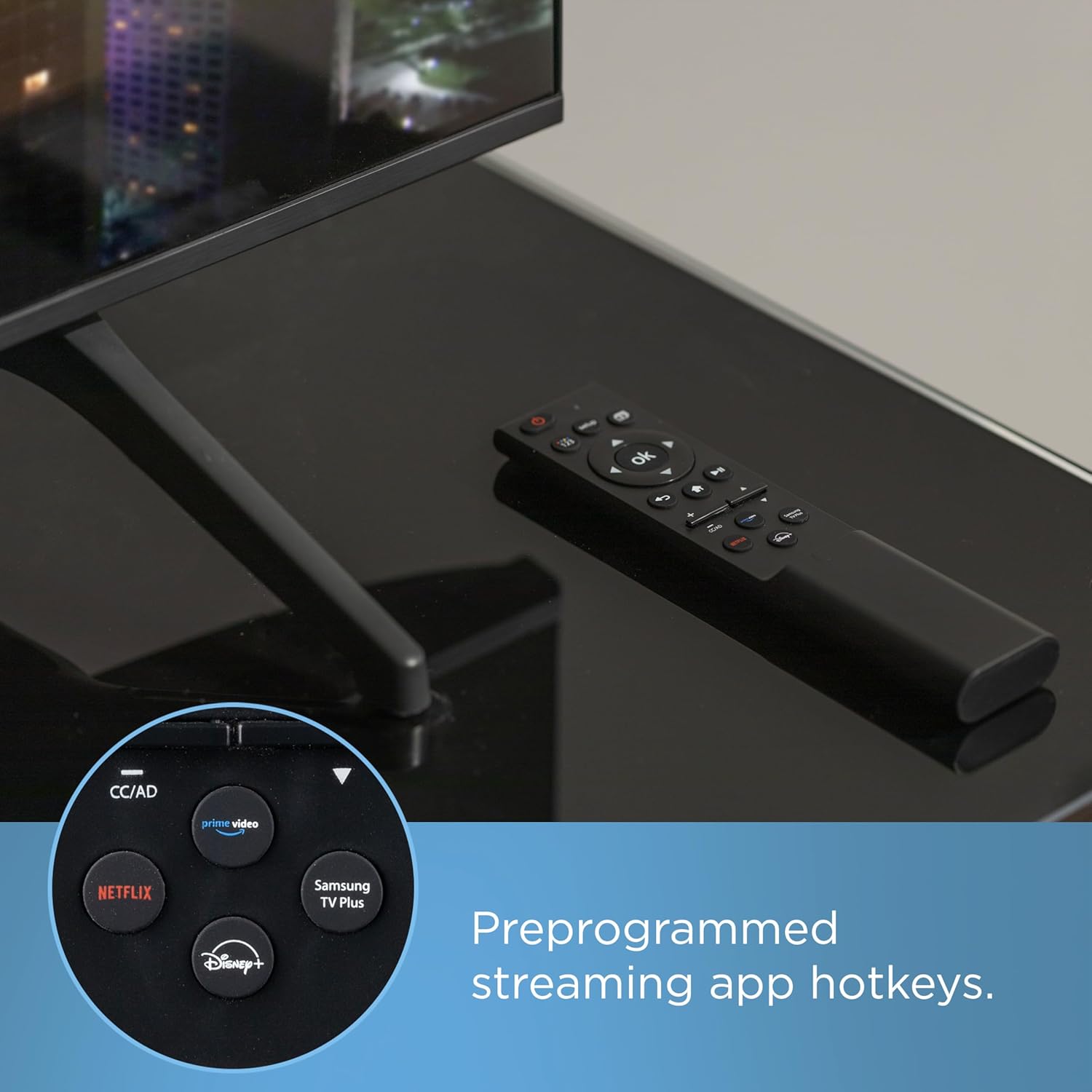
Dedicated hotkeys provide direct access to popular streaming services.
Maintenance
Cleaning
Use a soft, dry cloth to clean the remote. Do not use liquid cleaners or abrasive materials, as these can damage the remote's surface or internal components.
Battery Replacement
Replace batteries when the remote's response becomes sluggish or stops working. Always replace both batteries at the same time with new AAA batteries to ensure optimal performance.
Storage
Store the remote in a dry place, away from extreme temperatures, high humidity, and direct sunlight. Avoid placing heavy objects on the remote.
Troubleshooting
Remote Not Responding
- Check battery polarity. Ensure the AAA batteries are inserted correctly according to the +/- markings.
- Replace old batteries with new AAA batteries. Weak batteries are a common cause of remote control issues.
- Ensure there are no obstructions between the remote and the TV's infrared sensor.
- Verify the remote is pointed directly at the TV's infrared receiver.
Limited Functionality / Incompatibility
This remote is specifically designed for Samsung smart TVs. It is not compatible with Roku Streaming Sticks or Amazon Fire TV/Sticks, or other major TV brands. If certain functions do not work, ensure your TV is a compatible Samsung Smart TV model.

This remote is designed exclusively for Samsung TVs and is not compatible with other brands or streaming devices.
Streaming Hotkeys Not Working
- Ensure your TV is connected to the internet. Streaming services require an active internet connection.
- Verify that the respective streaming applications are installed and updated on your Samsung Smart TV.
Specifications
| Brand | UltraPro |
| Model Name | UltraPro Replacement Remote Control, Samsung |
| Model Number | 84007 |
| Connectivity Technology | Infrared |
| Compatible Devices | Samsung Smart TV, Television |
| Max Number of Supported Devices | 1 |
| Button Quantity | 25 |
| Controller Type | Button Control |
| Maximum Range | 30 feet |
| Battery Type | AAA |
| Number of Batteries | 2 AAA batteries required (not included) |
| Item Weight | 2.24 ounces |
| Color | Black |

Physical dimensions of the remote control for reference.
Warranty
This UltraPro product comes with a LIMITED LIFETIME warranty. Please refer to the warranty documentation included with your purchase or contact customer support for specific details regarding coverage and terms.
Support
For technical assistance or any questions regarding your UltraPro Samsung TV Remote Control, free U.S.-based technical support is available Monday-Friday. Contact information can be found on the UltraPro website or product packaging. Please have your model number (84007) ready when contacting support.
