
Introduction
The TIMU Military Smart Watch S90-WYL-2US-BK is a robust and feature-rich wearable device designed for active lifestyles. It offers Bluetooth calling, comprehensive health monitoring, and a wide array of sports modes, all housed in a durable, military-grade casing. This manual provides essential information for setting up, operating, maintaining, and troubleshooting your smartwatch.
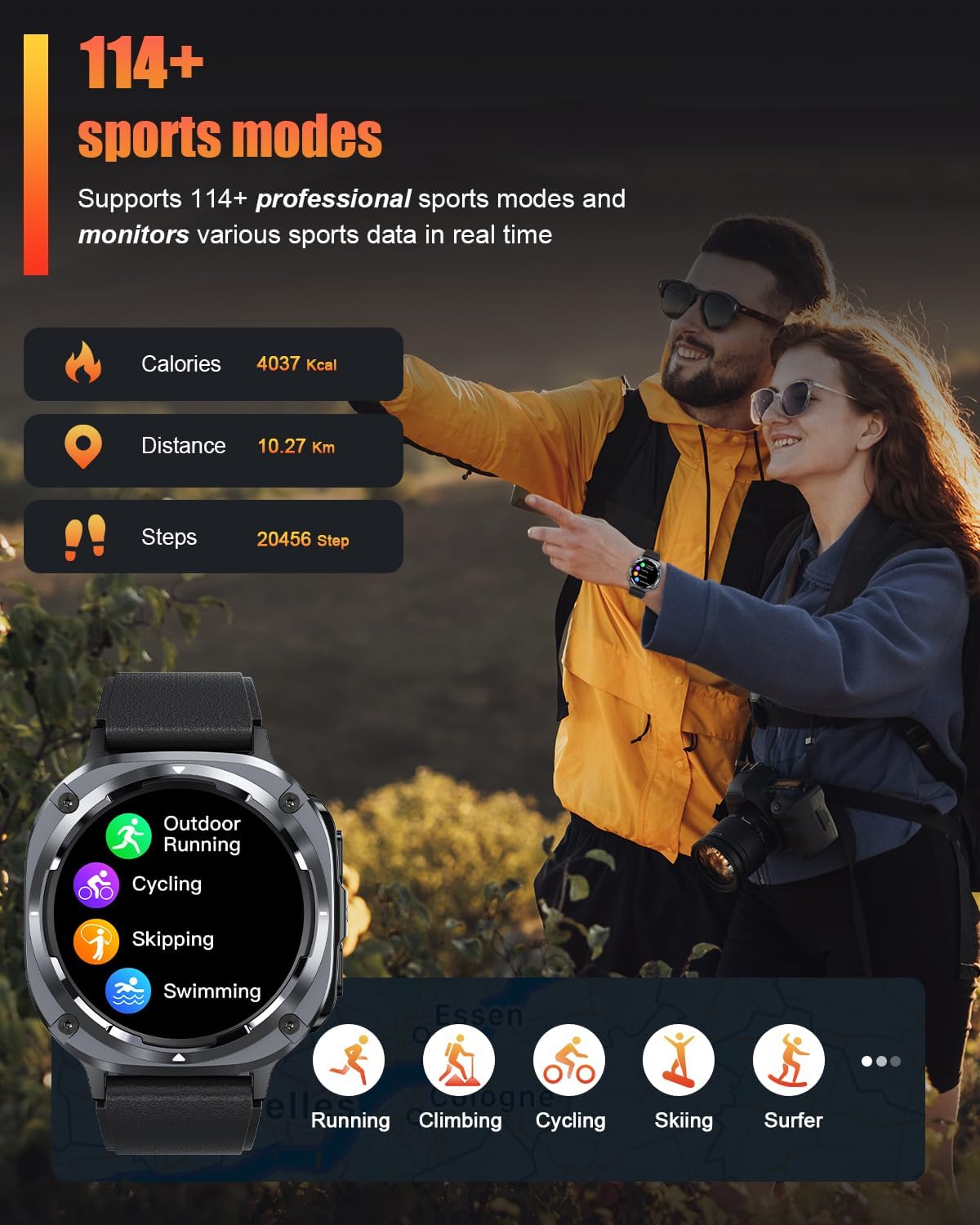
Image: Front view of the TIMU Military Smart Watch S90-WYL-2US-BK.
Package Contents
Please verify that all items are present in your package:
- TIMU Military Smart Watch S90-WYL-2US-BK
- Charging Cable
- User Manual
Setup
1. Charging the Smart Watch
Before initial use, fully charge your smartwatch. Connect the magnetic charging cable to the charging contacts on the back of the watch and plug the USB end into a standard USB power adapter (not included). A full charge typically takes approximately 1.5 hours.

Image: The smartwatch displaying its charging status.
2. App Installation and Pairing
- Download the App: Scan the QR code displayed on the watch screen or in the manual, or search for "FitCloudPro" in your smartphone's app store (compatible with Android 6.0+ and iOS 9.0+).
- Enable Bluetooth: Ensure Bluetooth is enabled on your smartphone.
- Pair the Device: Open the "FitCloudPro" app, create an account if prompted, and follow the on-screen instructions to add your device. Select the TIMU S90-WYL-2US-BK from the list of available devices.
- Confirm Pairing: A pairing request will appear on your watch. Confirm the pairing to establish the connection.
Video: A demonstration of the smartwatch interface and features, including app connectivity.
Video: An overview of the Nihemin Smart Watch, showcasing various functions and settings.
Operating Instructions
Basic Navigation
- Swipe Up/Down: Scroll through menus and notifications.
- Swipe Left/Right: Access quick functions or widgets.
- Tap: Select an item or confirm an action.
- Side Button: Press to return to the home screen or wake the display.
Bluetooth Calling & AI Voice Assistant
With Bluetooth 5.3, you can make and receive calls directly from your wrist. The watch features a HIFI speaker and dual noise-canceling microphones for clear communication. The built-in AI voice assistant allows for hands-free control of various functions.
- Making Calls: Access the dial pad or contacts list on the watch to initiate a call.
- Receiving Calls: Answer or reject incoming calls directly from the watch screen.
- Voice Assistant: Activate the AI voice assistant (refer to app settings for activation method) and speak your commands.

Image: The smartwatch showing an incoming call notification and options.
Display & Custom Faces
The 1.45-inch AMOLED HD screen (360x360 resolution) offers vivid visuals. You can adjust brightness levels and choose from over 100 downloadable watch faces via the FitCloudPro app, or create custom faces using your own photos.
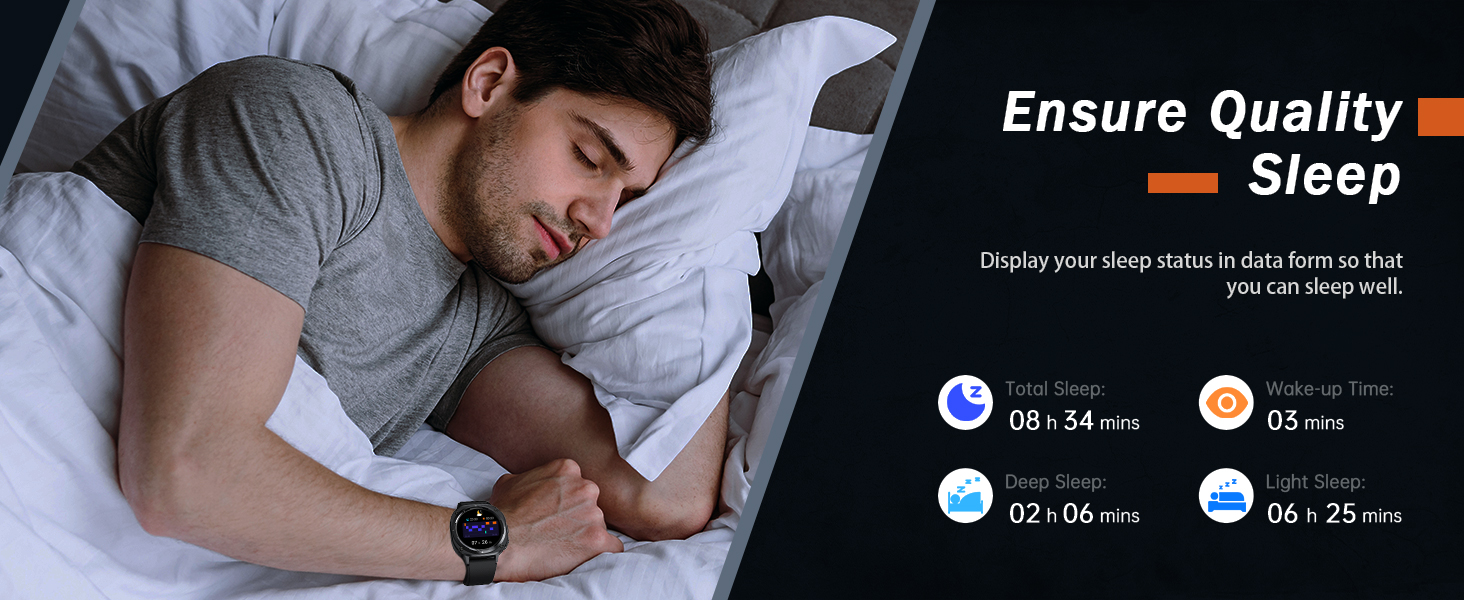
Image: Examples of customizable watch faces available for the smartwatch.
Health Monitoring
Equipped with a 3rd-gen high-precision sensor, the watch continuously monitors your heart rate, blood oxygen levels, and sleep quality. Detailed 24/7 health reports are available through the FitCloudPro app.
- Heart Rate: Monitors heart rate 20 times per minute.
- Blood Oxygen: Tracks SpO2 levels.
- Sleep Tracking: Records sleep duration and quality (deep sleep, light sleep, wake-up times).
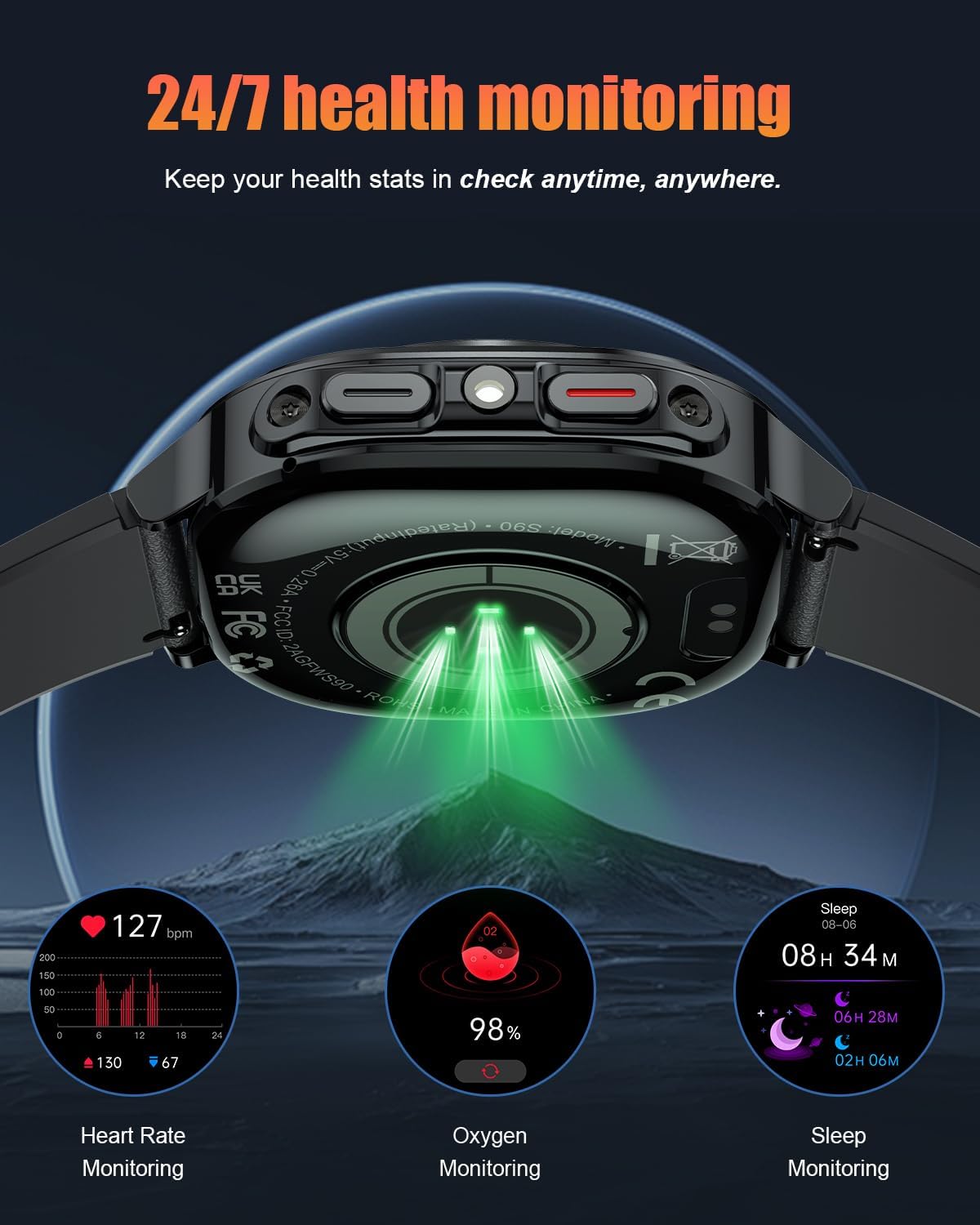
Image: Close-up of the smartwatch's rear, highlighting the health monitoring sensors.

Image: The smartwatch interface showing real-time heart rate, blood oxygen, and sleep data.
Sports Modes
The watch supports over 114 sport modes, including yoga, cycling, running, hiking, mountaineering, rock climbing, and skiing. It tracks various sports data in real-time, such as calories burned, distance, and steps.

Image: The smartwatch screen showing a selection of available sports modes.
Other Functions
The smartwatch includes additional practical functions:
- Camera Control
- Music Control
- Weather Display
- Alarms
- Sedentary Alerts
- Find My Phone/Watch
- 0.5W Flashlight (6-10 meter range)
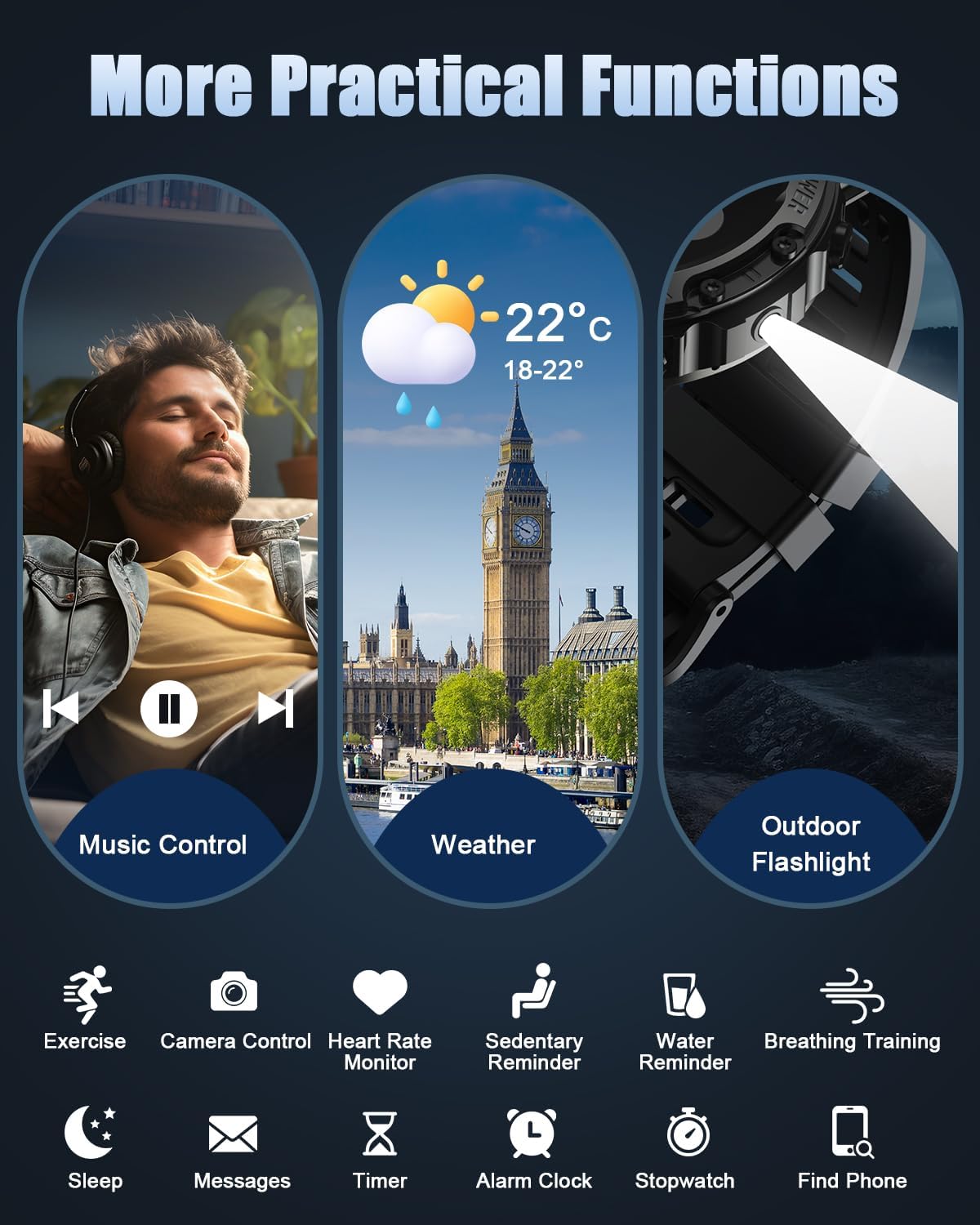
Image: The smartwatch interface showing icons for music control, weather, and flashlight.
Maintenance
Cleaning
Regularly clean your smartwatch and strap to prevent skin irritation and maintain functionality. Use a soft, damp cloth to wipe the screen and casing. For the silicone strap, mild soap and water can be used, ensuring it is thoroughly rinsed and dried.
Water Resistance
The TIMU Military Smart Watch is IP68 waterproof, meaning it is resistant to dust and can withstand immersion in water up to 1.5 meters for 30 minutes. It is suitable for daily use, hand washing, and light rain. However, it is not recommended for hot showers, saunas, or diving, as steam and high water pressure can compromise the seals.

Image: The smartwatch demonstrating its water resistance.
Battery Care
To maximize battery life and longevity:
- Avoid extreme temperatures.
- Charge the watch fully before long periods of inactivity.
- Do not leave the watch fully discharged for extended periods.
The watch offers up to 30 days of standby time and 7 days of regular use on a single charge.
Troubleshooting
| Issue | Possible Solution |
|---|---|
| Watch not turning on | Ensure the watch is fully charged. Connect it to the charger for at least 30 minutes. |
| Unable to pair with phone | Ensure Bluetooth is enabled on your phone. Restart both the watch and phone. Make sure the FitCloudPro app has necessary permissions. Try unpairing and re-pairing. |
| Inaccurate health data | Ensure the watch is worn snugly on your wrist, not too tight or too loose. Clean the sensors on the back of the watch. Avoid excessive movement during measurements. |
| Short battery life | Reduce screen brightness. Turn off unnecessary notifications. Limit continuous heart rate monitoring if not needed. Ensure background app refresh is optimized. |
| Notifications not appearing | Check app notification settings in FitCloudPro. Ensure phone's notification permissions are granted to the app. Verify Bluetooth connection is stable. |
Specifications
| Feature | Detail |
|---|---|
| Model Name | S90-WYL-2US-BK |
| Screen Size | 1.45 Inches |
| Display Type | AMOLED |
| Battery Capacity | 450 Milliamp Hours |
| Connectivity Technology | Bluetooth 5.3 |
| Operating System Compatibility | Android 6.0+ or iOS 9.0+ |
| Water Resistance Level | IP68 Waterproof |
| Metrics Measured | Heart Rate, Blood Oxygen |
| Band Material Type | Silicone |
| Manufacturer | TIMU |
Warranty and Support
Warranty Information
This TIMU Military Smart Watch S90-WYL-2US-BK comes with a 2-Year Manufacturer Warranty. This warranty covers defects in materials and workmanship under normal use. It does not cover damage caused by misuse, accidents, unauthorized modifications, or normal wear and tear.
Customer Support
For technical assistance, warranty claims, or any questions regarding your TIMU Smart Watch, please refer to the contact information provided with your purchase or visit the official TIMU support website. Please have your model number (S90-WYL-2US-BK) and proof of purchase ready when contacting support.