
1. Introduction
Thank you for choosing KepStars Outdoor String Lights. This manual provides essential information for the safe and efficient use of your 30ft string lights with 20 color-changing RGB LED bulbs. Designed for both indoor and outdoor decoration, these lights offer versatile scene options, smart app control, and an IR remote for a customizable lighting experience. Please read this manual thoroughly before installation and operation.
2. Important Safety Information
- Read all instructions: Before installation and use, carefully read and understand all instructions.
- Electrical Safety: This product is USB-powered (DC 5V). Ensure the power adapter (not included) is compatible and rated for outdoor use if used outdoors. Do not exceed the specified voltage.
- Water Resistance: The string lights and bulbs are IP65-rated waterproof. However, the USB LED controller should not be immersed in water. Protect the USB connection from direct heavy rain or prolonged submersion.
- Installation: Do not mount or place near gas or electric heaters, fireplaces, candles, or other similar sources of heat. Do not secure the wiring of the product with staples or nails, or place on sharp hooks or nails.
- Bulb Handling: The bulbs are shatterproof PC shell, but handle with care. Do not attempt to replace individual LED bulbs as they are integrated.
- Children and Pets: Keep out of reach of children and pets. This is not a toy.
- Damage: Do not use if the product appears damaged in any way (e.g., frayed cord, cracked bulbs). Discontinue use immediately and contact support.
3. Package Contents
Verify that all components are present in your package:
- 1 x KepStars Outdoor String Lights (30ft with 20 G40 RGB LED Bulbs)
- 1 x IR Remote Control (1 CR2 battery included)
- 1 x User Guide (this manual)
Note: A USB power adapter (wall charger) is not included and must be supplied separately.
4. Setup Instructions
4.1 Unpacking and Inspection
Carefully remove the string lights and accessories from the packaging. Inspect all components for any signs of damage. If any damage is found, do not proceed with installation and contact customer support.
4.2 Planning Your Installation
Determine the desired location for your string lights. Consider the length (30ft) and the placement of the USB power source. The lights are suitable for patios, backyards, balconies, gardens, bedrooms, and more.

Image: Diagram illustrating the dimensions of the G40 bulbs and the overall string light layout. Each bulb is approximately 1.57 inches in diameter, and the string is 30 feet long.
4.3 Mounting the String Lights
Hang the string lights securely using appropriate hooks, clips, or ties (not included). Ensure the lights are evenly distributed and not under excessive tension. Avoid sharp edges that could damage the wiring.
4.4 Power Connection
Connect the USB plug of the string lights to a compatible 5V USB power source. This can be a USB wall adapter, a power bank, or a laptop USB port. Ensure the power source is appropriate for the environment (e.g., outdoor-rated adapter for outdoor use).

Image: Examples of connecting the USB plug to various power sources, including a wall adapter, a portable power bank, and a laptop.
NOTE: This product is USB-powered. High-power RGB bulbs will result in very short runtime if operated on small capacity batteries or power banks. For continuous use, a stable USB wall adapter is recommended.
4.5 App Download and Pairing (Optional)
For advanced control features, download the KepStars Smart APP from your device's app store. Enable Bluetooth on your smartphone and follow the in-app instructions to pair with your string lights. The app allows for extensive customization of scene modes, brightness, speed, and music synchronization.

Image: An outdoor scene with string lights illuminating a house, demonstrating control via both the IR remote and a smartphone app. This image illustrates the app interface on a smartphone.
5. Operating Instructions
5.1 Basic Operation (IR Remote Control)
The included IR remote control provides convenient access to common functions:
- Power On/Off: Press the power button to turn the lights on or off.
- Color Selection: Use the color buttons to select static colors.
- Brightness Adjustment: Increase or decrease brightness using the dedicated buttons.
- Mode Selection: Cycle through various dynamic lighting modes.
- Speed Adjustment: Adjust the speed of dynamic modes.
Image: An outdoor scene with string lights illuminating a house, demonstrating control via both the IR remote and a smartphone app. This image highlights the IR remote control.
5.2 Advanced Operation (Smart APP Control)
Once paired via Bluetooth, the KepStars Smart APP unlocks the full potential of your string lights:
- 200+ Scene Options: Choose from a vast library of pre-set lighting scenes for any occasion (Wedding, Birthday, Party, New Year, Festival, Christmas, etc.).
- Customization: Create and save your own custom lighting effects with 16 million color choices.
- Brightness & Speed: Fine-tune brightness levels and animation speeds.
- Music & Voice Sync: Activate the music mode to synchronize the lights with your favorite audio or ambient sounds for an immersive experience.
- Timer Function: Set schedules for the lights to turn on/off automatically.
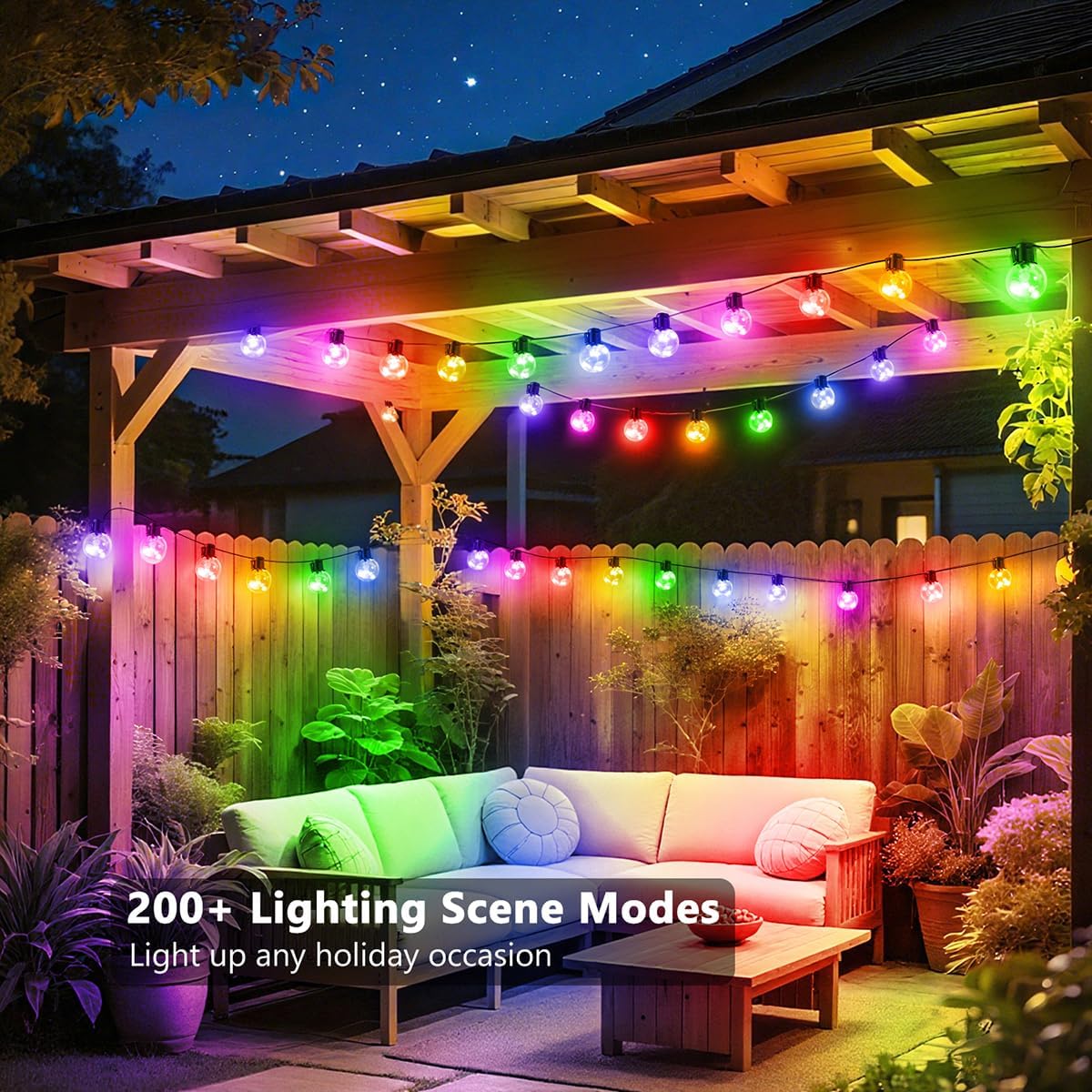
Image: A vibrant patio setting illuminated by the string lights, highlighting the availability of over 200 lighting scene modes accessible via the app.
6. Maintenance
6.1 Cleaning
To clean the string lights, ensure they are unplugged from the power source. Wipe the bulbs and wiring with a soft, damp cloth. Do not use harsh chemicals or abrasive cleaners.
6.2 Durability and Waterproofing
The KepStars string lights feature shatterproof PC shell bulbs and are IP65-rated waterproof, making them suitable for various weather conditions. The durable PVC wire material ensures longevity. However, the USB LED controller is not designed to be immersed in water; protect it from heavy rain or standing water.

Image: A close-up view of the string light bulbs, showing water droplets on their surface, illustrating their IP65 waterproof rating and shatterproof design.
6.3 Storage
When not in use for extended periods, unplug the lights and store them in a cool, dry place, away from direct sunlight and extreme temperatures. Coil the string neatly to prevent tangling and damage.
7. Troubleshooting
| Problem | Possible Cause | Solution |
|---|---|---|
| Lights do not turn on. | No power, loose connection, faulty power adapter. |
|
| Lights are dim or flicker. | Insufficient power, low battery (if using power bank), brightness setting too low. |
|
| IR Remote is not working. | Remote battery depleted, obstruction, remote too far. |
|
| Smart APP cannot connect to lights. | Bluetooth off, lights not powered, app issue. |
|
8. Specifications
| Feature | Detail |
|---|---|
| Model Number | USB-20B-30F-MAGIC |
| Brand | KepStars |
| Light Length | 30 feet (9.14 meters) |
| Number of Bulbs | 20 |
| Bulb Type | G40 RGB LED (Color-changing) |
| Power Source | USB Plug-in (DC 5V) |
| Control Methods | Smart APP (Bluetooth), IR Remote, Button Control |
| Water Resistance Rating | IP65 (Lights and bulbs) |
| Bulb Material | Shatterproof PC Shell |
| Indoor/Outdoor Usage | Yes |
| Included Components | Outdoor String Lights, IR Remote, User Guide |
| Remote Battery | 1 x CR2 (included) |
9. Warranty and Support
KepStars is committed to providing high-quality products. For warranty information, please refer to the terms and conditions provided at the point of purchase or contact KepStars customer support directly.
If you encounter any issues or have questions regarding your KepStars Outdoor String Lights, please contact our customer support team. Details can typically be found on the product packaging or the official KepStars website.
Online Support: Visit the KepStars Store on Amazon for more product information and support resources.