
1. Introduction
Welcome to your new TuTu 40 Inch FHD TV, Model TUB40Q1. This manual provides essential information for setting up, operating, and maintaining your television. This television is designed for use with external streaming devices and offers Full HD (1920x1080) resolution and Dolby Audio.
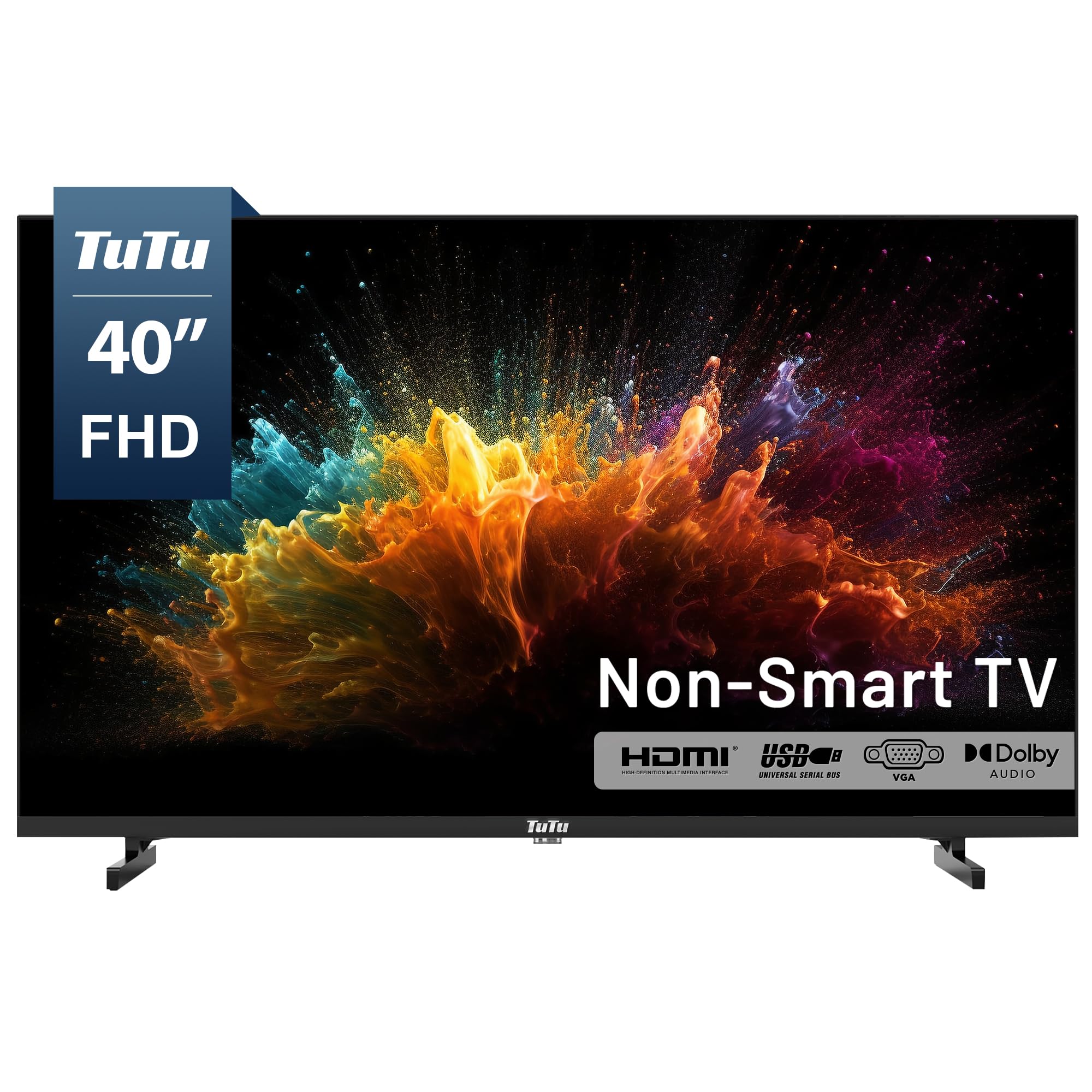
Figure 1.1: Front view of the TuTu 40 Inch FHD TV.
2. Important Safety Information
Please read all safety and operating instructions carefully before using your television. Keep these instructions for future reference.
- Power Source: Connect the TV only to the power supply indicated on the label. Ensure the power cord is not damaged or pinched.
- Ventilation: Do not block ventilation openings. Allow adequate space around the TV for proper airflow to prevent overheating.
- Water and Moisture: Do not expose the TV to rain, moisture, or place objects filled with liquids on or near the TV.
- Cleaning: Unplug the TV from the power outlet before cleaning. Use a soft, dry cloth. Do not use liquid cleaners or aerosol cleaners.
- Placement: Place the TV on a stable, flat surface. Avoid placing it in direct sunlight or near heat sources.
- Lightning: Unplug the TV during lightning storms or when unused for long periods.
3. What's in the Box
Carefully unpack the box and ensure all the following items are included:
- TuTu 40-inch FHD TV
- Remote Control (1)
- AAA Batteries (2) for Remote Control
- Stand (2 pieces)
- User Manual (1)
4. Setup Guide
4.1 Attaching the Stand
To attach the included stand:
- Place the TV screen-down on a soft, clean surface to prevent scratches.
- Align each stand piece with the corresponding screw holes on the bottom of the TV.
- Secure each stand piece using the provided screws. Do not overtighten.
4.2 Mounting the TV (Optional)
Your TuTu TV is VESA mount compatible (100 x 100 mm). If you choose to wall-mount the TV, please follow the instructions provided with your wall-mount bracket. Ensure the bracket is suitable for the TV's weight and size.
4.3 Connecting External Devices
The TV offers various input ports for connecting external devices such as streaming sticks, gaming consoles, and antennas.
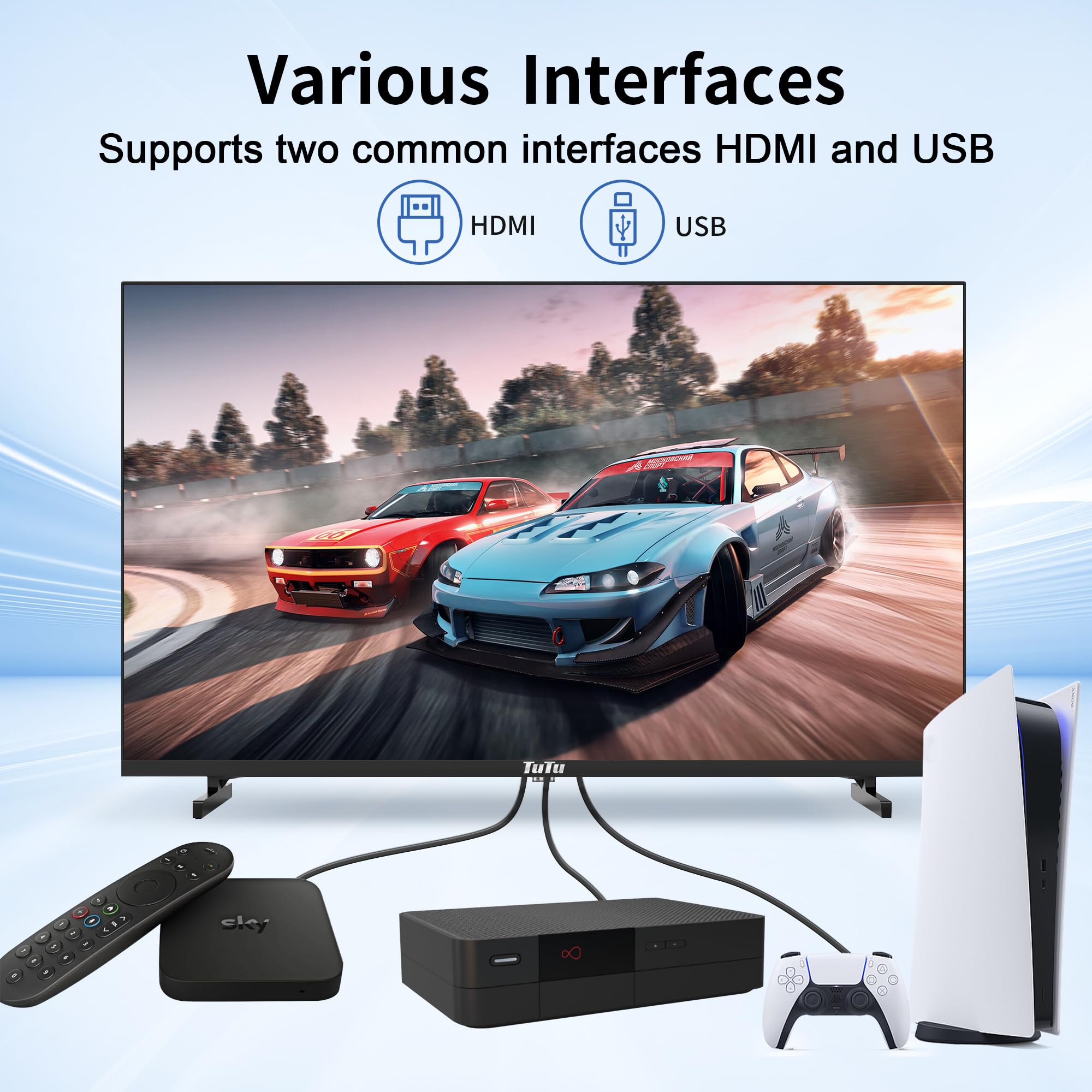
Figure 4.1: Illustration of various interfaces and connected devices.
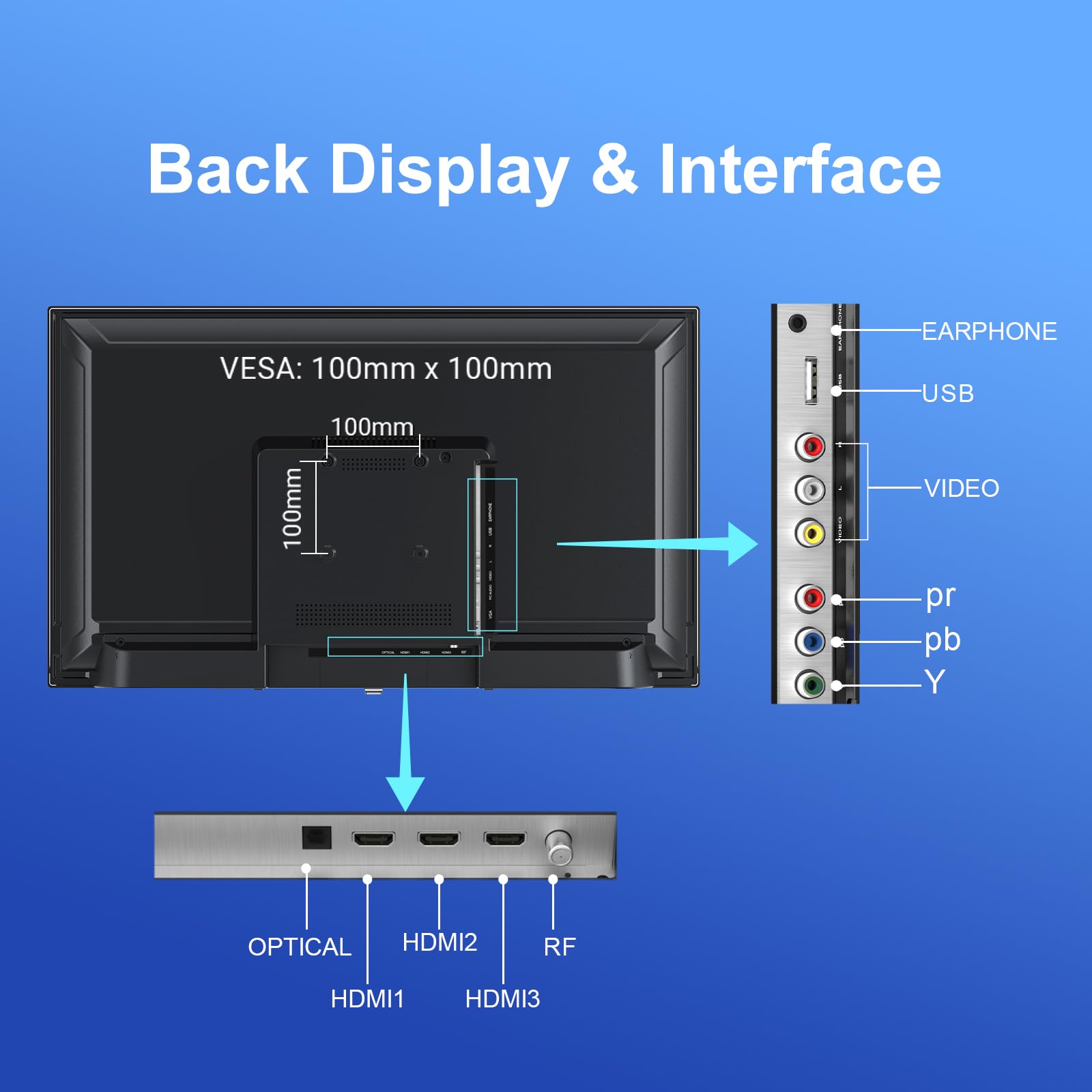
Figure 4.2: Back panel display and interface ports.
- HDMI Ports (3): Connect streaming devices, Blu-ray players, or gaming consoles using HDMI cables.
- USB Port (1): Connect USB storage devices for media playback (supports TXT, MP3, JPG, JPEG, BMP, PNG formats).
- RF Input: Connect an antenna for over-the-air digital broadcasts.
- YPbPr (Component) Input: Connect older devices using component video cables.
- CVBS (Composite) Input: Connect older devices using composite video cables.
- Audio 3.5mm: For audio input or headphone output.
- Optical Audio Output: Connect to a soundbar or home theater system for digital audio.
4.4 Powering On
After connecting all necessary cables, plug the TV's power cord into a wall outlet. Insert the two AAA batteries into the remote control. Press the Power button on the remote control to turn on the TV.
5. Operating Your TV
5.1 Remote Control Functions
The remote control allows you to access all TV functions. Ensure there is a clear line of sight between the remote and the TV's IR sensor.
- Power: Turns the TV on or off.
- Input/Source: Selects the input source (HDMI1, HDMI2, HDMI3, USB, RF, YPbPr, CVBS).
- Volume (+/-): Adjusts the volume level.
- Channel (+/-): Changes TV channels (when using RF input).
- Mute: Mutes or unmutes the sound.
- Menu: Opens the on-screen display (OSD) menu for settings.
- Navigation Buttons (Up/Down/Left/Right): Navigates through menu options.
- OK/Enter: Confirms selections.
- Exit: Closes the current menu or returns to the previous screen.
5.2 Basic TV Functions
- Changing Input Source: Press the 'Input' or 'Source' button on the remote and use the navigation buttons to select the desired input (e.g., HDMI1 for your streaming device).
- Adjusting Volume: Use the 'Volume +' or 'Volume -' buttons.
- Changing Channels: If an antenna is connected, use the 'Channel +' or 'Channel -' buttons to browse available channels.
5.3 Menu Navigation
Press the 'Menu' button on the remote to access the TV's settings. Use the navigation buttons to move between categories and options. Press 'OK' to select an option and 'Exit' to leave the menu.
- Picture Settings: Adjust brightness, contrast, color, sharpness, and picture mode.
- Sound Settings: Adjust bass, treble, balance, sound mode, and enable/disable Dolby Audio.
- Channel Settings: Scan for digital channels (ATSC tuner), manage channel list.
- Time Settings: Set current time and date.
- System Settings: Language, OSD duration, factory reset.
5.4 ATSC Tuner (Over-the-Air Channels)
Your TV includes a built-in ATSC tuner for receiving free over-the-air digital broadcasts. To scan for channels:
- Connect a digital antenna to the RF input on the back of the TV.
- Press the 'Input' or 'Source' button and select 'RF'.
- Press the 'Menu' button, navigate to 'Channel Settings', and select 'Auto Scan' or 'Channel Scan'.
- The TV will search for available channels. This process may take several minutes.
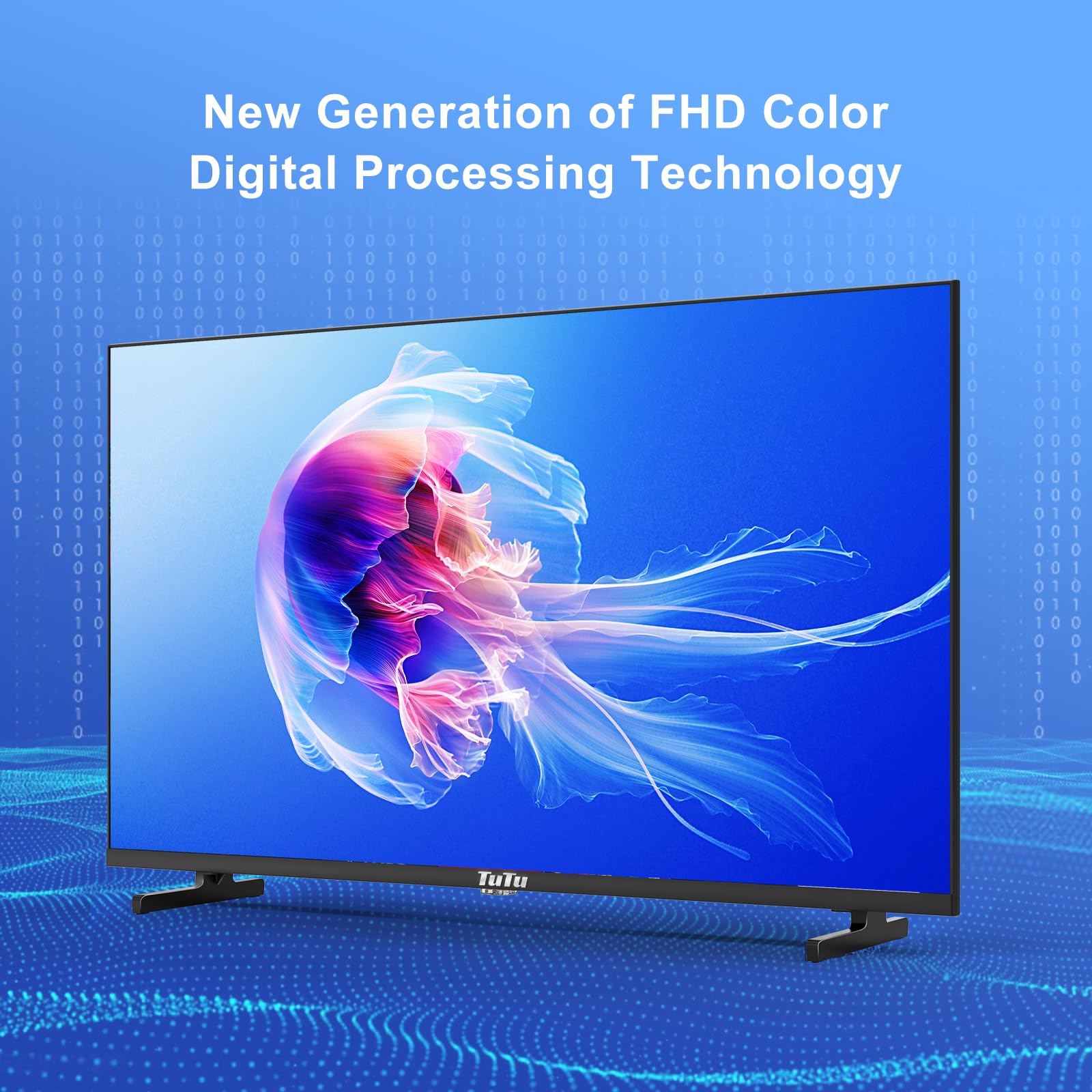
Figure 5.1: Display quality with FHD Color Digital Processing Technology.
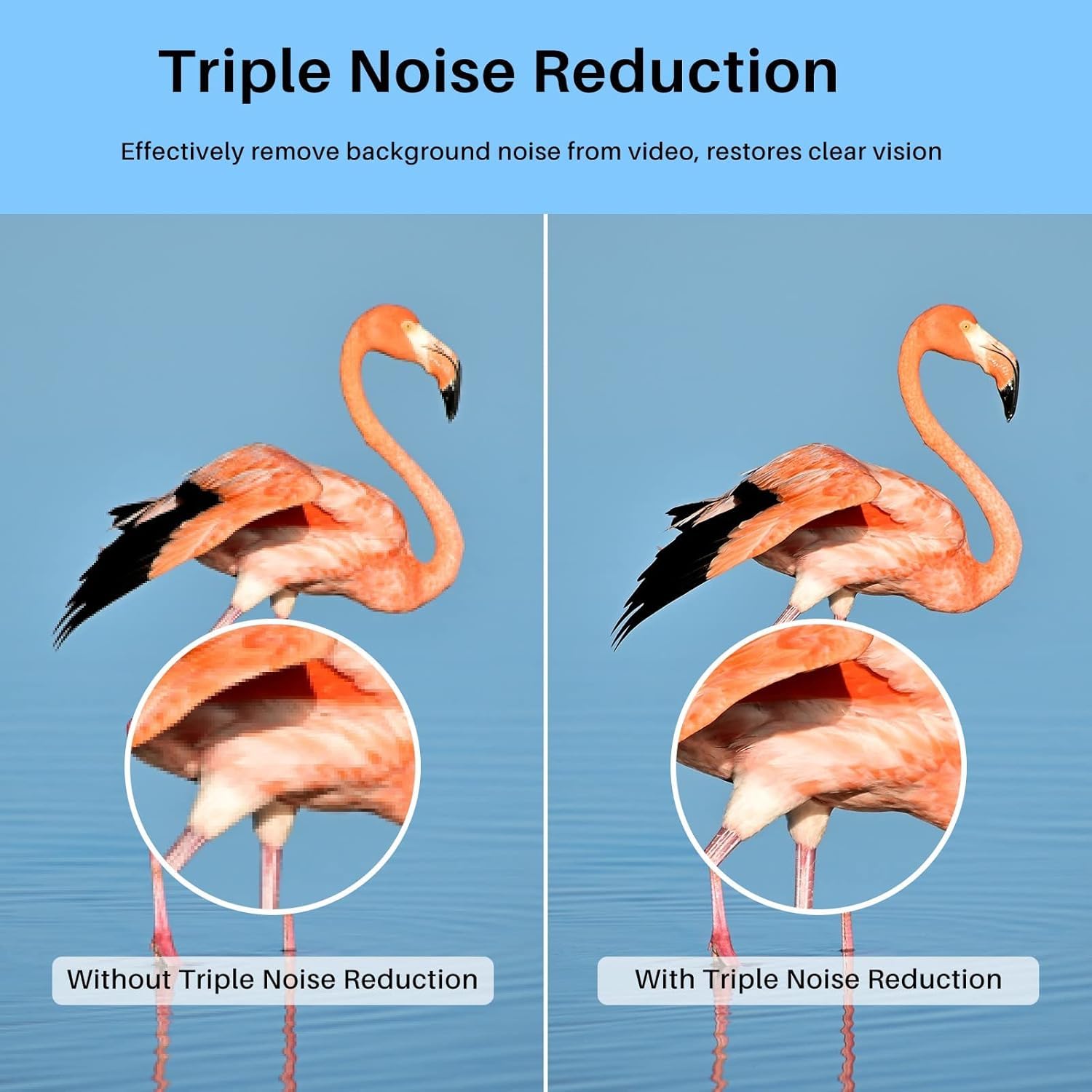
Figure 5.2: Visual representation of Triple Noise Reduction technology.
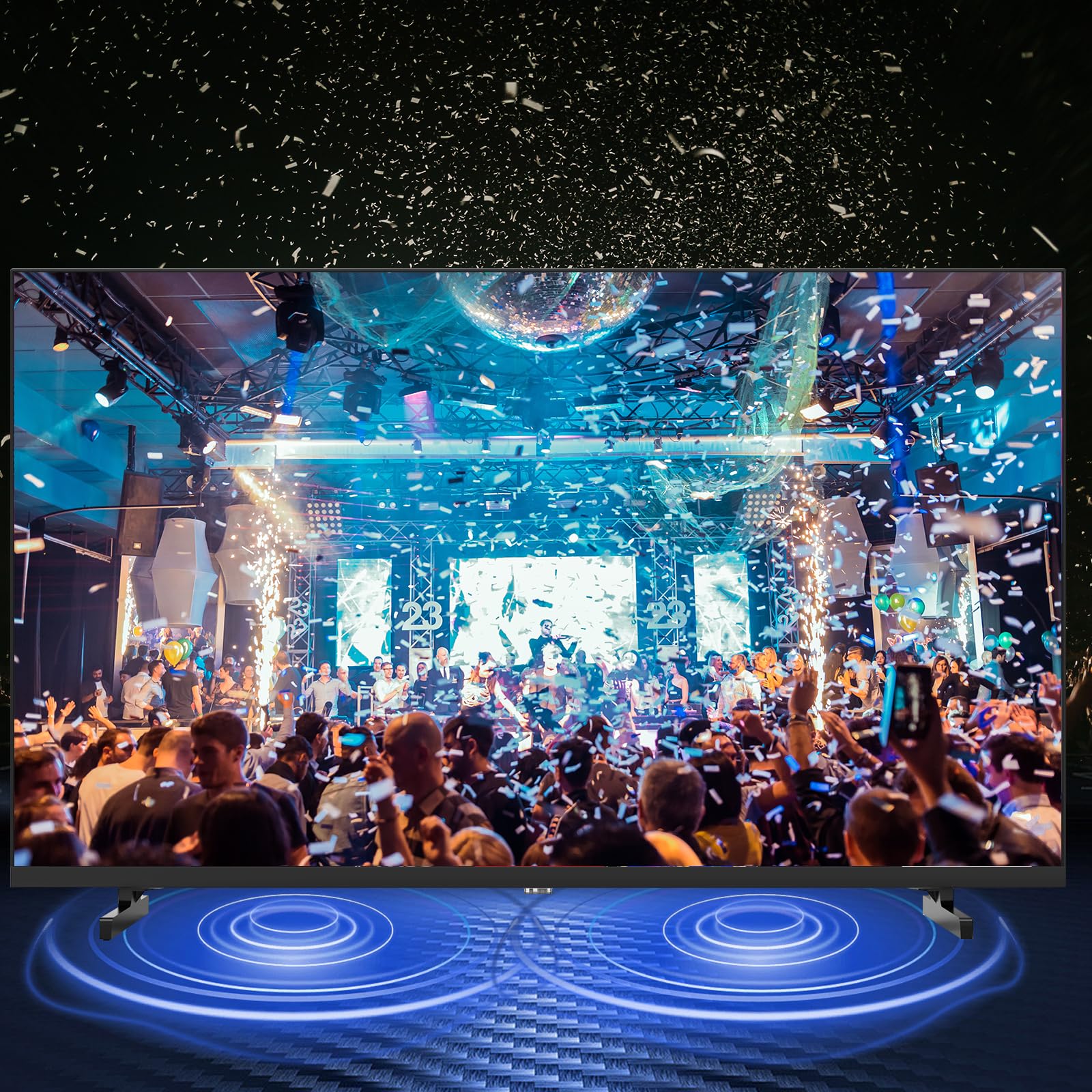
Figure 5.3: Enhanced audio experience with Dolby Audio.
6. Care and Maintenance
Proper care can extend the life of your TV.
- Cleaning the Screen: Gently wipe the screen with a soft, lint-free cloth. For stubborn marks, lightly dampen the cloth with water or a screen-specific cleaner (never spray directly onto the screen).
- Cleaning the Cabinet: Wipe the TV cabinet with a soft, dry cloth. Avoid using abrasive cleaners, waxes, or solvents.
- Power Off: Always unplug the TV before performing any cleaning.
7. Troubleshooting Common Issues
If you encounter problems with your TV, refer to the following table for potential solutions.
| Problem | Possible Cause | Solution |
|---|---|---|
| No power | Power cord disconnected; No power from outlet; Remote batteries dead | Check power cord connection; Test outlet with another device; Replace remote batteries. |
| No picture, but sound is present | Incorrect input source selected; Loose video cable connection | Press 'Input/Source' button to select correct input; Ensure video cables are securely connected. |
| No sound, but picture is present | Volume is muted or too low; Incorrect audio output setting | Press 'Mute' button or increase volume; Check audio settings in the menu. |
| Remote control not working | Batteries are dead or inserted incorrectly; Obstruction between remote and TV | Replace batteries, ensuring correct polarity; Remove any obstructions. |
| Poor picture quality (RF input) | Weak antenna signal; Antenna not positioned correctly | Adjust antenna position; Rescan for channels. |
8. Technical Specifications
Detailed specifications for the TuTu 40 Inch FHD TV, Model TUB40Q1.
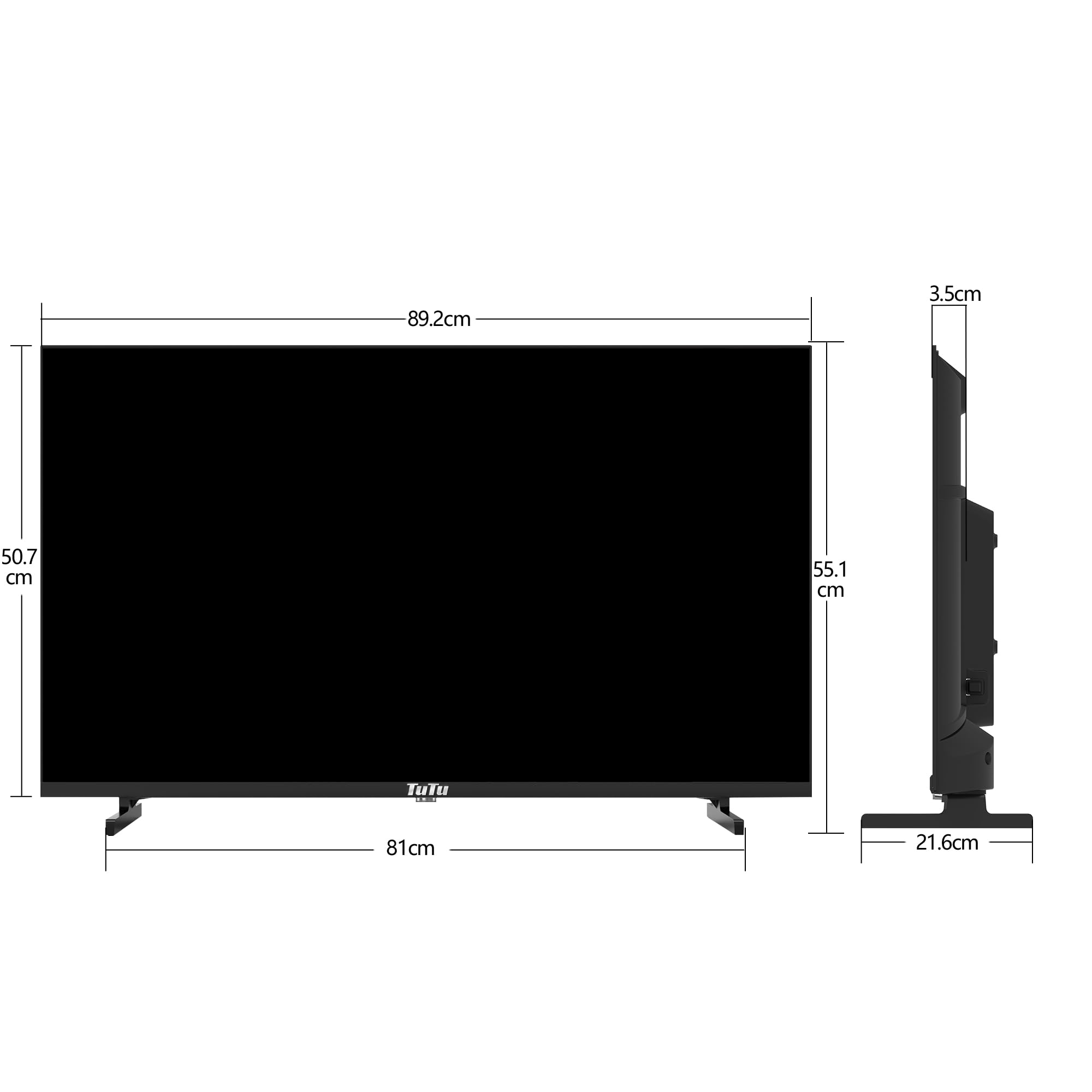
Figure 8.1: TV dimensions (Width: 89.2cm, Height: 50.7cm/55.1cm with stand, Depth: 3.5cm/21.6cm with stand).
| Feature | Specification |
|---|---|
| Model Name | TUB40Q1 |
| Screen Size | 40 inches |
| Display Technology | LED |
| Resolution | 1080p (1920x1080) |
| Refresh Rate | 60 Hz |
| Aspect Ratio | 16:9 |
| Connectivity Technology | HDMI, USB, RF, YPbPr, CVBS, 3.5mm Audio, Optical Audio |
| Total HDMI Ports | 3 |
| Total USB Ports | 1 |
| Audio Output Mode | Digital |
| Speaker Description | Dolby Audio |
| Speaker Maximum Output Power | 20 watts |
| VESA Mount Standard | 100 x 100 mm |
| Power Consumption | 45 watts |
| Product Dimensions (D x W x H) | 5"D x 38"W x 23"H |
| Item Weight Without Stand | 7 kg |
| Operating System | Non-Smart |
| Display Language Options | English, French, Spanish |
9. Warranty and Customer Support
Your TuTu 40 Inch FHD TV (Model TUB40Q1) is covered by a 1 Year Manufacture Limited Warranty.
For warranty claims, technical assistance, or any questions not covered in this manual, please contact TuTu customer support. Refer to the contact information provided with your purchase documentation or visit the official TuTu website for support details.