
Introduction
The ganopterygon TG19 Smart Bracelet is a versatile health and fitness tracker designed to monitor your daily activities and provide insights into your well-being. This manual provides essential information on setting up, operating, maintaining, and troubleshooting your device to ensure optimal performance.

Image: The ganopterygon TG19 Smart Bracelet, showcasing its design and fit on a wrist.
What's in the Box
Please verify that all items are present upon opening the package:
- ganopterygon TG19 Smart Bracelet (Smartwatch)
- Charging Cable
- User Manual
- Two (2) Replacement Bands
Setup
1. Initial Charging
Before first use, fully charge your smart bracelet. Connect the magnetic charging cable to the charging port on the back of the device and plug the USB end into a power source. A full charge typically takes approximately 2 hours.
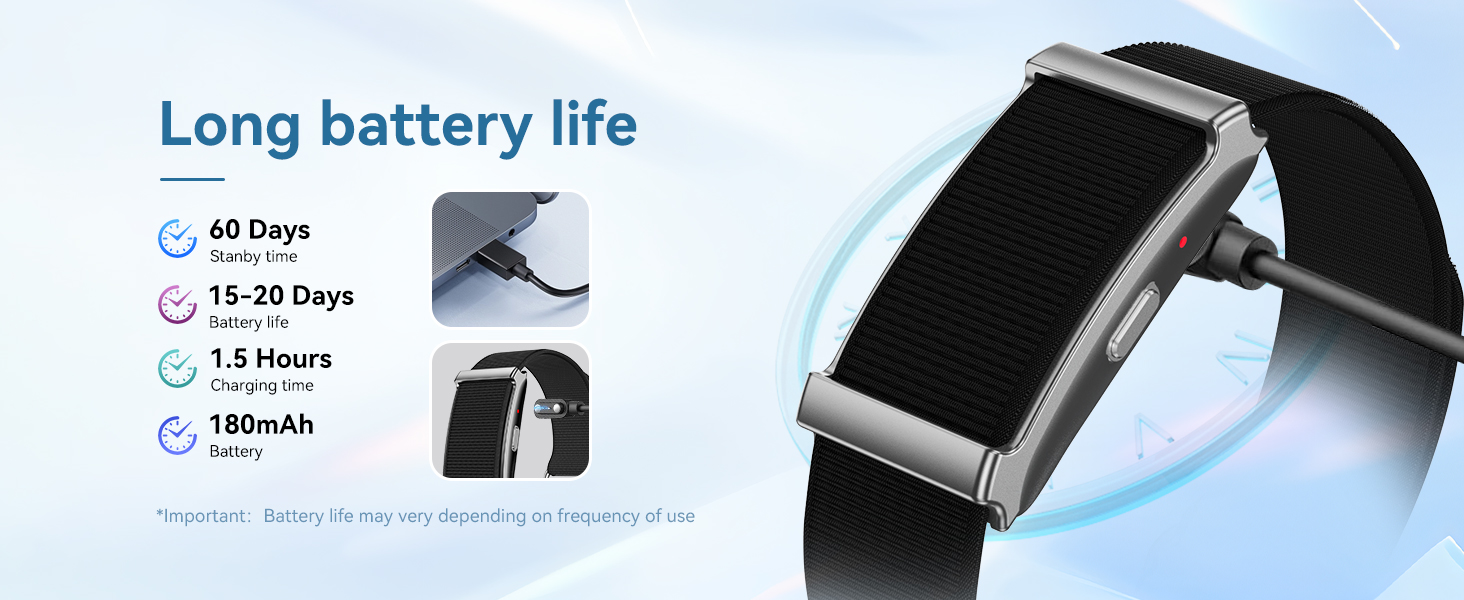
Image: The smart bracelet connected to its magnetic charging cable, indicating the charging process.
2. App Installation and Pairing
To unlock the full functionality of your smart bracelet, you must pair it with your smartphone via the dedicated app. The device is compatible with both Android and iOS devices.
- Download the official companion app from your smartphone's app store (e.g., Google Play Store for Android, Apple App Store for iOS). Refer to the QR code in the quick start guide or search for the app name provided in the packaging.
- Ensure Bluetooth is enabled on your smartphone.
- Open the app and follow the on-screen instructions to create an account or log in.
- Select 'Add Device' or 'Pair Device' within the app. The app will search for your smart bracelet.
- Once your TG19 Smart Bracelet appears in the list, select it to initiate the pairing process. Confirm any pairing requests on both your phone and the bracelet.
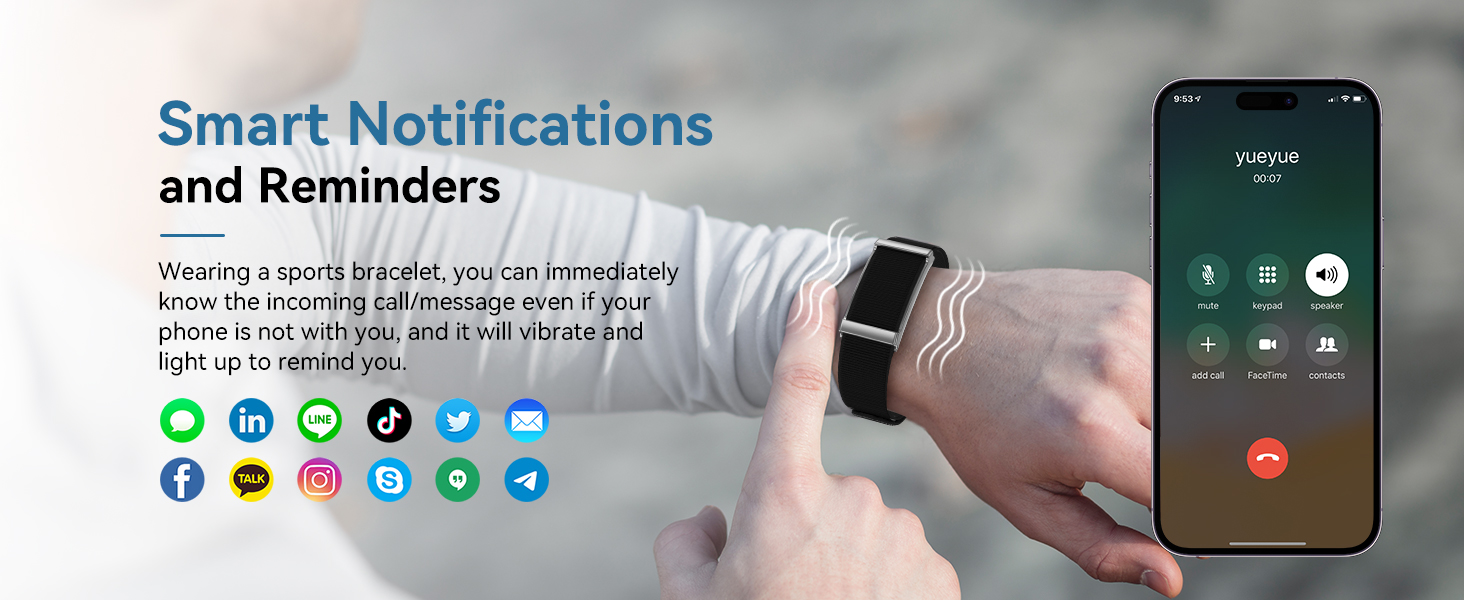
Image: A smart bracelet displaying notifications, illustrating its connectivity with a smartphone for alerts.
Operating Instructions
1. Basic Navigation
The TG19 Smart Bracelet features a responsive touchscreen display. Swipe left, right, up, or down to navigate through menus and functions. Tap to select options or confirm actions.
2. Health Monitoring
The device offers continuous monitoring of various health metrics:
- Heart Rate: Provides real-time and continuous heart rate data. View trends and detailed analysis in the companion app.
- Sleep Tracking: Automatically monitors your sleep cycles, including deep sleep, light sleep, and awake times. Helps assess sleep quality and establish optimal sleeping habits.
- Blood Oxygen (SpO2): Tracks your blood oxygen levels.
- Menstrual Cycle Tracking: For female users, this feature helps track and predict menstrual cycles, providing reminders for important dates.
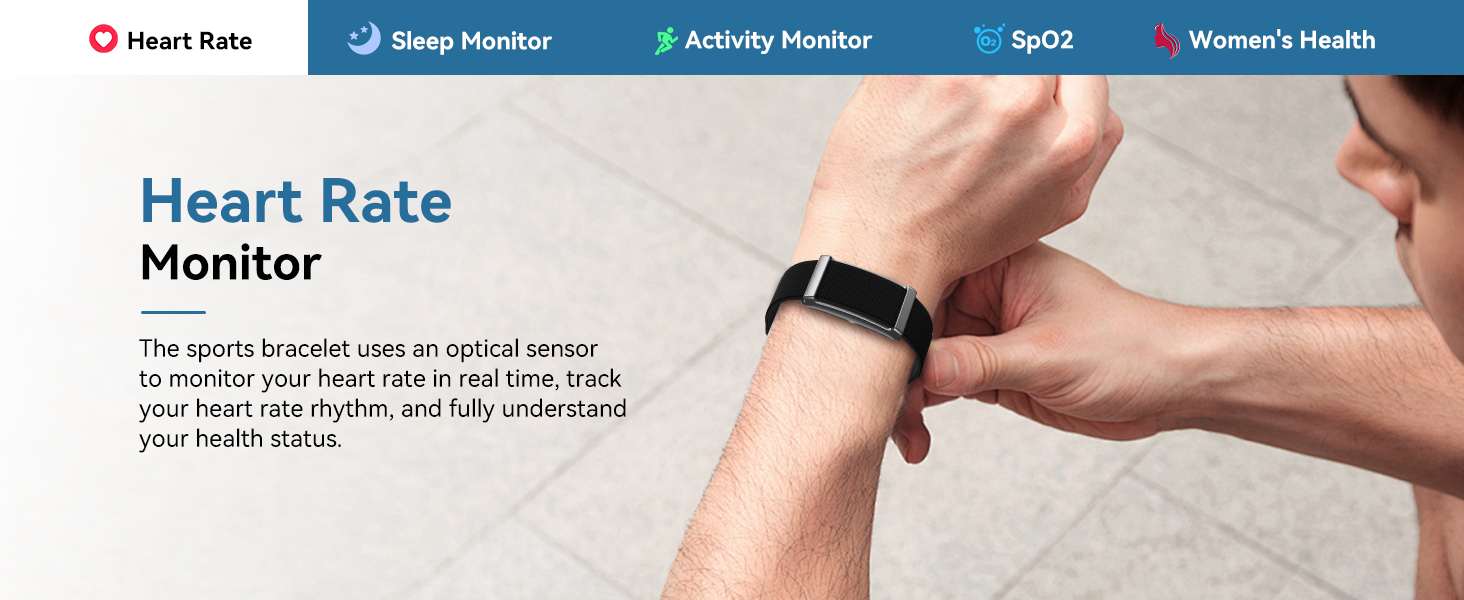
Image: A close-up of the smart bracelet on a wrist, illustrating its heart rate monitoring capability.
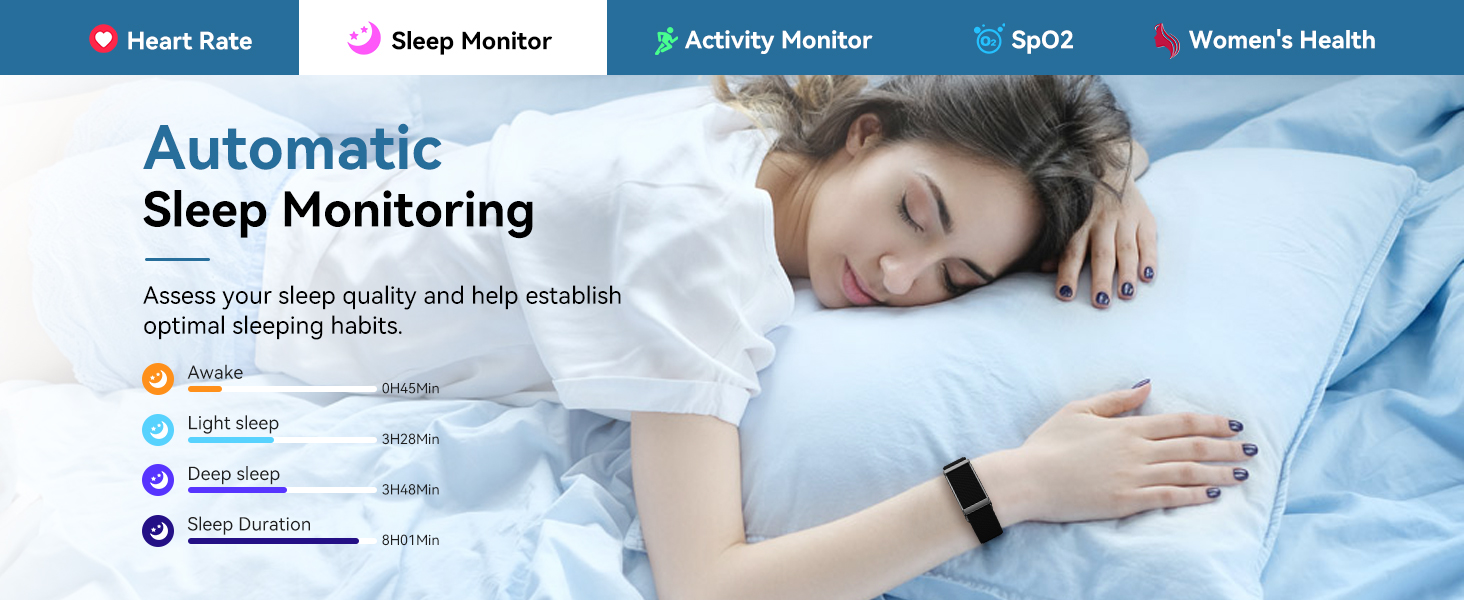
Image: A woman sleeping while wearing the smart bracelet, with an overlay showing sleep monitoring data like awake, light, and deep sleep durations.
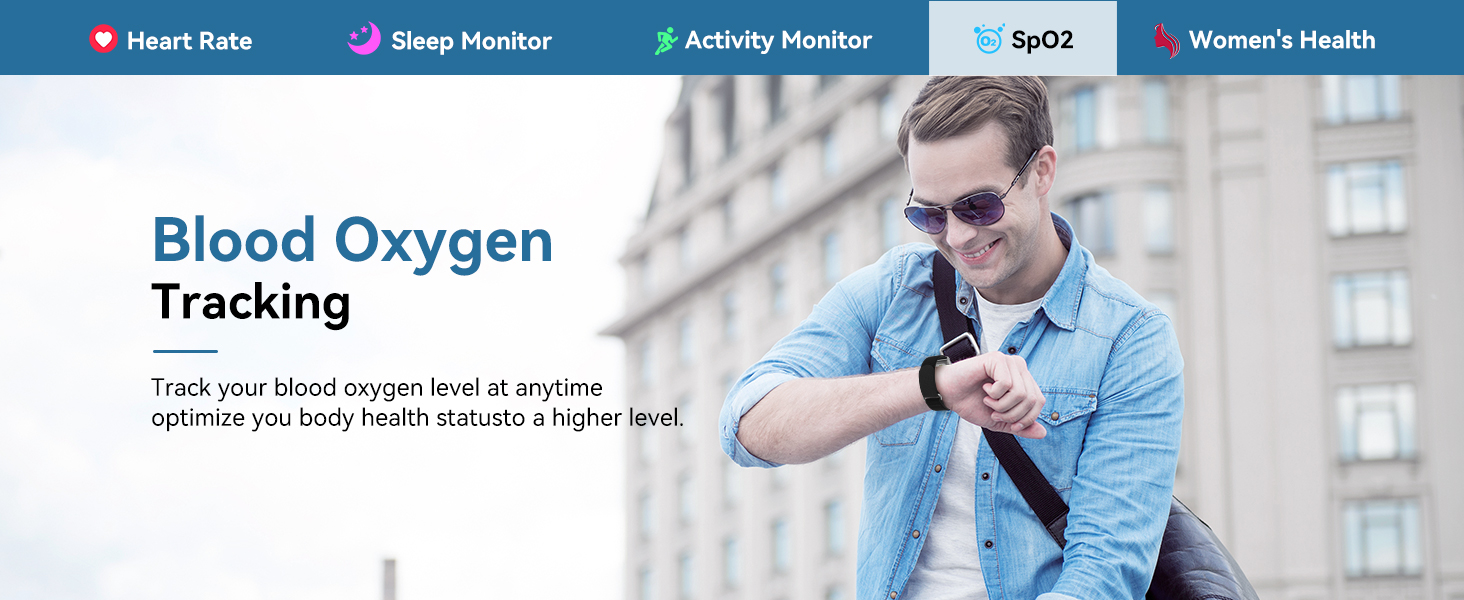
Image: A man checking his blood oxygen levels on the smart bracelet while outdoors.
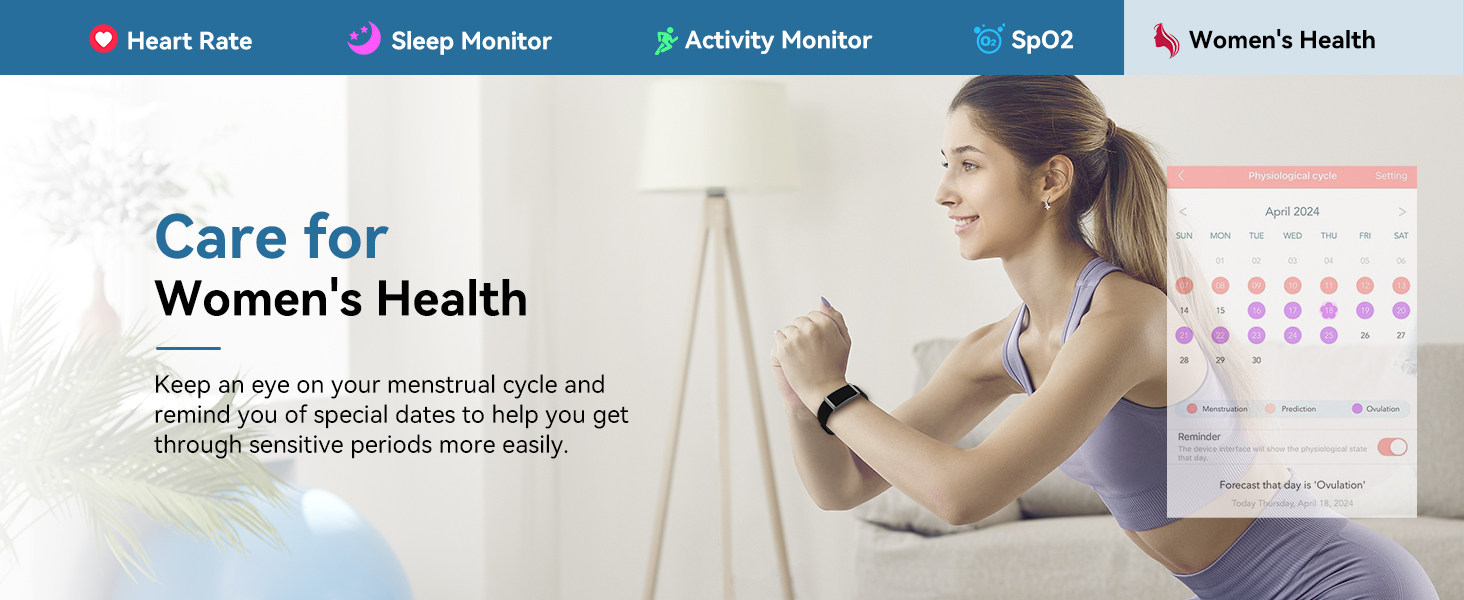
Image: A woman tracking her menstrual cycle using the smart bracelet's companion app, showing a calendar interface.
3. Activity Tracking
The smart bracelet tracks your daily activity and supports over 120 sport modes:
- 120+ Sport Modes: Select your activity (e.g., running, cycling, yoga, basketball, skiing) to track calories burned, analyze performance, and optimize training.
- Daily Activity: Records steps, distance, and calories burned throughout the day.
- GPS: Utilizes your smartphone's GPS to accurately record routes for outdoor activities like running and cycling.
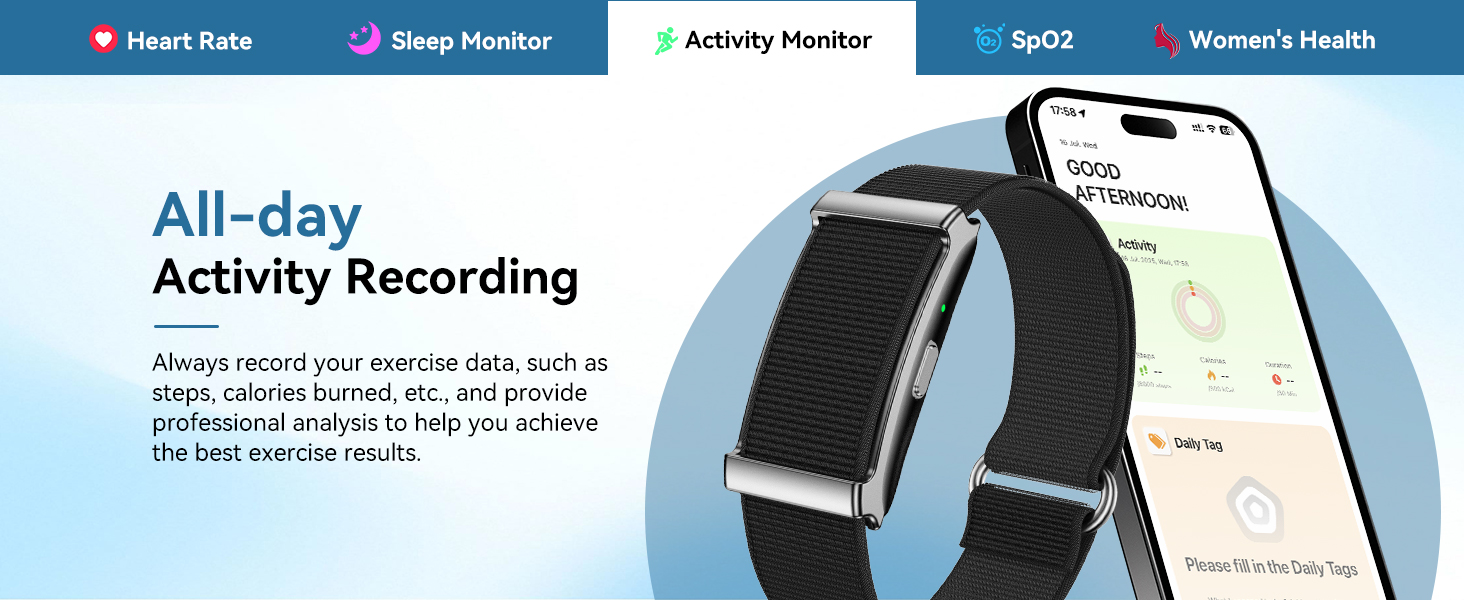
Image: The smart bracelet displaying an activity record, showing steps, distance, and calories burned.

Image: Multiple individuals participating in different sports, highlighting the smart bracelet's versatility across various activities.
4. Smart Notifications
Receive customizable vibration alerts for incoming calls, messages, and app notifications directly on your wrist. This ensures you stay connected without needing to check your phone constantly.
5. Additional Features
The smart bracelet includes several convenient features:
- Music Control: Control music playback on your smartphone directly from your wrist.
- Camera Control: Use the bracelet as a remote shutter for your smartphone camera.
- Alarm Vibration: Set silent alarms that vibrate on your wrist.
- Sedentary Reminder: Receive alerts to move if you've been inactive for too long.
- Find Bracelet: Use the app to locate your bracelet if it's misplaced nearby.
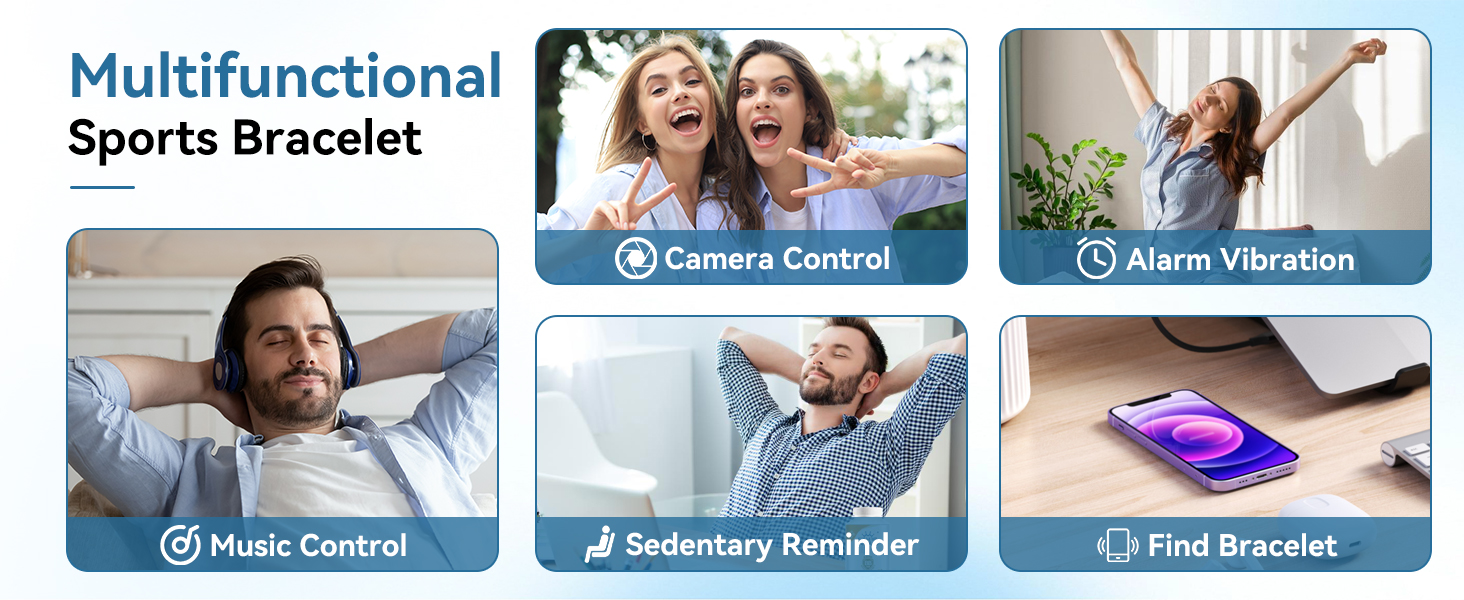
Image: A collage illustrating the multifunctional aspects of the smart bracelet, including camera control, alarm vibration, music control, sedentary reminders, and the 'find bracelet' feature.
Maintenance
1. Cleaning
Regularly clean your smart bracelet and bands with a soft, damp cloth. Avoid using harsh chemicals or abrasive materials, as these can damage the device.
2. Water Resistance
The TG19 Smart Bracelet has an IP68 waterproof rating, meaning it is resistant to dust and can withstand immersion in water up to 1.5 meters for 30 minutes. It is suitable for daily use such as handwashing and exposure to rain.
Important Note: The device is not recommended for swimming, diving, hot baths, or sauna use, as prolonged exposure to water pressure or high temperatures may compromise its water resistance.
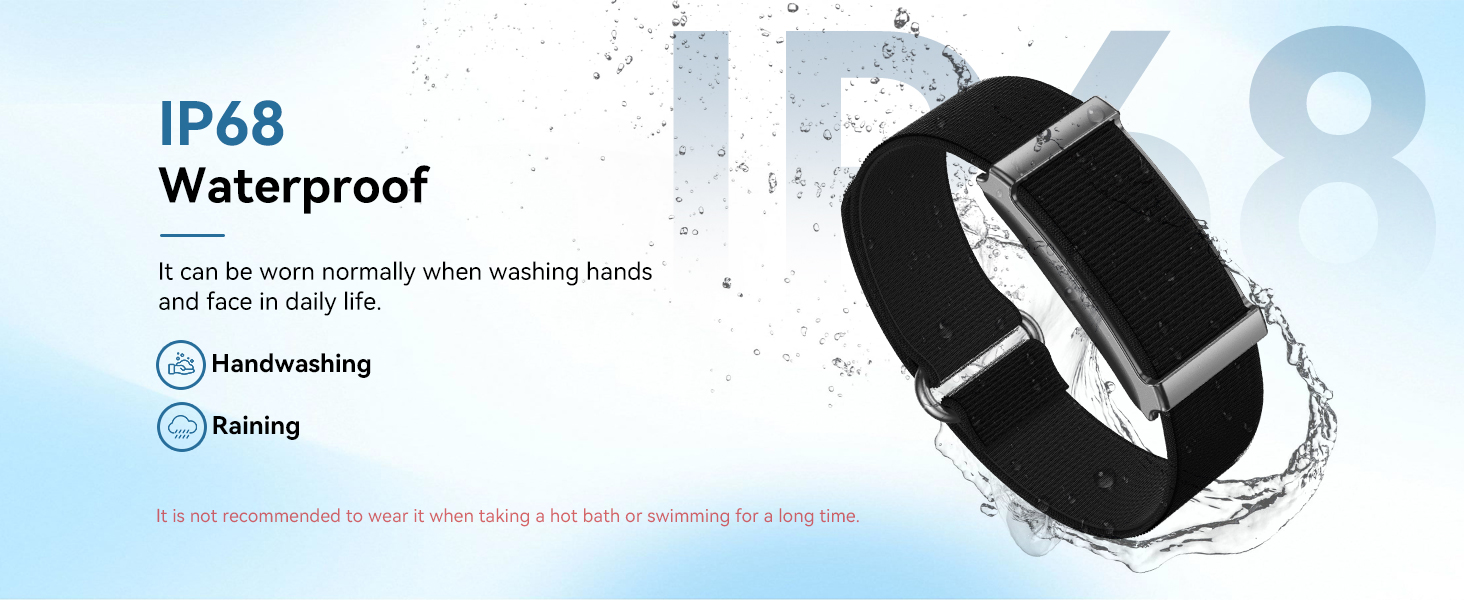
Image: The smart bracelet being splashed with water, visually representing its IP68 waterproof capability for daily activities like handwashing and rain.
3. Battery Care
To maximize battery life and ensure longevity:
- Charge the device fully before first use.
- Avoid completely draining the battery frequently.
- Store the device in a cool, dry place when not in use for extended periods.
The smart bracelet offers an ultra-long battery life of up to 30 days on a single charge, with a standby time of up to 60 days. Actual battery life may vary depending on usage frequency and features enabled.
Troubleshooting
If you encounter issues with your ganopterygon TG19 Smart Bracelet, try the following steps:
- Device Not Turning On: Ensure the device is fully charged. Connect it to the charger for at least 10 minutes.
- Pairing Issues: Make sure Bluetooth is enabled on your phone and the bracelet is within range. Restart both your phone and the bracelet, then attempt pairing again through the app.
- Inaccurate Readings (Heart Rate, Sleep, etc.): Ensure the bracelet is worn snugly on your wrist, about one finger's width above your wrist bone. Clean the sensor on the back of the device.
- Notifications Not Appearing: Check app permissions on your smartphone to ensure the companion app has access to notifications. Verify that notifications are enabled within the app settings.
- App Not Syncing Data: Ensure your phone has an active internet connection and Bluetooth is on. Open the app and manually initiate a sync if available.
For persistent issues, refer to the in-app help section or contact customer support.
Specifications
| Feature | Specification |
|---|---|
| Model Name | TG19 |
| Brand | ganopterygon |
| Screen Size | 1.85 Inches |
| Display Type | LCD |
| Connectivity Technology | Bluetooth |
| Operating System | Android Wear 2.0 (Compatible with Android/iOS) |
| Battery Life | Up to 30 Days (15-20 Days typical use, 60 Days standby) |
| Battery Charge Time | 2 Hours |
| Water Resistance Level | IP68 Waterproof (5 Meters depth) |
| Band Material Type | Silicone |
| Case Material Type | Acrylonitrile Butadiene Styrene (ABS) |
| Metrics Measured | Heart Rate, Sleep, Blood Oxygen, Menstrual Cycle, Steps, Calories, Distance |
| Special Features | Activity Tracker, 120+ Sport Modes, Smart Notifications, Music Control, Camera Control, Alarm, Sedentary Reminder, Find Bracelet |
Warranty Information
The ganopterygon TG19 Smart Bracelet comes with a 2-Year Manufacturer Warranty. This limited warranty covers defects in materials and workmanship under normal use. Please retain your proof of purchase for warranty claims. The warranty does not cover damage caused by misuse, accidents, unauthorized modifications, or failure to follow the instructions in this manual.
Support
For further assistance, technical support, or warranty inquiries, please refer to the contact information provided with your product packaging or visit the official ganopterygon website. Ensure you have your product model number (TG19) and proof of purchase ready when contacting support.