
1. Introduction
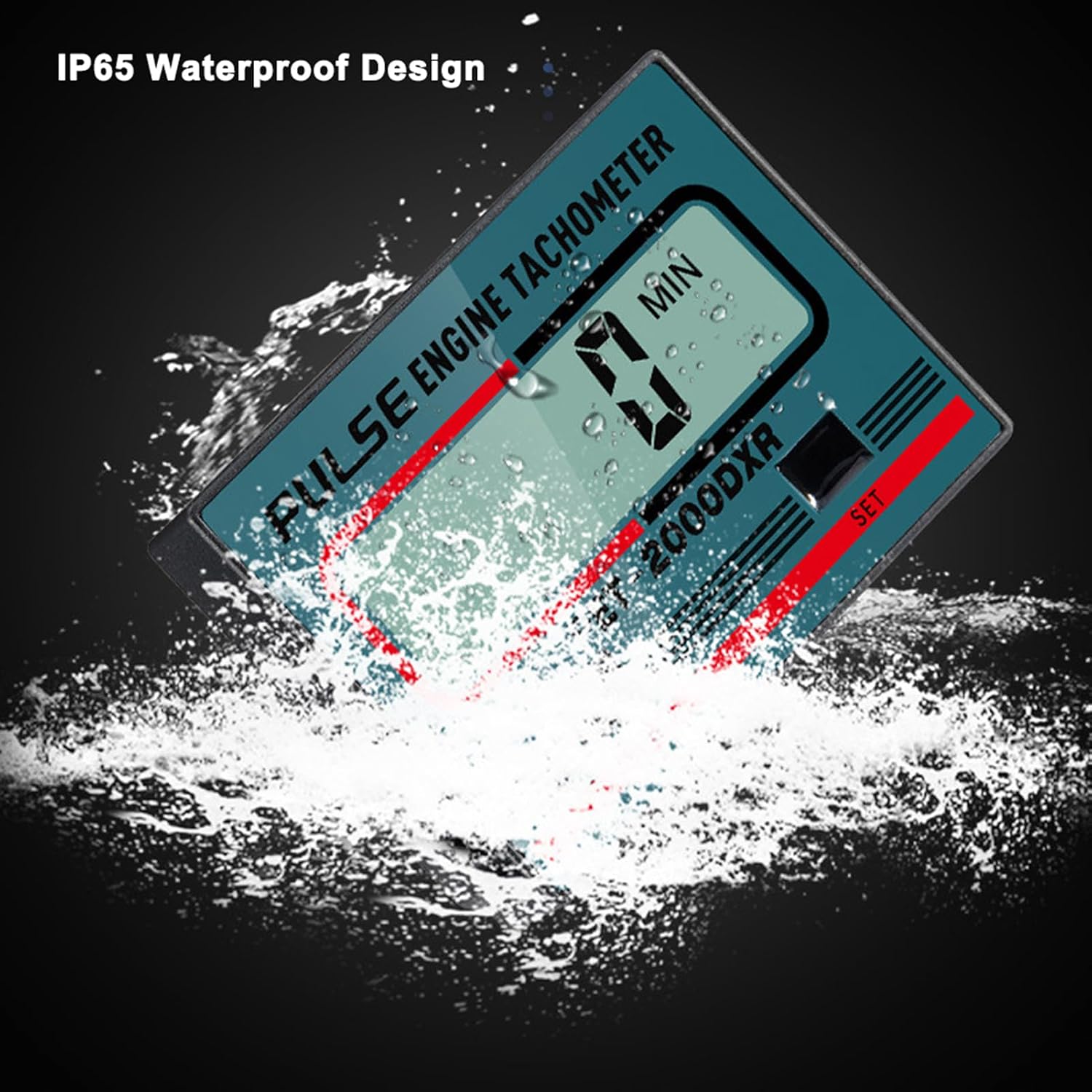
The Klanata ZSB-268 is a versatile gasoline engine tachometer and RPM meter designed for accurate measurement of engine revolutions per minute (RPM) and total operating time. This device is compatible with a wide range of 2-stroke and 4-stroke gasoline engines, making it suitable for applications such as chainsaws, lawnmowers, ATVs, motorboats, paragliders, and snowmobiles. It features a durable IP65 water-resistant design and offers dual induction modes for flexible and reliable performance in various environments.

2. Package Contents
Please verify that all items listed below are included in your package:
- 1 x Klanata ZSB-268 Tachometer
- 1 x Induction Clip

3. Specifications
The following are the technical specifications for the Klanata ZSB-268 Tachometer:
| Feature | Specification |
|---|---|
| Product Model | ZSB-268 |
| Material | Plastics |
| Battery | 1 x CR2430 (included) |
| Display Mode | LCD |
| Timing Ranges | 0-99999 MIN |
| Timing Accuracy | 1 MIN |
| RPM Ranges | 100-30000 RPM |
| RPM Accuracy | 10 RPM |
| Stroke Selection | 01-02-03 (2-stroke, 4-stroke) |
| Display Size | 47 x 14 mm (1.85 x 0.55 in) |
| Induction Line Length | Approx. 1.00 m |
| Item Size | 65 x 44 x 12 mm (2.56 x 1.73 x 0.47 in) |
| Water Resistance | IP65 |

4. Setup
The ZSB-268 tachometer operates using a built-in battery and typically does not require initial battery installation. To begin using the device, select your preferred induction method.
4.1 Induction Methods
The tachometer supports two methods for detecting engine pulses:
- Clip-On Induction: For stable and continuous monitoring, attach the provided induction clip securely to the spark plug wire of your engine. Ensure a firm connection for accurate readings. The 1.00m induction line allows for flexible placement of the tachometer.
- Handheld Induction: For quick, temporary measurements, hold the tachometer within 30 to 50 mm (approximately 1.2 to 2 inches) of the spark plug wire. This method is suitable for spot checks.

4.2 Engine Stroke Selection
To ensure accurate RPM readings, you must select the correct engine stroke setting for your specific engine type. Refer to the 'Operation' section for detailed instructions on how to adjust this setting.
5. Operation
The ZSB-268 features an LCD screen and two buttons, 'MODE' and 'SET', for navigation and configuration.
5.1 Power On/Off
The device typically powers on automatically when it detects an engine pulse or when a button is pressed. It may enter a low-power sleep mode after a period of inactivity to conserve battery life.
5.2 Switching Display Modes
Press the 'MODE' button repeatedly to cycle through different display modes. These modes typically include:
- Total Engine Operating Time (MIN): Displays the cumulative running time of the engine in minutes.
- Current RPM: Displays the real-time revolutions per minute of the engine.
5.3 Setting Engine Stroke
Accurate RPM measurement depends on selecting the correct engine stroke setting:
- Press and hold the 'MODE' button for a few seconds until the stroke selection option appears on the display (e.g., '01', '02', '03').
- Use the 'SET' button to cycle through the available stroke options:
- 01: Typically for 2-stroke engines with one spark per revolution.
- 02: Typically for 4-stroke engines with one spark per two revolutions.
- 03: Other specific engine types (consult your engine's manual if unsure).
- Once the correct stroke is selected, press the 'MODE' button again to confirm the setting and exit the configuration mode.
5.4 Resetting Timing
The total engine operating time can be reset. To perform a reset, navigate to the total timing display mode and then press and hold the 'SET' button for several seconds until the display resets. Refer to the device's specific instructions for exact timing of the button press.
5.5 RPM Measurement
Once the device is properly connected (clip-on) or positioned (handheld) near the spark plug wire, and the engine is running, the LCD will display the current engine RPM. Ensure the engine is running at a stable speed for accurate readings.
6. Maintenance
Proper maintenance ensures the longevity and accuracy of your Klanata ZSB-268 Tachometer.
6.1 Battery Replacement
The Klanata ZSB-268 is designed for low power consumption, utilizing a CR2430 battery for extended use. When the display dims, becomes erratic, or the device no longer functions, the battery may need replacement.
- Locate the battery compartment, typically on the back or side of the device.
- Carefully open the compartment using a small screwdriver or coin if necessary.
- Remove the old CR2430 battery.
- Insert a new CR2430 battery, ensuring correct polarity (+ side up).
- Securely close the battery compartment.

6.2 Cleaning and Storage
- Cleaning: Clean the device with a soft, dry cloth. Avoid using harsh chemicals, solvents, or abrasive materials, as these can damage the casing or display. While the device is IP65 rated for water resistance, it should not be submerged.
- Storage: Store the tachometer in a dry, cool place away from direct sunlight and extreme temperatures when not in use.
7. Troubleshooting
If you encounter issues with your ZSB-268 Tachometer, refer to the following common problems and solutions:
7.1 No Display / Device Not Powering On
- Battery Check: If the display is dim or blank, the battery may be depleted. Replace the CR2430 battery as described in the 'Maintenance' section.
- Wake Up Device: The device may be in a deep sleep mode. Press any button ('MODE' or 'SET') to wake it up.
7.2 Inaccurate RPM Readings
- Induction Connection: For clip-on induction, ensure the clip is securely attached to the spark plug wire. For handheld induction, confirm the device is held within the recommended 30-50mm range of the spark plug wire.
- Engine Stroke Setting: Verify that the correct engine stroke setting (01, 02, or 03) is selected for your engine type. An incorrect setting will lead to inaccurate RPM measurements. Refer to 'Operation' section 5.3.
- Interference: Ensure the spark plug wire and surrounding area are clean and free from excessive electrical interference.
7.3 Display Flashing or Erratic Readings
- This may indicate electrical interference or a weak signal. Try repositioning the induction wire or the device.
- Check for loose connections if using the clip-on method.
8. Warranty and Support
For detailed warranty information, product registration, or technical support, please refer to the product packaging or contact Klanata customer service through their official website or provided contact channels. Please retain your purchase receipt as proof of purchase for any warranty claims.