
Introduction
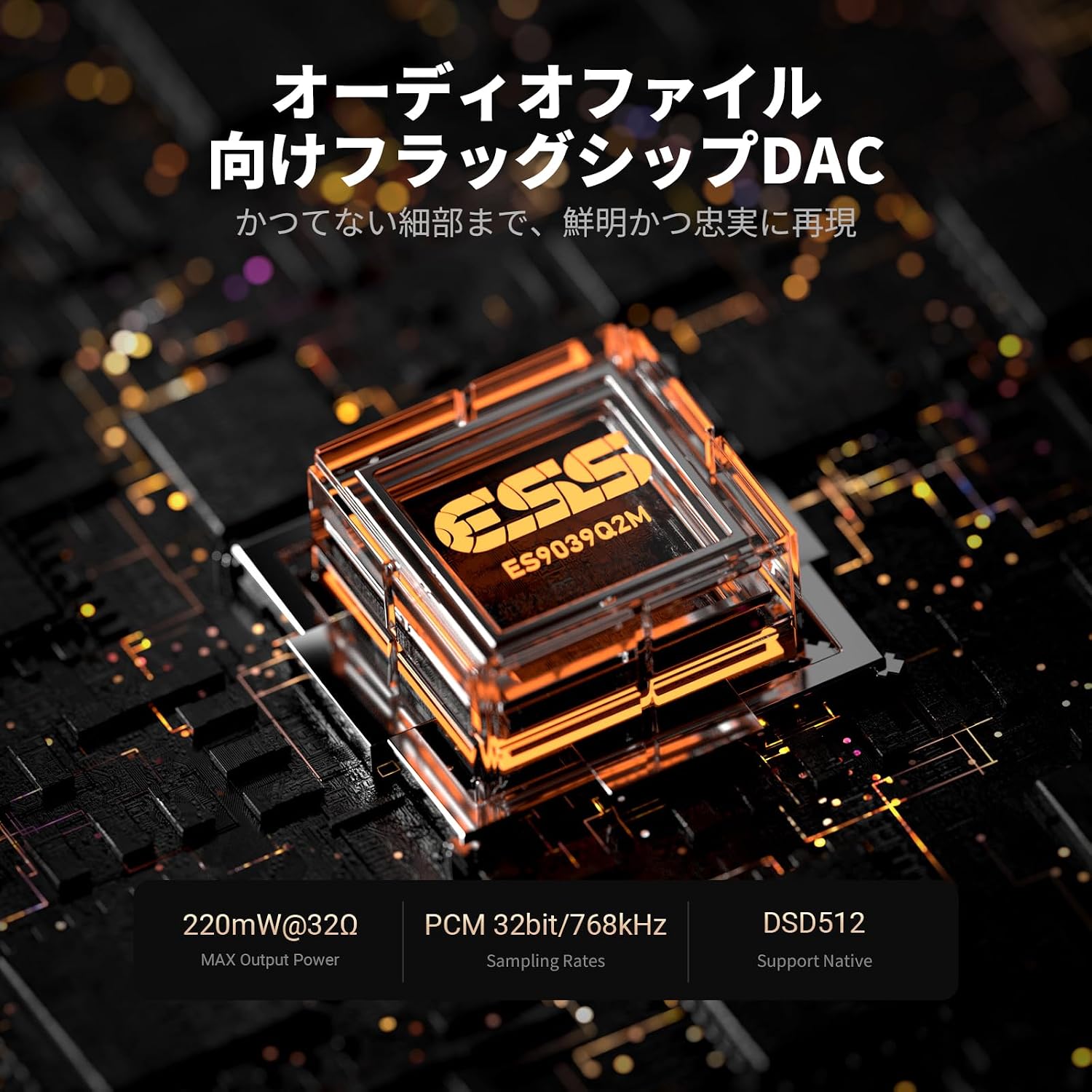
The Fosi Audio DS3 is a high-performance portable USB-C Digital-to-Analog Converter (DAC) and headphone amplifier designed to enhance your audio experience across various devices. Featuring the ES9039Q2M DAC chip and an XMOS processor, it supports high-resolution audio formats including 32bit/768kHz PCM and native DSD512. The DS3 offers both 3.5mm single-ended and 4.4mm balanced outputs, delivering powerful sound for music listening and immersive 7.1 spatial audio for gaming. Its compact, durable design makes it an ideal companion for PC, smartphones, PS5, and Nintendo Switch users.
Package Contents
Please check the package carefully to ensure all items are present and in good condition.
- 1x Fosi Audio DS3 USB-C DAC/Headphone Amplifier
- 1x User Manual
- 1x USB-C to USB-C Cable
- 1x USB-C to USB-A Adapter
- 1x Quick Guide

Product Features
- High-Fidelity DAC: Equipped with the ES9039Q2M DAC chip, supporting up to 32bit/768kHz PCM and native DSD512. It boasts an SNR of over 122dB and THD below 0.0003%.
- Powerful Output: Delivers 220mW into 32Ω for balanced output, ensuring compatibility with a wide range of headphones.
- XMOS Processor: Integrates an XMOS POWERED processor for stable, lossless audio streaming, maximizing the performance of the ES9039Q2M DAC.
- 7.1 Spatial Audio: Features Fosi Audio's proprietary algorithm to convert 7.1ch game audio into immersive 360° surround sound.
- FPS Sound Engine: Dedicated FPS effects allow for precise localization of footsteps, reloads, and gunshots, enhancing gaming accuracy on PC, PS5, and Switch. No driver installation is required.
- Dual Mode Support: Supports UAC 1.0 and UAC 2.0, offering both HiFi and Gaming modes. Both modes include a volume memory function.
- Customizable Sound: Provides 8 digital filters and an 8-band hardware PEQ (Parametric Equalizer) adjustable via a web-based control panel for detailed sound customization without quality degradation.
- Premium Design: Constructed from CNC aerospace-grade aluminum and reinforced glass, weighing only 16g. The skylight design allows a view of the internal circuit board.


Setup Instructions
The Fosi Audio DS3 is designed for plug-and-play operation, requiring no additional drivers for most systems. Follow these steps to connect your device:
- Connect to Source Device: Use the provided USB-C to USB-C cable to connect the DS3 to your smartphone, PC, PS5, or Nintendo Switch. If your source device only has a USB-A port, use the included USB-C to USB-A adapter.
- Connect Headphones: Plug your headphones into either the 3.5mm single-ended output or the 4.4mm balanced output on the DS3. Ensure your headphones are fully inserted.
- Power On: The DS3 will automatically power on when connected to a compatible source device.
- Select DS3 as Audio Output: On your source device, navigate to the audio settings and select "Fosi Audio DS3" as the primary audio output device.
- Adjust Volume: Start with a low volume level on both your source device and the DS3, then gradually increase to a comfortable listening level.
Note: For optimal performance and access to advanced features like PEQ, connect the DS3 to a PC and access the web-based control panel as described in the Operating Instructions section.


Operating Instructions
The DS3 features intuitive controls for basic functions and a web interface for advanced settings.
Physical Controls
The DS3 has a multi-function button and volume controls. The exact functions may vary slightly depending on the current mode (HiFi or Gaming).
- Volume Up/Down Buttons: Use the '+' and '-' buttons on the side of the device to adjust the output volume. The DS3 retains the last set volume level (volume memory).
- Multi-function Button: This button typically controls playback (play/pause) and can switch between HiFi and Gaming modes with a long press. Refer to the quick guide for specific press patterns for different functions.
- LED Indicator: The LED light indicates the device's status, such as power, sample rate, and current mode. Consult the quick guide for LED color and blinking patterns.
Web-Based Control Panel (for PC)
For advanced settings like digital filters and Parametric Equalizer (PEQ), connect the DS3 to a PC and access the web control panel:
- Connect the DS3 to your PC via USB.
- Open a web browser and navigate to: cc.fosiaudio.com/#/
- The control panel will detect your DS3. Here you can adjust the 8 digital filters and fine-tune the 8-band hardware PEQ. You can save custom EQ settings.
Note: Changes made via the web control panel are saved to the DS3 and will apply when used with other devices, though direct EQ switching on the unit itself is not available.

Maintenance
To ensure the longevity and optimal performance of your Fosi Audio DS3, follow these maintenance guidelines:
- Cleaning: Use a soft, dry cloth to clean the exterior of the device. Avoid using harsh chemicals, solvents, or abrasive materials, as these can damage the finish.
- Storage: Store the DS3 in a cool, dry place away from direct sunlight, extreme temperatures, and high humidity.
- Handling: Handle the device with care. Avoid dropping it or subjecting it to strong impacts.
- Cable Care: Ensure USB cables are connected and disconnected gently to prevent damage to the ports. Avoid bending or crimping the cables excessively.
Troubleshooting
If you encounter issues with your Fosi Audio DS3, please refer to the following common problems and solutions:
- No Sound Output:
- Ensure the DS3 is correctly connected to both the source device and headphones.
- Verify that the DS3 is selected as the audio output device in your source device's sound settings.
- Check the volume levels on both the DS3 and your source device.
- Test with different headphones and cables to rule out faulty accessories.
- If using UAC 1.0 mode and experiencing no sound, check for firmware updates on the Fosi Audio website, as this may resolve known compatibility issues.
- Low Volume:
- Increase the volume on both the DS3 and your source device.
- Ensure your headphones are properly connected and are not high-impedance headphones that require more power than the DS3 can provide.
- Check if any PEQ settings or digital filters are reducing the overall volume.
- Intermittent Connection/Sound:
- Ensure all cables are securely connected.
- Try using a different USB port on your source device.
- Test with a different USB-C cable.
- Avoid placing the DS3 near strong electromagnetic interference sources.
- Device Not Recognized by PC:
- Try connecting to a different USB port.
- Restart your PC.
- Ensure your operating system is up to date.
If these steps do not resolve your issue, please contact Fosi Audio customer support for further assistance.
Specifications
| Feature | Detail |
|---|---|
| Brand | Fosi Audio |
| Model | DS3 |
| DAC Chip | ES9039Q2M |
| Processor | XMOS POWERED (Dual-core 1.6GHz) |
| PCM Sampling Rates | Up to 32bit/768kHz |
| DSD Support | Native DSD512 |
| SNR | >122dB |
| THD+N | <0.0003% |
| Balanced Output Power | 220mW @ 32Ω |
| Headphone Outputs | 3.5mm Single-Ended, 4.4mm Balanced |
| Interface Type | USB-C |
| Audio Output Mode | Surround, Spatial Audio |
| UAC Support | UAC 1.0, UAC 2.0 |
| Digital Filters | 8 types |
| Equalizer | 8-band Hardware PEQ (Web-adjustable) |
| Material | CNC Aerospace-grade Aluminum, Reinforced Glass |
| Weight | 16g |
| UPC | 785179422500 |
| Origin | China |
Warranty Information
The Fosi Audio DS3 comes with a 2-year warranty from the date of purchase. This warranty covers manufacturing defects and malfunctions under normal use. It does not cover damage caused by misuse, accidents, unauthorized modifications, or natural disasters.
Please retain your proof of purchase for warranty claims. For warranty service, contact Fosi Audio customer support.
Support
For further assistance, technical support, or inquiries regarding your Fosi Audio DS3, please visit the official Fosi Audio website or contact their customer service team.
- Official Website: www.fosiaudio.com
- Brand Store on Amazon: Fosi Audio Store


