
1. Product Overview
The NICECNC Forward Controls Kit is designed to replace stock mid-controls on Harley Dyna models manufactured between 2000 and 2017. This kit repositions the footpegs and controls forward, providing a more relaxed and stretched-out riding posture. This design aims to reduce rider fatigue and enhance comfort during long rides.
The kit is compatible with various Dyna models, including Super Glide (FXD, FXDI, FXDSE), Low Rider (FXDL, FXDLI, FXDLS), Street Bob (FXDB, FXDBI, FXDBP), Fat Bob (FXDF), Wide Glide (FXDWG), and Switchback (FLD), as well as associated Anniversary, CVO, and Police editions. Users should confirm compatibility with their specific motorcycle model and year.
Key features include:
- Enhanced Riding Comfort: Forward foot placement helps alleviate knee and back strain.
- Adjustable Controls: Shift lever angle and brake pedal position can be customized for a personalized fit.
- Durable Construction: CNC-machined from 6061 aluminum with stainless steel hardware and a dual-tone anodized finish for longevity.
- Improved Grip: Oversized, knurled footpegs provide secure footing.
- Smooth Operation: Precision bearings and steel bushings ensure reliable and responsive lever action.
The complete kit includes footpegs, shift lever, brake pedal, linkages, and all necessary mounting hardware for a direct bolt-on upgrade.
2. Installation Instructions
This section outlines the general steps for installing the NICECNC Forward Controls Kit. Professional installation is recommended. Ensure the motorcycle is stable and cool before beginning any work.
2.1. Required Tools
- Metric and/or SAE wrench set
- Hex key set
- Torque wrench
- Thread locker (medium strength)
- Motorcycle lift or stand
2.2. Package Contents
Verify all components are present before installation:
- 1 x Forward Controls Complete Set (Footpegs, Shift Lever, Brake Pedal, Linkages, All Mounting Hardware)

Image: All components included in the NICECNC Forward Controls Kit.
2.3. General Installation Steps
- Preparation: Park the motorcycle on a level surface and secure it on a stand. Allow the engine and exhaust to cool completely.
- Remove Stock Controls: Carefully remove the existing mid-controls, including footpegs, shift lever, brake pedal, and associated linkages. Keep track of all removed hardware.
- Install Mounting Brackets: Attach the new forward control mounting brackets to the frame using the provided hardware. Apply a medium-strength thread locker to all bolts and torque them to the manufacturer's specifications.
- Assemble Footpegs and Levers: Attach the footpegs, shift lever, and brake pedal to the new mounting brackets. Ensure all pivot points are free-moving.
- Connect Linkages: Connect the shift linkage and brake linkage to their respective levers and the motorcycle's transmission/brake system. Adjust the length of the linkages as needed for proper function.
- Final Tightening: Double-check all fasteners for proper torque. Ensure no components interfere with other parts of the motorcycle.
- Test Functionality: Before riding, manually operate the shift lever and brake pedal to ensure smooth and correct operation. Check for any binding or excessive play.

Image: The NICECNC Forward Controls Kit precisely installed on a Harley Dyna, ensuring a secure fit.

Image: Visual comparison showing the extended position of the NICECNC Forward Brake Control compared to the stock brake control.

Image: Visual comparison showing the extended position of the NICECNC Forward Shifter Control compared to the stock shifter control.
3. Operation and Adjustments
The NICECNC Forward Controls Kit offers adjustability to optimize your riding experience.
3.1. Shift Lever Adjustment
The shift lever angle can be fine-tuned to match your foot's movement and boot size. This adjustment ensures crisp and comfortable gear changes.
- Loosen the retaining bolt on the shift lever.
- Rotate the lever to the desired angle.
- Tighten the retaining bolt securely. Test the shift action before riding.
3.2. Brake Pedal Adjustment
The brake pedal features micro-adjustability, allowing you to set the pedal height for optimal comfort and responsiveness.
- Locate the adjustment mechanism on the brake pedal.
- Adjust the pedal height to your preference.
- Ensure the adjustment is secure and does not interfere with brake light activation or full brake engagement.
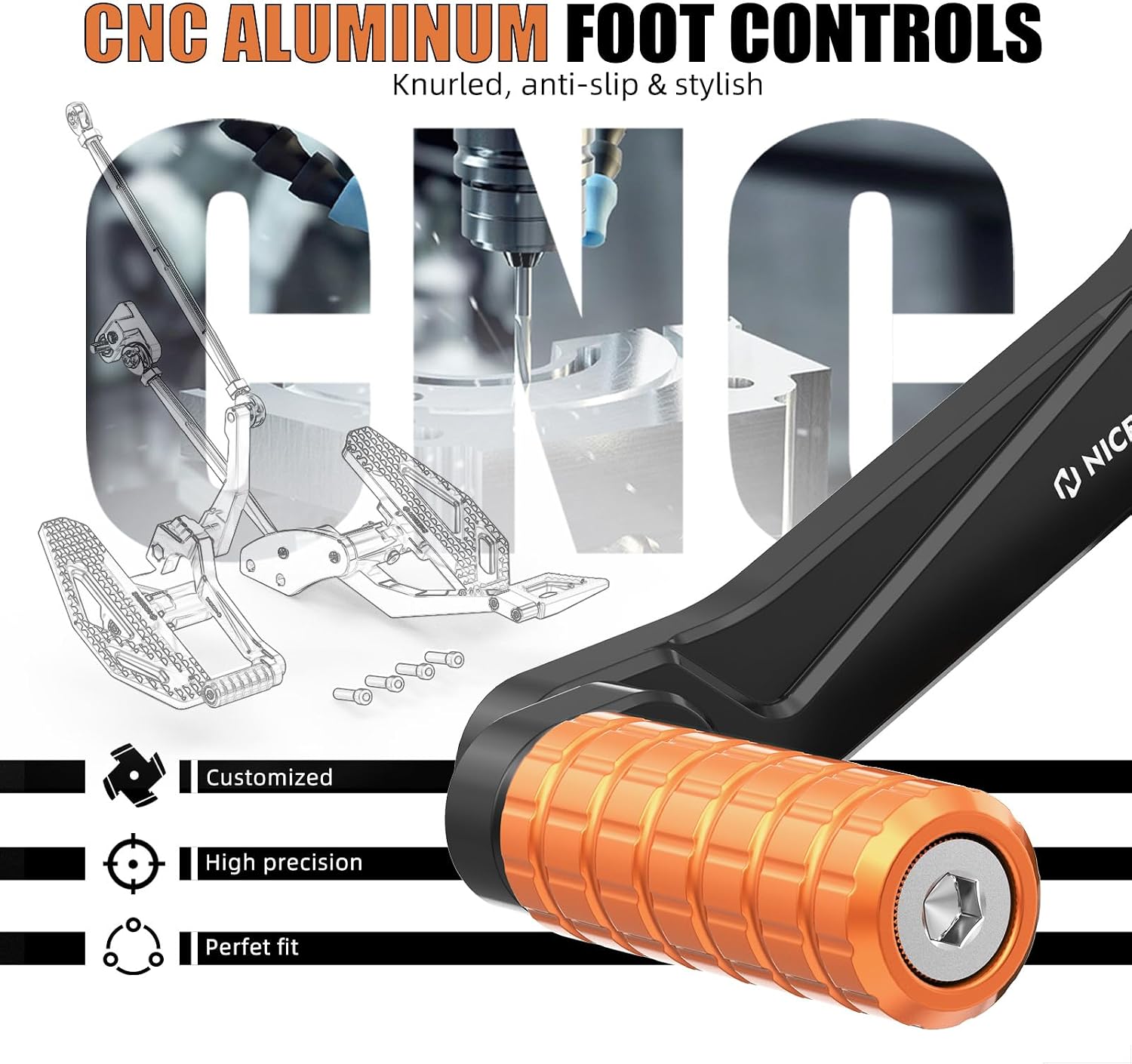
Image: Detailed view of the CNC aluminum foot controls, highlighting the knurled, anti-slip surface and precision engineering.

Image: Illustration of the oversized footpegs and controls, indicating dimensions for enhanced comfort and control.
4. Maintenance
Regular maintenance ensures the longevity and optimal performance of your NICECNC Forward Controls Kit.
- Cleaning: Clean the controls regularly with a mild soap and water solution. Avoid harsh chemicals or abrasive cleaners that could damage the anodized finish.
- Inspection: Periodically inspect all bolts and fasteners for tightness. Re-torque any loose hardware to the manufacturer's specifications. Check for any signs of wear, damage, or corrosion.
- Lubrication: Apply a small amount of appropriate lubricant to pivot points (shift lever, brake pedal) to ensure smooth operation and prevent wear.
- Linkage Check: Ensure the shift and brake linkages are free from obstruction and operate smoothly. Check for any excessive play in the fisheye bearings.

Image: Close-up of the dual-tone anodized finish, illustrating its corrosion-proof properties and clean appearance.
5. Troubleshooting
This section addresses common issues that may arise with the forward controls.
- Stiff Shifting/Braking:
- Check for proper lubrication at pivot points.
- Ensure linkages are not bent or obstructed.
- Verify all bolts are tightened correctly, but not over-tightened, which can cause binding.
- Loose Footpegs/Levers:
- Inspect all mounting hardware for tightness. Re-torque as necessary.
- Ensure thread locker was applied during installation.
- Unusual Noises:
- Check for any components rubbing against each other or the motorcycle frame.
- Ensure all parts are securely mounted and free from excessive vibration.
If issues persist, consult a qualified motorcycle mechanic or contact NICECNC customer support.
6. Product Specifications
| Feature | Detail |
|---|---|
| Product Dimensions | 17 x 16.1 x 4.3 inches |
| Item Weight | 6.8 pounds |
| Material | 6061 Aluminum (CNC-machined), 304 Stainless Steel (hardware) |
| Finish | Dual-tone anodized |
| Compatibility | Harley Dyna Models 2000-2017 (Fat Bob, Low Rider, Street Bob, Wide Glide, etc.) |
| Manufacturer | NICECNC |

Image: Components of the kit emphasizing aviation-grade material, durability, and lightweight design.
7. Warranty Information
For detailed warranty information regarding the NICECNC Forward Controls Kit, please refer to the official NICECNC website or contact their customer support directly. Warranty terms and conditions may vary.
8. Customer Support
If you require technical assistance, have questions about installation, or need to report an issue, please contact NICECNC customer support. You can typically find contact information on the official NICECNC website or through your point of purchase.
Online Resources: Visit the NICECNC Store on Amazon