
1. Introduction
The Bowers & Wilkins Px8 S2 are premium wireless over-ear headphones designed to deliver exceptional audio fidelity. Featuring custom 40mm Carbon Cone drive units, advanced 24-bit DSP, dedicated amplification, and an integrated DAC, these headphones provide a detailed and balanced sound experience. Crafted with Nappa leather and die-cast aluminum, they offer both durability and comfort for extended listening sessions. The Px8 S2 incorporates active noise cancellation and clear voice technology for an immersive and uninterrupted audio experience.

Image: Bowers & Wilkins Px8 S2 Wireless Over-Ear Headphones in Midnight Blue, showcasing their elegant design.
2. What's in the Box
Please ensure all the following items are present in your package:
- Bowers & Wilkins Px8 S2 Wireless Over-Ear Headphones
- 1.2m USB-C to 3.5mm stereo jack audio cable
- 1.2m USB-C to USB-C cable
- Protective Case
- Literature pack (including this manual)
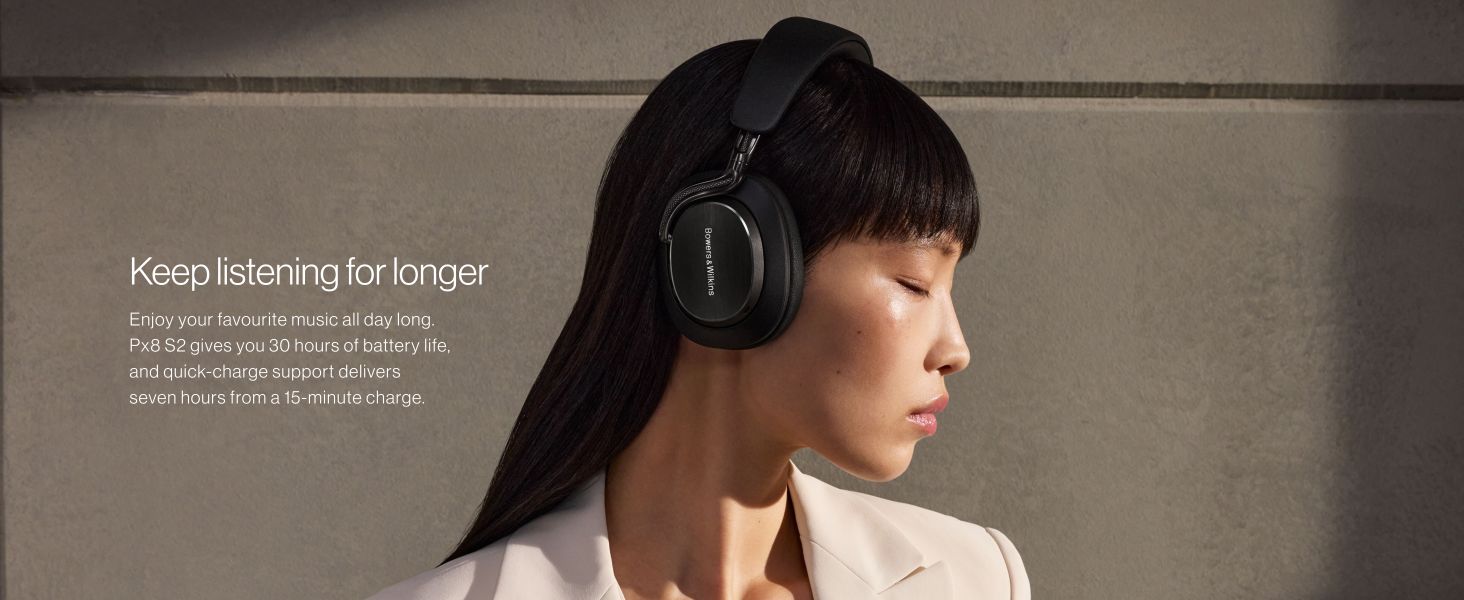
Image: The Px8 S2 headphones, protective case, and included cables (USB-C to 3.5mm and USB-C to USB-C).
3. Product Overview
The Px8 S2 headphones feature a sleek design with intuitive controls. The earcups are crafted from soft Nappa leather for comfort, while the arms are made from solid die-cast aluminum for stability. Controls for power, volume, playback, and active noise cancellation are located on the earcups for easy access.
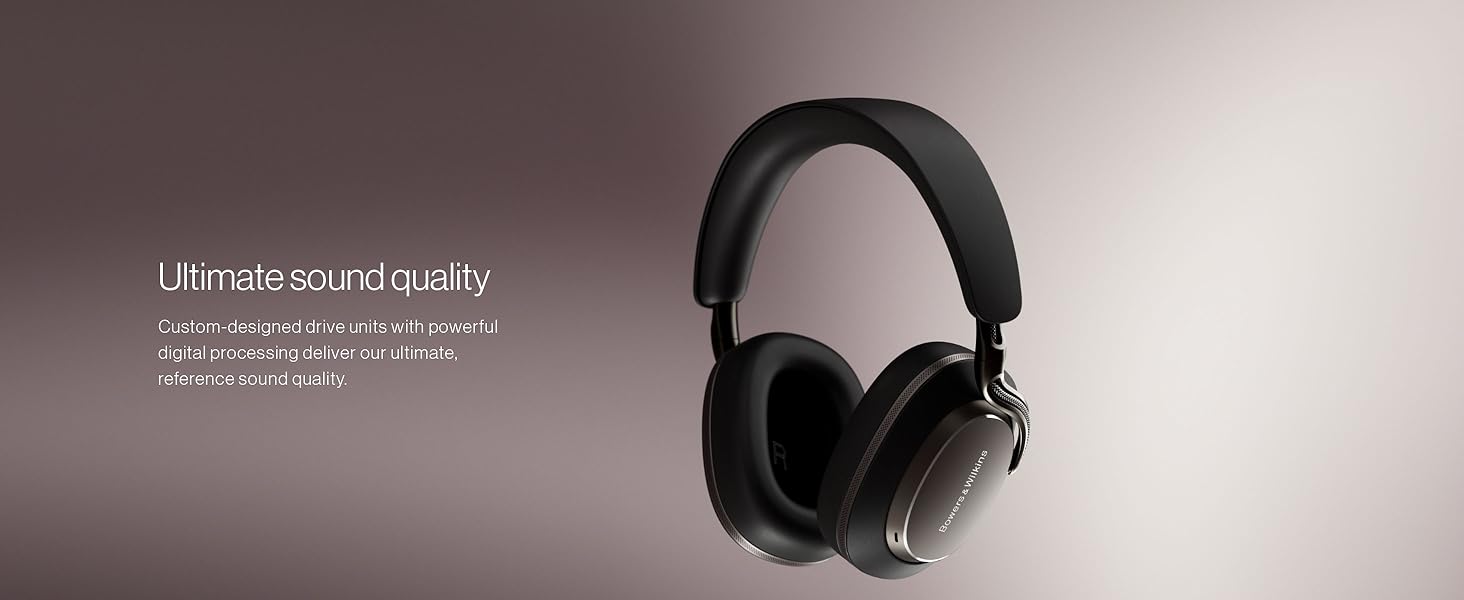
Image: A close-up view of the earcup, highlighting the precisely positioned microphones for clear call quality.
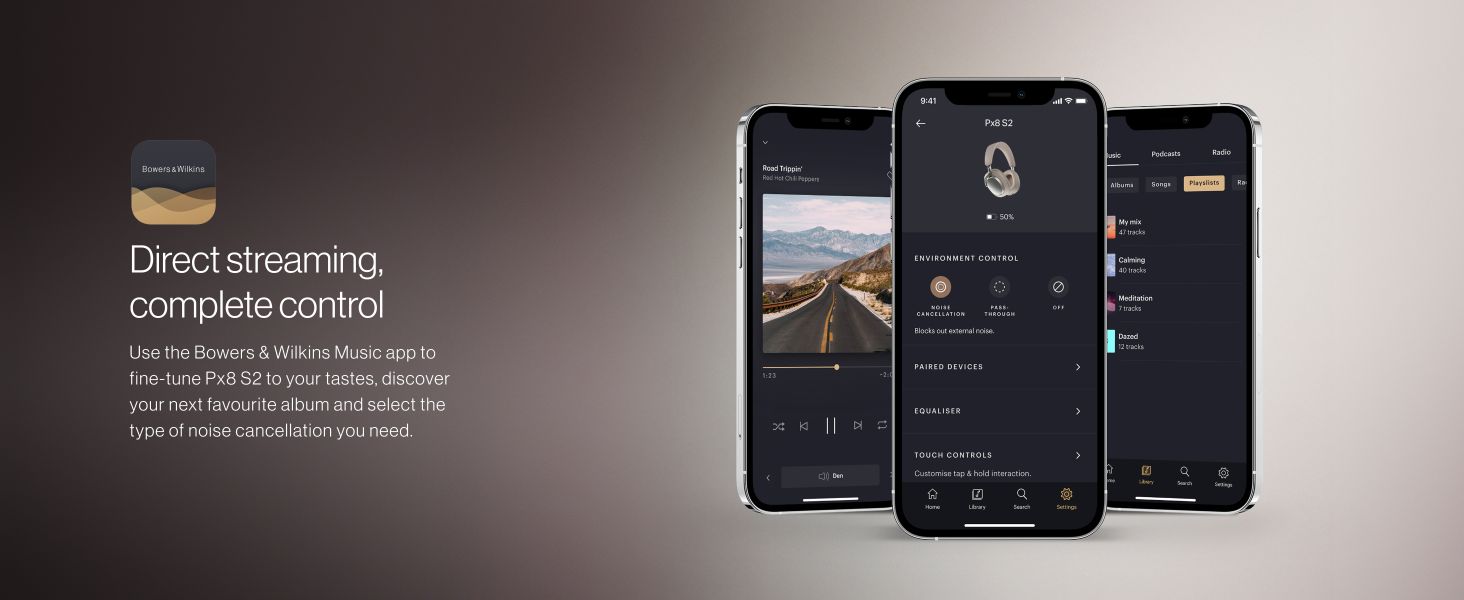
Image: The Px8 S2 headphones emphasizing the comfortable Nappa leather and ergonomic design for all-day wear.
4. Setup
4.1 Charging the Headphones
Before first use, fully charge your Px8 S2 headphones. Connect the supplied USB-C to USB-C cable to the headphone's USB-C port and a compatible USB power source. A full charge takes approximately two hours and provides up to 30 hours of playback. A 15-minute quick charge can provide up to 7 hours of listening time.
4.2 Bluetooth Pairing
- Ensure the headphones are charged and powered off.
- Press and hold the Power button for 2 seconds until the LED indicator flashes blue. This indicates pairing mode.
- On your device (smartphone, tablet, computer), go to Bluetooth settings and select "Bowers & Wilkins Px8 S2" from the list of available devices.
- Once connected, the LED indicator will turn solid blue.
The Px8 S2 supports Bluetooth 5.3 with multipoint connectivity, allowing connection to two devices simultaneously and easy switching between them.
5. Operating Instructions
5.1 Power On/Off
- Power On: Press and hold the Power button until the LED illuminates.
- Power Off: Press and hold the Power button until the LED turns off.
5.2 Audio Playback and Calls
Use the integrated controls on the earcup for media playback and call management:
- Volume Up/Down: Use the dedicated volume buttons.
- Play/Pause: Press the multi-function button once.
- Next Track: Press the multi-function button twice.
- Previous Track: Press the multi-function button three times.
- Answer/End Call: Press the multi-function button once during an incoming call or active call.
- Reject Call: Press and hold the multi-function button during an incoming call.
5.3 Active Noise Cancellation (ANC) and Transparency Mode
The Px8 S2 features an advanced 8-microphone system for Active Noise Cancellation and Transparency Mode. These modes can be toggled or adjusted via the Bowers & Wilkins Music app.
- Active Noise Cancellation: Reduces ambient noise for an immersive listening experience.
- Transparency Mode: Allows you to hear your surroundings without removing the headphones.
5.4 Bowers & Wilkins Music App
Download the Bowers & Wilkins Music app for iOS and Android devices to unlock full control and customization options:
- Fine-tune audio with a 5-band EQ and True Sound mode.
- Adjust noise cancellation and transparency levels.
- Customize wear detection settings.
- Access firmware updates.
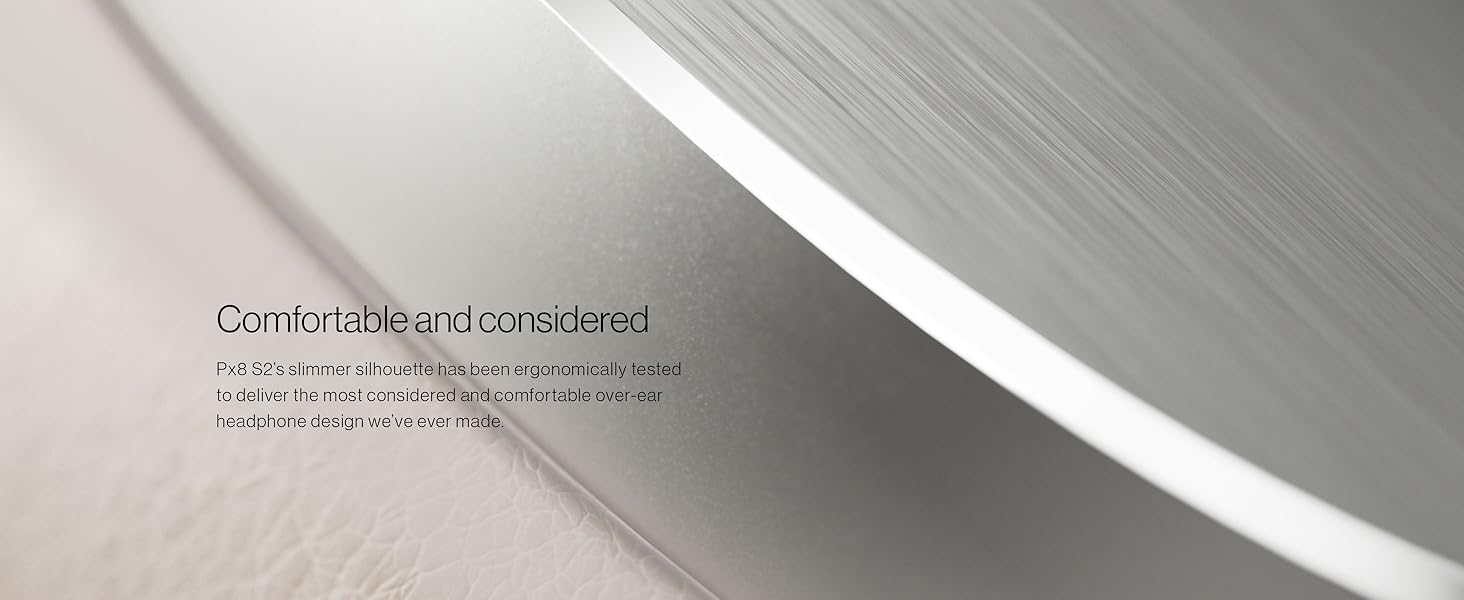
Image: The Bowers & Wilkins Music app interface, demonstrating options for sound customization and environment control.
6. Maintenance
To ensure the longevity and optimal performance of your Px8 S2 headphones, follow these maintenance guidelines:
- Cleaning: Use a soft, dry cloth to clean the headphones. Avoid abrasive materials or harsh chemicals.
- Storage: When not in use, store the headphones in their protective case to prevent damage from dust, scratches, and impacts.
- Moisture: The headphones are not water-resistant. Avoid exposure to moisture, rain, or excessive humidity.
- Temperature: Do not expose the headphones to extreme temperatures.
7. Troubleshooting
If you encounter issues with your Px8 S2 headphones, refer to the following common solutions:
| Problem | Possible Solution |
|---|---|
| Headphones do not power on | Ensure the headphones are fully charged. Connect to a power source using the USB-C cable. |
| Cannot pair via Bluetooth | Ensure headphones are in pairing mode (flashing blue LED). Check your device's Bluetooth settings and try re-pairing. Ensure no other devices are actively connected. |
| No sound or poor audio quality | Check volume levels on both headphones and connected device. Ensure Bluetooth connection is stable. Try restarting both devices. For wired connection, ensure cables are securely connected. |
| Active Noise Cancellation not working | Ensure ANC is enabled via the Bowers & Wilkins Music app. Check for any obstructions around the microphones. |
| Headphones are uncomfortable | Adjust the headband for a proper fit. The Px8 S2 features an ergonomic design for comfort. |
If the issue persists, please refer to the official Bowers & Wilkins support resources.
8. Specifications
Detailed technical specifications for the Bowers & Wilkins Px8 S2 headphones:
- Model Name: Px8 S2
- Model Number: 301021-40-00-308
- Brand: Bowers & Wilkins
- Ear Placement: Over Ear
- Impedance: 140 ohm
- Item Weight: 0.31 kg
- Noise Control: Active Noise Cancellation & Transparency Mode
- Frequency Response: 10 hertz
- Sensitivity: 110 db
- Audio Driver Type: Dynamic Driver
- Audio Driver Size: 40 millimeters
- Enclosure Material: Leather, Foam, Metal
- Connectivity Technology: Wireless (Bluetooth)
- Bluetooth Version: 5.3
- Supported Bluetooth Codecs: aptX Lossless, aptX Adaptive, aptX HD, AAC, SBC
- Hardware Interface: 3.5mm Audio, USB Type C
- Control Type: Touch Control, App, Voice
- Battery Average Life: 30 hours
- Battery Charge Time: 15 minutes for 7 hours playback, 2 hours for full charge
- Water Resistance Level: Not Water Resistant
- Warranty: 2 Years
9. Warranty & Support
9.1 Product Warranty
The Bowers & Wilkins Px8 S2 headphones come with a 2-year manufacturer's warranty. This warranty covers defects in materials and workmanship under normal use. Please retain your proof of purchase for warranty claims. For specific terms and conditions, refer to the warranty information included in your literature pack or visit the official Bowers & Wilkins website.
9.2 Additional Support
For further assistance, technical support, or to download the latest user guides and software updates, please visit the official Bowers & Wilkins support page:
You can also find additional documentation, including a User Guide (PDF) and User Manual (PDF), through the following links: