
1. Safety Information
Before using your new Samsung TV, please read all safety instructions carefully to prevent electric shock, fire, or injury. Keep this manual for future reference.
- Do not expose the TV to rain or moisture.
- Ensure proper ventilation. Do not block ventilation openings.
- Use only the power cord supplied by the manufacturer.
- Do not open the TV cabinet. Refer all servicing to qualified personnel.
- Keep batteries out of reach of children.
2. What's in the Box
Verify that all components are present before proceeding with setup.
- Samsung 65-Inch Class M70H Series Mini LED Smart TV
- IR Simple Remote Control (TM2240A) with batteries
- Power Cable
- Stand components
- User Manual (this document)
- Warranty Card

Figure 2.1: Package Contents and Dimensions. This image illustrates the TV's dimensions, the included remote control, power cable, and user manual.
3. Setup
3.1. Stand Installation
- Carefully place the TV screen-down on a soft, flat surface to prevent damage.
- Align the stand components with the designated slots on the bottom of the TV.
- Secure the stand using the provided screws. Ensure the stand is firmly attached.
- Carefully lift the TV and place it on a stable, level surface.
3.2. Wall Mounting
This TV supports VESA mount standard 200 x 200 mm. For wall mounting, use a compatible wall mount kit (sold separately) and follow the instructions provided with the wall mount. Professional installation is recommended.
3.3. Connecting Devices
Connect your external devices to the TV's ports as shown below.

Figure 3.1: Rear Panel Connections. This image displays the various input ports on the back of the TV.
- HDMI 1 (eARC): Enhanced audio return for high-quality sound and advanced formats.
- HDMI 2 & 3: Transmits high-definition video and audio from external devices (e.g., Blu-ray player, game console).
- USB-A: Standard rectangular port for power or media playback.
- Cable/ANT: Connector for over-the-air antenna or cable TV signals.
- Ethernet (LAN): Wired internet connection for streaming, updates, and smart features.
3.4. Initial Power On
- Connect the power cable to the TV and then to a wall outlet.
- Press the Power button on the remote control or the TV.
- Follow the on-screen instructions to complete the initial setup, including network connection and channel scanning.
4. Operating Your TV
4.1. Remote Control
The included IR Simple Remote Control (TM2240A) provides intuitive navigation. Ensure batteries are correctly inserted. For detailed functions, refer to the on-screen e-Manual.
4.2. Picture Settings
Your Samsung M70H TV features advanced picture technologies for an optimal viewing experience.
- Mini LED Processor 4K: This advanced processor enhances picture quality by delivering brighter highlights and deeper blacks, bringing out fine details.
- Pure Spectrum Color: Experience a billion true-to-life colors with advanced color technology and Mini LED precision.
- Mini LED HDR: Enjoy HDR picture quality with brighter highlights and deeper blacks compared to traditional HDR TVs, enhancing vibrant colors and lifelike details.
- Supreme Mini LED Dimming: This software-based technology provides precise dimming for improved contrast, resulting in a superb picture.
- Motion Xcelerator + DLG 120Hz: Experience smooth visuals and clear fast-motion. This technology optimizes the refresh rate up to 120Hz (on 55" and larger models), ideal for gaming and sports. Note that DLG 120Hz may reduce image sharpness.
- Color Booster: Enhances color intensity, making every hue more vibrant.

Figure 4.1: Mini LED Processor 4K. This image highlights the TV's powerful 4K processor.

Figure 4.2: Pure Spectrum Color. This image demonstrates the enhanced color vibrancy with Pure Spectrum Color.

Figure 4.3: Mini LED HDR. This image illustrates the dramatic detail provided by Mini LED HDR.
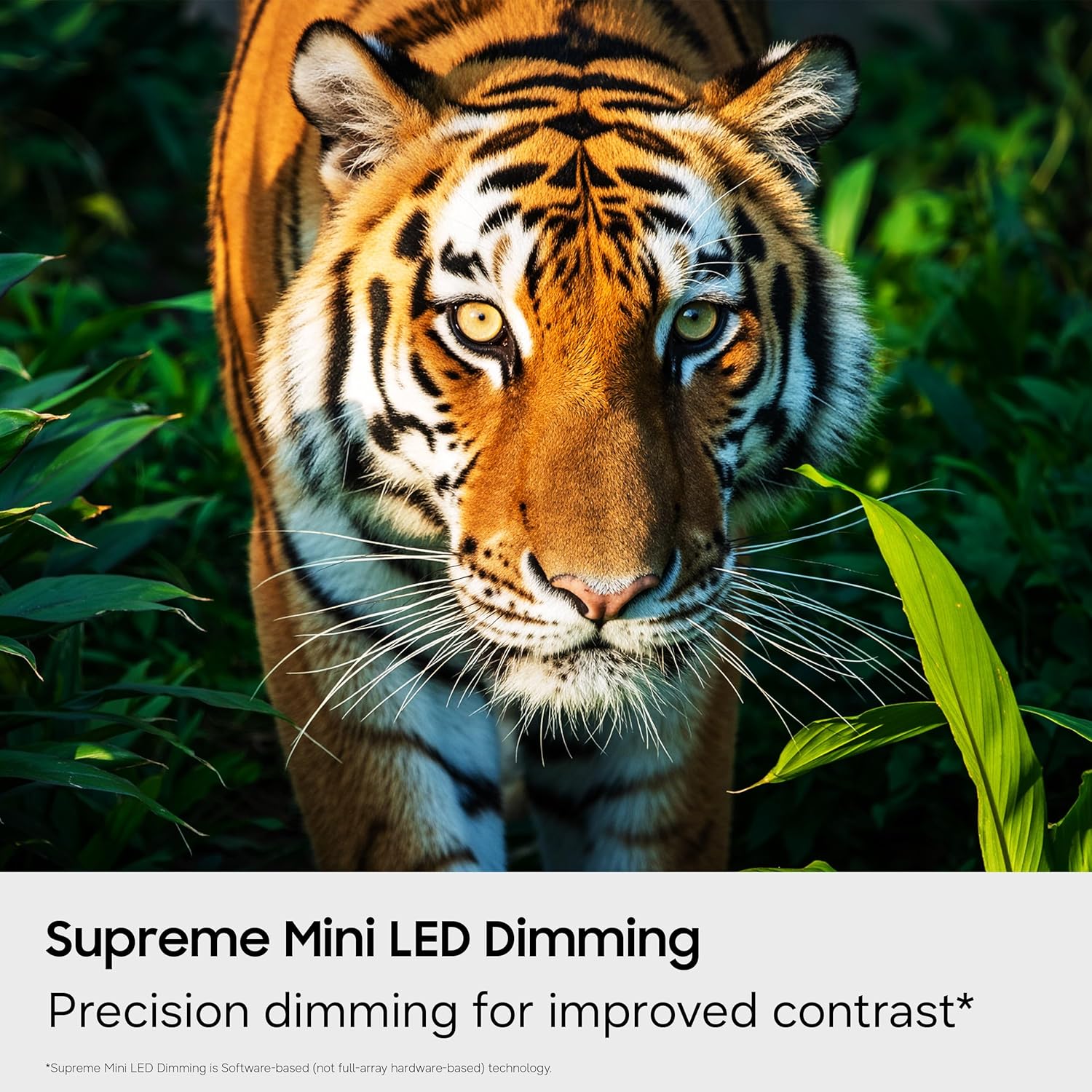
Figure 4.4: Supreme Mini LED Dimming. This image showcases the precision dimming for enhanced contrast.

Figure 4.5: Motion Xcelerator + DLG 120Hz. This image demonstrates blur-free action for fast-paced content.
4.3. Smart Features (Tizen OS)
Your TV runs on the Tizen operating system, offering a personalized smart TV experience.
- Endless Free Content (Samsung TV Plus): Access over 2,700 free streaming options, including 750+ subscription-free channels. An internet connection and Samsung Account are required for network-based smart services.
- Gaming Hub: A central hub for games from consoles, cloud services, and gaming apps. Provides personalized recommendations.
- Vision AI Companion: Utilize AI-enhanced picture and sound, along with personalized experiences. Requires a Samsung account and internet connection.
- SmartThings Hub: Connect and control smart devices through your TV. Requires a Samsung account and internet connection.
- Samsung Knox Security: Built-in triple-layer data protection for your TV experiences, safeguarding sensitive data and IoT devices.

Figure 4.6: Endless Free Content. This image displays the Samsung TV Plus interface with numerous streaming channels.

Figure 4.7: Vision AI Companion. This image illustrates the AI features and interface of the TV.
4.4. Special Modes
- Soccer Mode: Optimizes settings for sports, providing clearer motion and more vibrant greens for a stadium-like experience.
- AI Energy Mode: Reduces power consumption by auto-adjusting brightness based on room lighting and user activity.
5. Maintenance
5.1. Cleaning Your TV
- Always unplug the TV before cleaning.
- Use a soft, dry microfiber cloth to gently wipe the screen and exterior.
- Do not use liquid cleaners, sprays, or abrasive cloths, as they may damage the screen or finish.
5.2. Software Updates
Ensure your TV's software is up to date for optimal performance and security. Connect your TV to the internet and navigate to the settings menu to check for and install available updates. Samsung provides 7 years of automatic OS updates.
6. Troubleshooting
If you encounter issues with your TV, refer to the following common solutions. For more detailed troubleshooting, consult the on-screen e-Manual or Samsung Support.
- No Power: Check if the power cable is securely connected to both the TV and the wall outlet. Ensure the outlet is functional.
- No Picture/Sound: Verify that the correct input source is selected. Check all cable connections (HDMI, antenna).
- Remote Control Not Working: Replace the batteries in the remote. Ensure there are no obstructions between the remote and the TV. Re-pair the remote if necessary (refer to the e-Manual for pairing instructions).
- Slow Startup / Unresponsive Interface: This can sometimes be resolved by adjusting settings related to Samsung TV Plus or other smart features. Navigate deep into the menu structure to disable features that might be causing delays. A factory reset may also resolve persistent issues, but will erase personalized settings.
- Network Connection Issues: Check your Wi-Fi router or Ethernet cable. Try restarting your router and the TV.
7. Specifications
| Feature | Detail |
|---|---|
| Model Name | UN65M70HAFXZA |
| Screen Size | 65 Inches |
| Display Technology | Mini-LED |
| Resolution | 4K (3840 x 2160) |
| Refresh Rate | 120 Hz (DLG 120Hz) / 60 Hz (Native) |
| HDR Format Supported | HDR10+ |
| Operating System | Tizen |
| Connectivity Technology | Bluetooth (v5.3), HDMI (x3), USB (x1), Wi-Fi, Ethernet |
| Audio Input | HDMI, USB |
| Speaker Description | Built-in Speakers (2.0 Channel) |
| VESA Mount Standard | 200 x 200 mm |
| Product Dimensions (D x W x H) | 8.7"D x 56.9"W x 34.7"H (with stand) |
| Item Weight | 31.7 Pounds (with stand) |
| Model Year | 2026 |
8. Warranty and Support
8.1. Warranty Information
This Samsung TV comes with a 1 Year Manufacturer Limited Warranty. Please refer to the included Warranty Card for full terms and conditions. Keep your proof of purchase for warranty claims.
8.2. Customer Support
For technical assistance, troubleshooting, or warranty service, please contact Samsung Customer Support. You can find contact information on the Samsung official website or on your Warranty Card.
9. Product Videos
Watch the official product video for an overview of the Samsung Mini LED M70H Series features.
Video 9.1: Samsung Mini LED M70 Features. This video provides a visual demonstration of the key features of the M70H series TV.