
1. Introduction
This manual provides instructions for the Leipsden BOSUDA M11 Screen Protector Film. This product is designed to protect your device's screen while enhancing viewing comfort and clarity. It features blue light and UV ray reduction, anti-glare properties, scratch resistance, and an anti-fingerprint coating.
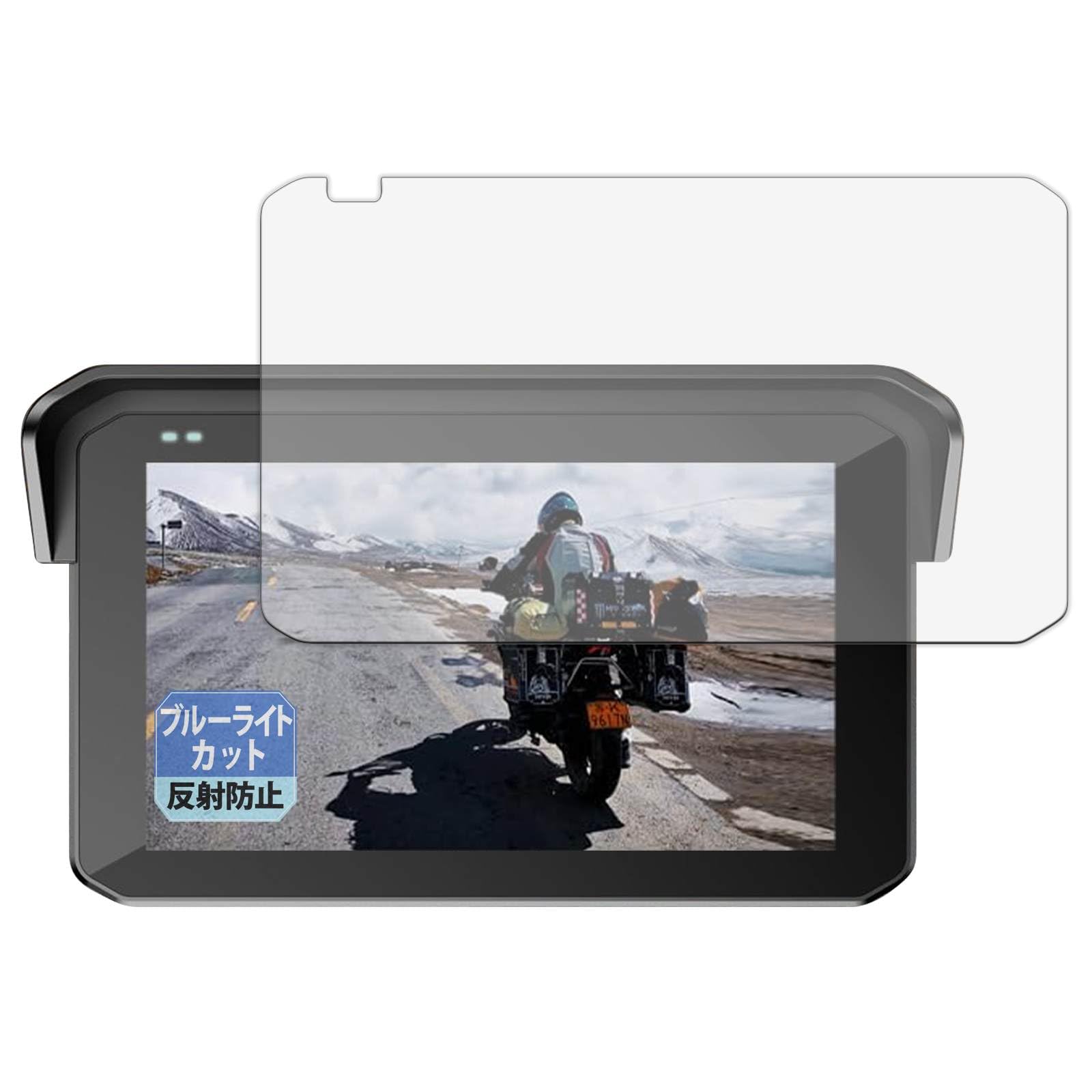
Image 1.1: Overview of the Leipsden BOSUDA M11 Screen Protector Film, highlighting its key features such as blue light cut, anti-glare, eye protection, screen protection, antibacterial properties, water repellency, bubble dispersion, and fingerprint prevention.

Image 1.2: The screen protector film with icons illustrating its main benefits: blue light cut (approx. 49%), eye protection, anti-reflection, screen protection, enhanced antibacterial properties, water repellency, bubble dispersion, and fingerprint prevention.
2. Setup and Installation
The Leipsden BOSUDA M11 Screen Protector Film is a self-adhering type, designed for easy and clean application without the need for special adhesives. A film application tool set is included to assist with the process.
2.1. Package Contents
- Screen Protector Film x1
- Film Application Tool Set x1
2.2. Installation Steps
- Clean the Screen: Use the provided cleaning cloth and dust removal sticker from the tool set to thoroughly clean the BOSUDA M11 device screen. Ensure no dust, smudges, or fingerprints remain.
- Align the Film: Carefully peel off the protective layer (usually marked '1' or 'Back') from the adhesive side of the screen protector. Align the film with the edges of your device's screen. Pay close attention to cutouts for cameras or sensors.
- Apply the Film: Once aligned, gently lay the film onto the screen. The self-adhering property will allow it to attach smoothly. Use the squeegee tool (if provided) to push out any air bubbles from the center towards the edges.
- Remove Top Layer: After the film is applied and bubbles are removed, peel off the top protective layer (usually marked '2' or 'Front').
Note: Due to the material properties, this film does not cover curved screen areas of the BOSUDA M11.
3. Operating and Features
The Leipsden BOSUDA M11 Screen Protector Film offers several features designed to improve your viewing experience and protect your eyes.
3.1. Blue Light and UV Cut
This film is engineered to cut approximately 49% of blue light and 99% of ultraviolet (UV) rays emitted from the LCD screen. This significantly reduces eye strain and discomfort, making it more comfortable for prolonged use, especially in low-light conditions or at night.

Image 3.1: A diagram illustrating how the screen protector filters blue light while allowing visible light to pass through to the cornea and lens, reducing the burden on the eyes.
3.2. Anti-Glare Processing
The anti-glare finish minimizes reflections from strong light sources such as sunlight or fluorescent lamps. This enhances screen visibility, making your device more usable outdoors or in brightly lit environments. It ensures a clear display in various scenarios, from working on the go to watching videos outdoors, and reduces visual stress.
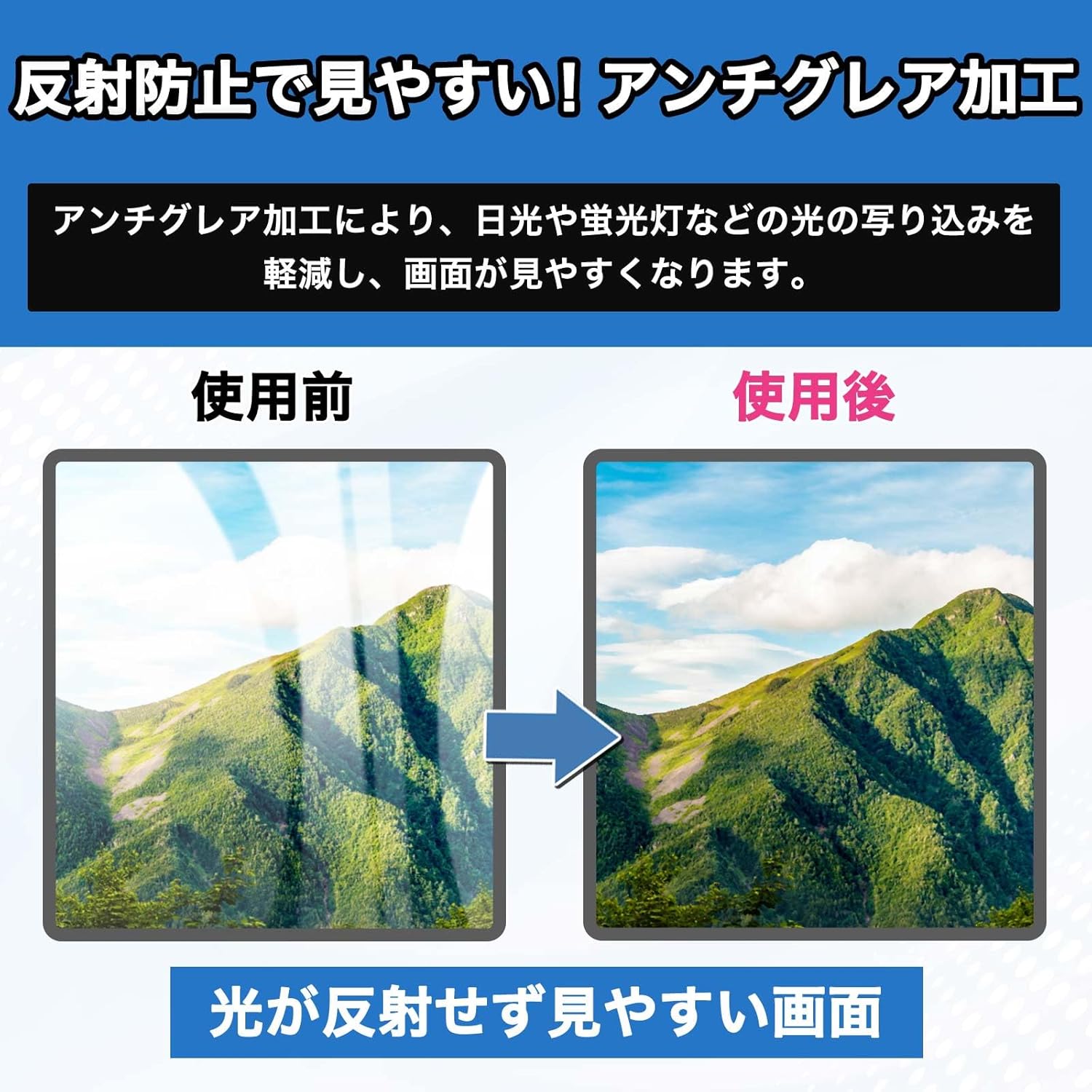
Image 3.2: A side-by-side comparison showing a screen before and after the application of the anti-glare film. The 'before' image shows significant reflections, while the 'after' image demonstrates a clear, reflection-free display, improving visibility.
3.3. Anti-Fingerprint Coating
The film features a special material that resists fingerprints, ensuring a clean screen and a smooth touch experience. Any fingerprints that do appear can be easily wiped away due to the durable anti-fingerprint coating.

Image 3.3: A visual comparison of a screen before and after the application of the anti-fingerprint film. The 'before' image shows visible fingerprints, while the 'after' image displays a clean screen, demonstrating the film's ability to maintain a clear display.
4. Maintenance
Proper maintenance ensures the longevity and effectiveness of your screen protector.
4.1. Cleaning the Film
Due to its anti-fingerprint and water-repellent properties, the film is easy to clean. Use a soft, lint-free cloth to gently wipe the screen. For stubborn smudges, a slightly damp cloth (with water only) can be used, followed by a dry cloth.

Image 4.1: An illustration demonstrating the water-repellent coating, showing water droplets beading on the screen surface, protecting the device from water damage.
4.2. Scratch Protection
The film features a hard coat processing that protects your screen from scratches and minor abrasions, maintaining the clarity and integrity of your device's display.

Image 4.2: An illustration depicting the hard coat processing, showing how it deflects and absorbs impacts, effectively protecting the screen from scratches and damage.
4.3. Antibacterial Properties
The film is treated with an antibacterial process to inhibit the growth of bacteria, helping to keep your screen clean and hygienic.
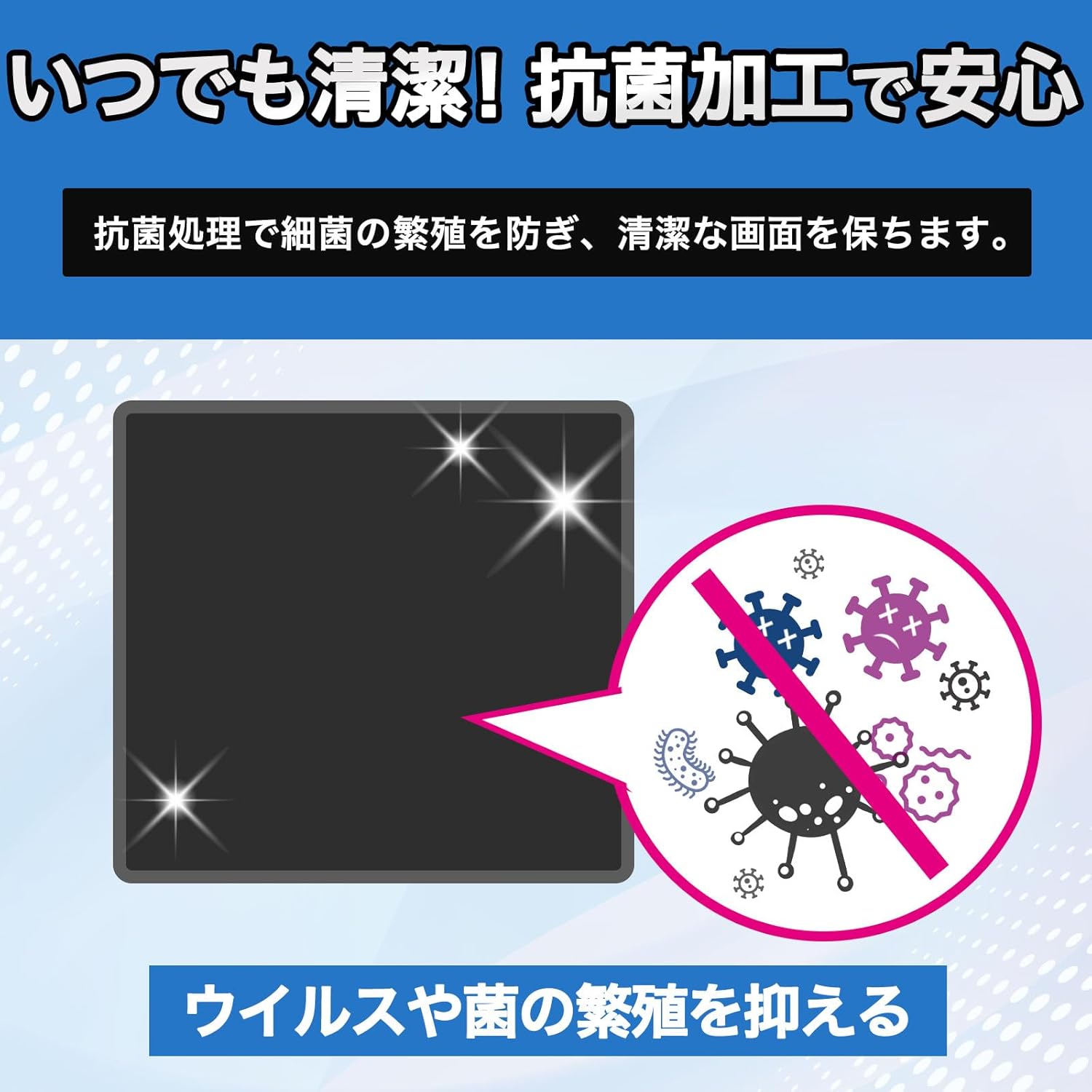
Image 4.3: An illustration showing the antibacterial treatment, which prevents the proliferation of viruses and bacteria on the screen surface, ensuring a clean and safe user experience.
5. Troubleshooting
This section addresses common issues you might encounter with your screen protector.
5.1. Air Bubbles After Installation
The film is designed to minimize air bubbles during application. If small bubbles appear, gently push them towards the nearest edge using the provided squeegee tool or a soft cloth. For persistent bubbles, carefully lift the nearest edge of the film and reapply, ensuring no dust is trapped underneath.
5.2. Film Not Covering Curved Edges
As noted in the specifications, this film is designed for the flat surface of the BOSUDA M11 screen and does not cover curved portions due to material characteristics. This is intentional to prevent lifting and ensure optimal adhesion on the main display area.
5.3. Reduced Touch Sensitivity
In rare cases, a screen protector might slightly reduce touch sensitivity. If you experience this, ensure the film is applied correctly without any gaps or trapped air. If the issue persists, check your device's settings for touch sensitivity adjustments.
6. Specifications
| Feature | Description |
|---|---|
| Brand | Leipsden |
| Compatible Device | BOSUDA M11 |
| Material | Polyethylene terephthalate (PET) |
| Finish Type | Matte (Non-glossy, Low Reflection) |
| Special Features | Blue Light Cut (49%), UV Cut (99%), Anti-Glare, Scratch Protection (Hard Coat), Anti-Fingerprint, Antibacterial, Water Repellent, Smooth Touch, Bubble Dispersion |
| Manufacturer Model Number | LBADD00378 |
| Country of Origin | Japan |
| Included Items | Screen Protector Film, Film Application Tool Set |
| ASIN | B0GP5XWG3B |
7. Warranty & Support
7.1. Product Warranty
This Leipsden product comes with a 30-day product warranty from the date of purchase. This warranty covers manufacturing defects. Please retain your proof of purchase for warranty claims.
7.2. Customer Support
For any questions, concerns, or support regarding the Leipsden BOSUDA M11 Screen Protector Film, please contact your retailer or the Leipsden customer service department. Refer to the contact information provided with your purchase or on the official Leipsden website.


