
Introduction
The Magicshine SEEMEE 400 is an advanced bicycle tail light designed to enhance cyclist visibility and safety. It features a powerful 400-lumen output, 360° OptiTracing for all-around visibility, an intelligent brake sensor, and ANT+ connectivity. This manual provides essential information for the proper setup, operation, and maintenance of your SEEMEE 400 tail light.
Product Overview
Key Features
- High Visibility: Up to 400 lumens for strong presence in traffic and on road rides.
- OptiTracing 360°: A 360° light halo ensures visibility from multiple angles, including laterally.
- Smart Brake Sensor: Automatically increases light intensity upon deceleration to signal braking.
- ANT+ Connectivity: Integrates with compatible cycling computers for enhanced control and synchronization.
- USB-C Charging & IPX6: Features an integrated 1600 mAh battery, fast USB-C charging, and IPX6 water protection for rain and splashes.
What's in the Box
- SEEMEE 400 Tail Light
- Seatpost or Saddle Mount
- Elastic Bands / O-rings or Fixing Straps
- USB Charging Cable (USB-C)
- User Manual

Image: Package contents of the SEEMEE 400 tail light.
Setup
Mounting the Tail Light
The SEEMEE 400 can be mounted to your bicycle's seatpost or saddle rails using the provided accessories. Choose the appropriate mount for your bicycle type.
- Seatpost Mount: Attach the seatpost mount to your seatpost using the elastic bands or fixing straps. Ensure it is securely fastened and the light faces directly backward.
- Saddle Rail Mount: Secure the saddle rail mount to the rails under your bicycle saddle. Once the mount is in place, slide the SEEMEE 400 tail light onto the mount until it clicks into position.
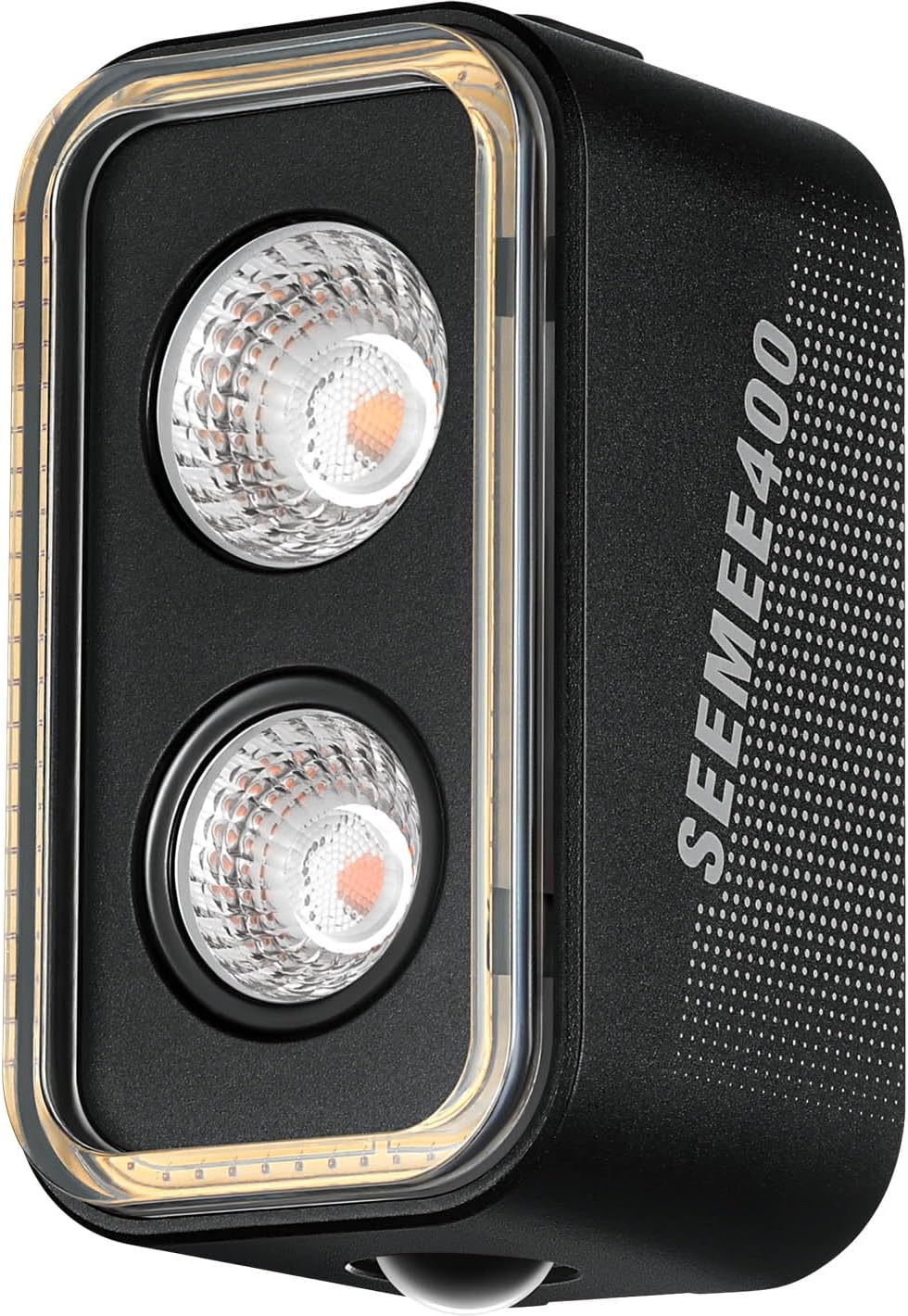
Image: Front view of the SEEMEE 400 tail light.

Image: Side view of the SEEMEE 400 tail light.
Charging the Battery
The SEEMEE 400 is equipped with a 1600 mAh rechargeable battery. Use the provided USB-C cable to charge the device.
- Locate the USB-C charging port on the tail light.
- Connect one end of the USB-C cable to the light and the other end to a USB power source (e.g., computer, wall adapter).
- The indicator light will show charging status. A full charge typically takes approximately 2-3 hours.

Image: USB-C charging port on the SEEMEE 400.
Operating Instructions
Power On/Off
- To Power On: Press and hold the power button for approximately 1 second.
- To Power Off: Press and hold the power button for approximately 1 second.
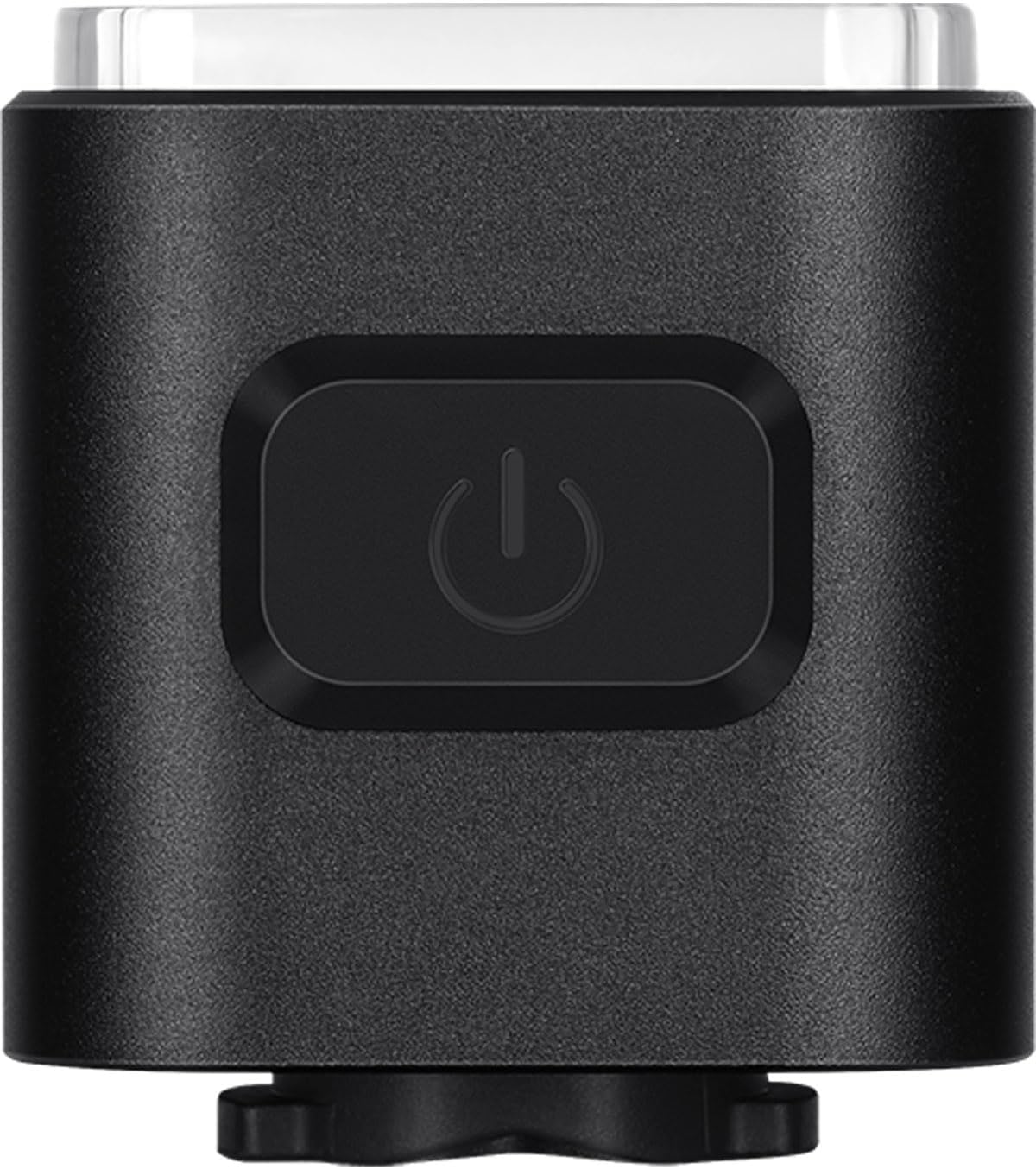
Image: Power button on the SEEMEE 400.
Switching Modes
With the light powered on, short press the power button to cycle through the available lighting modes. The SEEMEE 400 offers various modes, including constant, flashing, and intelligent modes, to suit different riding conditions.
Smart Brake Sensor
The integrated smart brake sensor detects deceleration and automatically increases the light's brightness to signal braking to following traffic. This feature enhances safety, especially in urban environments.
ANT+ Connectivity
The SEEMEE 400 supports ANT+ protocol, allowing it to connect with compatible cycling computers. This enables remote control of the light and synchronization with your ride data. Refer to your cycling computer's manual for specific pairing instructions.
Maintenance
- Cleaning: Wipe the light body and lens with a soft, damp cloth. Do not use abrasive cleaners or solvents.
- Charging: To maintain battery health, charge the light regularly, especially if it has not been used for an extended period. Avoid fully discharging the battery.
- Storage: Store the light in a cool, dry place away from direct sunlight when not in use.
- Water Resistance: While rated IPX6 for water resistance, avoid submerging the light in water. Ensure the USB-C port cover is securely closed to prevent water ingress.
Troubleshooting
| Problem | Possible Cause | Solution |
|---|---|---|
| Light does not turn on. | Low battery; power button not pressed correctly. | Charge the battery. Press and hold the power button for 1 second. |
| Light does not charge. | Faulty cable; power source issue; charging port obstruction. | Try a different USB-C cable and power source. Check the charging port for debris. |
| Brake sensor not functioning. | Sensor disabled; incorrect mounting angle; firmware issue. | Ensure the light is mounted horizontally. Check the manual for sensor activation/calibration. If issues persist, contact support. |
| ANT+ connectivity issues. | Not paired; interference; incompatible device. | Ensure the light is in pairing mode. Move closer to the cycling computer. Verify cycling computer compatibility. |
| Short battery life. | High power mode usage; aging battery; cold weather. | Use lower power modes for extended runtime. Ensure full charge. Battery performance may decrease in extreme cold. |
Specifications
| Model Number | SEEMEE400 |
| Maximum Luminous Power | 400 Lumens |
| Battery Capacity | 1600 mAh |
| Charging Port | USB-C |
| Water Resistance Level | IPX6 (Water Resistant) |
| Material | Aluminum, Plastic |
| Dimensions | 12.7 x 8.3 x 3.9 cm |
| Weight | 130 g |
| Connectivity | ANT+ |
Safety Information
For detailed safety guidelines and important warnings, please refer to the official safety information document:
Download Safety Information (PDF)
- Do not look directly into the light when it is on, as it can cause temporary vision impairment.
- Keep out of reach of children.
- Ensure the light is securely mounted before each ride.
- Do not disassemble or modify the light.
Warranty and Support
Magicshine products are designed for durability and performance. For warranty claims, technical support, or further assistance, please contact Magicshine customer service through their official website or your retailer.
Please retain your proof of purchase for warranty purposes.


