
1. Product Overview
The JBL Tune 530 BT are wireless on-ear Bluetooth headphones designed for comfort and high-quality audio. They feature JBL Pure Bass Sound, a long-lasting battery, and convenient multipoint connection capabilities.
Key Features:
- JBL Pure Bass Sound: Experience deep and powerful bass.
- Up to 76 Hours Battery Life: Enjoy extended listening sessions.
- Multipoint Connection: Seamlessly switch between two Bluetooth devices.
- 2 Microphones: Ensures clear calls.
- Lightweight, Comfortable, and Foldable Design: Easy to wear and carry.
- Bluetooth 6.0: For stable wireless connectivity.
2. Setup
2.1 What's in the Box
Upon unboxing your JBL Tune 530 BT headphones, you should find the following components:
- 1x JBL Tune 530BT Headphones
- 1x USB-C Charging Cable
- 1x Warranty/Warning (W/!) Document
- 1x Quick Start Guide/Safety Sheet (S/i)
2.2 Charging the Headphones
Before initial use, fully charge your headphones. Use the provided USB-C cable to connect the headphones to a power source.
- A full charge takes approximately 2 hours.
- A quick 5-minute charge provides up to 5 hours of playback.
- The headphones offer up to 76 hours of continuous playback on a full charge.

Image: The JBL Tune 530 BT headphones highlighting their impressive battery life of up to 76 hours.
2.3 Bluetooth Pairing
To connect your JBL Tune 530 BT headphones to a device:
- Ensure the headphones are charged and powered on.
- Activate Bluetooth on your source device (smartphone, tablet, computer).
- The headphones should appear in your device's Bluetooth list as "JBL Tune 530 BT". Select it to pair.
- For multipoint connection, you can pair with a second device simultaneously. The headphones will seamlessly switch audio sources.

Image: A person wearing the JBL Tune 530 BT headphones, demonstrating the convenience of Bluetooth 6.0 connectivity for active use.
3. Operating Instructions
3.1 Controls
The headphones feature a multi-function button located on the right earcup for easy control of various functions:
- Power On/Off: Press and hold the power button.
- Play/Pause: Single press the multi-function button.
- Next Track: Double press the multi-function button.
- Previous Track: Triple press the multi-function button.
- Answer/End Call: Single press the multi-function button during a call.
- Reject Call: Press and hold the multi-function button during an incoming call.
- Volume Control: Use the dedicated volume buttons (+/-) on the earcup.
- Activate Bass Boost: Use the multi-function button to activate dynamic bass for enhanced low-frequency sound.
3.2 Sound Features
The JBL Tune 530 BT headphones deliver a rich audio experience:
- JBL Pure Bass Sound: Enjoy deep, impactful bass from 40mm drivers.
- Passive Noise Isolation: The on-ear design provides effective passive noise isolation, reducing external distractions.
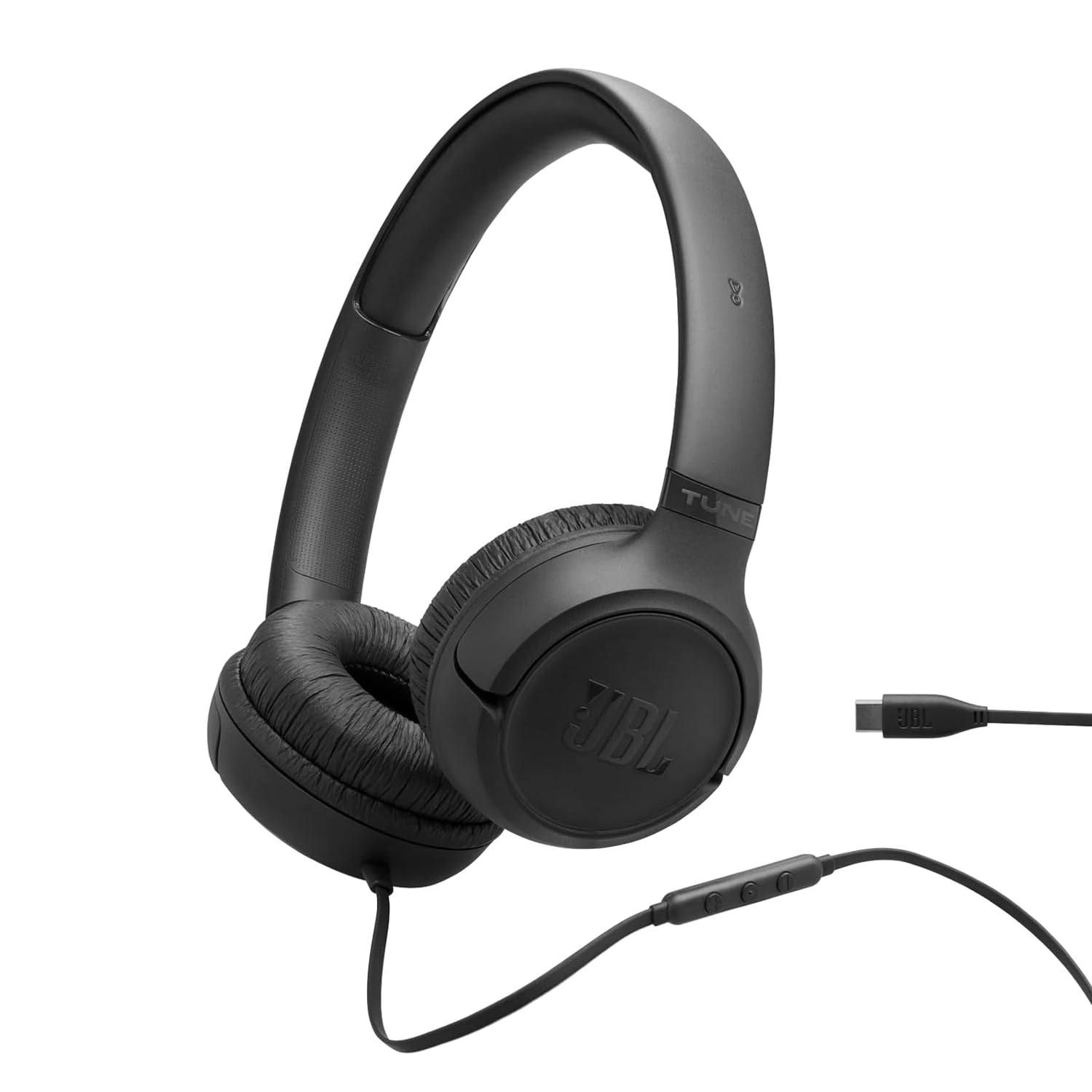
Image: The JBL Tune 530 BT headphones showcasing the JBL Pure Bass Wireless feature, delivering rich and powerful sound.
3.3 Making Calls
The integrated microphones ensure clear communication:
- The headphones are equipped with 2 microphones for perfect calls.
- Your voice will be reproduced with clarity during calls, and background noise is minimized by a noise reduction algorithm.
4. Maintenance
4.1 Cleaning
To maintain the condition of your headphones:
- Wipe the earcups and headband with a soft, dry cloth.
- Do not use liquid cleaners or solvents.
4.2 Storage and Portability
The JBL Tune 530 BT headphones are designed for easy storage:
- The earcups can be folded flat and inward, making them compact for storage in a bag or pocket.
- Store in a cool, dry place away from extreme temperatures.

Image: The JBL Tune 530 BT headphones demonstrating their lightweight, comfortable, and foldable design for easy transport.
5. Troubleshooting
5.1 Common Issues and Solutions
- No Power: Ensure the headphones are fully charged. Connect to a USB-C power source.
- Cannot Pair: Make sure Bluetooth is enabled on your device and the headphones are in pairing mode. Try turning both devices off and on again.
- No Sound: Check the volume levels on both the headphones and your connected device. Ensure the headphones are correctly paired.
- Poor Sound Quality: Move closer to your connected device to avoid interference. Ensure there are no obstacles between the headphones and the device.
- Calls Not Clear: Ensure the microphones are not obstructed. Check for excessive background noise.
6. Specifications
| Brand | JBL |
| Model Name | Tune 530 BT |
| Color | Black |
| Ear Placement | On-Ear (Extra-auriculares) |
| Impedance | 20 Ohms |
| Battery Life | 76 Hours |
| Connectivity Technology | Wireless (Bluetooth) |
| Bluetooth Version | 6 |
| Water Resistance Level | Not water resistant |
| Special Features | 2 mics for perfect calls, Up to 76 hours battery duration, Bluetooth® 6.0, Multipoint connection, JBL Pure Bass Sound |
7. Warranty and Support
7.1 Warranty Information
Your JBL Tune 530 BT headphones come with a 1-year manufacturer's warranty. Please refer to the included warranty document for full terms and conditions.
7.2 Customer Support
For further assistance, technical support, or warranty claims, please visit the official JBL store or contact their customer service. You can find more information at the JBL Store on Amazon.


