
Introduction
This manual provides detailed instructions for the safe and efficient use of your GOBOULT Sprint Wireless Earbuds. Please read this manual thoroughly before using the product and retain it for future reference.
Package Contents
Ensure all items are present in the package:
- GOBOULT Sprint Wireless Earbuds (Left and Right)
- Charging Case
- USB Type-C Charging Cable
- Multiple Sizes of Ear Tips (S, M, L)
- User Manual
- Warranty Card
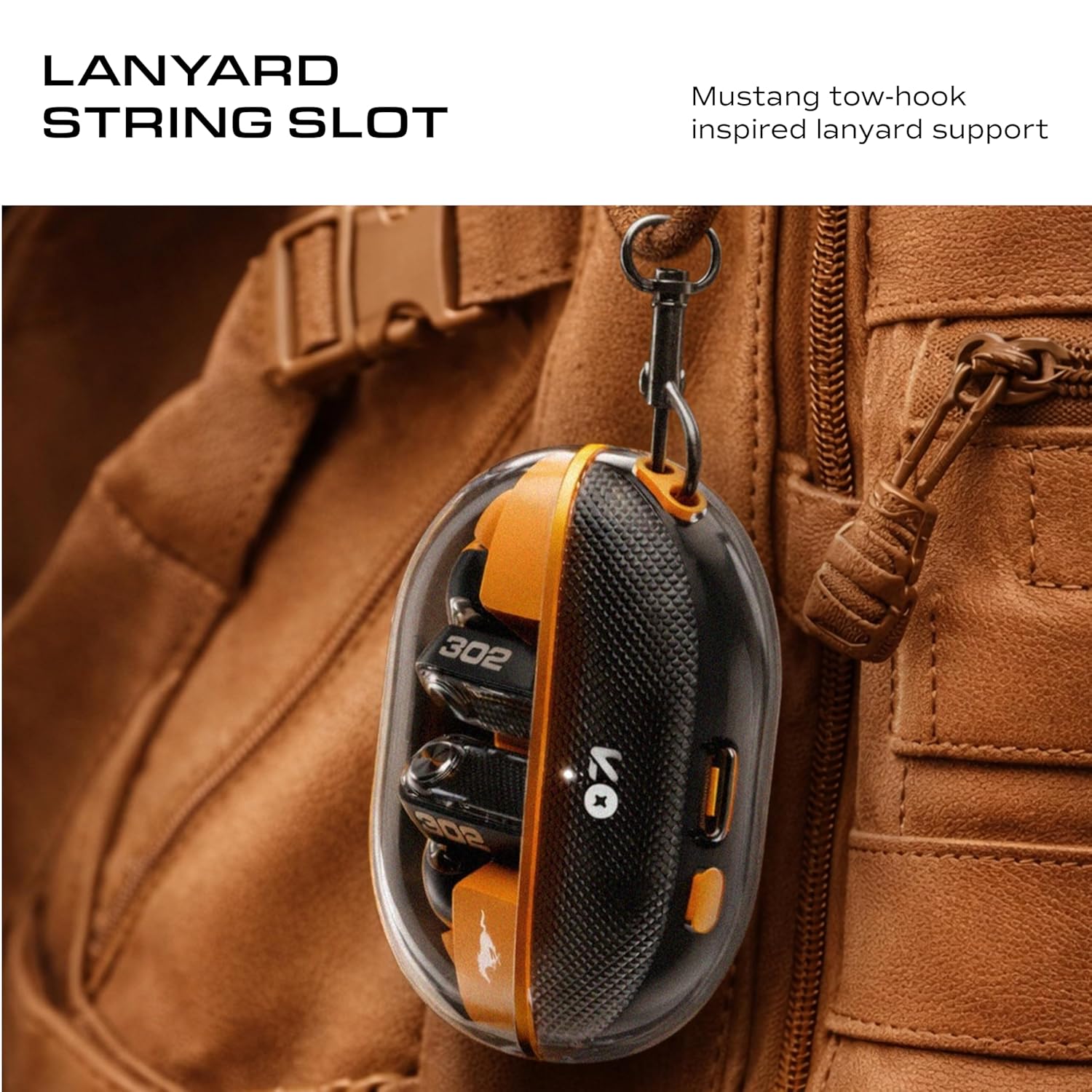
Image: GOBOULT Sprint Earbuds packaging and included items.
Product Overview
Familiarize yourself with the components of your GOBOULT Sprint Earbuds.

Image: GOBOULT Sprint Earbuds in their charging case.

Image: Key features of the earbuds including Environmental Noise Cancellation (ENC), Active Noise Cancellation (ANC), and ergonomic design.
Earbud Components:
- Touch Control Area: For playback, call management, and mode switching.
- Microphones: Quad Mic setup for clear calls and ENC.
- Ear Tip: Silicone tips for comfortable and secure fit.
- Charging Contacts: Located on the earbuds for charging within the case.
Charging Case Components:
- Charging Port: USB Type-C for case charging.
- LED Indicator: Shows charging status and battery level.
- Earbud Slots: Securely holds and charges the earbuds.
Setup
1. Charging the Earbuds and Case
Before first use, fully charge both the earbuds and the charging case.
- Place the earbuds into the charging case. Ensure they are correctly seated.
- Connect the USB Type-C charging cable to the charging port on the case and plug the other end into a power source (e.g., wall adapter, computer USB port).
- The LED indicator on the case will show the charging status. Once fully charged, the indicator will change or turn off.
A 10-minute charge provides approximately 100 minutes of playtime. A full charge offers up to 60 hours of total playtime with the charging case.

Image: Earbuds and charging case demonstrating battery life and fast charging capability.
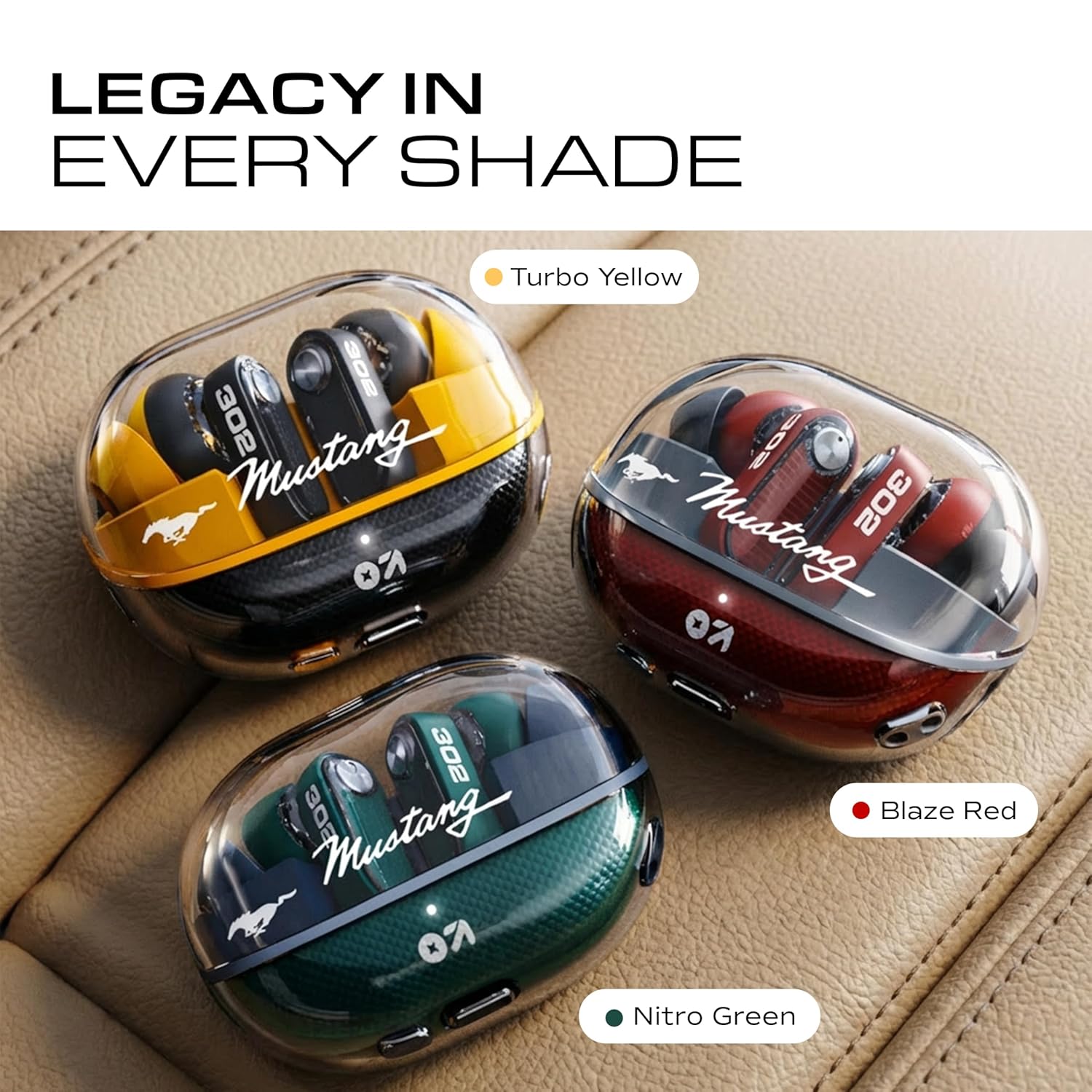
Image: Close-up of the Type-C charging port on the GOBOULT Sprint charging case.
2. Initial Pairing
- Open the charging case. The earbuds will automatically enter pairing mode.
- On your device (smartphone, tablet, laptop), enable Bluetooth.
- Search for "GOBOULT Sprint" in the list of available Bluetooth devices.
- Select "GOBOULT Sprint" to connect. You will hear a confirmation tone once connected.
3. Dual Device Pairing
The GOBOULT Sprint supports simultaneous connection to two devices.
- Connect the earbuds to the first device as described in "Initial Pairing".
- Disconnect the earbuds from the first device's Bluetooth settings (do not unpair).
- Connect the earbuds to the second device.
- Reconnect the earbuds to the first device from its Bluetooth settings. The earbuds should now be connected to both devices, allowing seamless switching.

Image: Demonstrating the dual device pairing feature, allowing connection to two devices simultaneously.
4. GOBOULT AMP App Support
Download the GOBOULT AMP App from your device's app store to customize your listening experience.
- Adjust EQ settings.
- Personalize sound profiles.
- Optimize earbud performance.
- Rename your earbuds.
- Access water ejection feature.

Image: The GOBOULT AMP App interface for customizing EQ, sound profiles, and other settings.
Operating Instructions
Touch Controls
The earbuds feature touch-sensitive controls for various functions. Specific gestures can be customized via the GOBOULT AMP App.
| Function | Action |
|---|---|
| Play/Pause | Single tap on either earbud |
| Next Track | Double tap on the right earbud |
| Previous Track | Double tap on the left earbud |
| Answer/End Call | Single tap on either earbud |
| Reject Call | Long press on either earbud |
| Activate Voice Assistant | Triple tap on either earbud |
| Switch ANC/Transparency Mode | Long press on the right earbud (customizable) |
| Gaming Mode On/Off | Long press on the left earbud (customizable) |
Active Noise Cancellation (ANC) and Transparency Mode
The GOBOULT Sprint earbuds feature 32dB Active Noise Cancellation to reduce ambient noise, and a Transparency Mode to allow you to hear your surroundings.
- ANC On: Reduces external noise for an immersive listening experience.
- Transparency Mode: Allows ambient sounds to pass through, useful for awareness in busy environments.
- Normal Mode: Standard audio playback without active noise cancellation or transparency.
Switch between modes using the touch controls or the GOBOULT AMP App.

Image: Visual representation of the 32dB Active Noise Cancellation in action.
Environmental Noise Cancellation (ENC) for Calls
The Quad Mic ENC technology ensures clear voice calls by reducing background noise, making your voice stand out during conversations.

Image: Detail of the earbud design emphasizing the Quad Mic Environmental Noise Cancellation for superior call quality.
Low Latency Gaming Mode
Activate Gaming Mode for reduced audio delay, providing better synchronization between sound and visuals during mobile gaming and video streaming. This mode can be toggled via touch controls or the GOBOULT AMP App.
Voice Assistant
Triple tap on either earbud to activate your device's built-in voice assistant (e.g., Siri, Google Assistant).
Maintenance
Cleaning
- Regularly clean the earbuds and charging case with a soft, dry, lint-free cloth.
- Remove ear tips and clean them with mild soap and water, then dry thoroughly before reattaching.
- Use a cotton swab to gently clean the charging contacts on both the earbuds and the case.
- Avoid using abrasive materials, alcohol, or chemical cleaners.
Storage
- When not in use, store the earbuds in their charging case to protect them and keep them charged.
- Store the product in a cool, dry place, away from extreme temperatures and direct sunlight.
Water Resistance
The earbuds are water-resistant. This means they can withstand splashes and sweat, making them suitable for workouts. However, they are not designed for swimming or submersion in water. Ensure the charging port is dry before charging.
Troubleshooting
If you encounter any issues, refer to the following common solutions:
Earbuds Not Pairing/Connecting
- Ensure both earbuds are charged.
- Turn off Bluetooth on your device and turn it back on.
- Place the earbuds back in the case, close the lid, wait a few seconds, then open the lid to re-enter pairing mode.
- Forget "GOBOULT Sprint" from your device's Bluetooth list and attempt to pair again.
- Try pairing with a different device to rule out device-specific issues.
No Sound or Low Volume
- Check the volume levels on both your device and the earbuds.
- Ensure the earbuds are properly seated in your ears.
- Clean any debris from the earbud speakers and ear tips.
- Try resetting the earbuds (refer to the GOBOULT AMP App or manufacturer's website for specific reset instructions).
Charging Issues
- Ensure the charging cable is securely connected to both the case and the power source.
- Try a different USB Type-C cable and power adapter.
- Clean the charging contacts on the earbuds and inside the case.
Poor Call Quality
- Ensure the microphones are not obstructed.
- Move closer to your connected device to improve signal strength.
- Check for excessive background noise in your environment.
Specifications
| Feature | Detail |
|---|---|
| Model Name | Airbass |
| Bluetooth Version | 5.4 |
| Audio Driver Size | 13mm Dynamic Driver |
| Active Noise Cancellation (ANC) | Up to 32dB |
| Environmental Noise Cancellation (ENC) | Quad Mic ENC |
| Total Playtime | Up to 60 Hours (with charging case) |
| Charging Port | USB Type-C |
| Water Resistance | Water Resistant (suitable for splashes/sweat) |
| Control Method | Touch, GOBOULT AMP App |
| Voice Assistant | Built-in (Siri compatible) |
| Dual Device Pairing | Supported |
| Item Weight | 45 g |
| Product Dimensions | 6.2 x 2.5 x 4.7 cm |
| Battery Type | Lithium Polymer |
| Frequency Response | 20 KHz |
| Sensitivity | 106 dB |
| Maximum Operating Distance | 10 meters |
Warranty and Support
Warranty: GOBOULT provides a 1-year manufacturer warranty from the date of purchase. Please retain your proof of purchase for warranty claims.
For warranty service or technical support, please contact GOBOULT customer service through their official website or the GOBOULT AMP App. You may also refer to the contact information provided on the warranty card included in your package.
Manufacturer: Exotic Mile Private Limited, Boult Audio, B-67 Wazirpur Industrial Area, New Delhi 110052
Safety Information
- Do not disassemble, repair, or modify the product.
- Keep the product away from extreme temperatures, humidity, and liquids.
- Avoid prolonged exposure to high volume levels to prevent hearing damage.
- Use only approved chargers and cables.
- Dispose of the product and its battery responsibly according to local regulations.


