
Introduction
This manual provides comprehensive instructions for the JZG Screen Protector and Camera Lens Protector designed specifically for the Samsung Galaxy S10 Plus. Please read these instructions carefully before installation and use to ensure optimal performance and protection for your device.
Setup and Installation
Proper installation is key to the performance of your screen protector. Follow these steps carefully.
Included Components:
- 2x Screen Protectors
- 2x Camera Lens Protectors
- 1x Alignment Tool
- 2x Installation Kits (each typically contains wet wipes, dry wipes, dust absorbers)

Figure 1: Overview of JZG screen protector features and included items.
Installation Steps:
- Clean the Screen: Use the provided wet wipe to thoroughly clean your phone's screen. Follow with the dry wipe to remove any moisture.
- Remove Dust: Use the dust absorber sticker to remove any remaining dust particles from the screen. Ensure the screen is completely free of dust before proceeding.
- Align the Protector: Place the alignment tool onto your phone. Carefully align the screen protector with the alignment tool and the phone's camera cutout.
- Apply the Protector: Slowly lower the screen protector onto the phone screen. Use the provided squeegee or a similar flat object to gently push out any air bubbles from the center outwards.
- Remove Alignment Tool: Once the screen protector is applied, carefully remove the alignment tool.
- Final Touches: If any small bubbles remain, gently push them towards the edges. Minor bubbles may disappear naturally within 24-48 hours.
- Install Camera Lens Protector: Clean the camera lens area with a wet and dry wipe, then apply the camera lens protector, ensuring proper alignment.
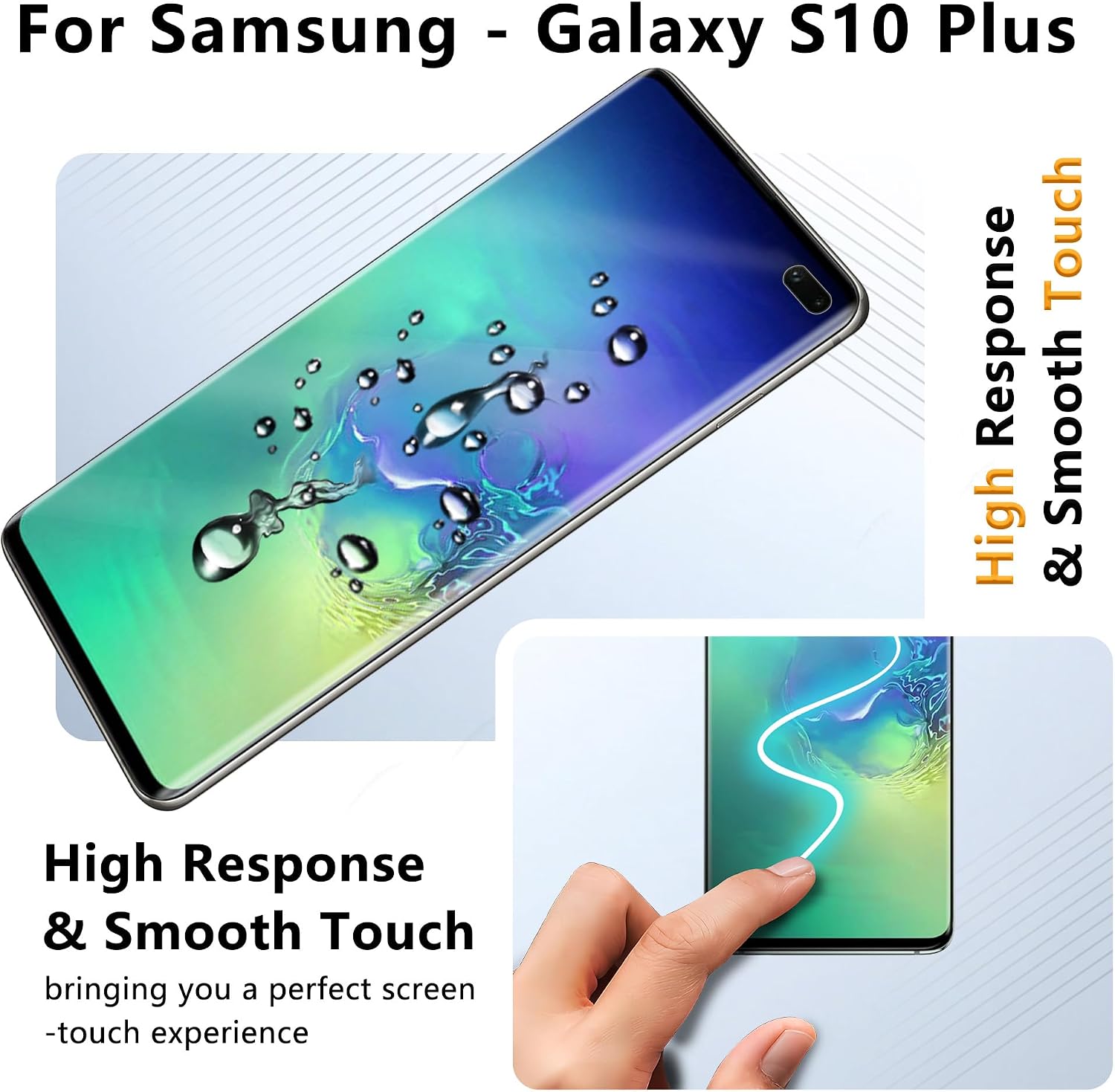
Figure 2: Screen protector with alignment tool during installation.
Installation Videos:
Video 1: Detailed installation guide for the JZG screen protector.
Video 2: Instructions on how to effectively remove dust before screen protector application.
Video 3: Guide on how to remove air bubbles from the screen protector after application.
Operating Features
The JZG screen protector offers several features to enhance your Samsung Galaxy S10 Plus experience.
- SensorFit Film: The ultra-thin soft film is designed for high compatibility with the under-screen fingerprint sensor, ensuring accurate and smooth one-touch unlocking without interference.
- Smooth & Anti-Fingerprint: The surface repels greasy fingerprints, maintaining a clean and clear display.
- Curved Full Coverage: Precision-crafted to cover the curved edges of the Samsung Galaxy S10 Plus, preventing edge lifting and ensuring compatibility with most phone cases.
- HD Enjoyment: High light transmission material provides crystal-clear visuals and maintains the original display quality.

Figure 3: Fingerprint unlock functionality with the screen protector.

Figure 4: High responsiveness and smooth touch experience.
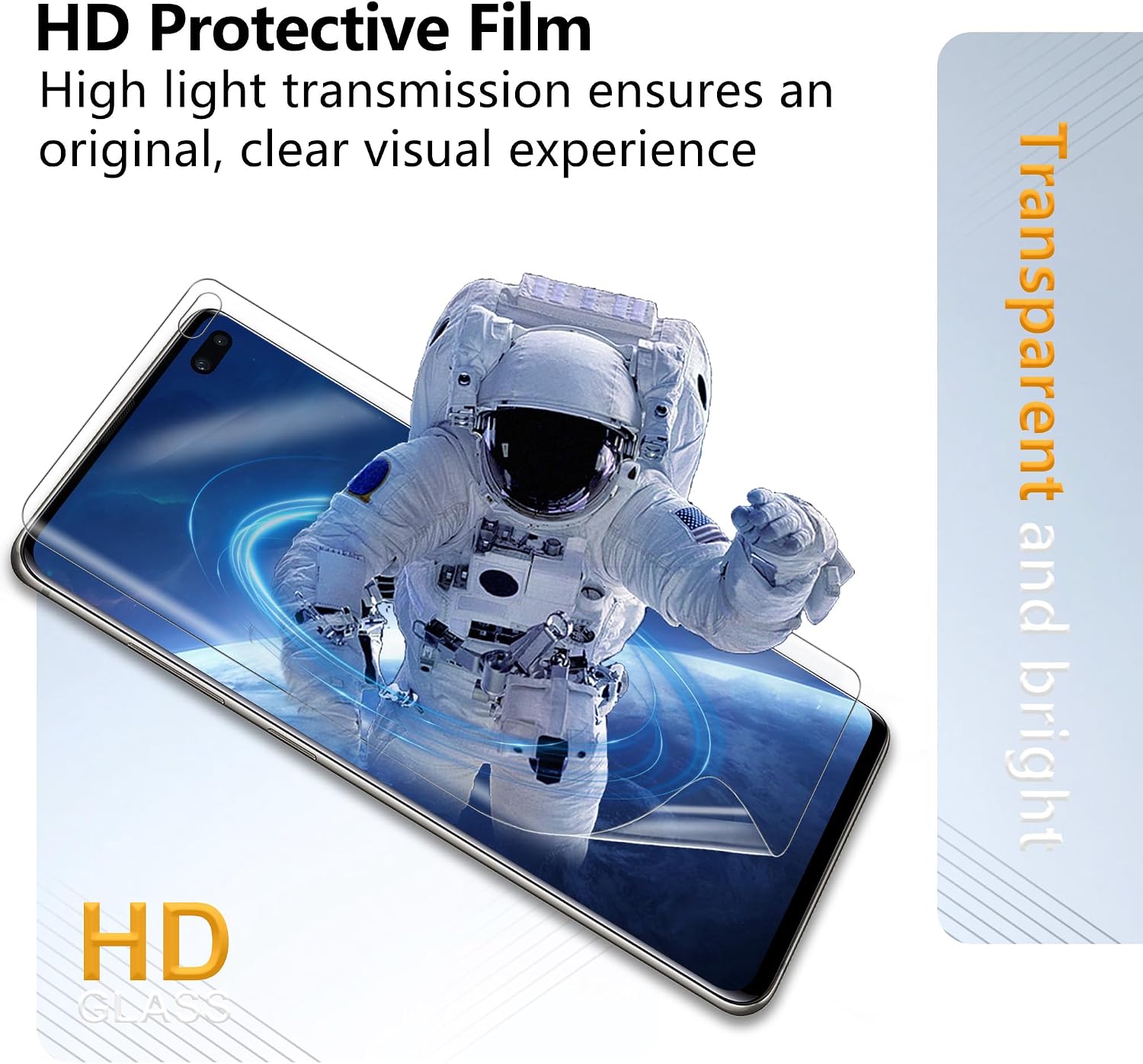
Figure 5: HD clarity provided by the protective film.
Maintenance
To maintain the longevity and clarity of your screen protector, follow these guidelines.
- Self-Healing Technology: The screen protector features Nano Rebound Technology, which can repair minor scratches automatically within approximately 10 seconds, resisting daily wear and tear.
- Cleaning: For routine cleaning, gently wipe the screen with a soft, lint-free cloth. For stubborn smudges, a slightly damp cloth (water only) can be used, followed by a dry wipe. Avoid harsh chemicals.
- Camera Lens Protection: The included camera lens protector safeguards your device's camera from drops and bumps.

Figure 6: Automatic scratch repair in action.
Figure 7: Camera lens protector providing ultimate shield.
Maintenance Video:
Video 4: Demonstration of the screen protector's scratch repair capabilities.
Troubleshooting
Common issues and their solutions.
- Bubbles After Installation:
- Small bubbles often disappear naturally within 24-48 hours.
- For larger bubbles, gently lift the nearest edge of the protector and re-apply, pushing the bubble out with a squeegee.
- Refer to Video 3 in the Setup section for bubble removal techniques.
- Fingerprint Sensor Not Working:
- Ensure the screen protector is applied correctly over the sensor area without air bubbles.
- After installation, re-register your fingerprints in your phone's settings for optimal performance.
- Increase touch sensitivity in your phone's display settings if available.
- Dust Under the Protector:
- This usually occurs if the screen was not thoroughly cleaned before application.
- Carefully lift the corner closest to the dust particle using a dust removal sticker or a piece of tape. Use another dust removal sticker to dab the dust off the screen and the underside of the protector. Re-apply the protector.
- Refer to Video 2 in the Setup section for dust removal techniques.
Specifications
| Brand | JZG |
| Model Name | For Samsung Galaxy S10 Plus |
| Compatible Devices | Cellphone (Samsung Galaxy S10 Plus) |
| Material | Thermoplastic Polyurethane |
| Item Hardness | 9H |
| Product Dimensions (L x W) | 6.2"L x 2.92"W |
| Screen Size | 6.4 Inches |
| Special Features | 9 H Surface Hardness, Anti-Fingerprint, Full Coverage, High Sensitivity Touch, Scratch Resistant |
| Finish Type | Glossy |
| Water Resistance Level | Water Resistant |
| Clarity | 1.0 |
| Number of Items | 1 (package contains multiple protectors) |
| Included Components | Alignment Tool ×1, Camera Lens Protector ×2, Installation Kit ×2, Screen Protector ×2 |
Warranty Information
This JZG product is covered by a 1-Year Limited Manufacturer Warranty. This warranty covers defects in materials and workmanship under normal use. For warranty claims or further details, please refer to the official JZG website or contact customer support.
Customer Support
If you encounter any issues or have questions regarding your JZG Screen Protector, please refer to the troubleshooting section first. For further assistance, you may visit the JZG Store on Amazon or contact the seller directly through your purchase platform.
