
1. Introduction
This manual provides essential instructions for the assembly, operation, maintenance, and troubleshooting of your Garvee Farmhouse TV Stand with Mount. Please read this guide thoroughly before assembly and retain it for future reference. This TV stand is designed to accommodate televisions up to 85 inches and features six storage drawers and an adjustable TV mount.
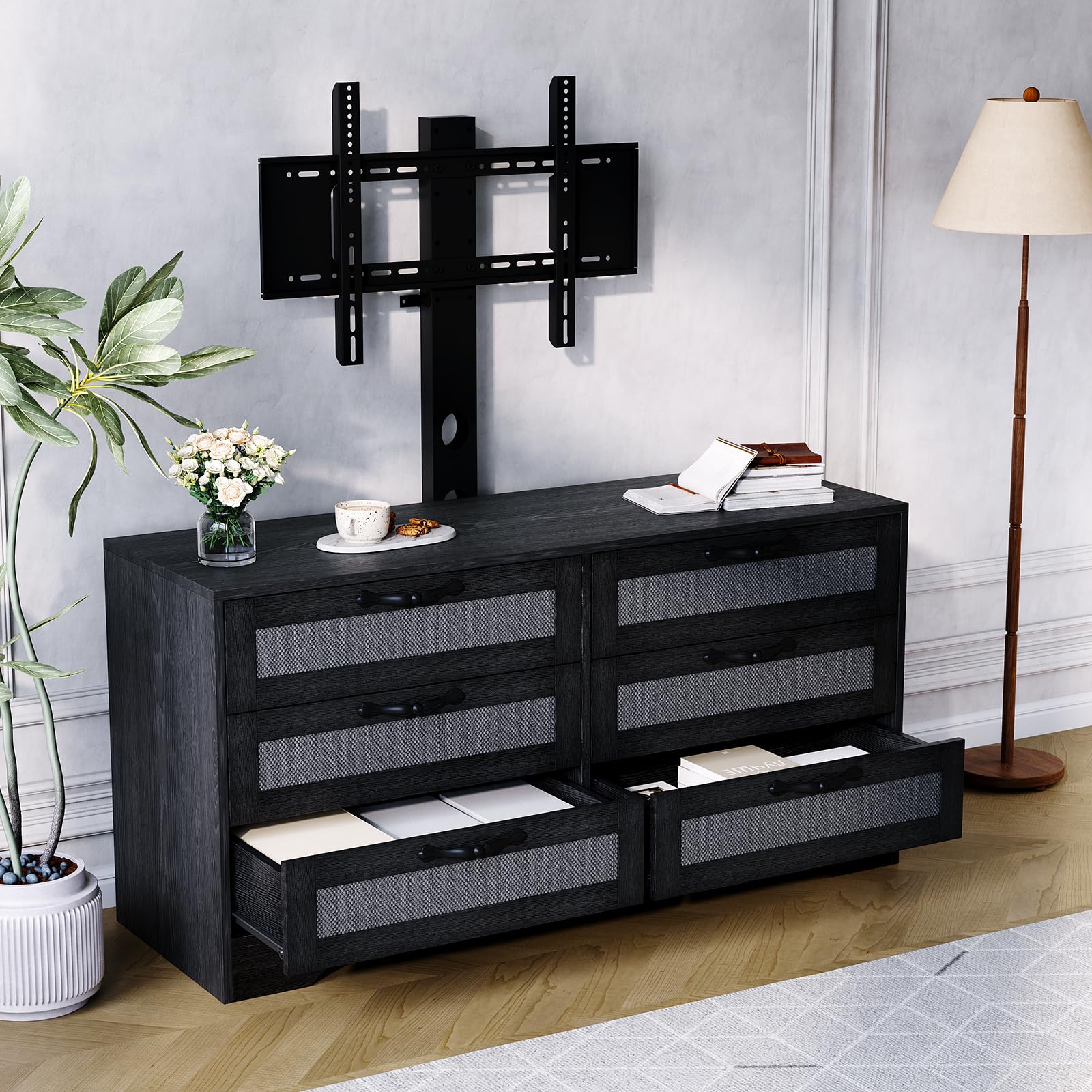
Image: Front view of the Garvee Farmhouse TV Stand with Mount, showcasing its design and integrated TV mount.
2. Safety Information
- Weight Limit: Do not load the TV stand with more than 165 lbs (75 kg). Exceeding this limit may cause instability and damage.
- Tip-Over Prevention: Secure the TV stand to the wall using the provided anti-tip kit to prevent accidental tip-over, especially in households with children or pets.
- Sharp Edges: Be cautious of sharp edges during assembly and handling.
- Assembly: Always assemble the unit on a soft, clean surface to prevent scratches. Two people are recommended for assembly.
- Placement: Place the TV stand on a level and stable surface.
3. Package Contents
Please verify that all components are present before beginning assembly. If any parts are missing or damaged, contact customer support.
- TV Stand Panels (Top, Bottom, Sides, Back)
- Drawer Components (Fronts, Sides, Backs, Bottoms)
- TV Mounting Bracket and Pole
- Hardware Pack (Screws, Dowels, Bolts, Washers, Allen Wrench)
- Anti-Tip Kit
- User Manual (this document)
4. Setup and Assembly
Assembly is required for this product. For easiest assembly, two people are recommended. Follow the clear, sequential instructions provided in the separate assembly guide included in your package. Ensure all parts are correctly aligned and secured.
4.1 Product Dimensions

Image: Detailed diagram illustrating the overall dimensions of the TV stand and its components, including the TV mount.
4.2 TV Installation Options
The Garvee TV Stand offers flexibility for TV placement. You can either use the integrated TV mount or place your TV directly on the stand if you prefer a wall-mounted setup.

Image: Visual guide demonstrating two TV installation methods: utilizing the stand's integrated mount or mounting the TV on the wall above the stand.
5. Operating Instructions
5.1 Adjusting the TV Mount
The integrated TV mount is designed for adjustable viewing. You can adjust both the height and width to suit your television size and preferred viewing angle.
- Height Adjustment: The mount offers a 4.1-inch range for vertical adjustment. Loosen the designated screws on the vertical pole, slide the TV bracket to the desired height, and re-tighten securely.
- Width Adjustment: The horizontal arms of the mount can be adjusted to fit various VESA patterns, accommodating TVs from 32 to 85 inches. Ensure the arms are centered and securely fastened to your TV.
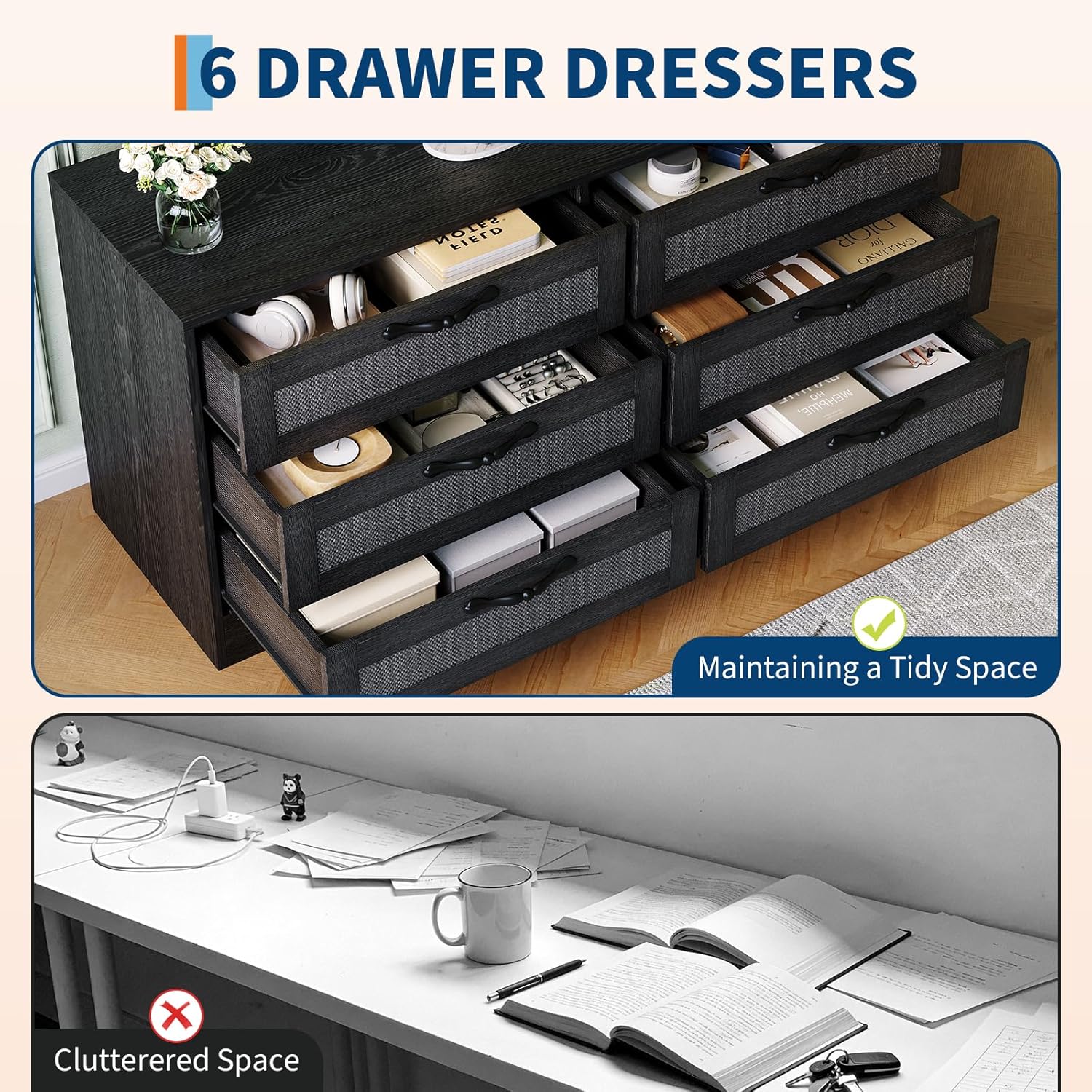
Image: Diagram showing how to adjust the height and width of the TV mount for optimal viewing and compatibility with different TV sizes.
5.2 Using the Storage Drawers
The TV stand features six spacious drawers with woven rattan fronts, providing ample storage for media accessories, gaming consoles, remote controls, and other items. The drawers run on smooth metal slides for easy access.

Image: View of the six drawers, demonstrating their capacity for organizing various items and contributing to a tidy space.
6. Maintenance
Proper maintenance will ensure the longevity and appearance of your TV stand.
- Cleaning: Wipe surfaces with a soft, damp cloth. Avoid harsh chemicals or abrasive cleaners that may damage the finish.
- Drawer Slides: Periodically check the metal drawer slides for smooth operation. If they become stiff, a small amount of silicone lubricant can be applied.
- Hardware: Regularly inspect all screws and bolts to ensure they remain tight. Re-tighten as necessary to maintain stability.
- Weight Distribution: Distribute weight evenly across the top surface and within the drawers to prevent stress on the structure.
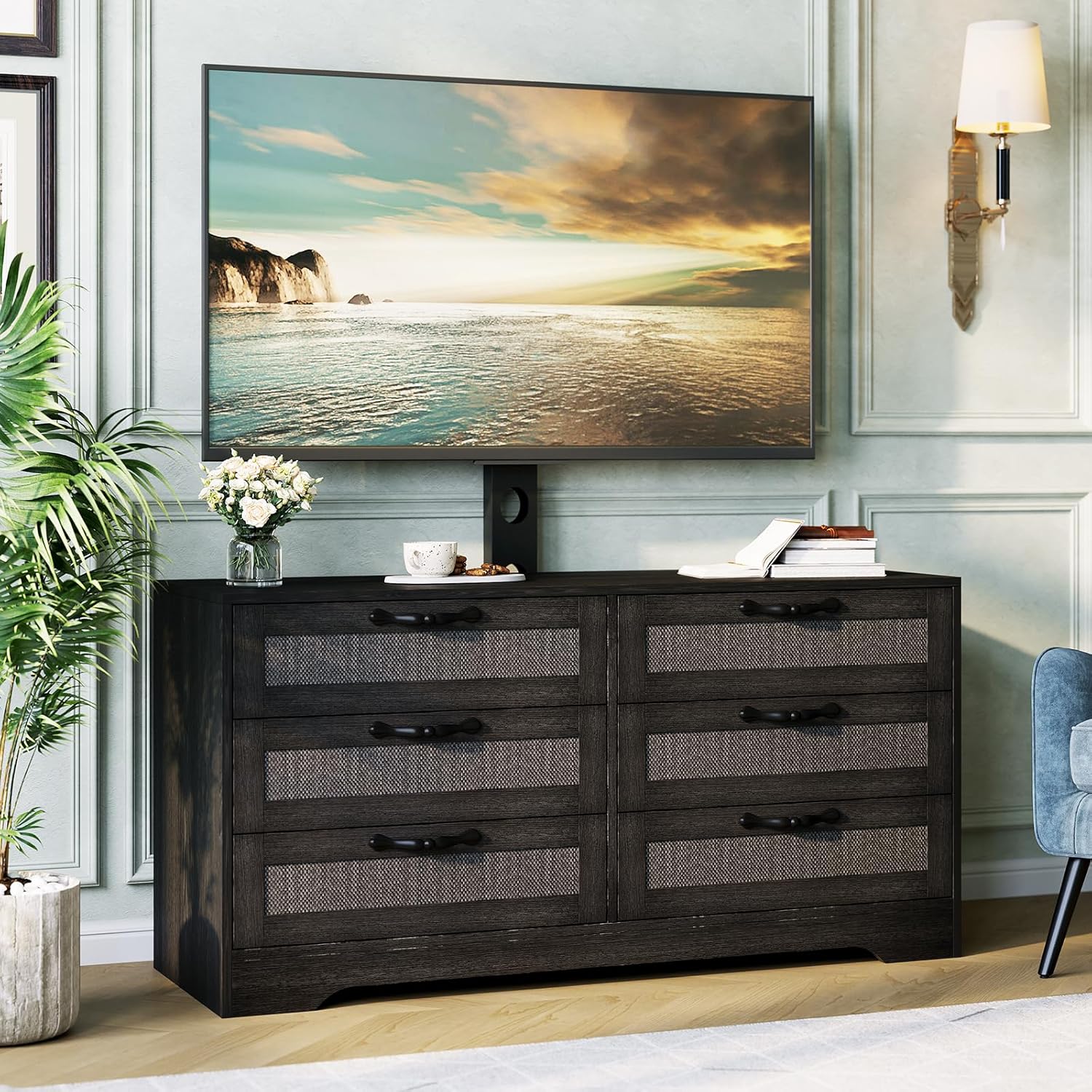
Image: Close-up details of the TV stand's construction, including thickened wood, drawer slides, and sturdy base support, indicating durability.
7. Troubleshooting
If you encounter any issues, refer to the following common solutions.
| Problem | Possible Cause | Solution |
|---|---|---|
| Stand is wobbly | Loose hardware; uneven floor | Ensure all screws and bolts are tightened. Adjust floor levelers if present, or place shims under the base. |
| Drawers do not slide smoothly | Misaligned slides; debris in tracks; worn slides | Check drawer alignment. Clean tracks of any debris. Apply silicone lubricant to slides if needed. |
| TV mount is not stable | Loose mounting screws; incorrect TV weight | Ensure all TV mount screws are securely tightened. Verify your TV's weight does not exceed the mount's capacity (165 lbs). |
8. Specifications
- Brand: Garvee
- Model Number: UOZekkpGZumYRqinhlUKjAr1q9fZ
- Color: Black
- Size: 6 Drawer
- Item Dimensions (L x W x H): 47.2 x 15.7 x 23.6 inches
- Item Weight: 87.85 Pounds
- Material Type: Engineered Wood
- Style: Transitional / Farmhouse
- TV Size Compatibility: 32 to 85 inches
- Weight Capacity: Up to 165 lbs (75 kg)
- Assembly Required: Yes
- UPC / GTIN: 822255336501
9. Warranty and Support
For warranty information and customer support, please refer to the documentation included with your product or visit the official Garvee website. If you have any questions or require assistance with assembly or parts, please contact Garvee customer service directly.