
Pawfly Rechargeable Fish Tank Air Pump
Pawfly Aquarium Air Pump User Manual
Model: Rechargeable Fish Tank Air Pump
Introduction
Thank you for choosing the Pawfly Aquarium Air Pump. This manual provides essential information for the safe and efficient operation of your new air pump. Please read it thoroughly before use and retain it for future reference.
This air pump is designed to provide consistent aeration for fish tanks up to 65 gallons, ensuring an oxygen-rich environment for your aquatic pets. Its rechargeable battery and dual working modes offer flexibility and reliability.
Package Contents
Verify that all items listed below are included in your package:
- 1 x Pawfly Aquarium Air Pump
- 2 x 5 ft (1.5 m) Air Hoses
- 2 x Air Stones
- 2 x Check Valves
- 1 x USB Type-C Charging Cable (1m)
- 1 x Metal Hanger (for mounting)
- 1 x Screw (for mounting)

Image: The Pawfly Aquarium Air Pump shown with all included accessories: two 5 ft air hoses, two air stones, two check valves, and a USB Type-C charging cable. The pump itself measures approximately 5.37 inches (13.6 cm) in length, 3.2 inches (8.1 cm) in width, and 1.5 inches (3.8 cm) in height.
Specifications
| Brand | Pawfly |
| Model | Rechargeable Fish Tank Air Pump |
| Max Flow Rate | 64 GPH (242 L/h) |
| Power | 3 W |
| Pressure | ≥ 0.014 MPa |
| Recommended Tank Size | Up to 65 Gallons (246 L) |
| Battery Capacity | 4,400 mAh Lithium Battery |
| Continuous Run Time (Low) | Up to 60 hours |
| Intermittent Run Time (Low) | Up to 120 hours (10s on/10s off) |
| Noise Level | Below 30 dB |
| Waterproof Rating | IPX4 (Splash-Proof) |
| Material | Plastic |
| Color | White |

Image: Visual representation of the air pump's performance metrics, including flow rate, pressure, and power consumption, demonstrating its capability for tanks up to 65 gallons.

Image: An illustration highlighting the internal 4,400 mAh rechargeable battery and its impressive run times: up to 120 hours in intermittent mode and 60 hours in continuous mode at low setting.
Important Safety Instructions
- Read all instructions before using the appliance.
- Do not immerse the air pump in water. It is IPX4 splash-proof, not submersible.
- Always place the air pump above the water level of the aquarium to prevent water backflow. Use check valves as instructed.
- Ensure the power cord and USB cable are not damaged. Do not operate with a damaged cord or plug.
- Keep out of reach of children.
- Unplug the pump before performing any maintenance or cleaning.
- This appliance is for indoor use only.
- Do not use the appliance for other than intended use.

Image: The air pump is rated IPX4, meaning it is splash-proof and can withstand splashes of water. However, it is crucial to note that it is not submersible and should never be placed directly into water.
Setup and Installation
- Charge the Air Pump: Before first use, fully charge the air pump using the provided USB Type-C cable. Connect the USB-C end to the pump and the USB-A end to a compatible USB power source (e.g., phone charger, power bank, laptop). The battery indicator lights will show charging progress.
- Connect Air Hoses: Attach one end of each 5 ft air hose to the air outlets on the pump.
- Install Check Valves: For safety, install a check valve on each air hose, between the pump and the air stone. This prevents water from siphoning back into the pump during a power outage or if the pump is placed below the water level. Ensure the check valve is oriented correctly (air flows towards the aquarium).
- Attach Air Stones: Connect an air stone to the other end of each air hose.
- Position the Air Pump: Place the air pump in a dry, stable location. It is highly recommended to place the air pump above the water level of your aquarium. If this is not possible, ensure the check valves are correctly installed and functioning to prevent water backflow. The included metal hanger and screw can be used to mount the pump on a wall or tank rim.
- Place Air Stones: Submerge the air stones in your aquarium.
Operating Instructions

Image: The control panel of the air pump, illustrating the battery indicator, ON/OFF button, mode switch (Continuous/Intermittent), and flow control (High/Low) buttons for easy operation.
- Power On/Off:
- To turn on: Press the ON/OFF button once.
- To turn off: Press and hold the ON/OFF button for 3 seconds.
- Select Operating Mode:
Press the MODE button to switch between modes:
- Continuous Mode (CONT): Provides a constant, uninterrupted airflow. Ideal for regular aeration.
- Intermittent Mode (INT): Cycles airflow on for 10 seconds and off for 10 seconds. This mode conserves battery life, extending operation up to 120 hours.
- Adjust Airflow:
Press the FLOW button to adjust the air output:
- High Flow (H): Maximum air output for larger tanks or higher oxygen demand.
- Low Flow (L): Reduced air output for smaller tanks or quieter operation.
- Battery Indicator: The 4-level battery indicator lights on the control panel show the remaining battery charge (25%, 50%, 75%, 100%). Recharge the pump when the indicator shows low battery.
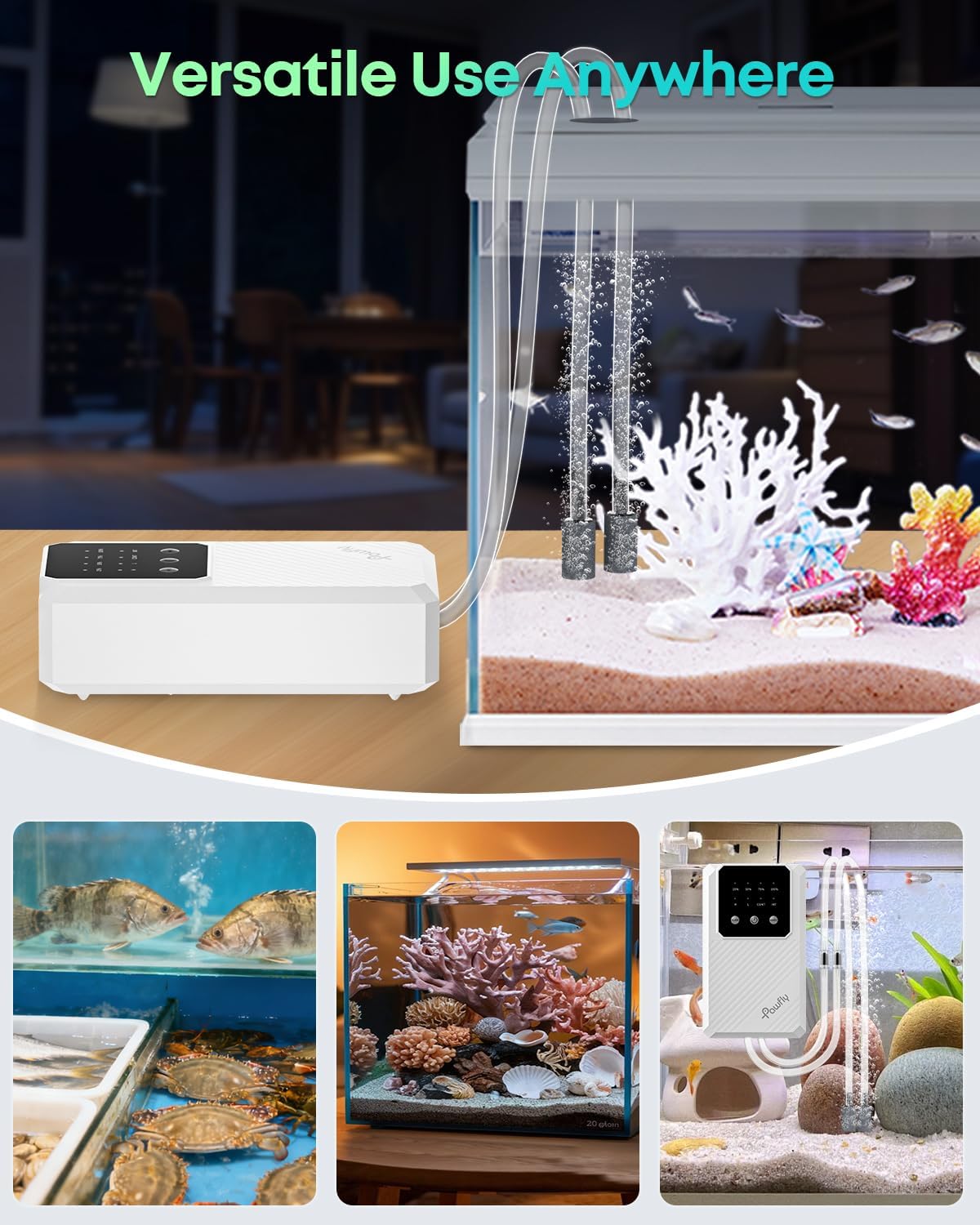
Image: The air pump is designed for ultra-quiet operation, producing less than 30 dB of noise, ensuring a calm environment for both aquatic pets and household members.
Maintenance
- Cleaning the Pump: Wipe the exterior of the pump with a soft, damp cloth. Do not use harsh chemicals or abrasive cleaners. Ensure the pump is unplugged and dry before use.
- Air Stone Replacement: Air stones can become clogged over time, reducing airflow. Replace air stones periodically (e.g., every 3-6 months, depending on water quality and usage) to maintain optimal performance.
- Hose Inspection: Regularly check air hoses for kinks, cracks, or blockages. Replace if damaged.
- Battery Care: For optimal battery life, avoid completely draining the battery frequently. Recharge when the battery indicator is low. If storing the pump for an extended period, charge it to about 50% and recharge every few months.
Troubleshooting
| Problem | Possible Cause | Solution |
|---|---|---|
| No air output or weak airflow |
|
|
| Pump is noisy |
|
|
| Water backflow into pump |
|
|
| Battery not charging |
|
|
Warranty Information
The Pawfly Aquarium Air Pump comes with a 1-Year Manufacturer's Warranty from the date of purchase. This warranty covers defects in materials and workmanship under normal use. It does not cover damage resulting from misuse, accident, unauthorized modification, or failure to follow the instructions in this manual.
Please retain your proof of purchase for warranty claims.
Customer Support
If you have any questions, require assistance, or encounter issues not covered in this manual, please contact Pawfly Customer Support.
For the most up-to-date contact information, please visit the official Pawfly website or refer to your product packaging.
Ask a question about this manual
Ask about setup, troubleshooting, compatibility, parts, safety, or missing instructions. Manuals+ will review the question and use this page’s manual context to help answer it.