
Introduction
Thank you for choosing the Fockety Chess Timer. This professional digital chess clock is designed for precision timing in chess, Go, and other board games. It features independent time settings for two players, a clear high-definition display, and supports various timing rules. This manual provides detailed instructions for setup, operation, and maintenance to ensure optimal performance and longevity of your device.
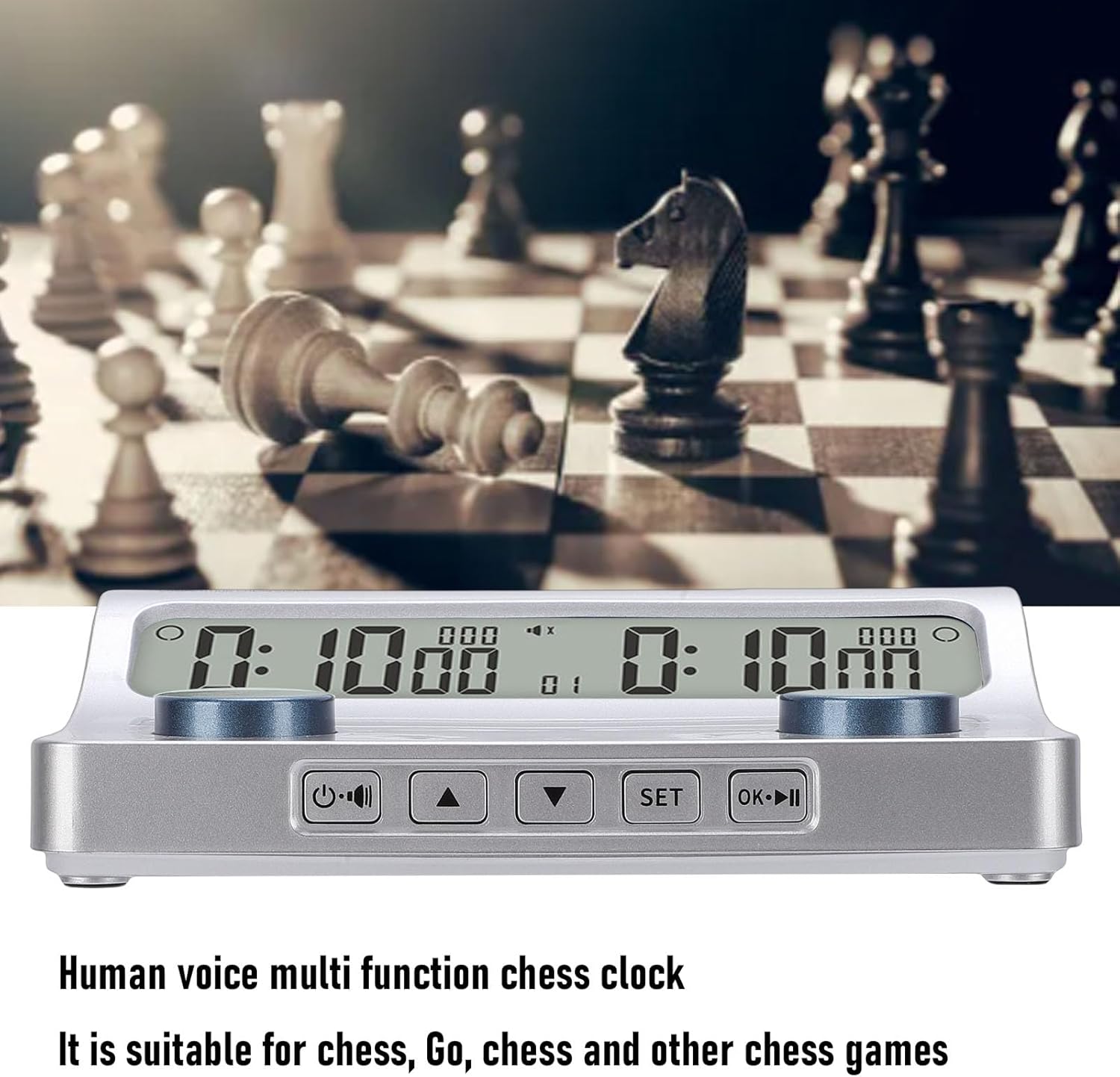
Image: The Fockety Chess Timer displayed with a chess board and pieces in the background, showcasing its intended use.
Safety Information
- Keep the device away from water and excessive moisture to prevent electrical hazards.
- Do not expose the timer to extreme temperatures or direct sunlight for prolonged periods.
- Use only the specified battery type (AA Battery x2). Ensure correct polarity when inserting batteries.
- Do not attempt to disassemble or repair the device yourself. Contact qualified personnel for service.
- Keep out of reach of small children to prevent accidental ingestion of small parts or batteries.
Package Contents
Please check the package for the following items:
- 1 x Fockety Chess Clock
- 1 x Instruction Manual (this document)
Note: AA batteries are not included and must be purchased separately.
Product Overview
The Fockety Chess Timer is designed for precision and durability, featuring a clear display and intuitive controls. Key features include:
- Dual Player Timing: Independent time settings for two players, supporting up to 9 hours, 59 minutes, and 59 seconds.
- Versatile Timing Rules: Compatible with various advanced timing rules such as Byoyomi, Canadian Byoyomi, Delay, Simple Delay, Bronstein Delay, Hourglass, Time Control per Move, Increment, and Move Counter.
- Clear HD Display: High-definition display ensures time and settings are easily visible.
- Dual Alert Modes: Features an audible beep for time reminders and a silent mode with visual alerts for noise-sensitive environments.
- Durable Construction: ABS plastic body with a special coating for enhanced hardness, abrasion, and scratch resistance.
- Responsive Tactile Buttons: Provides precise timing control without operational distractions.
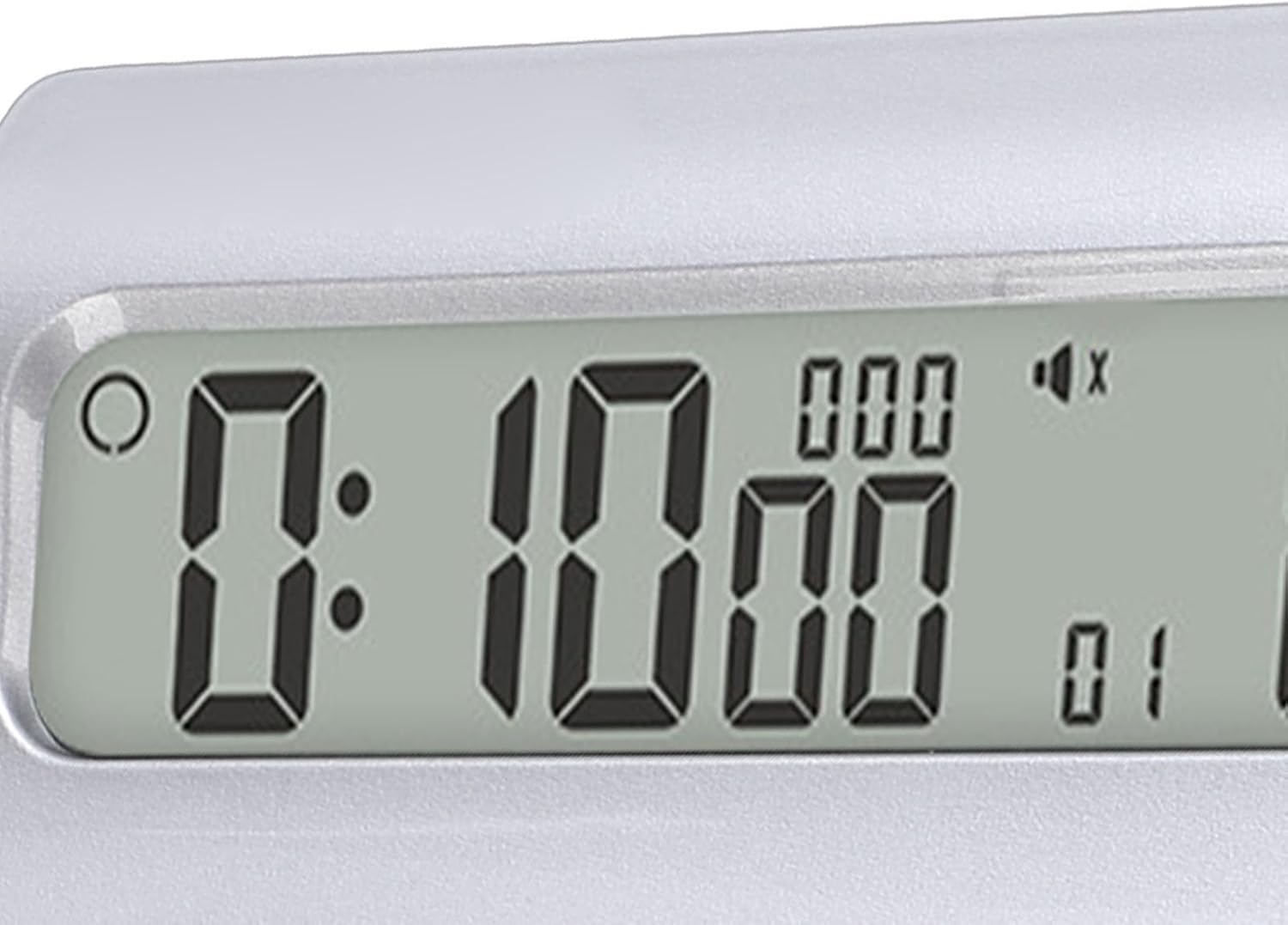
Image: A detailed diagram of the Fockety Chess Timer, highlighting its various components including the display, player buttons, and control buttons (Power/Mute, Up, Down, Set, OK/Pause).
Setup
1. Battery Installation
- Locate the battery compartment on the underside of the chess timer.
- Open the battery compartment cover.
- Insert two (2) AA batteries, ensuring correct polarity (+ and - terminals match the markings inside the compartment).
- Close the battery compartment cover securely.
2. Powering On/Off
- To power on the device, press and hold the Power/Mute button (usually located on the left side of the control panel) for a few seconds until the display illuminates.
- To power off, press and hold the Power/Mute button again until the display turns off.
Operating Instructions
The Fockety Chess Timer offers various modes and settings for different game types. Refer to the labeled diagram in the Product Overview section for button identification.
1. Basic Time Setting
- With the timer powered on, press the SET button to enter the settings menu.
- Use the Up (▲) and Down (▼) buttons to navigate through the different timing parameters (e.g., total time, delay, increment).
- Press SET again to select a parameter, then use Up (▲) and Down (▼) to adjust the value.
- Repeat for all desired parameters for both players.
- Once all settings are configured, press the OK/Pause (►►) button to save and exit the settings menu, returning to the game mode.

Image: A close-up view of the timer's clear digital display, showing the time countdown for one player.
2. Starting and Pausing a Game
- After setting the time, press the OK/Pause (►►) button to start the game. The timer for the first player will begin counting down.
- To pause the game at any time, press the OK/Pause (►►) button again. The display will show a pause indicator.
- To resume, press OK/Pause (►►) once more.
3. Switching Players
During a game, after a player completes their move, they press their respective player button (the large round button on their side of the timer). This stops their clock and starts the opponent's clock.

Image: A close-up of one of the large, blue player buttons on the Fockety Chess Timer, designed for easy and responsive pressing during gameplay.
4. Silent Mode / Audible Beep
- Press the Power/Mute button briefly to toggle between audible beep mode and silent mode.
- In silent mode, visual alerts (e.g., flashing display) will indicate time warnings instead of sound.
5. Resetting the Timer
To reset the timer to its initial state or to clear current game settings, power off the device and then power it back on. Alternatively, some models may have a dedicated reset option within the settings menu (consult the display for specific prompts).
Maintenance
- Cleaning: Wipe the timer with a soft, dry cloth. Do not use abrasive cleaners or solvents, as they may damage the display or casing.
- Storage: When not in use for extended periods, remove the batteries to prevent leakage and store the timer in a cool, dry place.
- Handling: Avoid dropping the timer or subjecting it to strong impacts, which can damage internal components.
Troubleshooting
| Problem | Possible Cause | Solution |
|---|---|---|
| Timer does not power on. | Batteries are dead or incorrectly inserted. | Replace batteries with new AA batteries, ensuring correct polarity. |
| Display is dim or flickering. | Low battery power. | Replace batteries. |
| Buttons are unresponsive. | Device might be frozen or in an unexpected state. | Remove and reinsert batteries to perform a hard reset. |
| Incorrect time settings. | Settings were not saved correctly or entered incorrectly. | Re-enter settings carefully, ensuring to press OK/Pause to save. |
Specifications
| Model Number | Fockety19higkba24 |
| Brand | Fockety |
| Material | ABS Plastic |
| Power Source | 2 x AA Batteries (not included) |
| Maximum Timing | 9 hours, 59 minutes, 59 seconds |
| Product Dimensions | 7.09 x 4.33 x 1.97 inches (18 x 11 x 5 cm) |
| Item Weight | 10.8 ounces (306 grams) |
| Supported Timing Rules | Byoyomi, Canadian Byoyomi, Delay, Simple Delay, Bronstein Delay, Hourglass, Time Control per Move, Time Control per Move + Basic Time, Time Control per Move + Byoyomi, Increment, Move Counter |
| Applicable Games | Go, Chinese Chess, International Chess, and other board games |
Warranty Information
This Fockety Chess Timer is covered by a standard manufacturer's warranty against defects in materials and workmanship. Please retain your proof of purchase for warranty claims. The warranty period and terms may vary by region. For specific warranty details, please refer to the documentation provided at the time of purchase or contact customer support.
Note: The warranty does not cover damage caused by misuse, accidents, unauthorized modifications, or normal wear and tear.
Customer Support
If you encounter any issues or have questions regarding your Fockety Chess Timer that are not addressed in this manual, please contact our customer support team. For the most up-to-date contact information, please visit the official Fockety website or refer to your purchase documentation.
When contacting support, please have your product model number (Fockety19higkba24) and a detailed description of the issue ready.