
Introduction
The SONICAKE Amphonix 2 QAP-50 is a compact and portable guitar headphone amplifier designed for practice, recording, and performance. It features multiple effect modules, 50 factory presets, Bluetooth connectivity, and USB audio recording capabilities. This manual provides detailed instructions for its setup, operation, and maintenance.
Safety Information
- Do not expose the device to water or excessive moisture.
- Avoid extreme temperatures and direct sunlight.
- Do not attempt to disassemble or modify the device.
- Use only the specified charging cable (USB-C 5V).
- Keep out of reach of children.
Package Contents
- SONICAKE Amphonix 2 QAP-50 Guitar Headphone Amplifier
- USB-C Charging Cable
- User Manual
Product Overview
The Amphonix 2 QAP-50 is a highly portable device, designed for convenience.

Image: The Amphonix 2 QAP-50 device with dimensions indicated: 84.3 mm (3.32 inches) length, 43.7 mm (1.72 inches) width, and 140.5 mm (5.53 inches) total length including the jack.
Controls and Connections

Image: Diagram illustrating the various parts of the Amphonix 2 QAP-50. Key components include the 1/4" input jack (1), rotating joint (2), preset buttons A, B, C (3), power/function button (4), USB-C port (5), and 3.5mm headphone output (6).
- 1/4" Input Jack (1): Connects to your guitar.
- Rotating Joint (2): Allows adjustment of the input jack angle.
- Preset Buttons (A, B, C) (3): Selects and cycles through presets.
- Power/Function Button (4): Powers the device on/off and controls various functions.
- USB-C Port (5): For charging, firmware updates, and USB audio recording.
- 3.5mm Headphone Output (6): Connects to headphones or external speakers.
Setup
Charging the Device
Before first use, fully charge the Amphonix 2 QAP-50.
- Connect the supplied USB-C cable to the USB-C port (5) on the device.
- Connect the other end of the USB-C cable to a 5V USB power adapter (not included) or a computer's USB port.
- The indicator light will show charging status. A full charge takes approximately 1.5 hours and provides over 4 hours of runtime.

Image: The Amphonix 2 QAP-50 connected via USB-C cable for charging, with text indicating "1.5-Hour Fast Charge" and "4+ Hours Runtime".
Initial Connection
- Plug the 1/4" input jack (1) of the Amphonix 2 QAP-50 directly into your guitar's output jack.
- Connect your headphones or external speakers to the 3.5mm headphone output (6).
- Press and hold the Power/Function button (4) to turn on the device.
Operating Instructions
Power On/Off
Press and hold the Power/Function button (4) for 2 seconds to turn the device on or off.
Selecting Presets
The Amphonix 2 QAP-50 comes with 50 factory presets and 9 customizable user preset slots.

Image: Close-up of the Amphonix 2 QAP-50 showing the A, B, and C preset buttons. Text indicates that these buttons provide access to nine preset slots (A: 1-3, B: 4-6, C: 7-9).
- Press buttons A, B, or C (3) to select one of the three active presets.
- To cycle through the three presets assigned to each button (e.g., A1, A2, A3), press the corresponding button repeatedly.
- Factory presets cover various musical styles. User presets can be customized via the companion app.
Effect Modules
The device features 9 professional effect modules with over 90 high-quality algorithms.
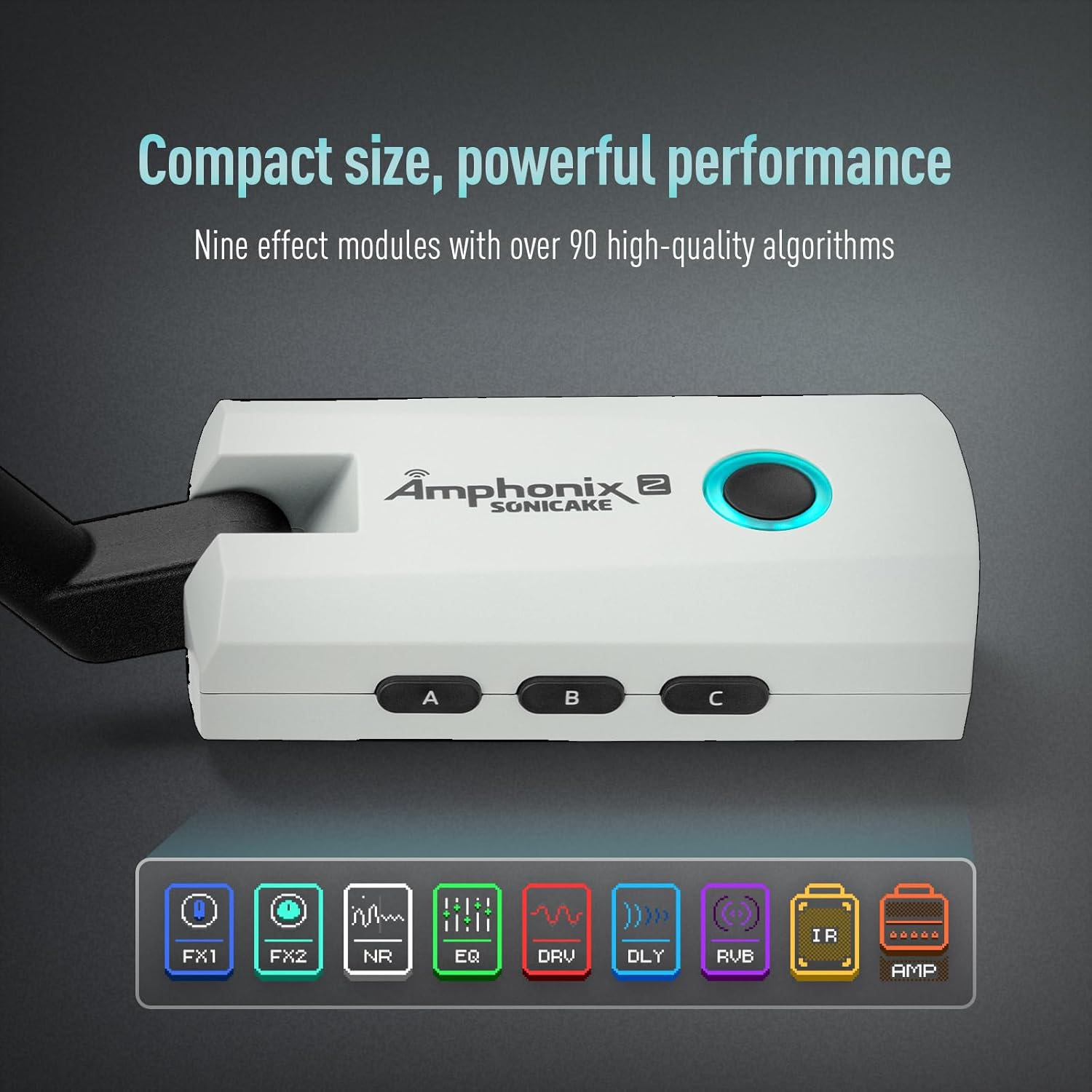
Image: The Amphonix 2 QAP-50 with an overlay showing icons for nine effect modules: FX1, FX2, NR (Noise Reduction), EQ, DRV (Drive), DLY (Delay), RVB (Reverb), IR (Impulse Response), and AMP.
These modules include: FX1, FX2, Noise Reduction (NR), Equalizer (EQ), Drive (DRV), Delay (DLY), Reverb (RVB), Impulse Response (IR), and Amplifier (AMP.
Bluetooth Connectivity
The Amphonix 2 QAP-50 supports Bluetooth for audio playback and app control.
- Ensure Bluetooth is enabled on your mobile device.
- Search for "Amphonix 2" in your device's Bluetooth settings and pair.
- Once connected, you can stream backing tracks from your mobile device to the Amphonix 2 QAP-50.
- Bluetooth also enables connection to the dedicated app for parameter editing.
Companion Smart App
For precise effect editing, tone customization, and additional features like a drum machine and tuner, download the dedicated SONICAKE app.

Image: The Amphonix 2 QAP-50 plugged into a guitar, with a smartphone displaying the companion app interface for effect parameter editing.
- Download the "SonicLink" app from your device's app store.
- Connect the Amphonix 2 QAP-50 to your mobile device via Bluetooth.
- Use the app to adjust parameters for each effect module, save custom tones, and access other tools.
USB Audio Recording
The USB-C port (5) supports USB 2.0 and OTG (On-The-Go) for direct audio recording to a phone or computer.

Image: The Amphonix 2 QAP-50 showing its USB-C port and headphone jack, with icons indicating compatibility with PC, Mac, and mobile devices via OTG for recording.
- Connect the Amphonix 2 QAP-50 to your computer or OTG-compatible mobile device using a USB-C cable.
- The device will be recognized as an audio interface.
- Open your preferred Digital Audio Workstation (DAW) or recording app and select the Amphonix 2 as your input device.
- You can now record your guitar signal directly.
Maintenance
- Clean the device with a soft, dry cloth. Do not use abrasive cleaners or solvents.
- Store in a cool, dry place away from direct sunlight.
- Regularly check the input and output jacks for debris.
Troubleshooting
No Sound Output
- Ensure the device is powered on.
- Check headphone/speaker connection.
- Verify guitar connection.
- Adjust volume settings on the device and connected headphones/speakers.
- Ensure the correct preset is selected.
Bluetooth Connection Issues
- Make sure the Amphonix 2 is powered on and within range.
- Turn off and on Bluetooth on your mobile device.
- Forget "Amphonix 2" from your device's Bluetooth list and try pairing again.
Recording Issues via USB
- Ensure the USB-C cable is securely connected.
- Verify that the Amphonix 2 is selected as the input device in your recording software.
- Check for driver updates if using a computer (though typically plug-and-play).
Specifications
| Feature | Detail |
|---|---|
| Dimensions | 84.3 x 43.7 x 32.2 mm (3.32 x 1.72 x 1.27 inches) |
| Weight | 64 g (0.14 lbs) |
| Battery | 1000 mAh Lithium (rechargeable via USB-C 5V) |
| Charging Time | Approx. 1.5 hours |
| Runtime | Over 4 hours |
| Effect Modules | 9 (FX1, FX2, NR, EQ, DRV, DLY, RVB, IR, AMP) |
| Presets | 50 Factory, 9 User |
| Input Impedance | 1MΩ (1/4" unbalanced) |
| Headphone Output Impedance | 100Ω (3.5mm stereo) |
| USB Audio | USB 2.0, OTG compatible |
Warranty and Support
For warranty information and technical support, please refer to the official SONICAKE website or contact your local distributor. Keep your purchase receipt for warranty claims.


