
Realme 16 Pro Series 5G
Contents
Realme 16 Pro Series 5G User Manual
Comprehensive guide for your Realme 16 Pro and Realme 16 Pro+ 5G smartphones.
Introduction
This manual provides detailed instructions for setting up, operating, maintaining, and troubleshooting your Realme 16 Pro Series 5G smartphone. It covers essential features of the Realme UI, connectivity options, camera functions, performance optimization, and security settings to help you maximize your device's potential.
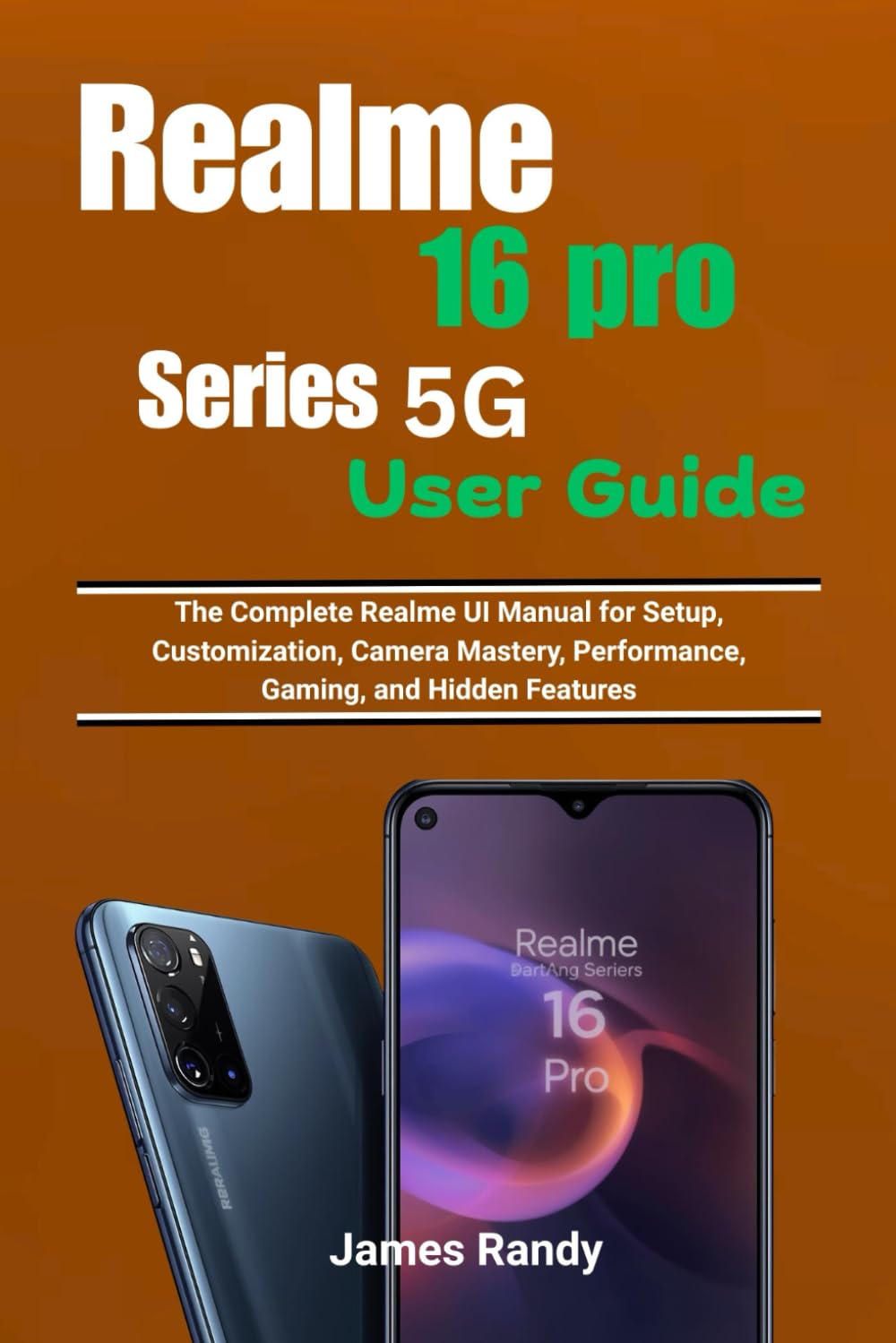
Image: Front view of the Realme 16 Pro Series 5G smartphone, illustrating its sleek design and display.
1. Setup and Initial Configuration
Follow these steps to set up your Realme 16 Pro Series 5G device for the first time.
- Power On: Press and hold the power button until the Realme logo appears.
- SIM Card Insertion: Use the provided SIM ejector tool to open the SIM tray. Insert your 5G-enabled Nano-SIM card(s) and/or a microSD card (if supported) into the tray, ensuring correct orientation. Close the tray securely.
- Initial Setup Wizard: Follow the on-screen prompts to select your language, region, connect to a Wi-Fi network, and accept the terms and conditions.
- Google Account: Sign in with your Google account or create a new one. This is essential for accessing the Google Play Store and other Google services.
- Data Transfer: If upgrading from another device, you may have the option to transfer data from your old phone during this stage.
- Security Setup: Configure your preferred screen lock method (PIN, pattern, password, fingerprint, or face unlock).
2. Operating Your Device
2.1 Realme UI Navigation and Customization
The Realme UI offers a smooth and intuitive user experience. Learn to navigate and personalize your device.
- Home Screen: Swipe left/right to access different home screens. Pinch to access home screen settings for widgets, wallpapers, and transitions.
- Notification Panel & Quick Settings: Swipe down from the top of the screen to view notifications and access quick settings toggles like Wi-Fi, Bluetooth, and flashlight.
- App Drawer: Swipe up from the bottom of the screen to open the app drawer, containing all installed applications.
- Personalization: Go to Settings > Personalizations to change themes, fonts, icon styles, and display size.
2.2 Connectivity Features
Your Realme 16 Pro Series 5G supports advanced connectivity options.
- 5G Network: Ensure your SIM card supports 5G and your area has 5G coverage. Enable 5G in Settings > Mobile Network > Preferred network type.
- Dual SIM: Manage two SIM cards simultaneously for calls, messages, and data in Settings > Mobile Network.
- Wi-Fi: Connect to wireless networks via Settings > Wi-Fi.
- Bluetooth: Pair with headphones, speakers, and other devices in Settings > Bluetooth.
- NFC: Use Near Field Communication for quick payments and data exchange (if available on your model) via Settings > Connection & sharing > NFC.
2.3 Security and Privacy
Protect your device and personal data with Realme's security features.
- Fingerprint Unlock: Register your fingerprints in Settings > Fingerprint, Face & Passcode.
- Face Unlock: Set up face recognition for convenient unlocking.
- App Lock: Secure individual applications with a password or fingerprint.
- Private Safe: Encrypt and hide private photos, videos, and documents.
- Privacy Dashboard: Monitor app permissions and data access in Settings > Privacy.
2.4 Camera Mastery
Capture stunning photos and videos with the advanced camera system.
- Camera Modes: Explore modes like Photo, Video, Portrait, Night, Pro, Panorama, and Slow-motion.
- Pro Mode: Manually adjust ISO, shutter speed, white balance, and focus for professional-grade shots.
- AI Enhancements: Utilize AI Scene Recognition for automatic optimization of photo settings.
- Video Recording: Record high-resolution videos with features like Ultra Steady Video.
2.5 Gaming Performance
Enhance your gaming experience with Game Space and system optimizations.
- Game Space: Launch games through the Game Space app for optimized performance, notification blocking, and network acceleration.
- Performance Modes: Select between Low Power, Balanced, and Pro Gamer modes within Game Space to suit your needs.
- Touch Optimization: Adjust touch sensitivity and response for improved gaming control.
3. Maintenance and Battery Management
Maintain optimal performance and extend your device's battery life.
- Battery Health: Monitor battery usage and health in Settings > Battery.
- Power Saving Mode: Activate power saving mode to conserve battery when needed.
- Fast Charging: Use the original Realme charger and cable for optimal fast charging speeds. Avoid using the phone extensively while charging.
- Software Updates: Regularly check for and install system updates in Settings > About device > Up to date to ensure security and performance improvements.
- Storage Management: Clear unnecessary files and cache regularly via Settings > About device > Storage.
4. Troubleshooting Common Issues
Here are solutions for common problems you might encounter.
| Issue | Solution |
|---|---|
| Device is unresponsive | Press and hold the power button for about 10-15 seconds to force restart the device. |
| Apps crashing or freezing | Clear the app's cache (Settings > Apps > App management > [App Name] > Storage usage > Clear cache) or reinstall the app. Ensure the app is updated. |
| Poor battery life | Check battery usage in settings to identify power-hungry apps. Reduce screen brightness, disable unnecessary features (GPS, Bluetooth), and activate power saving mode. |
| Network connectivity issues | Toggle Airplane Mode on and off. Reset network settings (Settings > System settings > Back up and reset > Reset phone > Reset network settings). Ensure your SIM card is properly inserted. |
5. Specifications (Realme 16 Pro Series 5G)
The Realme 16 Pro Series 5G is designed with advanced features for a premium smartphone experience. Specific details may vary slightly between the 16 Pro and 16 Pro+ models.
- Connectivity: 5G Dual Mode (SA/NSA), Dual SIM support, Wi-Fi 6, Bluetooth 5.x, NFC (model dependent).
- Operating System: Realme UI (based on Android).
- Camera System: Advanced multi-camera setup with Pro features, AI enhancements, and high-resolution video recording.
- Display: High refresh rate display with vibrant colors and high resolution.
- Performance: Powerful processor optimized for gaming and multitasking.
- Battery: Large capacity battery with fast charging support.
6. Warranty and Support
Your Realme 16 Pro Series 5G device comes with a standard manufacturer's warranty. For detailed warranty terms, conditions, and duration, please refer to the warranty card included in your product packaging or visit the official Realme support website.
For technical assistance, software updates, or service inquiries, please contact Realme customer support through their official website or authorized service centers. Keep your proof of purchase handy when seeking support.
For further in-depth information and advanced tips, consider consulting the comprehensive user guide book: Realme 16 Pro Series 5G User Guide (ISBN: 979-8245408651).

Image: Back cover of the user guide book, featuring the ISBN barcode for reference.
Ask a question about this manual
Ask about setup, troubleshooting, compatibility, parts, safety, or missing instructions. Manuals+ will review the question and use this page’s manual context to help answer it.