
1. Introduction
The Pomya Voice Recorder Watch is a sophisticated wearable device designed for efficient audio recording, smart transcription, and multilingual translation. It integrates advanced AI features for noise reduction and content analysis, making it an ideal tool for meetings, lectures, and interviews. This manual provides detailed instructions to help you maximize the functionality of your device.

Image: The Pomya AI Voice Recorder Watch highlighting its key features: Bluetooth APP Control, Real-Time Translation, and Smart Transcription.
2. Package Contents
Please verify that all items are present in your package:
- Pomya Voice Recorder Watch
- USB Charging Cable
- Earphones (3.5mm jack)
- User Manual (this document)
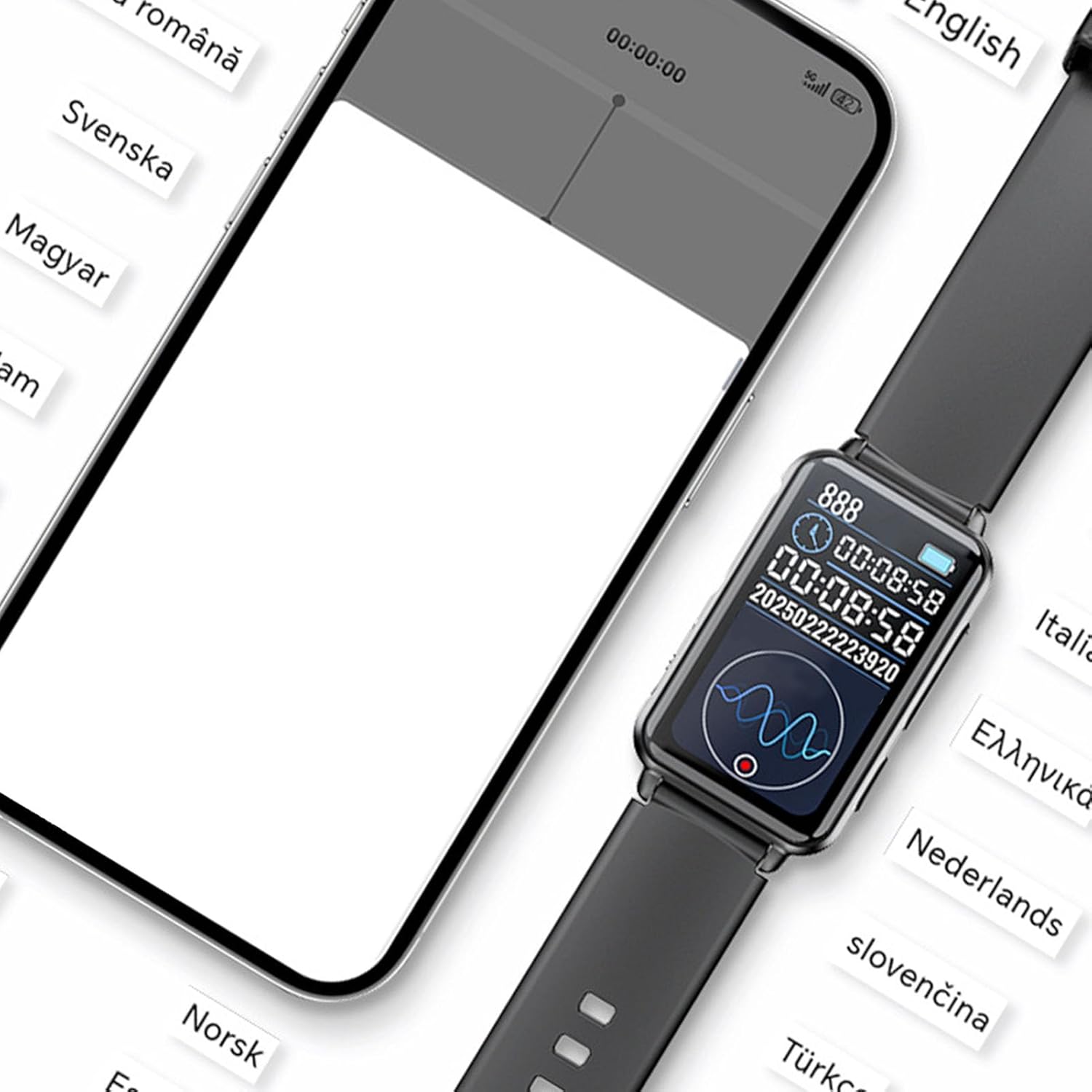
Image: The Pomya Voice Recorder Watch, USB charging cable, and earphones, as typically included in the product package.
3. Setup
3.1 Initial Charging
Before first use, fully charge the device. Connect the provided USB charging cable to the watch and a compatible USB power source. The battery indicator on the watch display will show charging status.
3.2 Power On/Off
- To power on: Press and hold the power button until the screen illuminates.
- To power off: Press and hold the power button, then select 'Power Off' on the screen.
3.3 App Connection (Bluetooth)
For advanced features like smart transcription and multilingual translation, connect the watch to its dedicated mobile application via Bluetooth.
- Download the 'VoiceApp' from your smartphone's app store.
- Ensure Bluetooth is enabled on your smartphone.
- Open the 'VoiceApp' and follow the on-screen instructions to pair with your Pomya Voice Recorder Watch.
- Once connected, the app will display a 'Connected' status.

Image: A smartphone showing the 'VoiceApp' connected to the watch, illustrating the multilingual interpretation feature in action.
4. Operating Instructions
4.1 Local Recording
The watch supports one-click local recording without needing a smartphone connection.
- To start recording: Slide the dedicated recording switch (often located on the side of the watch) to the 'On' position. The watch will vibrate and display a recording indicator.
- To stop recording: Slide the recording switch back to the 'Off' position. The recording will be saved automatically.

Image: A close-up view of the watch, highlighting the physical switch used to enable the recording mode.

Image: A visual representation of the easy local recording function, suitable for various scenarios like meetings, interviews, and lectures.
4.2 Smart Transcription
When connected to the 'VoiceApp', the watch can perform real-time speech-to-text transcription.
- Start a recording via the app or the watch.
- The app will display the transcribed text in real-time.
- This feature supports ChatGPT smart transcription for enhanced accuracy and eliminates the need for manual input.

Image: A user recording audio with the watch, demonstrating the real-time transcription feature on a connected smartphone.
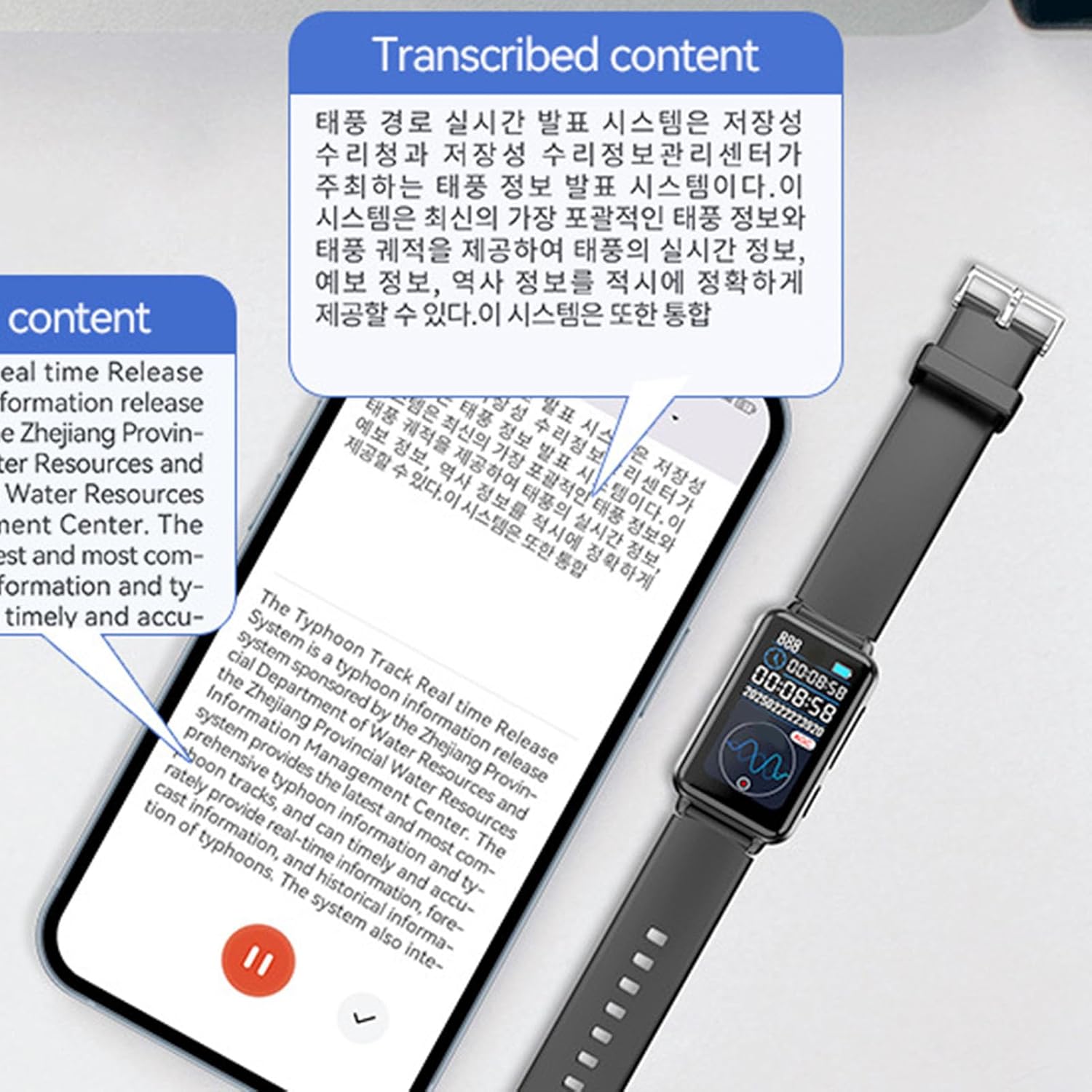
Image: A smartphone screen showing transcribed content, illustrating the device's ability to convert spoken words into text.
4.3 Multilingual Translation
The device supports multilingual recording and real-time translation, facilitating smooth communication across different languages.
- Within the 'VoiceApp', select the desired source and target languages for translation.
- Initiate recording. The app will transcribe and translate the spoken content in real-time.
- This feature is ideal for international meetings and interviews.

Image: Two individuals engaging in a conversation, with their smartphones displaying real-time multilingual dialogue translation, facilitated by the watch.

Image: The Pomya Voice Recorder Watch positioned amidst labels of various languages, symbolizing its extensive multilingual support.
4.4 AI Content Analysis
The integrated AI large model analyzes and refines recorded content, automatically generating intuitive and detailed mind maps for better organization and understanding.
- After a recording is completed and transcribed, the app can process the content.
- Access the AI analysis feature within the 'VoiceApp' to generate summaries or mind maps of your recordings.

Image: An infographic illustrating the core functionalities: Exclusive App Connectivity, Smart Transcription, Multilingual Interpretation, and AI Content Analysis.
4.5 Managing Recordings
All recordings, whether local or app-assisted, can be managed through the 'VoiceApp'.
- View a list of all recorded files with timestamps.
- Play back recordings, view transcriptions, and access translations.
- Organize, rename, or delete files as needed.

Image: A smartphone screen showing a chronological list of recorded audio files, indicating the date, time, and duration of each recording.
5. Maintenance
5.1 Cleaning
Wipe the watch surface with a soft, dry cloth. Avoid using harsh chemicals or abrasive materials, which can damage the screen or casing.
5.2 Battery Care
- Charge the device regularly to maintain battery health.
- Avoid extreme temperatures, as they can affect battery performance and lifespan.
- Do not attempt to replace the battery yourself. Contact support if battery issues arise.
5.3 Storage
Store the watch in a cool, dry place away from direct sunlight and moisture when not in use for extended periods.
6. Troubleshooting
6.1 Device Not Turning On
- Ensure the device is fully charged. Connect it to a power source for at least 30 minutes.
- Press and hold the power button for 10-15 seconds to attempt a forced restart.
6.2 Recording Issues
- Check if the recording switch is in the 'On' position.
- Ensure there is sufficient storage space on the device (32GB for this model).
- Verify that the microphone is not obstructed.
6.3 App Connection Problems
- Make sure Bluetooth is enabled on both the watch and your smartphone.
- Restart both the watch and the smartphone, then try pairing again.
- Ensure the 'VoiceApp' is updated to the latest version.
6.4 Inaccurate Transcription/Translation
- Speak clearly and at a moderate pace.
- Reduce background noise as much as possible.
- Ensure the correct languages are selected in the 'VoiceApp' for translation.
7. Specifications
| Feature | Detail |
|---|---|
| Brand | Pomya |
| Model Number | Poxo0kqf5gyh-13 |
| Memory Storage Capacity | 32 GB |
| Digital Recording Time | 2 hours |
| Microphone Operation Mode | Speech Recognition, Noise Cancellation |
| Headphone Jack | 3.5 mm |
| Manufacturer | Pomya |
| Country of Origin | China |
8. Warranty and Support
8.1 Warranty Information
This product comes with a 1-year warranty from the date of purchase. The warranty covers manufacturing defects and malfunctions under normal use. It does not cover damage caused by misuse, accidents, unauthorized modifications, or normal wear and tear.
8.2 Customer Support
If you encounter any issues or have questions regarding your Pomya Voice Recorder Watch, please refer to the troubleshooting section of this manual first. If the problem persists, contact your retailer or the manufacturer's customer support for assistance. Please have your model number (Poxo0kqf5gyh-13) and proof of purchase ready when contacting support.