
INTEO LP-099A
INTEO Red Light Therapy Device LP-099A User Manual
Model: LP-099A
Introduction
The INTEO Red Light Therapy Device LP-099A is a versatile 2-in-1 system designed for both body and face therapy. It utilizes a combination of 660nm visible red light and 850nm invisible infrared light to provide comprehensive light therapy. The device features a detachable design, allowing for portable use with an elastic strap or stationary use with an adjustable stand for broader coverage. This manual provides essential information for safe and effective operation of your device.
Important Safety Information
Please read all instructions carefully before using this device. Failure to follow safety guidelines may result in injury or device damage.
- Always wear the provided protective glasses during operation to shield your eyes from intense light.
- Do not stare directly into the light source.
- Consult with a healthcare professional before use if you have any medical conditions, are pregnant, or are taking photosensitizing medications.
- Keep the device out of reach of children and pets when not in use.
- Do not use the device on broken, irritated, or infected skin.
- Ensure the device is unplugged before cleaning or maintenance.
- This device is intended for personal, at-home use. It is not a medical device and is not intended to diagnose, treat, cure, or prevent any disease or health condition.
Package Contents
Verify that all items are present in your package:
- INTEO Red Light Therapy Panel
- Adjustable Stand (Base, Pillar, Arm)
- Elastic Strap
- Protective Glasses
- Remote Control
- Power Adapter
- User Manual

Image: All components of the INTEO Red Light Therapy Device, including the light panel, stand, elastic strap, protective glasses, remote control, and power adapter, are neatly arranged on a surface.
Setup Instructions
The INTEO Red Light Therapy Device offers flexible setup options for both standalone and mounted use. Follow these steps for assembly:
Stand Assembly:
- Connect the Pillar to the Base: Insert the pillar into the base and pull out the telescopic rod. Tighten securely.
- Attach the Arm: Insert the arm into the pole connector. Tighten to allow flexible angle adjustment.
- Secure the Fixing Plate: Align the fixing plate with the two screw holes on the bracket and secure it.
- Attach Light Panel: Stick the light panel onto the bracket. Plug the controller into the red light panel port.
- Cable Management: Secure the power cord with the provided clips to fasten it along the bracket, preventing tangling or damage.
- Power Connection: Connect the controller to the power cord port, then plug the power adapter into a wall outlet.

Image: A visual guide demonstrating six steps for assembling the INTEO Red Light Therapy Device stand, including connecting the base, arm, securing the panel, and connecting power.
Detachable Use:
For portable use, detach the light panel from the stand. Secure the elastic strap to the panel and wrap it around the desired body area (e.g., waist, shoulder, leg). Ensure a comfortable fit without restricting circulation.

Image: Demonstrates the detachable red light therapy pad being used on a person's waist, shoulder, and leg, as well as on a pet, highlighting its versatility with an elastic strap.
Video: Product Overview and Setup
Video: An official seller video from INTEO-DIRECT providing an overview of the Red Light Therapy Device and demonstrating its setup and features.
Operating Instructions
The INTEO Red Light Therapy Device features dual wavelengths, adjustable brightness, and multiple working modes for a customized experience.
Wavelengths:
- 660nm (Red Light): Visible light that acts on the skin epidermis for beauty care.
- 850nm (Infrared Light): Invisible light that delivers deeper penetration for comprehensive body therapy.

Image: A cross-section diagram showing how 660nm red light penetrates the epidermis and dermis, while 850nm infrared light penetrates deeper into the deep layer and bones.
Power On/Off and Settings:
Use the remote control to manage the device settings.
- Power Button: Press to turn the device on or off.
- Brightness Levels (P1-P5): Adjust the light intensity. P1 is the lowest, P5 is the highest.
- Timer Settings (10-90 minutes): Set the desired session duration. The device will automatically shut off after the set time.
- Working Modes:
- Constant Light Mode: Maintains full brightness and constant energy emission.
- 10Hz Pulse Mode: Light flashes 10 times per second, emitting energy and heat with each flash.
- 40Hz Pulse Mode: Light flashes 40 times per second, emitting energy and heat with each flash.

Image: A visual representation of the device in use, detailing the five power levels (P1-P5) and three working modes (Constant, 10Hz Pulse, 40Hz Pulse) available for customization.
Recommended Usage:
- Wear protective glasses during each session.
- Position the device to target the desired area. The adjustable stand and rotatable lamp head allow for flexible targeting of all body areas including face, back, and joints.
- Start with a lower setting (P1) and shorter duration (10-15 minutes) for your first few sessions.
- Gradually increase brightness and duration as tolerated, up to 15-30 minutes per session.
- Use 3-7 times a week for consistent results.
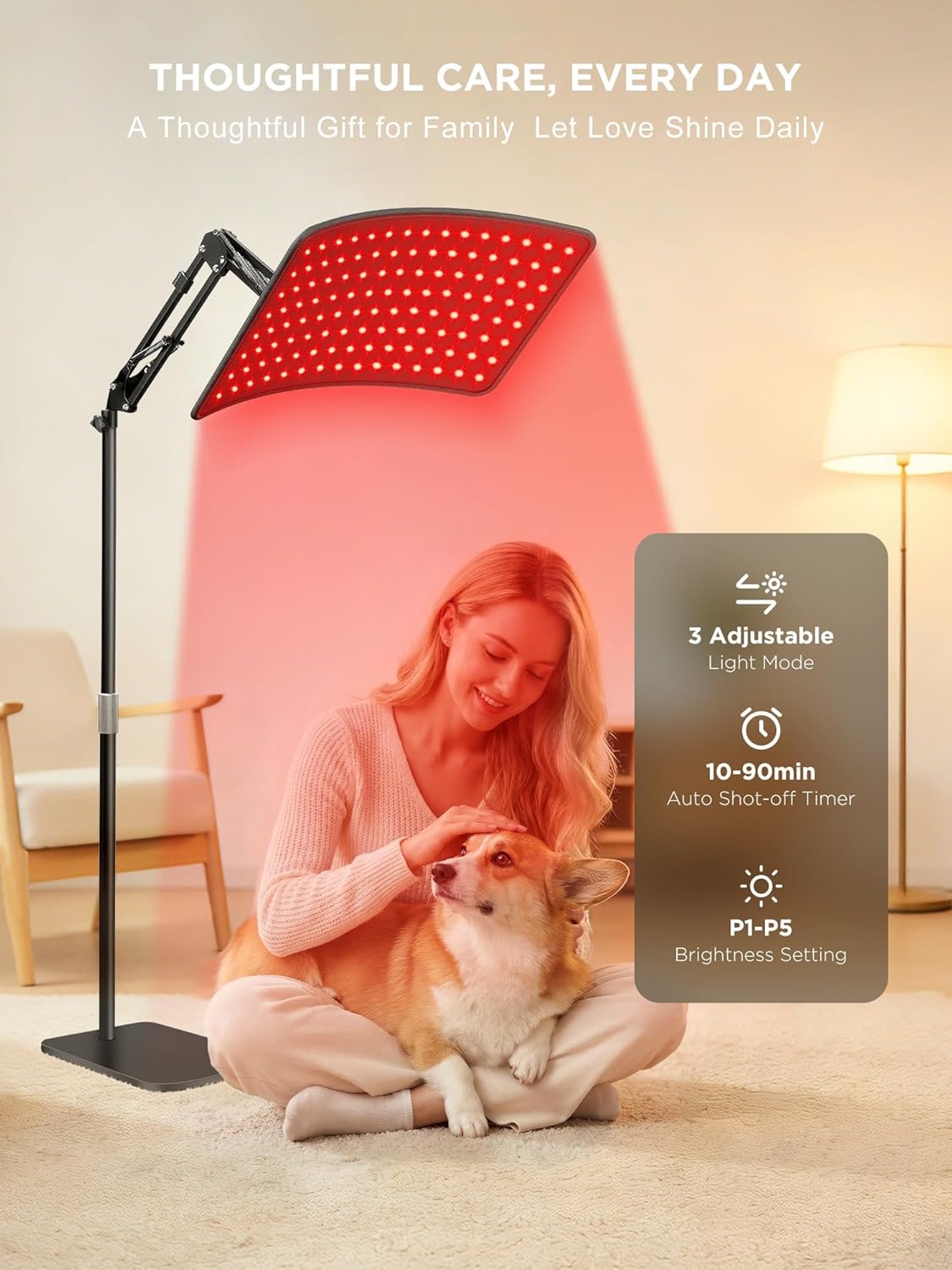
Image: A woman and her dog are shown relaxing near the red light therapy device, emphasizing its adjustable features including 3 light modes, a 10-90 minute auto shut-off timer, and P1-P5 brightness settings.
Maintenance
- Cleaning: Ensure the device is unplugged before cleaning. Wipe the light panel and stand with a soft, dry cloth. Do not use abrasive cleaners or immerse the device in water.
- Storage: Store the device in a cool, dry place away from direct sunlight and extreme temperatures.
- Inspection: Periodically check the power cord and connections for any signs of damage. If damage is found, discontinue use and contact customer support.
Troubleshooting
| Problem | Possible Cause | Solution |
|---|---|---|
| Device does not turn on. | Power cord not properly connected; power outlet issue; device malfunction. | Check all power connections. Try a different power outlet. If the issue persists, contact customer support. |
| Lights are dim or flickering. | Low brightness setting; power supply issue. | Increase the brightness level using the remote control. Ensure the power adapter is securely connected. |
| Remote control is unresponsive. | Remote control battery low or depleted; obstruction between remote and device. | Ensure there are no obstructions. If the remote uses batteries, replace them. |
Specifications
| Feature | Detail |
|---|---|
| Model Number | LP-099A |
| Wavelengths | 660nm (Red Light), 850nm (Infrared Light) |
| Brightness Levels | 5 (P1-P5) |
| Timer Options | 10 to 90 minutes |
| Working Modes | Constant Light, 10Hz Pulse, 40Hz Pulse |
| Light Panel Dimensions | 13 × 7.5 inches |
| Max Device Height | 46.5 inches |
| Product Dimensions | 16.7 x 12 x 3.8 inches |
| Weight | 7 Pounds |
| Manufacturer | INTEO |
Warranty and Support
Every INTEO red light therapy lamp undergoes strict quality checks. Should any functional issue occur within one year of purchase, dedicated support is available to assist. For any questions or assistance, please contact INTEO customer support. Response is typically provided within 24 hours for a smooth experience.
For further assistance, please visit the INTEO Store on Amazon.
Ask a question about this manual
Ask about setup, troubleshooting, compatibility, parts, safety, or missing instructions. Manuals+ will review the question and use this page’s manual context to help answer it.