
1. Introduction
This manual provides essential information for the safe and efficient operation of your Metz 55MNH7000Z 55-inch 4K QLED Mini LED Smart TV. Please read these instructions thoroughly before using the television and retain them for future reference.
2. Safety Information
Always follow basic safety precautions when using this television to reduce the risk of fire, electric shock, and injury.
- Do not expose the TV to rain or moisture.
- Do not open the TV casing; refer all servicing to qualified personnel.
- Ensure proper ventilation around the TV.
- Use only the power cord supplied with the TV.
- Keep the TV away from heat sources and direct sunlight.
- Unplug the TV during lightning storms or when unused for long periods.
3. Package Contents
Verify that all items are present in the box:
- Metz 55MNH7000Z 55-inch TV
- Remote Control
- Power Cable
- Instruction Manual (this document)
- TV Stands (2 units)
- Screws for Stand Installation
- Batteries for Remote Control (2x AAA)

Image: Metz 55MNH7000Z TV and its included accessories.
4. Physical Setup
4.1. Stand Installation
To install the TV stands:
- Carefully place the TV face-down on a soft, flat surface to prevent screen damage.
- Align each stand with the corresponding slots on the bottom of the TV.
- Secure each stand using the provided screws. Ensure they are tightened firmly.
4.2. Wall Mounting
If you choose to wall mount your TV, use a VESA-compatible wall mount kit (not included). The VESA mounting standard for this model is 200 x 200 mm. Consult a professional for wall mount installation.

Image: Rear view of the TV, indicating VESA mounting points.
4.3. Connecting Devices
The Metz 55MNH7000Z TV offers various connectivity options:
- HDMI Ports (3x): For connecting Blu-ray players, game consoles, and other HDMI-enabled devices.
- USB Ports (2x): For connecting USB storage devices to play media or for service.
- Ethernet (LAN) Port (1x): For a wired internet connection.
- RF Input (Antenna) (1x): For connecting an antenna or cable TV.
- AV Input (Composite) (1x): For older devices using composite video and stereo audio.
- SPDIF Optical/Coaxial Output (1x): For connecting to external audio systems.
- Headphone Output (1x): For connecting headphones.
- Bluetooth 5.1: For wireless audio devices and accessories.
- Wi-Fi: For wireless internet connectivity.

Image: Side view of the TV, highlighting various input and output ports.
5. Operating Instructions
5.1. Initial Power On and Google TV Setup
After connecting the power cable and any external devices, press the power button on the remote control. The TV will guide you through the initial setup process, including:
- Language selection.
- Network connection (Wi-Fi or Ethernet).
- Google account sign-in (required for full Google TV features).
- Channel scanning (DVB-T/-T2/-C/-S/-S2 tuner).
The TV runs on the Google TV operating system, providing access to a wide range of streaming services and applications.

Image: The Google TV interface displayed on the Metz TV screen.
5.2. Remote Control Functions
The remote control allows navigation through the Google TV interface, channel selection, volume control, and access to smart features. Dedicated buttons for popular streaming services like Netflix and Prime Video are included for quick access. The remote also supports voice control via Google Assistant.
- Power Button: Turns the TV on/off.
- Navigation Pad: For menu navigation.
- OK Button: Confirms selections.
- Back Button: Returns to the previous screen.
- Home Button: Accesses the Google TV home screen.
- Volume Up/Down: Adjusts audio level.
- Channel Up/Down: Changes TV channels.
- Google Assistant Button: Activates voice control.
- App Shortcut Buttons: Direct access to Netflix, Prime Video, YouTube, etc.
5.3. Google TV Features
Your Metz TV integrates Google TV, offering a personalized entertainment experience:
- Content Aggregation: Browse movies, shows, and live TV from various streaming apps in one place.
- Personalized Recommendations: Google TV suggests content based on your viewing habits.
- Chromecast Built-in: Cast content from your smartphone or tablet directly to the TV.
- Google Assistant: Use voice commands to search for content, control smart home devices, and get information.

Image: Google TV interface displaying a variety of streaming content options.
6. Picture and Sound Optimization
6.1. QLED Mini LED Display Technology
The TV features QLED Mini LED technology, combining Quantum Dot for vibrant colors and Mini LED backlighting for precise contrast. This results in enhanced brightness, deeper blacks, and accurate color reproduction.
- Quantum Dot: Delivers over 90% DCI-P3 color gamut coverage for pure red, green, and blue colors.
- Mini LED Backlight: Utilizes numerous small LEDs for finer control over local dimming zones.

Image: Illustration of QLED Mini LED technology enhancing brightness and detail.
6.2. Local Dimming
Full Array Local Dimming intelligently illuminates bright areas while deepening shadows, providing realistic blacks and dazzling highlights for impressive clarity and contrast.
6.3. Anti-reflection Matte Screen
The Ultra Matte anti-reflection screen reduces glare and reflections, ensuring clear viewing even in brightly lit rooms. This feature maintains image quality and wide viewing angles.

Image: Metz TV in a bright room, demonstrating the effectiveness of its anti-reflection screen.
6.4. HDR Support
Experience enhanced visual excellence with support for multiple High Dynamic Range (HDR) formats, including Dolby Vision, HDR10, HDR10+, and HLG. This delivers realistic images with greater contrast and a wider range of colors.
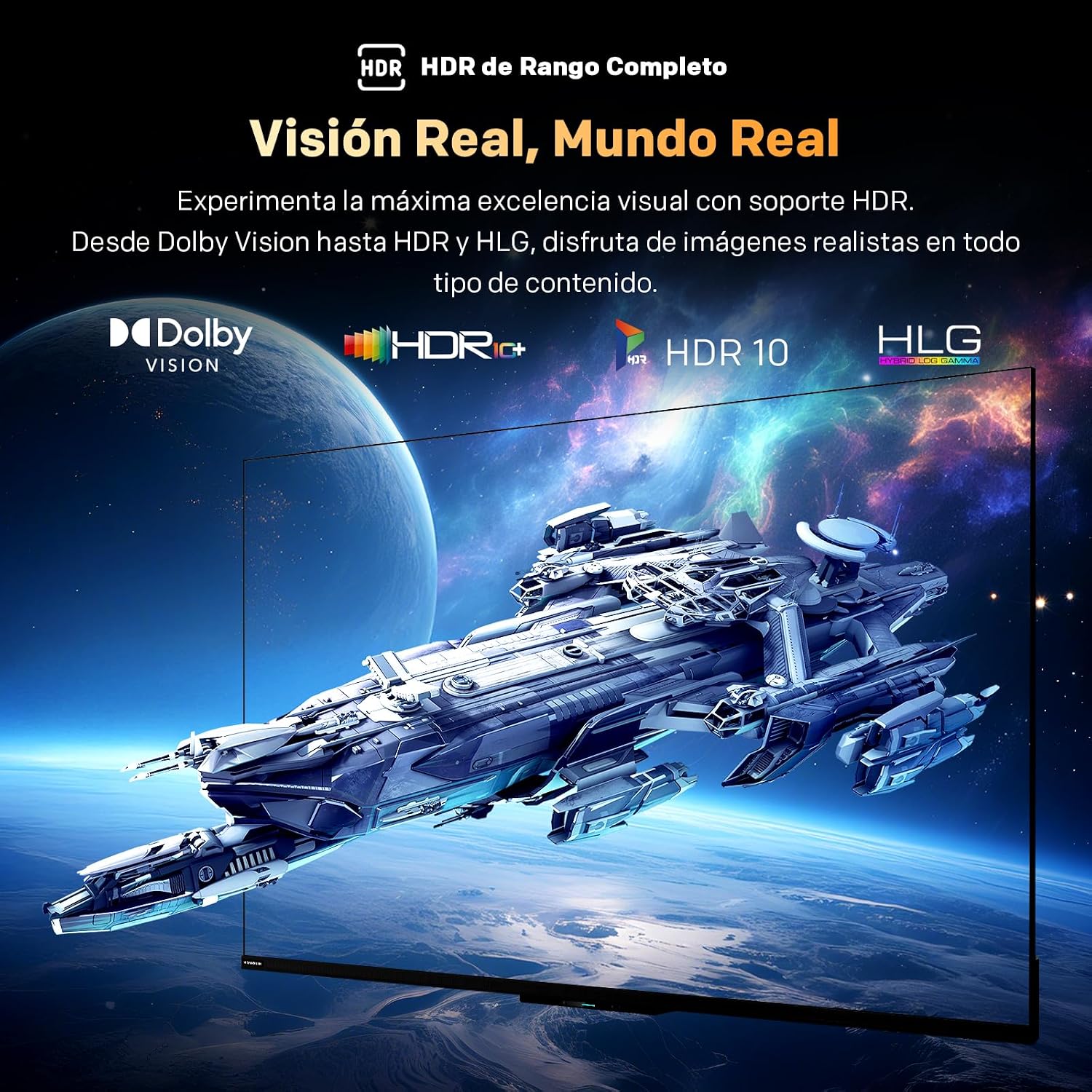
Image: A vibrant scene with high contrast, illustrating the benefits of HDR on the Metz TV.
6.5. S AI Processor and MEMC
The S AI Processor automatically adjusts brightness, contrast, and sharpness for an optimized image. MEMC (Motion Estimation, Motion Compensation) technology smooths motion, reducing blur in fast-paced scenes.
- S AI Processor: Analyzes and refines each frame in real-time for vibrant colors and fine details.
- MEMC: Enhances motion clarity for a smoother viewing experience, especially for sports and action content.

Image: A fast-moving scene, demonstrating how MEMC technology reduces motion blur.
6.6. Dolby Atmos and Total Sonic Audio
Enjoy immersive audio with Dolby Atmos and Total Sonic. This system is designed to provide clear, balanced, and powerful sound for movies, series, and games.
- Dolby Atmos: Creates a three-dimensional sound experience, making audio feel like it's coming from all directions.
- Total Sonic: Optimizes sound for clear dialogue, natural audio, and consistent volume levels.

Image: A visual representation of immersive sound filling a room, illustrating Dolby Atmos.
7. Gaming Features
The Metz 55MNH7000Z is equipped with features to enhance your gaming experience:
- Game Mode: Optimizes settings for lower input lag and faster response times.
- HDMI 2.1: Supports advanced gaming features.
- VRR (Variable Refresh Rate): Synchronizes the TV's refresh rate with the game console's frame rate to eliminate screen tearing and stuttering.
- ALLM (Auto Low Latency Mode): Automatically switches the TV to a low-latency mode when a game console is detected.

Image: A dynamic gaming scene displayed on the Metz TV, highlighting its gaming capabilities.
8. Maintenance
To ensure the longevity and optimal performance of your TV:
- Cleaning the Screen: Gently wipe the screen with a soft, lint-free cloth. For stubborn marks, use a screen-cleaning solution specifically designed for TVs, applied to the cloth, not directly to the screen.
- Cleaning the Casing: Use a soft, dry cloth to wipe the TV casing. Avoid using abrasive cleaners or solvents.
- Ventilation: Ensure that the ventilation openings on the back of the TV are not blocked to prevent overheating.
9. Troubleshooting
If you encounter issues with your TV, refer to the following common solutions:
| Problem | Possible Solution |
|---|---|
| No power | Check if the power cable is securely connected to the TV and the power outlet. Ensure the outlet is functional. |
| No picture, but sound is present | Verify the correct input source is selected. Check cable connections to external devices. |
| No sound, but picture is present | Check the volume level and mute status. Ensure external audio systems are properly connected and selected. |
| Remote control not working | Replace the batteries. Ensure there are no obstructions between the remote and the TV's IR sensor. |
| Poor picture quality | Check antenna/cable connection. Adjust picture settings (brightness, contrast, sharpness). Ensure the source content is high quality. |
| Network connection issues | Restart your router/modem. Reconnect to the Wi-Fi network or check the Ethernet cable. |
If the problem persists, please contact customer support.
10. Specifications
| Feature | Detail |
|---|---|
| Model Name | 55MNH7000Z |
| Screen Size | 55 inches (139 cm) |
| Display Technology | Mini LED and QLED |
| Resolution | 4K (3840 x 2160 pixels) |
| Refresh Rate | 60 Hz |
| Aspect Ratio | 16:9 |
| HDR Formats Supported | Dolby Vision, HDR10, HDR10+, HLG |
| Screen Finish | Matte (Anti-reflection) |
| Backlight Technology | Mini LED with Local Dimming |
| Sound System | Stereo audio with Dolby Atmos and Total Sonic (2.0 channels) |
| Operating System | Google TV |
| Connectivity | Bluetooth 5.1, USB (2 ports), Wi-Fi, Ethernet |
| HDMI Ports | 3 |
| Special Features | Chromecast, Local Dimming, MEMC, Game Mode, Wide Viewing Angle |
| VESA Mounting Standard | 200 x 200 mm |
| Product Dimensions (with stand) | 122.6 x 26.43 x 78.21 cm (W x D x H) |
| Product Dimensions (without stand) | 122.6 x 8.08 x 72.17 cm (W x D x H) |
| Weight (with stand / without stand) | 9.8 kg / 9.6 kg |
| Energy Efficiency Class (SDR) | E (63 kWh/1000h) |
| Energy Efficiency Class (HDR) | G (92 kWh/1000h) |

Image: Product Information Sheet (EPREL) detailing technical specifications.
For more details, visit the official EPREL database: EPREL Product Page
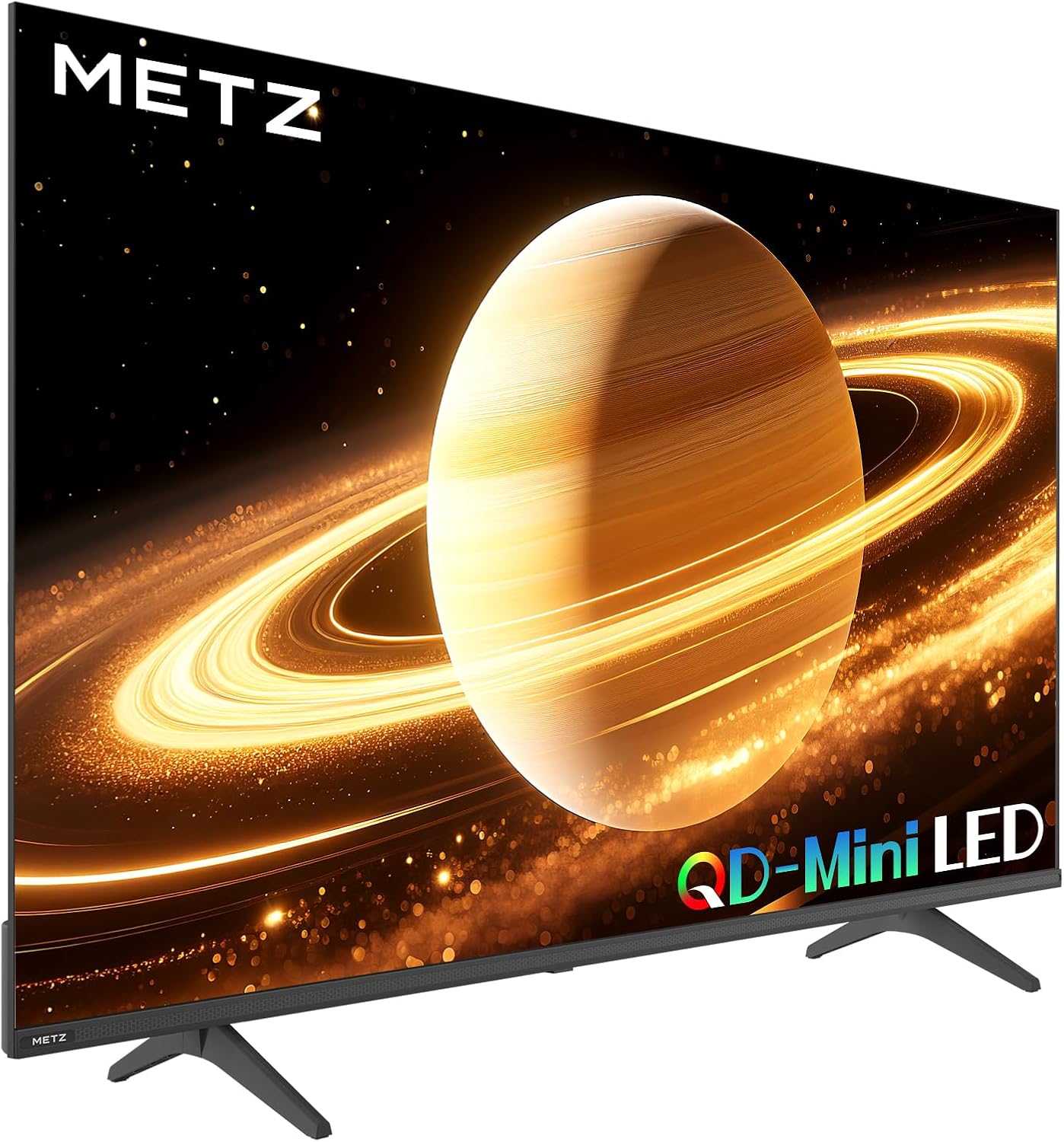
Image: Energy Efficiency Label for the Metz 55MNH7000Z TV.
11. Warranty and Support
Your Metz 55MNH7000Z TV comes with a 2-year manufacturer's warranty. This warranty covers defects in materials and workmanship under normal use.
Minimum guaranteed software updates are provided for 8 years from the date of market introduction. Minimum guaranteed availability of spare parts is 7 years from the date of market introduction.
For technical support, warranty claims, or service inquiries, please refer to the contact information provided with your purchase documentation or visit the official Metz website.