
1. Introduction
Thank you for purchasing the McGrey MCD-60 Vertical Stereo System. This compact Hi-Fi system offers versatile audio playback options including CD, MP3, USB, Bluetooth streaming, and FM/AM radio. Designed for space-saving, it can be used with its stand or mounted on a wall. Please read this manual carefully before using the device to ensure proper operation and to maximize its lifespan.
2. Important Safety Instructions
- Read all instructions before use.
- Keep this manual for future reference.
- Do not expose the unit to rain or moisture to prevent fire or electric shock.
- Do not block any ventilation openings. Install in accordance with the manufacturer's instructions.
- Do not install near any heat sources such as radiators, heat registers, stoves, or other apparatus (including amplifiers) that produce heat.
- Protect the power cord from being walked on or pinched, particularly at plugs, convenience receptacles, and the point where they exit from the apparatus.
- Only use attachments/accessories specified by the manufacturer.
- Unplug this apparatus during lightning storms or when unused for long periods of time.
- Refer all servicing to qualified service personnel. Servicing is required when the apparatus has been damaged in any way.
3. Package Contents
Ensure all items are present upon unpacking:
- McGrey MCD-60 Stereo System
- Remote Control (batteries not included)
- Power Adapter
- User Manual (this document)
4. Product Overview
4.1 Front and Side View

Image: Front view of the McGrey MCD-60 Stereo System, highlighting the USB port, headphone jack, and power button locations.

Image: Side views of the McGrey MCD-60 Stereo System, illustrating its compact and slim design.
4.2 Rear View and Connections

Image: Rear view of the McGrey MCD-60 Stereo System, indicating the power input and FM antenna connection points. Wall mounting holes are also visible.
4.3 Remote Control

Image: The remote control for the McGrey MCD-60, showing buttons for power, EQ, repeat, volume, mode, and track navigation.
The remote control allows convenient operation of all functions from a distance. Please insert 2x AAA batteries (not included) into the remote control before first use.
5. Setup
5.1 Placement
The MCD-60 can be placed on a flat surface using its integrated stand or mounted on a wall.
- Stand Placement: Ensure the unit is placed on a stable, level surface to prevent tipping.
- Wall Mounting: Use appropriate screws and wall plugs for your wall type. Ensure the mounting location is secure and can support the unit's weight (approx. 1.1 kg). Refer to the rear view image for mounting points.

Image: The McGrey MCD-60 Stereo System shown wall-mounted above a cabinet, demonstrating its space-saving design.
5.2 Power Connection
- Connect the power adapter to the DC IN port on the back of the stereo system.
- Plug the power adapter into a suitable wall outlet.
5.3 Antenna Connection
For optimal FM/AM radio reception, extend the integrated wire antenna on the back of the unit. Adjust its position for the best signal.
6. Operating Instructions
6.1 Power On/Off
Press the STANDBY button on the unit or the Power button on the remote control to turn the system on or off.
6.2 Selecting Modes
Press the MODE button on the unit or remote control to cycle through available modes: CD, USB, Bluetooth, FM/AM Radio, AUX.
6.3 CD Playback
- Select CD mode.
- Press the OPEN/CLOSE button (if available, or gently open the CD cover) to open the CD compartment.
- Insert a CD (audio CD, CD-R, CD-RW with MP3) with the label side facing you.
- Close the CD compartment. The system will automatically start playing.
- Use PLAY/PAUSE, STOP, SKIP (forward/backward) buttons on the unit or remote control to manage playback.

Image: The McGrey MCD-60 Stereo System with its vertical CD compartment open, ready for disc insertion.
6.4 USB Playback
- Insert a USB flash drive into the USB port on the side of the unit.
- Select USB mode. The system will automatically detect and play compatible audio files (MP3, WMA, FLAC, AAC, WAV).
- Use PLAY/PAUSE, STOP, SKIP (forward/backward) buttons on the unit or remote control to manage playback.
6.5 Bluetooth Streaming
- Select Bluetooth mode. The display will show "BLU" and the unit will enter pairing mode.
- On your smartphone, tablet, or other Bluetooth-enabled device, enable Bluetooth and search for available devices.
- Select "MCD-60" from the list of devices to pair.
- Once paired, you can stream audio wirelessly from your device to the stereo system.

Image: The McGrey MCD-60 display indicating "BLU" for Bluetooth mode, alongside icons representing compatible devices like laptops, smartphones, and tablets.
6.6 FM/AM Radio
- Select FM or AM mode.
- Press the AUTO button on the remote control to perform an automatic station scan and save up to 50 presets.
- Use the CH+/- buttons on the remote or SKIP buttons on the unit to navigate through saved stations.
- For manual tuning, use the TUN+/- buttons on the remote.
6.7 AUX Input
- Connect an external audio device (e.g., MP3 player) to the AUX IN port using a 3.5mm audio cable (not included).
- Select AUX mode.
- Control playback from your connected external device.
6.8 Headphone Output
Connect headphones to the 3.5mm headphone jack for private listening. The main speakers will be muted automatically.
6.9 Volume Control
Use the VOL+/- buttons on the unit or remote control to adjust the volume.
6.10 Equalizer (EQ)
Press the EQ button on the remote control to cycle through different equalizer presets (e.g., Pop, Rock, Classic, Jazz, Flat) to optimize sound for various music genres.
7. Maintenance
- Cleaning: Wipe the unit with a soft, dry cloth. Do not use abrasive cleaners or solvents.
- CD Care: Handle CDs by their edges. Keep them clean and free of scratches.
- Storage: If storing the unit for an extended period, unplug it from the power outlet and remove batteries from the remote control. Store in a cool, dry place.
8. Troubleshooting
| Problem | Possible Cause | Solution |
|---|---|---|
| No power | Power cord not connected; Power outlet not active. | Ensure power cord is securely plugged in; Try a different outlet. |
| No sound | Volume too low; Mute activated; Incorrect mode selected; Headphones connected. | Increase volume; Press MUTE on remote; Select correct mode; Disconnect headphones. |
| CD not playing | CD inserted incorrectly; CD dirty or scratched; Incorrect mode. | Reinsert CD correctly; Clean or replace CD; Select CD mode. |
| USB not playing | USB drive not inserted correctly; Incompatible file format; Incorrect mode. | Reinsert USB drive; Ensure files are MP3, WMA, FLAC, AAC, WAV; Select USB mode. |
| Bluetooth pairing fails | Bluetooth mode not selected; Device too far; Device already paired with another unit. | Select Bluetooth mode; Move device closer (within 10m); Disconnect from other devices. |
| Poor radio reception | Antenna not extended or positioned poorly; Interference. | Extend and adjust the antenna; Move unit away from other electronic devices. |
| Remote control not working | Batteries depleted or inserted incorrectly; Obstruction between remote and unit. | Replace batteries (2x AAA); Ensure correct polarity; Remove obstructions. |
9. Specifications
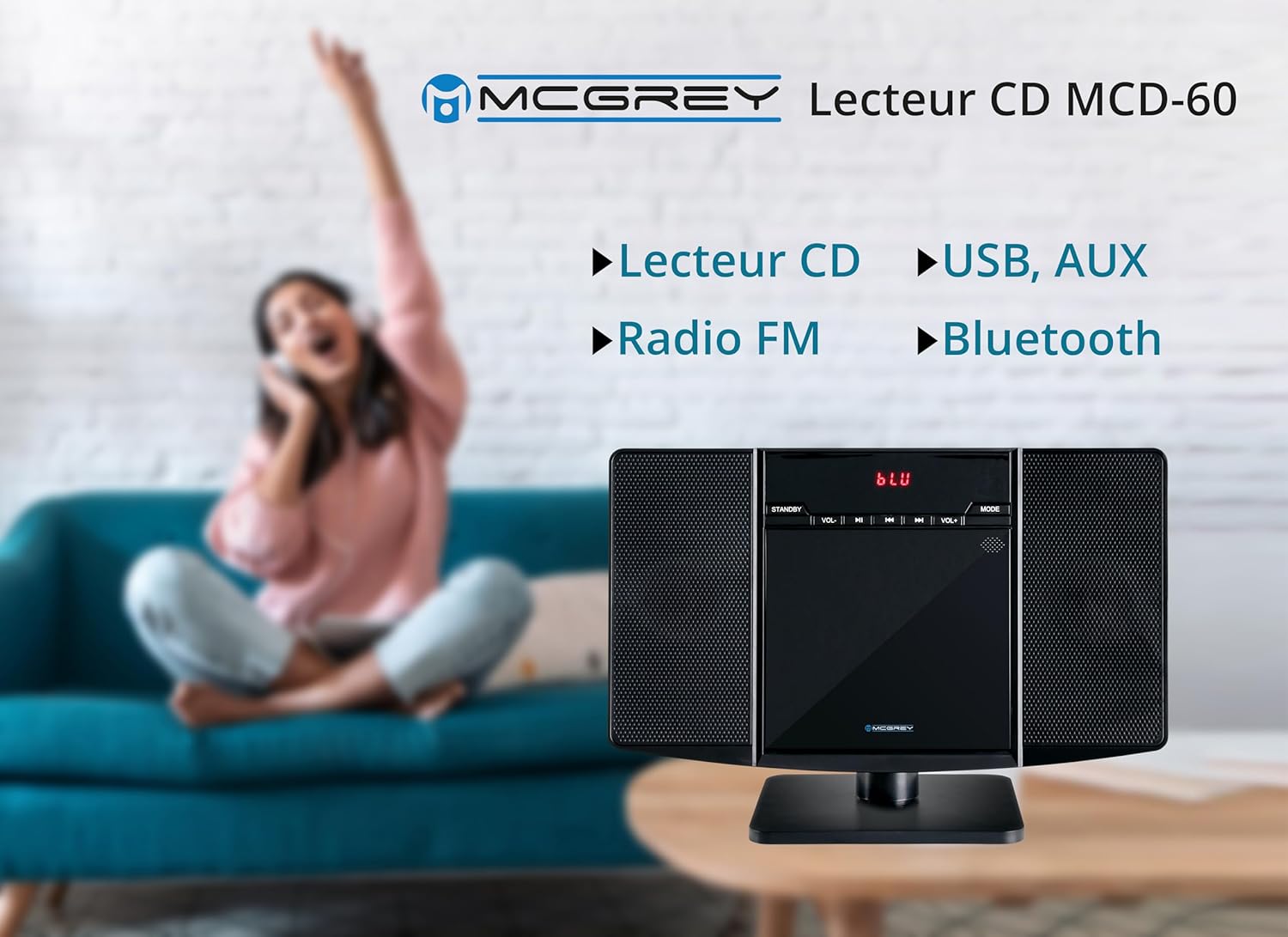
Image: Dimensions of the McGrey MCD-60 Stereo System, showing approximate measurements for height, width, and depth.
- Model: MCD-60
- Power Output: 2 x 3 Watts RMS
- Connectivity: Bluetooth, USB, AUX (3.5mm jack), Headphone Out (3.5mm jack)
- Playable Formats: CD, MP3, CD-R, CD-RW, WMA, FLAC, AAC, WAV (via USB)
- Radio: FM/AM with PLL tuner, 50 station presets
- Bluetooth Range: Up to 10 meters (approx. 33 feet)
- Display: Red backlit LCD
- Dimensions (H x W x D):
- With stand: approx. 23.8 x 34.9 x 13.9 cm (9.37 x 13.74 x 5.47 inches)
- Without stand: approx. 20.4 x 34.9 x 6 cm (8.03 x 13.74 x 2.36 inches)
- Weight: approx. 1.1 kg (2.4 lbs)
- Color: Glossy Black
- Power Source: Cable electric
- Included Accessories: Remote control (batteries not included)
10. Warranty and Support
For warranty information and technical support, please refer to the documentation provided at the time of purchase or contact your retailer. Keep your proof of purchase for any warranty claims.
Return Policy: The product typically comes with a 30-day refund/replacement policy. Please check with your retailer for specific terms.


