
1. Product Overview
The BougeRV CRX3 30 Quart Portable Refrigerator is a versatile compressor-based electric cooler designed for mobile use in vehicles such as SUVs, trucks, RVs, campers, vans, and boats, as well as for outdoor activities like camping and overlanding. It offers efficient cooling and freezing capabilities with a wide temperature range and convenient app control.
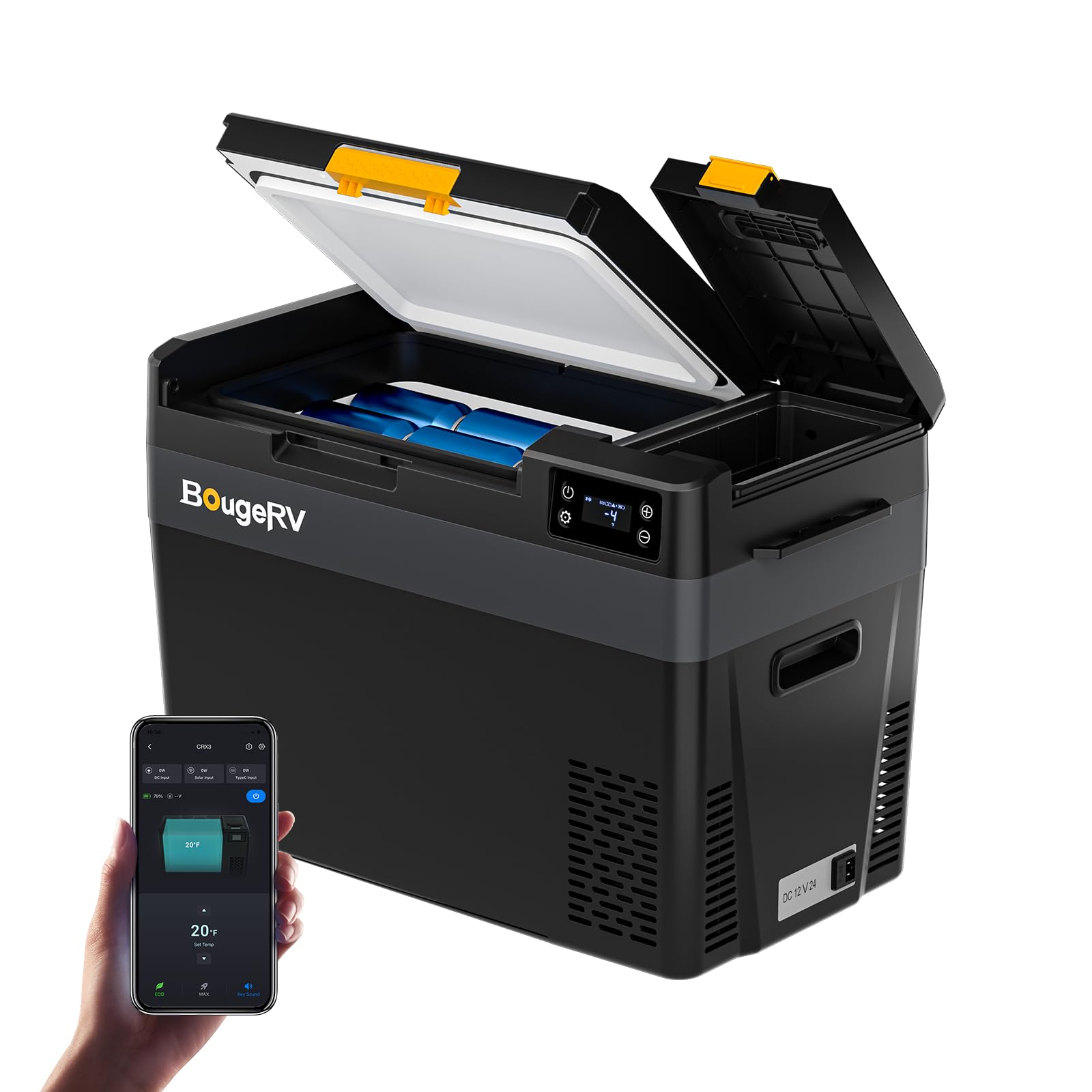
Image: The BougeRV CRX3 30 Quart Portable Refrigerator, a compact and efficient cooling solution.
2. Safety Instructions
Please read all safety instructions carefully before operating the BougeRV CRX3 Portable Refrigerator. Failure to follow these instructions may result in electric shock, fire, or serious injury.
- Power Supply: Ensure the power source (12V/24V DC or 100-240V AC) matches the refrigerator's requirements. Use only the provided power cords and adapters.
- Ventilation: Maintain adequate ventilation around the refrigerator. Do not block air vents, as this can lead to overheating and reduced performance.
- Placement: Place the refrigerator on a stable, level surface to ensure proper operation and prevent tipping. Avoid direct sunlight or heat sources.
- Water Exposure: Do not expose the refrigerator to rain or immerse it in water. This product is not waterproof.
- Cleaning: Disconnect power before cleaning. Use a damp cloth; avoid abrasive cleaners or solvents.
- Children: Keep out of reach of children. Supervise children to ensure they do not play with the appliance.
- Maintenance: Do not attempt to repair or modify the unit yourself. Refer all servicing to qualified personnel.
3. Package Contents
Verify that all items are present in the package:
- 1 x BougeRV CRX3 Portable Refrigerator (30 Quart)
- 1 x 12V/24V DC Power Cord (for car/vehicle use)
- 1 x 100-240V AC Adapter (for home/wall outlet use)
- 1 x User Manual

Image: All components included in the BougeRV CRX3 package: the refrigerator, DC power cord, AC adapter, and user manual.
4. Product Features
- Fast Cooling Performance: Achieves 32℉ from 77℉ in approximately 12 minutes using advanced compressor refrigeration technology.
- Energy-Saving Operation: Features an ECO mode that operates at less than 35W for efficient power consumption.
- Quiet Operation: Designed with low-noise technology, operating at approximately 35dB, ensuring minimal disturbance.
- APP Control: Adjust temperature settings, select modes, and monitor power status remotely via the BougeRV App (up to 32 ft range).
- Versatile Power Options: Compatible with 12V/24V DC and 100-240V AC power sources.
- Integrated Storage Box: A convenient compartment for the optional 240Wh detachable battery or small accessories.
- Built-In LED Light: Provides illumination for easy access to contents in low-light conditions.
- Battery Protection System: Adjustable settings (Low, Medium, High) to prevent draining your vehicle's battery.

Image: A graph illustrating the rapid cooling performance of the BougeRV CRX3 refrigerator, reaching 32℉ in 12 minutes.

Image: The BougeRV CRX3 refrigerator in ECO mode, showcasing its energy-efficient operation with beverages stored inside.
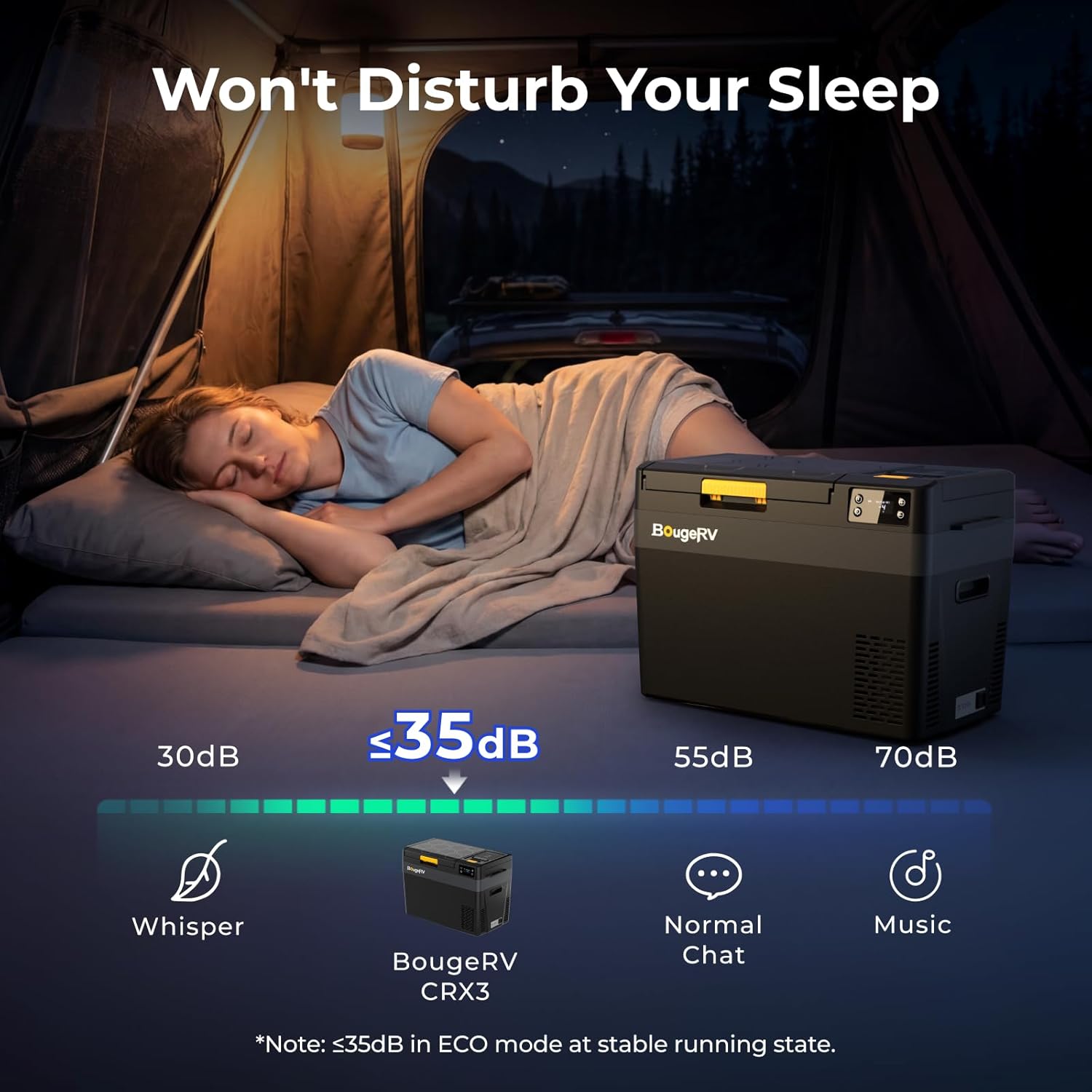
Image: The BougeRV CRX3 refrigerator operating quietly inside a tent, demonstrating its low noise level.

Image: The BougeRV CRX3 refrigerator connected to various power sources, including AC, DC, and an optional solar panel.
5. Setup Guide
5.1 Initial Preparation
- Unpacking: Carefully remove the refrigerator from its packaging. Retain packaging materials for future transport or storage.
- Placement: Position the refrigerator on a firm, level surface. Ensure there is at least 6 inches (15 cm) of space around all sides for proper ventilation.
- First Use: Before first use, clean the interior with a damp cloth and mild detergent. Allow it to air dry completely. It is recommended to run the unit empty for a few hours to ensure proper function before loading food or drinks.
5.2 Power Connection
The CRX3 refrigerator supports both DC and AC power inputs.
- DC Power (12V/24V): Connect the provided 12V/24V DC power cord to the refrigerator's DC input port and then to your vehicle's cigarette lighter socket or a compatible DC power outlet.
- AC Power (100-240V): Connect the provided AC adapter to the refrigerator's AC input port, then plug the adapter into a standard 100-240V AC wall outlet.
- Optional Battery: If using the optional BougeRV 240Wh detachable battery, insert it into the designated storage box. The refrigerator will automatically switch to battery power when DC/AC power is disconnected or unavailable.

Image: The BougeRV CRX3 refrigerator with its lid open, showing the compartment for the optional 240Wh detachable battery.
6. Operating Instructions
6.1 Control Panel Overview

Image: A close-up view of the BougeRV CRX3 refrigerator's control panel, featuring power, settings, and temperature adjustment buttons with a clear digital display.
The control panel features a digital display and several buttons for operation:
- Power Button (⏻): Press to turn the unit ON/OFF.
- Settings Button (⚙): Press to cycle through settings like ECO/MAX mode and battery protection level.
- Temperature Up (+): Increases the set temperature.
- Temperature Down (-): Decreases the set temperature.
6.2 Basic Operation
- Power On/Off: Press and hold the Power Button (⏻) for 3 seconds to turn the refrigerator on or off.
- Set Temperature: Use the Temperature Up (+) and Down (-) buttons to adjust the desired temperature. The display will show the set temperature briefly, then revert to the current internal temperature. The temperature range is -4℉ to 68℉ (-20℃ to 20℃).
- Mode Selection (ECO/MAX): Press the Settings Button (⚙) to toggle between ECO (Energy Saving) and MAX (Fast Cooling) modes. ECO mode is recommended for general use to conserve power, while MAX mode provides quicker cooling.
- Battery Protection: Press and hold the Settings Button (⚙) for 3 seconds to enter battery protection settings. Use the (+) and (-) buttons to select between Low, Medium, and High. This feature prevents your vehicle's battery from being fully discharged.
6.3 Nighttime Access

Image: The interior of the BougeRV CRX3 refrigerator illuminated by its built-in LED light, making contents visible in the dark.
The built-in LED light automatically illuminates when the lid is opened, providing visibility for accessing items in low-light conditions.
7. APP Control
The BougeRV CRX3 refrigerator can be controlled and monitored via a dedicated smartphone application.
- Download App: Search for "BougeRV" in your smartphone's app store (iOS or Android) and download the official application.
- Pairing: Ensure your refrigerator is powered on and Bluetooth is enabled on your smartphone. Open the BougeRV app and follow the on-screen instructions to pair with your CRX3 unit.
- Functions: Once connected, you can remotely perform the following actions:
- Adjust temperature settings.
- Switch between ECO and MAX cooling modes.
- Monitor the current internal temperature.
- Check the power status and battery level (if optional battery is installed).

Image: A smartphone displaying the BougeRV app interface, used to monitor and control the CRX3 portable refrigerator.
Video: This video demonstrates the key features and functionalities of the BougeRV CRX3 Car Fridge, including its control panel and cooling capabilities.
8. Maintenance
8.1 Cleaning
- Interior: Regularly clean the interior with a soft cloth dampened with mild detergent and warm water. Wipe dry thoroughly. Do not use abrasive cleaners, steel wool, or harsh chemicals.
- Exterior: Wipe the exterior surfaces with a soft, damp cloth.
- Ventilation Grilles: Periodically clean the ventilation grilles to remove dust and debris, ensuring proper airflow. Use a soft brush or vacuum cleaner.
8.2 Defrosting
Frost may accumulate on the interior cooling surfaces, especially in humid environments. To defrost:
- Turn off the refrigerator and disconnect it from the power source.
- Remove all contents.
- Leave the lid open to allow the frost to melt naturally.
- Wipe away melted water with a clean cloth. Do not use sharp objects to remove frost, as this can damage the cooling system.
8.3 Storage
When storing the refrigerator for an extended period:
- Ensure the unit is clean and dry.
- Leave the lid slightly ajar to prevent odors and mold growth.
- Store in a dry, well-ventilated area, away from direct sunlight and extreme temperatures.
9. Troubleshooting
If you encounter issues with your BougeRV CRX3 refrigerator, refer to the following common problems and solutions:
| Problem | Possible Cause | Solution |
|---|---|---|
| Refrigerator does not turn on. | No power supply; loose connection; blown fuse. | Check power cord connections. Ensure power source is active. Check vehicle's fuse or AC outlet. |
| Unit is not cooling effectively. | Insufficient ventilation; lid not closed properly; ambient temperature too high; too much content. | Ensure proper ventilation. Close lid tightly. Reduce ambient heat exposure. Do not overfill. |
| Display shows an error code. | Internal fault; sensor issue. | Refer to the specific error code in the full user manual or contact customer support. |
| Loud noise during operation. | Unit not level; fan obstruction. | Place on a level surface. Check for any obstructions around the fan. |
| App cannot connect to the refrigerator. | Bluetooth off; unit not powered; app issue. | Ensure refrigerator is on and Bluetooth is enabled on your phone. Restart app and refrigerator. |
If the problem persists after attempting these solutions, please contact BougeRV customer support for assistance.
10. Specifications
| Feature | Detail |
|---|---|
| Model Number | CRX303001 |
| Capacity | 30 Quarts |
| Product Dimensions (D x W x H) | 23.7" x 12.6" x 16.3" |
| Cooling Method | Compressor |
| Temperature Range | -4℉ to 68℉ (-20℃ to 20℃) |
| Power Source | 12V/24V DC, 100-240V AC |
| Energy Consumption (ECO Mode) | < 35W |
| Noise Level | ≤ 35dB |
| Defrost System | Manual Defrost |
| Special Feature | Portable, APP Control, Built-in LED Light |
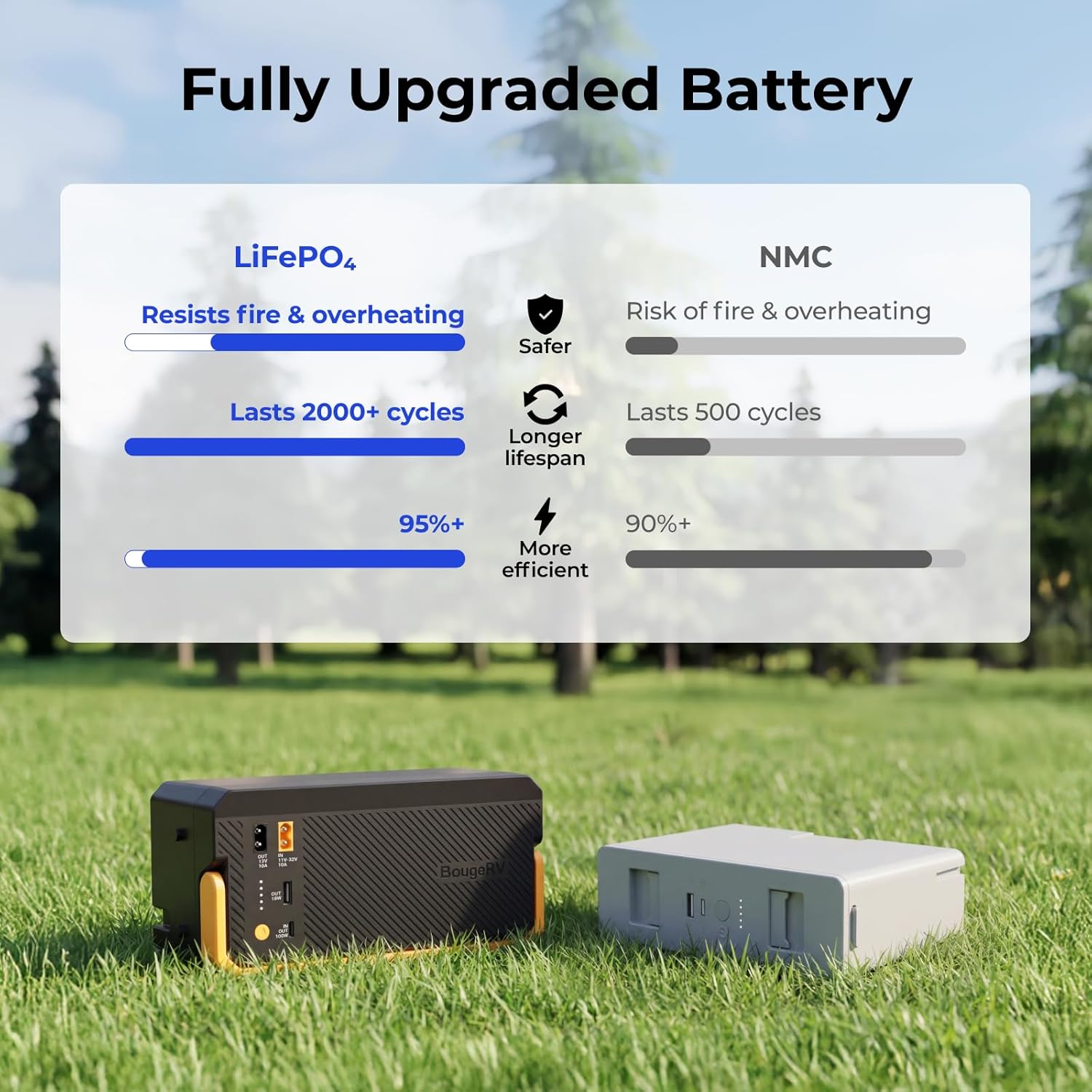
Image: A diagram illustrating the internal dimensions and capacity of the BougeRV CRX3 30 Quart refrigerator, showing how many cans or bottles it can hold.
11. Warranty and Support
The BougeRV CRX3 12V refrigerator comes with a 2-year technical support period. For any product questions, technical assistance, or warranty claims, please do not hesitate to contact BougeRV customer service. Please have your model number (CRX303001) and purchase information ready when contacting support.
Contact Information: Refer to the official BougeRV website or your purchase documentation for the most current contact details.


