
Introduction
Thank you for choosing the KITPLUS F850 GPS Wireless Dog Fence System. This system is designed to provide a safe and effective way to contain and train your dog using advanced GPS technology. Please read this manual thoroughly before operating the device to ensure proper use and to maximize its benefits for your pet.
Important Safety Information
- This system is intended for dogs weighing between 15-110 lbs with a neck size of 9-26 inches. It is not suitable for small dogs.
- Do not leave the collar on your dog for more than 12 consecutive hours.
- Regularly check your dog's neck for signs of irritation or sores from the contact points. If irritation occurs, discontinue use until the skin heals.
- Ensure the collar fits snugly but not too tightly. You should be able to fit two fingers between the collar and your dog's neck.
- Always supervise your dog during the initial training phase and when using the system in new environments.
- The static correction feature should be used responsibly and only after other warning modes (beep, vibration) have been attempted.
- Keep the device and its components out of reach of children.
Package Contents
Verify that all items are present in your package:
- GPS Wireless Dog Fence Collar (Receiver)
- Remote Control (Transmitter)
- USB Type-C Charging Cable
- Set of Long Contact Points
- Set of Short Contact Points
- Electrical Shock Test Lamp
- Boundary Marker Flags
- Instruction Manual (this document)

Image: All components included in the KITPLUS F850 GPS Wireless Dog Fence System package.
Product Overview
The KITPLUS F850 GPS Wireless Dog Fence System combines a GPS-enabled collar with a remote control to create a customizable containment area for your dog. It features multiple training modes and real-time monitoring.
Key Features:
- Precise GPS Technology: Utilizes a high-sensitivity UBLOX chip for accurate boundary definition.
- Automatic Memory Function: The system remembers your last set home location, eliminating repetitive setup.
- 4-Zone Progressive Correction: Provides warnings through sound, vibration, and safe static pulse, adapting to your dog's behavior.
- Waterproof Design: The receiver collar is fully waterproof for outdoor use in various weather conditions.
- Type-C Fast Charging: Quick charging (2-3 hours) with a long standby time (up to 365 days).
- Portable and No Base Station Needed: Easily set up a customizable safety zone from 55 to 6000 feet anywhere.
- Multi-Dog Support: The remote can manage up to three dogs simultaneously.
Components:

Image: Detailed view of the GPS dog collar's display and controls.

Image: The GPS dog collar and its remote control, highlighting the remote's interface.
Setup Instructions
1. Charging the Devices:
Before first use, fully charge both the collar and the remote control using the provided Type-C charging cable. A full charge typically takes 2-3 hours.

Image: Charging the GPS dog collar using the Type-C cable.
2. Attaching Contact Points:
Select the appropriate contact points (long or short) based on your dog's fur length. Ensure the contact points make proper contact with your dog's skin for effective correction.
3. Fitting the Collar:
Place the collar around your dog's neck. It should be snug enough that the contact points touch the skin, but loose enough to allow two fingers to fit comfortably between the strap and your dog's neck. The collar is designed for medium to large dogs (15-110 lbs, neck size 9-26 inches).

Image: Proper collar fit for various dog sizes, emphasizing suitability for medium to large breeds.
4. Setting Up the GPS Boundary:
- Turn on both the collar and the remote.
- Take the collar to the desired center point of your dog's safe zone. Ensure you are in an open area with a clear view of the sky for optimal GPS signal reception.
- On the remote, follow the instructions to set the center point and the desired radius for the safe zone (55 to 6000 feet). The system will automatically memorize this location.
- Use the provided boundary marker flags to visually mark the perimeter of the safe zone during initial training.

Image: Visual representation of setting up the GPS boundary and correction zones.
Operating Instructions
Remote Control Functions:
The remote control allows you to manage the fence settings, training modes, and monitor your dog's activity.
- Power Button: Turns the remote on/off.
- Fence Mode: Activates or deactivates the GPS fence.
- Training Modes: Select between Beep, Vibration, and Static Correction.
- Level Adjustment: Adjust the intensity levels for vibration and static correction (1-5 levels) and beep (1-16 levels).
- Center Point Setting: Used to set or reset the GPS center point for the fence.
- Multi-Dog Selection: Switch between controlling up to three collars.
Video: An overview of the KITPLUS Wireless Dog Fence System, demonstrating its features and operation.
Understanding Correction Zones:
The system uses a progressive correction approach:
- Warning Zone (Beep): As your dog approaches the boundary, the collar will emit a warning beep.
- Vibration Zone: If your dog continues past the warning zone, the collar will vibrate.
- Static Correction Zone: If your dog proceeds further, a safe static pulse will be delivered. The intensity can be adjusted.
Image: Illustration of the progressive correction zones and their functions.
Training Guide
Effective training is crucial for your dog to understand the boundaries. Start with short, positive training sessions.
- Introduction to the Collar: Allow your dog to wear the collar for a few days without activation to get accustomed to it.
- Boundary Recognition: Walk your dog on a leash around the perimeter marked by the flags. When the collar beeps, gently guide your dog back into the safe zone, praising them for returning.
- Introducing Vibration/Static: If your dog attempts to cross the boundary after the beep, allow them to experience the vibration or a low level of static correction. Immediately guide them back to the safe zone and offer praise.
- Gradual Independence: Gradually increase the time your dog spends unsupervised within the safe zone. Always monitor their behavior.
- Consistency is Key: Maintain consistent training and reinforcement.
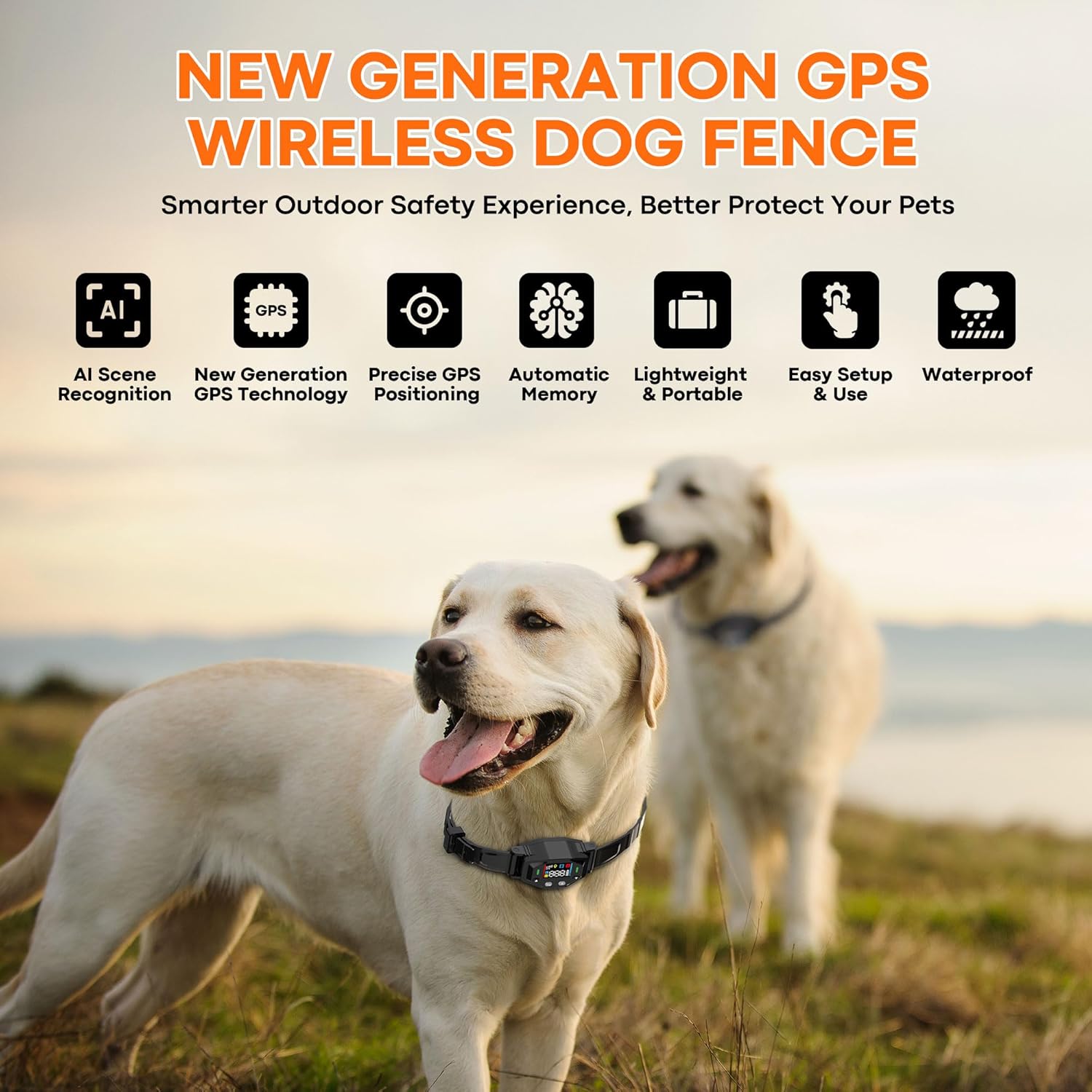
Image: A dog enjoying freedom within the established GPS fence boundaries.
Maintenance
- Cleaning: Wipe the collar and remote with a damp cloth. Do not use harsh chemicals.
- Battery Life: The collar has a long standby time. Recharge as needed. The remote may require more frequent charging depending on usage.
- Contact Points: Periodically check the contact points for wear and tear. Replace if necessary.
- Storage: Store the device in a cool, dry place when not in use.
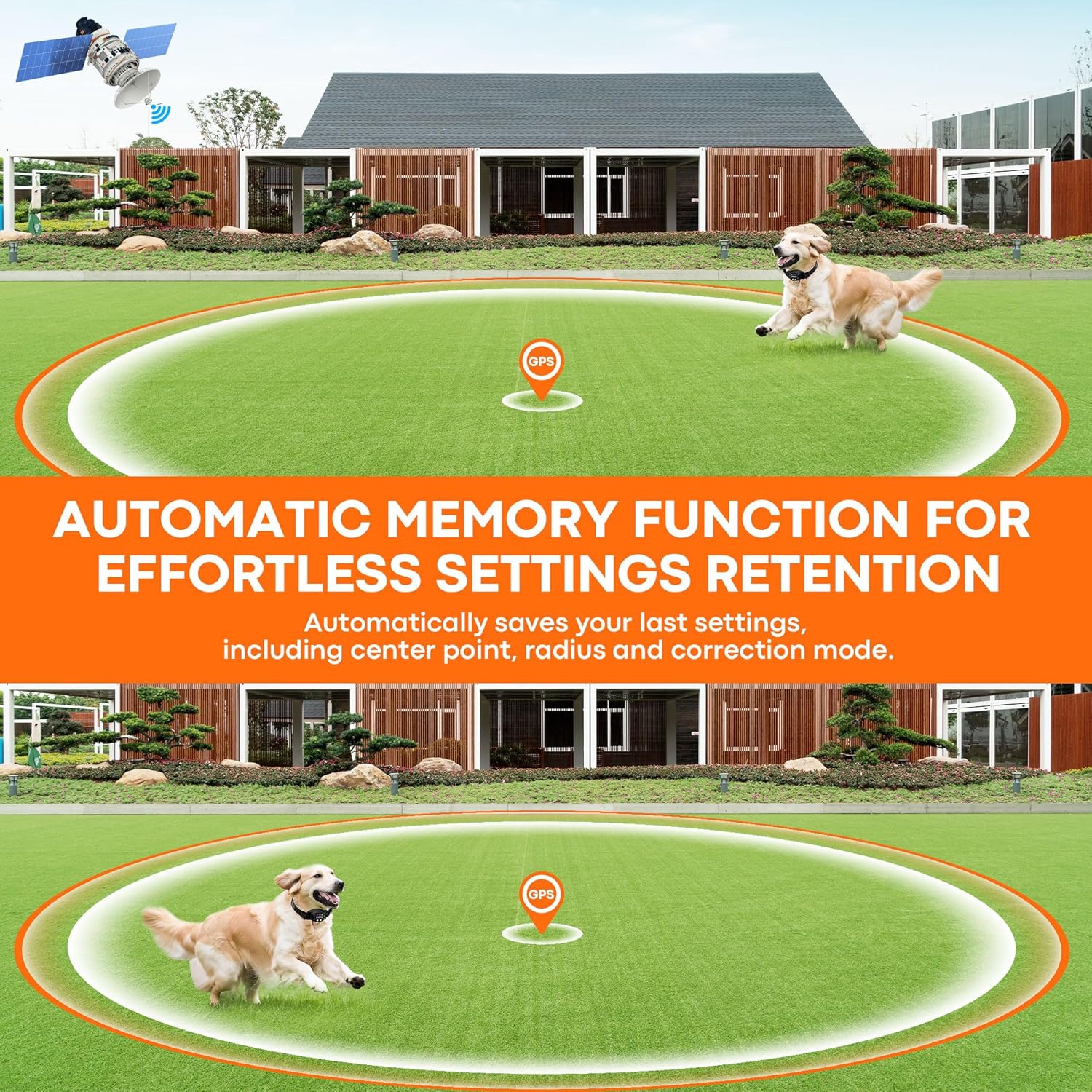
Image: The waterproof collar allows for use during swimming and in wet conditions.
Troubleshooting
| Problem | Possible Cause | Solution |
|---|---|---|
| Collar not correcting. | Incorrect fit; low battery; contact points not touching skin; GPS signal loss. | Adjust collar fit; recharge battery; ensure contact points are appropriate for fur length; move to an open area for better GPS signal. |
| Remote not pairing with collar. | Out of range; pairing mode not activated; interference. | Ensure devices are close; re-enter pairing mode as per instructions; move away from potential interference sources. |
| Inconsistent boundary. | Poor GPS signal; environmental factors (tall buildings, dense trees). | Relocate the center point to an area with better GPS reception; avoid areas with significant obstructions. |
| Short battery life. | Frequent use of high correction levels; aging battery. | Reduce correction levels if possible; ensure full charge; contact support if battery life significantly degrades. |
Specifications
| Feature | Detail |
|---|---|
| Model Name | F850 GPS |
| Brand | KITPLUS |
| Adjustable Range | 55 - 6000 feet |
| Correction Modes | Beep (1-16 levels), Vibration (1-5 levels), Static Pulse (1-5 levels) |
| Waterproof Rating | Fully Waterproof (Collar) |
| Battery Type | Lithium Ion (included) |
| Charging Time | 2-3 hours (Type-C) |
| Standby Time | Up to 365 days (Collar) |
| Recommended Dog Weight | 15-110 lbs |
| Recommended Neck Size | 9-26 inches |
| Item Weight | 1 pound |
| Item Package Dimensions | 7.4 x 6.5 x 1.97 inches |
Warranty and Support
For warranty information and customer support, please refer to the contact details provided with your purchase or visit the official KITPLUS website. Keep your purchase receipt as proof of purchase.
If you encounter any issues not covered in this manual, please contact KITPLUS customer service for assistance.