
Pondee X2
Pondee X2 Cordless Robotic Pool Cleaner User Manual
Model: X2 | Brand: Pondee
1. Introduction
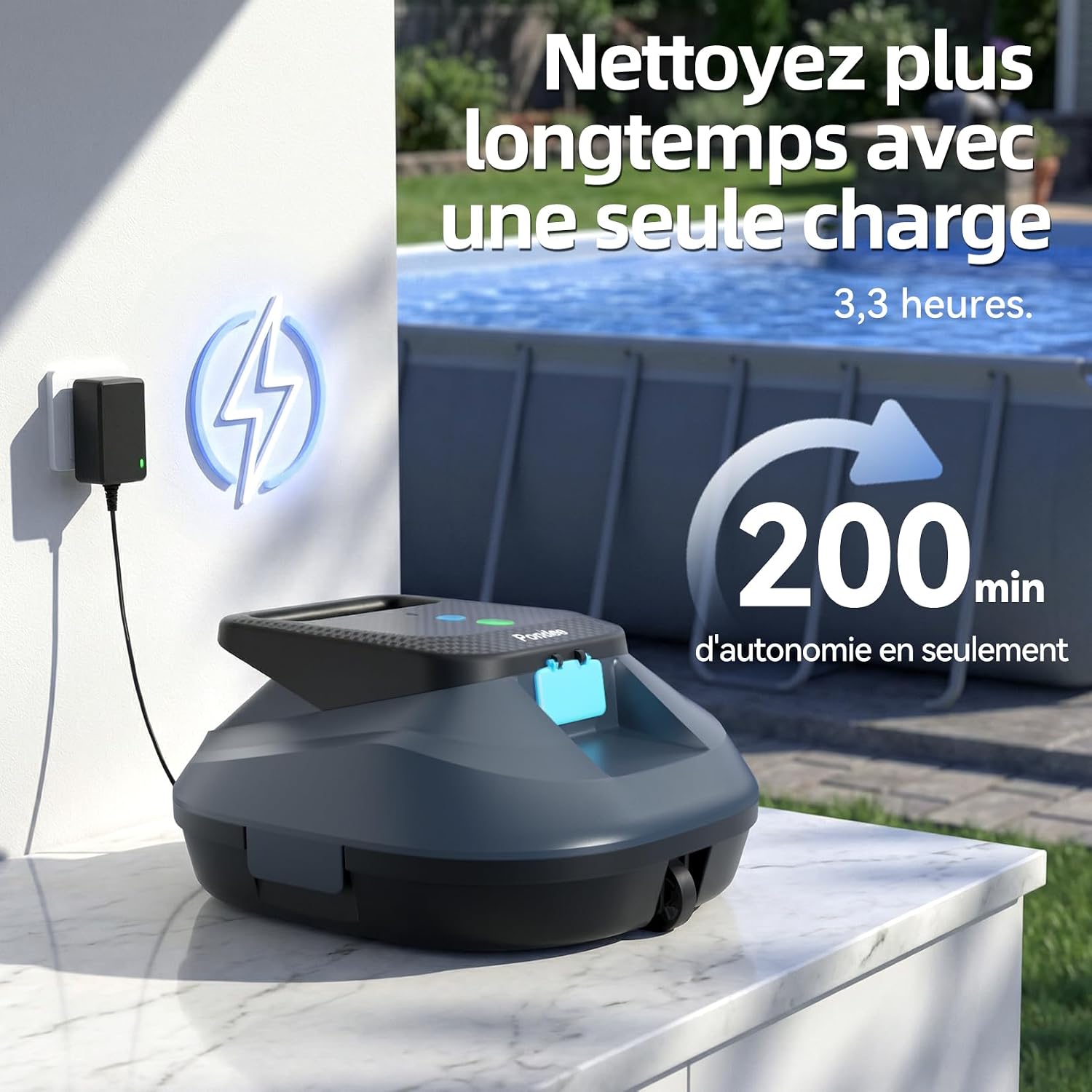
The Pondee X2 is an advanced cordless robotic pool cleaner designed for efficient and hassle-free pool maintenance. It is suitable for both above-ground and in-ground pools with flat bottoms, covering areas up to 120 m². Featuring a powerful dual brushless motor system and a high-capacity 5200 mAh battery, the X2 delivers up to 200 minutes of continuous cleaning on a single charge, with a rapid recharge time of approximately 3.3 hours. Its intelligent design includes one-click activation and an automatic parking function for easy retrieval.
2. Safety Information
- Read all instructions carefully before operating the device.
- Ensure the charging port is dry before connecting the charger.
- Do not operate the cleaner if the water temperature is outside the recommended range (typically 10°C - 35°C).
- Keep children and pets away from the pool area while the cleaner is in operation.
- Only use the original charger provided with the device.
- Do not attempt to disassemble or repair the unit yourself. Contact qualified service personnel.
- Remove the cleaner from the pool after each cleaning cycle and before adding chemicals.
3. Product Components
The Pondee X2 package includes the following items:
- 1x Pondee WaveRobo Pro X2 Pool Cleaner
- 1x Charger
- 1x User Manual
- 1x Retrieval Hook
- 2x Replacement Brushes

4. Setup
4.1 Initial Charging
Before first use, fully charge the Pondee X2. Connect the charger to the device and a power outlet. A full charge takes approximately 3.3 hours. The LED indicator will show charging status.
4.2 Placement in Pool
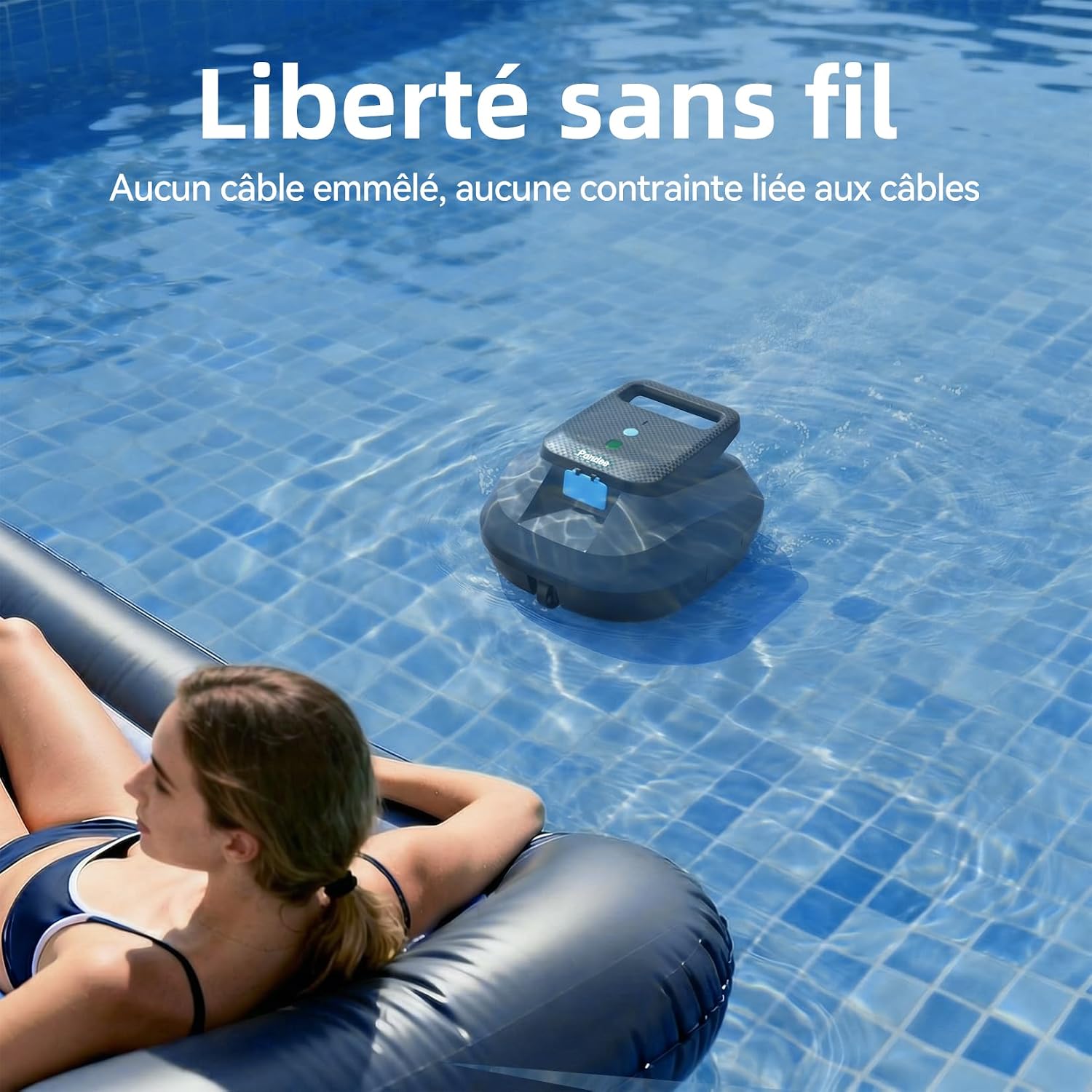
Gently lower the Pondee X2 into the pool. Ensure it sinks to the bottom completely before activation. The cordless design eliminates tangled cables, offering freedom of movement.

5. Operating Instructions
5.1 One-Click Activation
To start a cleaning cycle, simply press the power button once. The cleaner will begin its operation automatically.

5.2 Battery Level Indicator
The LED indicators on the cleaner provide a visual representation of the battery level:
- Green: 71%-100% (High)
- Blue: 31%-70% (Medium)
- Red: 0%-30% (Low Battery)

5.3 Optimized Cleaning Paths
The Pondee X2 adapts its cleaning coverage based on two wheel configurations to ensure maximum efficiency for various pool shapes:
- A. Forward Wheels: For straighter paths, ideal for rectangular pools.
- B. Curved Wheels: For curved paths, suitable for round or irregularly shaped pools.

5.4 Automatic Parking
Upon completion of its cleaning cycle or when the battery is low, the Pondee X2 will automatically move to the edge of the pool. This intelligent auto-parking feature allows for effortless retrieval and quick water drainage.

5.5 Pool Compatibility
The Pondee X2 is designed for various flat-bottom pool types, including:
- Pools less than 120 m²
- Above-ground pools
- Flat-bottom pools
- In-ground pools without slopes


6. Maintenance
6.1 Filter Cleaning
The Pondee X2 features a 180 µm fine filtration system designed to capture various debris such as small leaves, sand, fine branches, insects, and silt. For optimal performance, clean the filter basket after each use.

6.2 General Cleaning and Storage
After removing the cleaner from the pool, rinse the exterior with fresh water. Ensure all components are dry before storing the unit in a cool, dry place away from direct sunlight.

7. Troubleshooting
| Problem | Possible Cause | Solution |
|---|---|---|
| Cleaner does not start | Low battery; Power button not pressed correctly. | Charge the cleaner fully; Press the power button firmly. |
| Poor cleaning performance | Filter basket is full or clogged; Brushes are worn. | Clean the filter basket; Replace worn brushes. |
| Cleaner gets stuck | Obstruction in the pool; Uneven pool bottom (not flat). | Remove obstructions; Ensure pool bottom is flat as per specifications. |
| Cleaner does not auto-park | Battery too low to reach edge; Sensor obstruction. | Ensure cleaner is sufficiently charged; Check for debris blocking sensors. |
8. Specifications
| Feature | Detail |
|---|---|
| Brand | Pondee |
| Model Name | X2 |
| Material | Plastic |
| Color | Blue |
| Power Source | Battery Powered |
| Special Features | 200 Min Runtime, Automatic Parking, for Pools up to 120 m² |
| Control Method | Push Button |
| Battery Weight | 300 Grams |
| Model Year | 2026 |
| Battery Capacity | 57.72 Watt-hours |
| Number of Batteries | 1 Non-standard Battery (included) |
| Charge Time | 3.3 hours |
| Manufacturer | Shenzhen Seaker Technology Co.,Ltd. |
9. Warranty and Support
The Pondee X2 comes with a manufacturer's warranty. For detailed warranty information, product support, or service inquiries, please refer to the contact information provided on the product packaging or the official Pondee website. Keep your purchase receipt for warranty claims.
Related documentsX2


Ask a question about this manual
Ask about setup, troubleshooting, compatibility, parts, safety, or missing instructions. Manuals+ will review the question and use this page’s manual context to help answer it.