
Introduction
Welcome to the Motorola G67 Power 5G user manual. This guide provides essential information for setting up, operating, maintaining, and troubleshooting your new smartphone. The Motorola G67 Power 5G is designed for extended use and smooth performance, featuring a 7000 mAh battery, an efficient 4 nm octa-core processor, and 8 GB RAM (expandable up to 24 GB with RAM Boost). It boasts a 6.7-inch FHD+ 120 Hz LCD display with toughened glass, HDR10+, and Aqua Touch. Capture high-quality photos and videos with its 50 MP main camera, 8 MP ultrawide lens, and 32 MP selfie camera, all supporting 4K 30 fps video recording. The device also includes a premium vegan leather back, IP64 protection, stereo speakers, and dual SIM 5G connectivity.

Image: Key features of the Motorola G67 Power 5G, highlighting the 7000mAh battery, 50MP Sony-LYT 600 camera, and Snapdragon 7s Gen 2 processor.
Setup
What's in the Box
- Motorola G67 Power 5G Handset
- 30W Charger
- USB Type-C Cable
- SIM Eject Tool
- Quick Start Guide
Inserting the SIM Card
- Locate the SIM tray on the side of your device.
- Insert the SIM eject tool into the small hole next to the tray and press gently until the tray pops out.
- Place your Nano-SIM card(s) into the tray with the gold contacts facing down. Ensure they are correctly oriented.
- Carefully push the tray back into the slot until it clicks into place.
Initial Power On and Charging
To power on your device, press and hold the power button located on the side until the Motorola logo appears. For initial charging, connect the provided 30W charger and USB Type-C cable to your phone and a power outlet. The 7000 mAh battery supports fast charging.
Operating Your Device
Display and Navigation
The Motorola G67 Power 5G features a 6.7-inch FHD+ 120 Hz LCD display with Aqua Touch for responsive control. Navigate the Android 15 (Hello UI) interface using touch gestures.

Image: The Hello UX interface powered by Android 15 on the Motorola G67 Power 5G.
Camera Functions
Your device is equipped with a versatile camera system:
- Rear Cameras: 50MP Sony LYTIA 600 (f/1.8, Quad Pixel, PDAF) + 8MP ultra-wide. Both support UHD 4K30 video recording.
- Front Camera: 32MP (f/2.2) with Quad Pixel for brighter selfies. Records up to UHD 4K30.
Camera modes include Night Vision, Ultra-Res, Portrait, Panorama, Pro, Scan, Auto Night/Smile Capture, high-res digital zoom (up to 8x), Google Lens, Dual Capture, Timelapse/Hyperlapse, Slow Motion, and Audio Zoom. For quick access, twist your wrist twice to open the camera.
Audio and Entertainment
Experience immersive audio with dual stereo speakers featuring Dolby Atmos and Hi-Res Audio support. A 3.5 mm audio jack is also available for wired headphones.

Image: The Motorola G67 Power 5G features dual stereo speakers with Dolby Atmos and Hi-Res Audio for an immersive entertainment experience.
Connectivity and Storage
- Network: Dual SIM 5G connectivity.
- Wireless: Wi-Fi 802.11 a/b/g/n/ac, Bluetooth 5.1.
- Navigation: GPS, GLONASS, Galileo, QZSS, Beidou.
- Storage: 128GB internal storage, with 8GB RAM and RAM Boost up to 24GB.
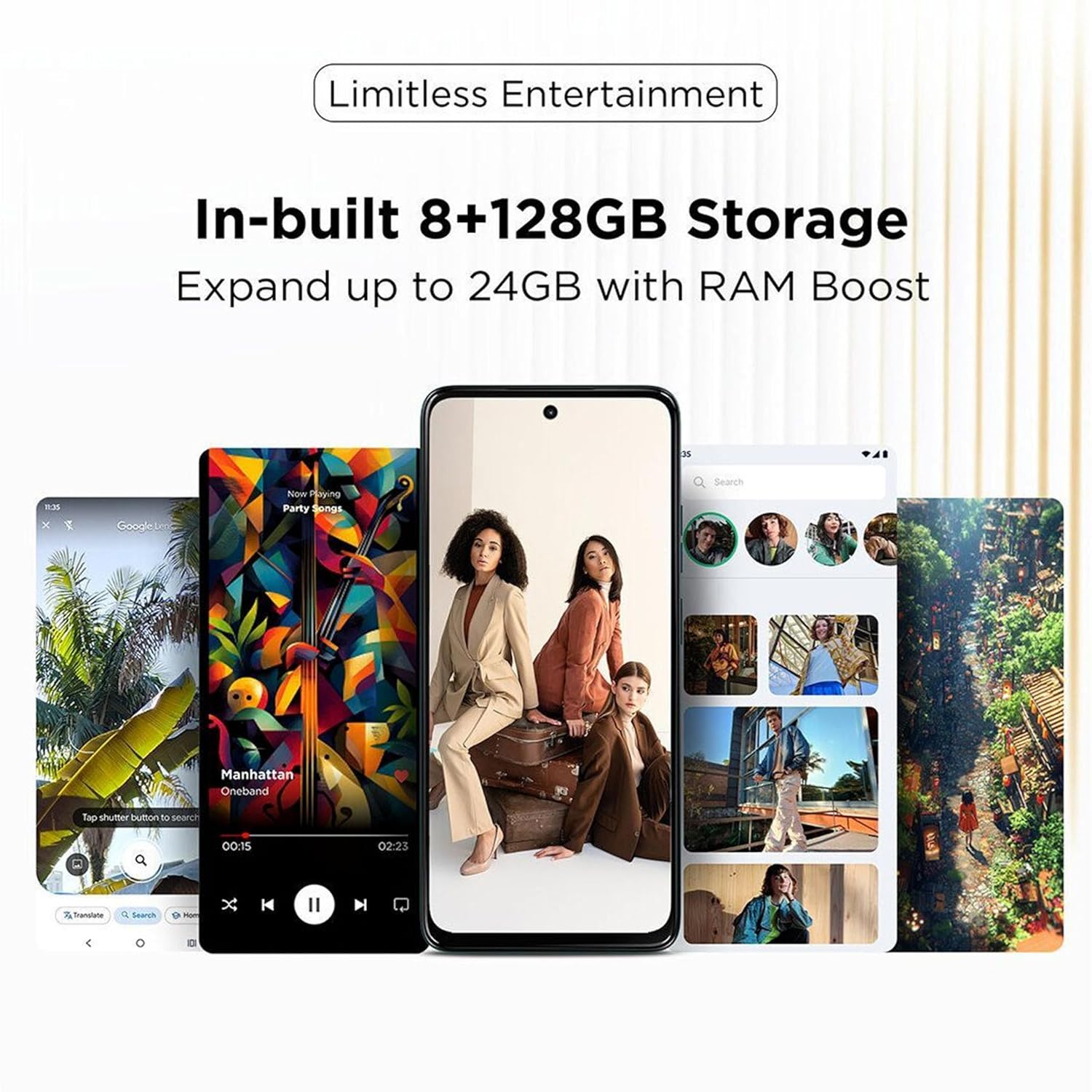
Image: The Motorola G67 Power 5G offers 8GB + 128GB storage, expandable up to 24GB with RAM Boost technology.
Software Features
The device runs on Android 15 with Motorola's Hello UI, offering several intuitive features:
- 3 Finger Screenshot: Capture a screenshot by touching the screen with three fingers.
- Light in a Flash: Chop down twice with the phone to turn on the flashlight.
- Twist to Open Camera: Twist your wrist twice to quickly launch the camera application.
- Family Space 3.0: Safer sharing with kids and guests, allowing for customized profiles and app access.
- Smart Connect: Seamlessly connect and share content across your Motorola devices.

Image: Delightful software experiences on the Motorola G67 Power 5G, including 3-finger screenshot, flashlight gesture, camera quick launch, and Family Space 3.0.

Image: The Smart Connect feature allows for seamless content sharing and connectivity between the Motorola G67 Power 5G and other compatible devices.
Maintenance
Battery Care
To maximize the lifespan of your 7000 mAh battery, avoid extreme temperatures and fully discharging the battery frequently. Use only the provided 30W charger for optimal charging performance.
Cleaning Your Device
Gently wipe your phone with a soft, lint-free cloth. Avoid using harsh chemicals or abrasive materials. The device has an IP64 rating, providing protection against dust and splashes, but it is not waterproof.
Software Updates
Motorola provides one Android version upgrade (to Android 15) and 3 years of security patches (SMR) for this model. Ensure your device is connected to Wi-Fi and has sufficient battery life before performing any software updates. You will be notified when updates are available.
Troubleshooting
- Device Not Responding: If your phone is unresponsive, press and hold the power button for approximately 10-15 seconds to force a restart.
- Charging Issues: Ensure the charger and USB cable are securely connected and undamaged. Try a different power outlet.
- Connectivity Problems: For Wi-Fi or Bluetooth issues, try toggling the respective settings off and on. For mobile data issues, check your SIM card insertion and network settings.
- Overheating: If the device feels excessively warm, close background applications, reduce screen brightness, and avoid using it while charging or in direct sunlight.
- Display Anomalies: If you experience unusual display behavior, such as flickering or lines, try restarting the device. If the issue persists, contact support.
- Camera Performance: Ensure camera lenses are clean. For low-light performance, use Night Vision mode.
Specifications
| Model Numbers | PB930001IN, PB930005IN |
| Operating System | Android 15 (Hello UI) |
| Processor | Snapdragon 7s Gen 2 (4 nm octa-core, 2.4 GHz) |
| RAM | 8 GB (expandable up to 24 GB with RAM Boost) |
| Internal Storage | 128 GB |
| Display | 6.7-inch FHD+ (2400 x 1080) 120 Hz LCD, HDR10+, Aqua Touch |
| Rear Camera | 50 MP Sony LYTIA 600 (f/1.8, OIS, PDAF) + 8 MP Ultra-wide |
| Front Camera | 32 MP (f/2.2) with Quad Pixel |
| Video Recording | UHD 4K30 (Front & Rear) |
| Battery | 7000 mAh |
| Charging | 30W Fast Charging |
| Connectivity | Dual SIM 5G, Wi-Fi 802.11 a/b/g/n/ac, Bluetooth 5.1, USB Type-C (USB 2.0) |
| Navigation | GPS, GLONASS, Galileo, QZSS, Beidou |
| Audio | Dual Stereo Speakers, Dolby Atmos, Hi-Res Audio, 3.5 mm Audio Jack |
| Durability | IP64 Dust and Splash Resistant |
| Dimensions | 16.62 x 7.65 x 0.86 cm |
| Weight | 210 g |
| Color | Pantone Parachute |
Warranty and Support
Software Warranty
Motorola provides one Android version upgrade (to Android 15) and 3 years of security patches (SMR) for the G67 Power 5G.
Manufacturer and Importer Information
Manufacturer: Motorola Mobility LLC.
Packer & Importer: Motorola Mobility India Pvt Ltd, Bagmane Tech Park, No.66/1, Plot No.5, 5th Floor, C.V Raman Nagar, Bengaluru 560093.
Customer Support
For further assistance, please contact Motorola customer support.
Toll-free: 1800-419-6686


