
1. Product Overview
The Monster S190 is a portable Bluetooth speaker designed for high-fidelity audio playback. It features 40W dynamic stereo sound, IPX6 waterproof protection, and up to 28 hours of playtime. Advanced Bluetooth 6.0 connectivity ensures stable and efficient wireless audio streaming. The speaker also supports True Wireless Stereo (TWS) pairing for an enhanced sound experience.
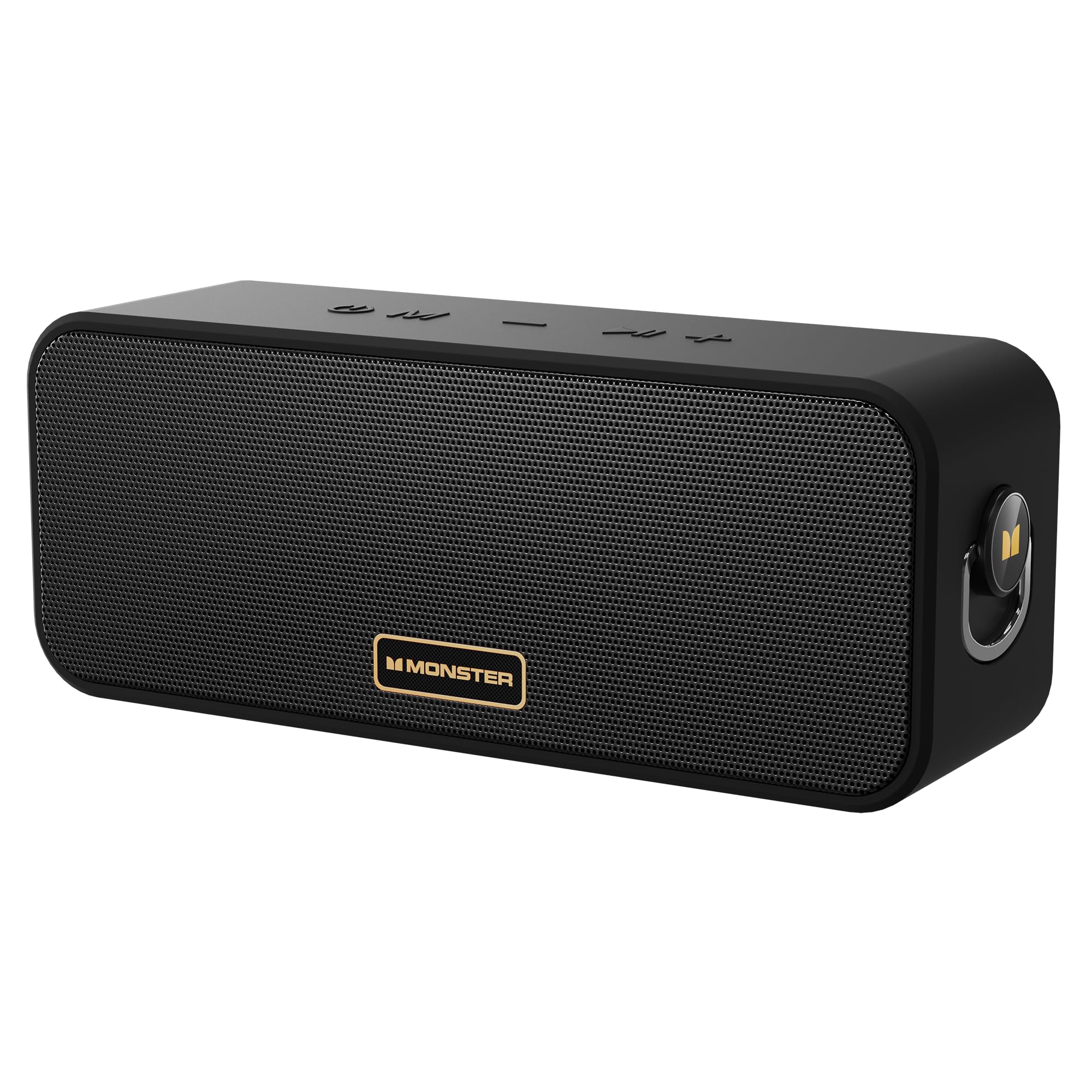
Image: The Monster S190 Bluetooth Speaker, highlighting its 40W output, 28-hour battery life, and IPX6 waterproof rating.
2. What's In The Box
Verify that all items are present in the packaging:
- Monster S190 Speaker x 1
- Charging Cable x 1
- Quick Start Guide x 1

Image: The Monster S190 speaker, its USB charging cable, and the quick start guide, as found in the product packaging.
3. Controls and Ports
Familiarize yourself with the speaker's buttons and connection points:
- Power On/Off: Press and hold to power the speaker on or off.
- Mode Switch: Short press to cycle through input modes (Bluetooth, AUX, TF Card).
- Previous Song / Volume Down: Short press for volume down; long press for previous song.
- Next Song / Volume Up: Short press for volume up; long press for next song.
- Play/Pause: Short press to play or pause audio. Double click to enter/exit Stereo Mode (TWS).

Image: An illustration detailing the function of each button on the top panel of the Monster S190 speaker.
Connectivity Options
The speaker offers multiple ways to connect your audio source:
- Bluetooth: For wireless connection to compatible devices.
- AUX Input: For wired connection using a 3.5mm audio cable.
- TF Card Slot: For playing music directly from a MicroSD card.
- USB-C Charging Port: For charging the speaker's internal battery.

Image: A detailed view of the Monster S190 speaker's input ports, showing the TF card slot, AUX input, and USB-C charging port.
4. Setup
4.1 Charging the Speaker
- Connect the provided USB charging cable to the speaker's USB-C port.
- Connect the other end of the cable to a USB power adapter (not included) or a computer's USB port.
- The charging indicator light will illuminate during charging and turn off when fully charged.
- A full charge takes approximately 3-4 hours.
4.2 Powering On/Off
- To power on, press and hold the Power button until the indicator light turns on.
- To power off, press and hold the Power button again until the indicator light turns off.
4.3 Bluetooth Pairing
- Ensure the speaker is powered on and in Bluetooth mode (the indicator light will flash blue). If not, short press the Mode button to switch to Bluetooth mode.
- On your device (smartphone, tablet, etc.), enable Bluetooth and search for available devices.
- Select "Monster S190" from the list of devices.
- Once paired, the indicator light will turn solid blue, and you will hear a confirmation tone.
- The speaker will automatically reconnect to the last paired device when powered on, if the device's Bluetooth is active and within range.

Image: The Monster S190 speaker with an overlay indicating Bluetooth 6.0, alongside a smartphone screen showing the speaker listed for pairing.
4.4 True Wireless Stereo (TWS) Pairing
TWS allows you to pair two Monster S190 speakers together for a stereo sound experience.
- Ensure both S190 speakers are powered on and not connected to any Bluetooth device.
- On one of the speakers (this will be the primary speaker), double-click the Play/Pause button. The speaker will enter TWS pairing mode, indicated by a flashing light.
- The two speakers will automatically connect to each other. Once connected, you will hear a confirmation tone, and the indicator lights on both speakers will change.
- Now, connect your device to the primary speaker via Bluetooth as described in section 4.3.
- To exit TWS mode, double-click the Play/Pause button on either speaker.

Image: Two Monster S190 speakers positioned to demonstrate TWS pairing, with a smartphone indicating a connection.
5. Operating the Speaker
5.1 Basic Playback Controls
- Play/Pause: Short press the Play/Pause button.
- Volume Up: Short press the Volume Up (+) button.
- Volume Down: Short press the Volume Down (-) button.
- Next Track: Long press the Volume Up (+) button.
- Previous Track: Long press the Volume Down (-) button.
5.2 Using AUX Input
- Connect one end of a 3.5mm audio cable (not included) to your audio device's headphone jack.
- Connect the other end to the AUX input port on the Monster S190 speaker.
- The speaker will automatically switch to AUX mode, or you may need to short press the Mode button to select AUX.
5.3 Using TF Card
- Insert a TF (MicroSD) card with audio files into the TF card slot on the speaker.
- The speaker will automatically switch to TF card mode and begin playing music, or you may need to short press the Mode button to select TF card mode.
6. Maintenance
6.1 Cleaning
- Wipe the speaker with a soft, damp cloth.
- Do not use abrasive cleaners, alcohol, or chemical solvents, as these may damage the surface.
6.2 Storage
- Store the speaker in a cool, dry place away from direct sunlight and extreme temperatures.
- If storing for an extended period, charge the battery every 3 months to maintain battery health.
6.3 Waterproof Guidelines (IPX6)
The Monster S190 speaker is IPX6 waterproof, meaning it is protected against high-pressure water jets from any direction. This makes it suitable for use near pools, beaches, or in rainy conditions.
- Ensure all port covers are securely closed before exposing the speaker to water.
- Do not submerge the speaker in water for extended periods.
- After exposure to water, wipe the speaker dry before charging to prevent damage to the charging port.
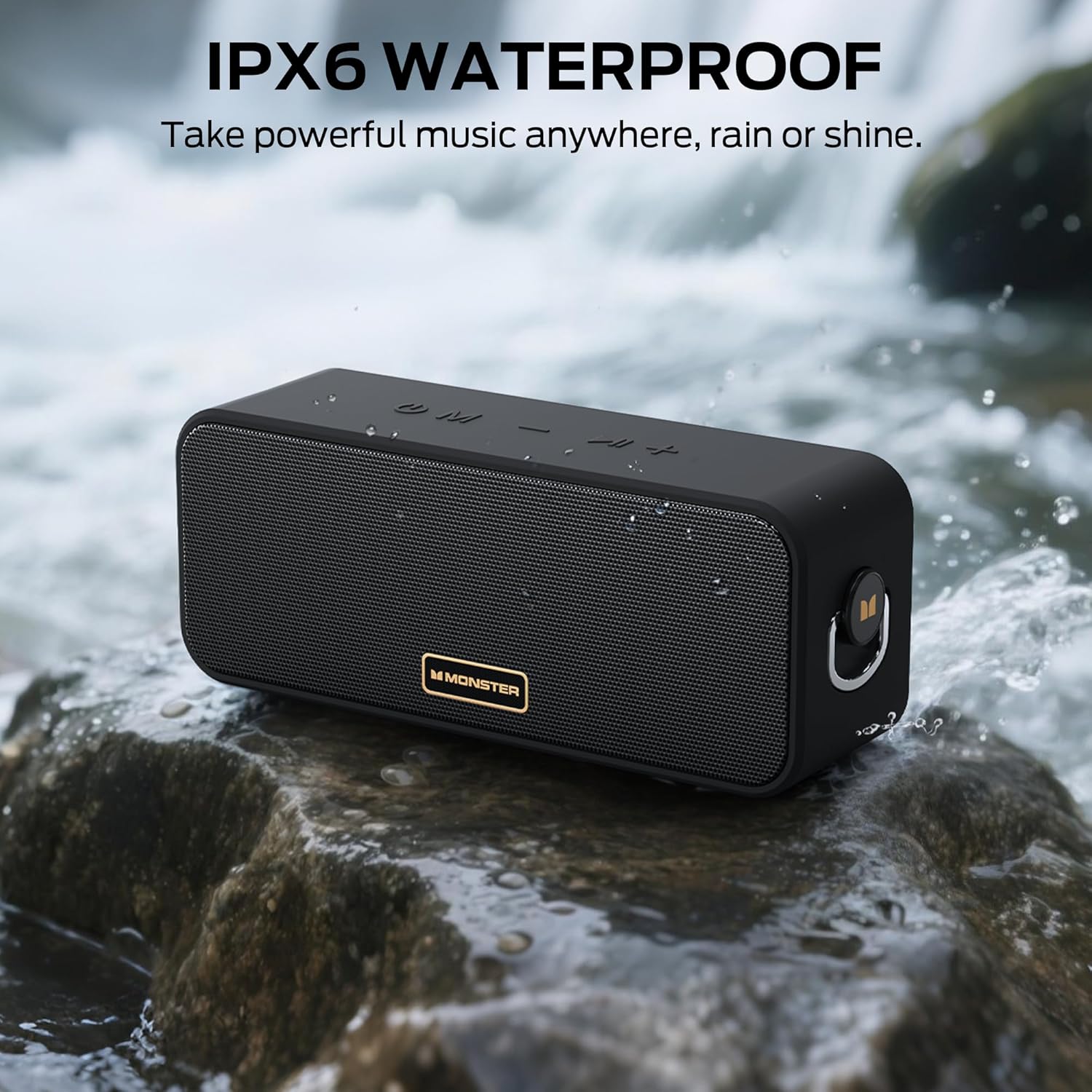
Image: The Monster S190 speaker positioned by a stream, illustrating its IPX6 waterproof design.
7. Troubleshooting
| Problem | Possible Cause | Solution |
|---|---|---|
| Speaker does not power on | Low battery; Power button not pressed long enough | Charge the speaker; Press and hold the Power button for 3-5 seconds |
| Cannot pair via Bluetooth | Speaker not in pairing mode; Device Bluetooth off; Speaker already connected to another device; Too far from device | Ensure speaker is flashing blue; Turn on device Bluetooth; Disconnect from other devices; Move device closer to speaker (within 20 meters) |
| No sound | Volume too low; Incorrect input mode; Device not playing audio | Increase speaker and device volume; Press Mode button to select correct input; Ensure audio is playing on your device |
| TWS pairing fails | Speakers already paired to a device; Speakers too far apart | Disconnect both speakers from any Bluetooth devices; Ensure speakers are within 5 meters of each other during TWS pairing |
| Poor sound quality | Low battery; Device volume too high (distortion); Obstructions between speaker and device | Charge the speaker; Adjust device volume; Remove obstructions or move closer to device |
8. Specifications
| Feature | Detail |
|---|---|
| Model Number | MS62117 |
| Output Power | 40W |
| Bluetooth Version | 6.0 |
| Bluetooth Range | Up to 20 meters (66 feet) |
| Waterproof Rating | IPX6 |
| Battery Life | Up to 28 hours |
| Charging Time | Approx. 3-4 hours |
| Connectivity | Bluetooth, AUX, TF Card |
| Product Dimensions | 7.62 x 20.32 x 10.16 cm |
| Weight | 689 g |

Image: A diagram illustrating the physical dimensions of the Monster S190 speaker.
9. Warranty and Support
Monster products are designed and manufactured to the highest quality standards. For detailed warranty information and customer support, please refer to the official Monster website or contact their customer service directly. Keep your purchase receipt as proof of purchase for warranty claims.
For further assistance, visit the Monster Store on Amazon.


