
Introduction
This manual provides detailed instructions for setting up, operating, and maintaining your UYTGXEN RF40H Handheld Game Console. Please read thoroughly to ensure optimal performance and longevity of your device.
What's in the Box
- 1x RF40H Retro Game Console
- 1x 64GB TF Card
- 1x TYPE-C Charging Cable
- 1x Organizer Bag
- 1x Screen Film
- 1x User Manual

Image displaying the complete contents of the RF40H product kit, including the console, TF card, charging cable, organizer bag, screen film, and user manual.
Product Overview
The RF40H is a portable handheld game console designed for retro gaming enthusiasts. It features a 4.0-inch IPS display and supports a wide range of emulators.

Image of multiple RF40H console color variants, highlighting game categories.
Key Features:
- Vibrant 4.0-Inch IPS Display: Enjoy crisp, vibrant visuals with 720x720 high-definition resolution and wide viewing angles.
- Professional-Grade Hall Joysticks: Experience ultra-precise control with 3D large-angle joysticks.
- Massive Preloaded Game Library: Comes pre-installed with over 20,000 classic games and supports over 20 emulators.
- Open-Source Linux System: Allows for interface customization, adding new emulators, and managing your game library.
- WiFi Connectivity: Supports online multiplayer battles and wired controller connections for couch co-op.
- Portable Design & Long-Lasting Battery: Sleek design with a 4000mAh rechargeable battery providing 6-8 hours of continuous gameplay.
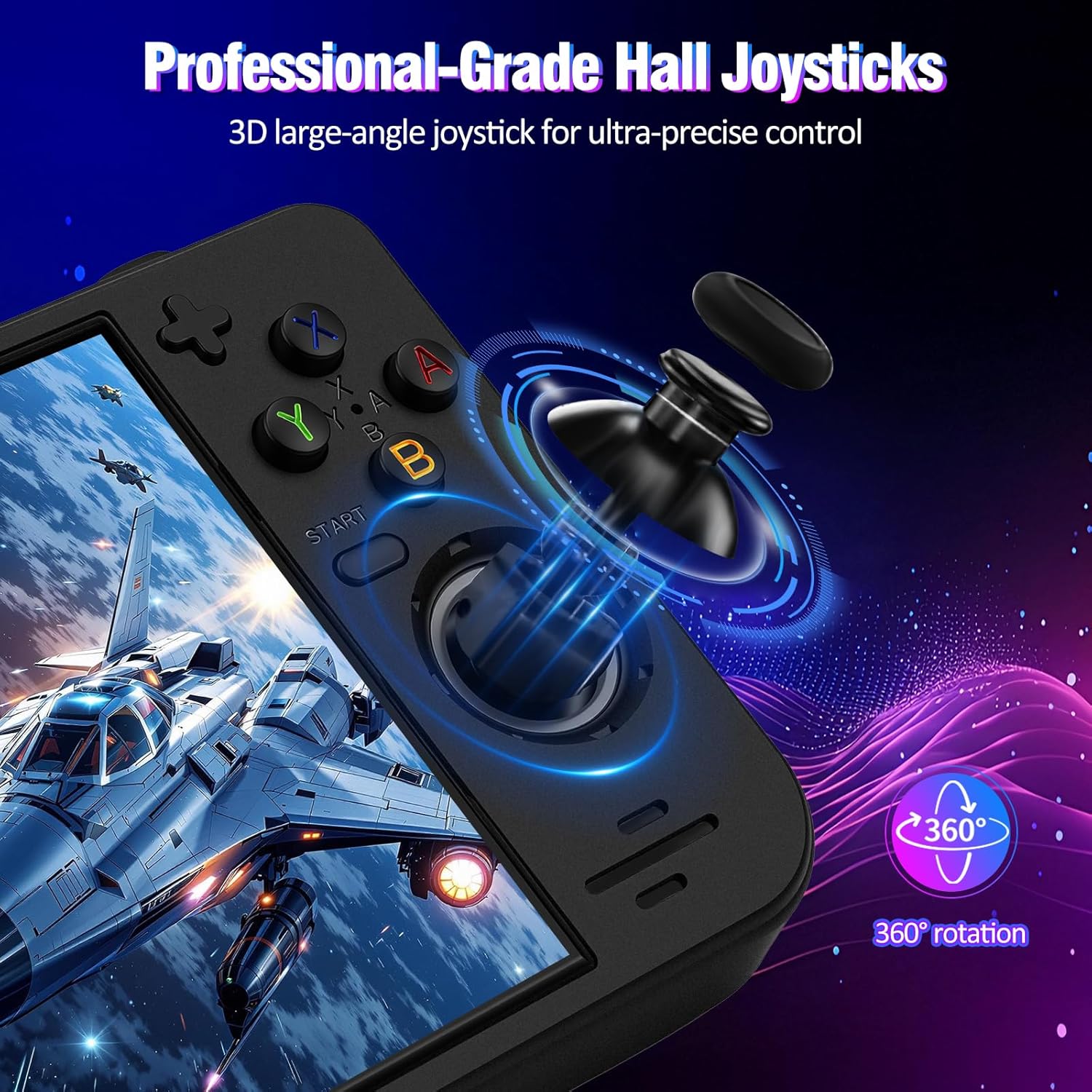
Close-up image of the RF40H console's Hall joysticks, emphasizing 360-degree rotation and precise control.
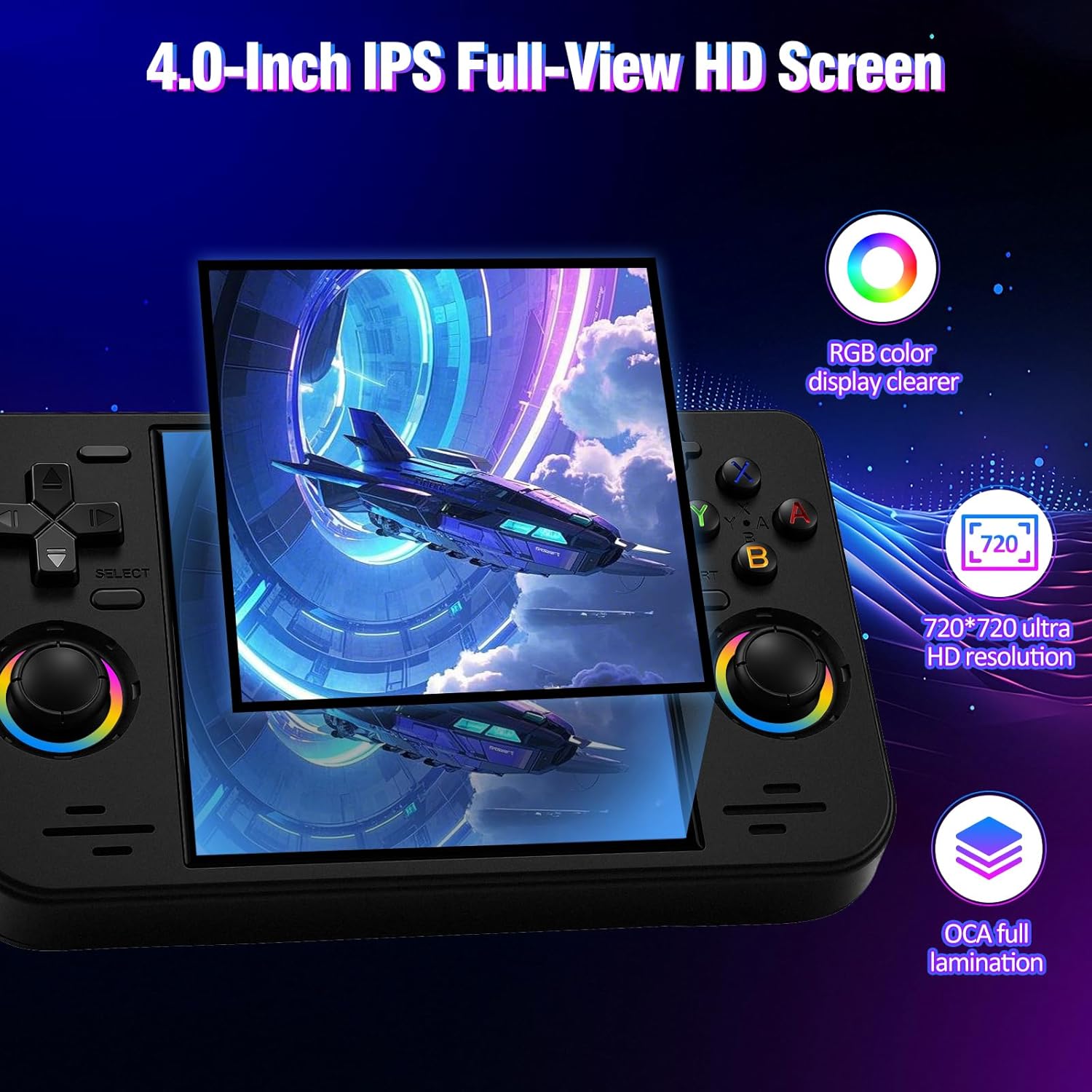
Image showcasing the 4.0-inch IPS display with 720x720 resolution and full lamination technology.
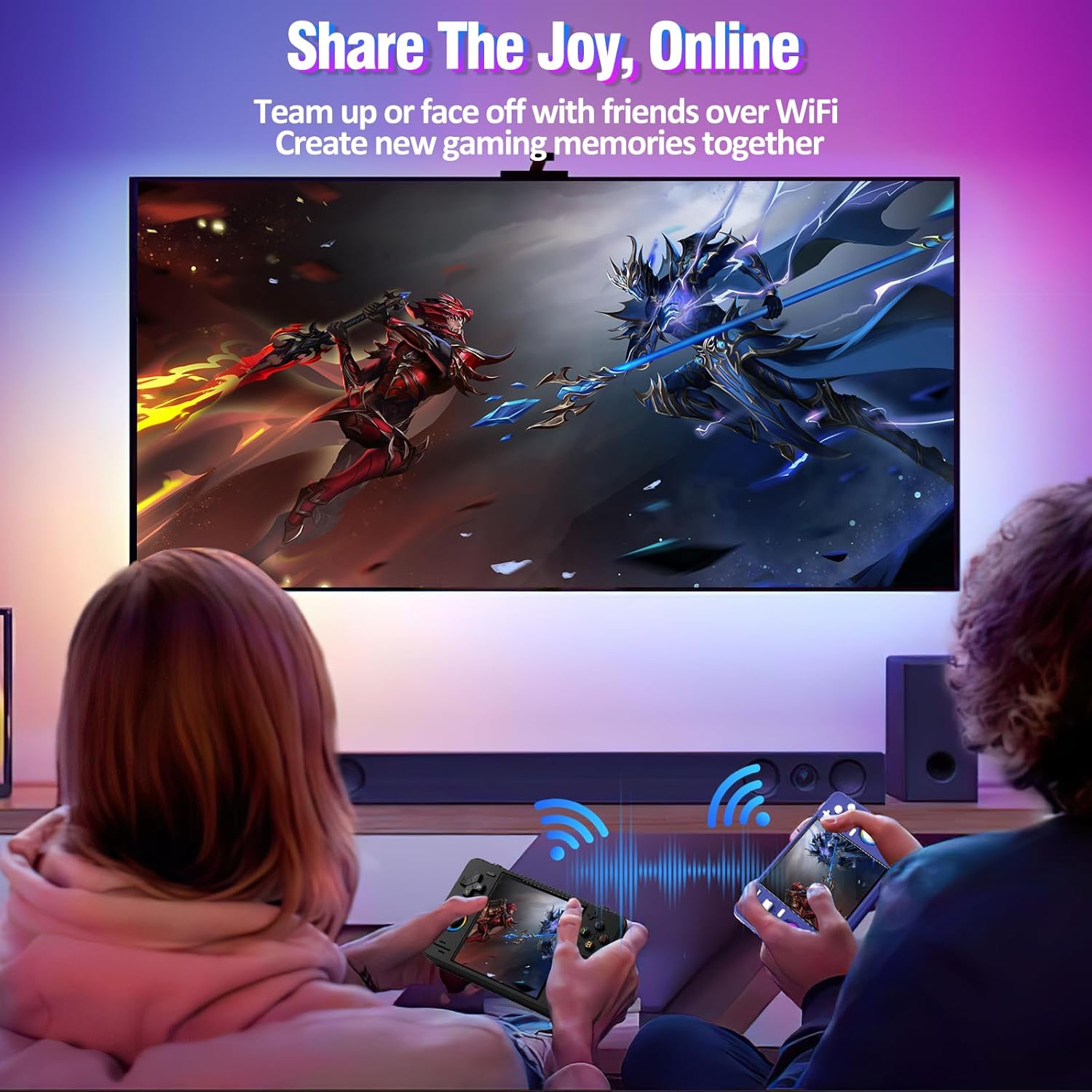
Image depicting two users playing RF40H consoles online, illustrating WiFi connectivity for multiplayer gaming.

Image of the RF40H console held in a hand, demonstrating its compact and portable design.
Console Layout and Controls:

Diagram illustrating the RF40H console's button layout and in-game shortcut combinations.
Setup
1. Initial Charging:
Before first use, fully charge the console using the provided TYPE-C charging cable. The power indicator light will show charging status.
2. Inserting TF Card:
Locate the TF card slot on the console. Gently insert the included 64GB TF card until it clicks into place. This card contains the preloaded games and system files.
3. Powering On/Off:
Press and hold the Power button to turn the console on or off. A short press will put the device into sleep mode.
Operating
1. Basic Navigation:
Use the D-pad or joysticks to navigate through menus and select games. The A/B/X/Y buttons are used for selection and actions within games.
2. Playing Games:
The console comes preloaded with over 20,000 classic games across more than 20 emulators. Select a game from the library to begin playing. You can also add your favorite ROMs to the 64GB built-in storage.
3. WiFi Connectivity:
Access online multiplayer features by connecting to a WiFi network. Navigate to the system settings to configure WiFi. The console also supports wired controllers for local co-op.
4. Audio Output:
Enjoy game audio through the high-fidelity stereo speakers or connect headphones via the dedicated 3.5mm headphone jack.
5. Open-Source System:
The versatile open-source Linux system allows advanced users to customize the interface, add new emulators, and manage their game library with greater freedom.
Product Videos:
Video demonstrating gameplay on the RF40H console, showcasing its performance with various classic games.
Short video clip highlighting quick gameplay moments on the RF40H handheld console.
Review video discussing the technological advancements and features of the RF40H console.
Detailed video review emphasizing the high quality and features of the RF40H handheld game console.
Maintenance
To ensure the longevity of your RF40H console, follow these maintenance tips:
- Screen Care: Use the provided screen film for protection. Clean the screen gently with a soft, lint-free cloth. Avoid harsh chemicals.
- Battery Care: Avoid fully draining the battery frequently. Charge the device regularly, even when not in use, to maintain battery health.
- Storage: Store the console in the organizer bag when not in use to protect it from dust and scratches.
- Cleaning: Keep the console clean and free from dust. Use a dry cloth to wipe down the exterior.
Troubleshooting
If you encounter issues with your RF40H console, try the following:
- Console Not Turning On: Ensure the battery is charged. Connect the charging cable and wait a few minutes before attempting to power on.
- Games Lagging/Freezing: Ensure the TF card is properly inserted. For some demanding games, adjusting emulator settings within the open-source system may improve performance.
- No Sound: Check the volume settings. Ensure headphones are properly plugged in if using them.
- WiFi Connection Issues: Verify your WiFi password and network stability. Try restarting the console and your router.
- System Unresponsive: Perform a soft reset by holding the power button for an extended period (e.g., 10-15 seconds) until the device powers off.
Specifications
| Feature | Detail |
|---|---|
| Number of Batteries | 1 A batteries required (included) |
| Battery Average Life | 8 Hours |
| Battery Description | Lithium-Ion |
| Memory Storage Capacity | 64 GB |
| Item Dimensions (L x W x H) | 5.67"L x 3.4"W x 0.86"H |
| Color | Black |
| Material Type | Plastic |
| Manufacturer Minimum Age | 144 Months |
| Model Number | TYRF40H-GAME-CONSOLE |
| Manufacturer Part Number | TYRF40H001 |
Warranty
Please refer to the product packaging or contact UYTGXEN customer support for specific warranty information regarding your RF40H Handheld Game Console.
Support
For further assistance or technical support, please visit the official UYTGXEN website or contact their customer service department. Contact information can typically be found on the product packaging or their brand store page.