
Introduction
Thank you for purchasing the coioc S18-2 Portable Bluetooth Speaker. This speaker delivers 30W of powerful stereo sound with dual bass drivers, offering up to 30 hours of playtime. It features TWS pairing for an immersive audio experience, dynamic RGB lighting, and IPX7 waterproofing, making it suitable for various environments. This manual provides detailed instructions for setup, operation, maintenance, and troubleshooting to ensure optimal performance.

Image: The coioc S18-2 Portable Bluetooth Speaker, showcasing its sleek design and portable form factor.
What's in the Box
Please check the package contents upon unboxing:
- coioc S18-2 Bluetooth Speaker (x1)
- AUX Cable (x1)
- Type-C Charging Cable (x1)
- User Manual (x1)

Image: The speaker, its packaging, and all included accessories: AUX cable, Type-C charging cable, and user manual.
Product Overview and Controls
Familiarize yourself with the speaker's buttons and ports for optimal use.

Image: A detailed diagram illustrating the smart button controls on the speaker, showing functions for power, lighting, volume, track control, EQ, and TWS pairing.
Button Functions:
- Power Button: Press and hold for 2 seconds to Power ON/OFF.
- Light Button: Press once to cycle through RGB lighting modes. Press three times to turn off lights.
- Volume Down: Press once to decrease volume. Press and hold for 2 seconds for previous track.
- Volume Up: Press once to increase volume. Press and hold for 2 seconds for next track.
- EQ Button: Press once to switch EQ modes (Normal/Vocal).
- TWS Button: Press twice to initiate TWS pairing.
- Play/Pause Button: Press once to Play/Pause music.
- Call Button: Press once to Answer/End a call. Press and hold for 2 seconds to Reject a call.
Video Demonstration of Controls and Lights:
Video: A short demonstration showing how to operate the speaker's buttons, including changing RGB light modes and adjusting volume.
Setup
1. Charging the Speaker
Before first use, fully charge the speaker. Connect the provided Type-C charging cable to the speaker's charging port and a USB power adapter (not included). The LED battery indicator will show the charging progress from 1% to 100%. A full charge provides up to 30 hours of playtime (at 30% volume with lights off).
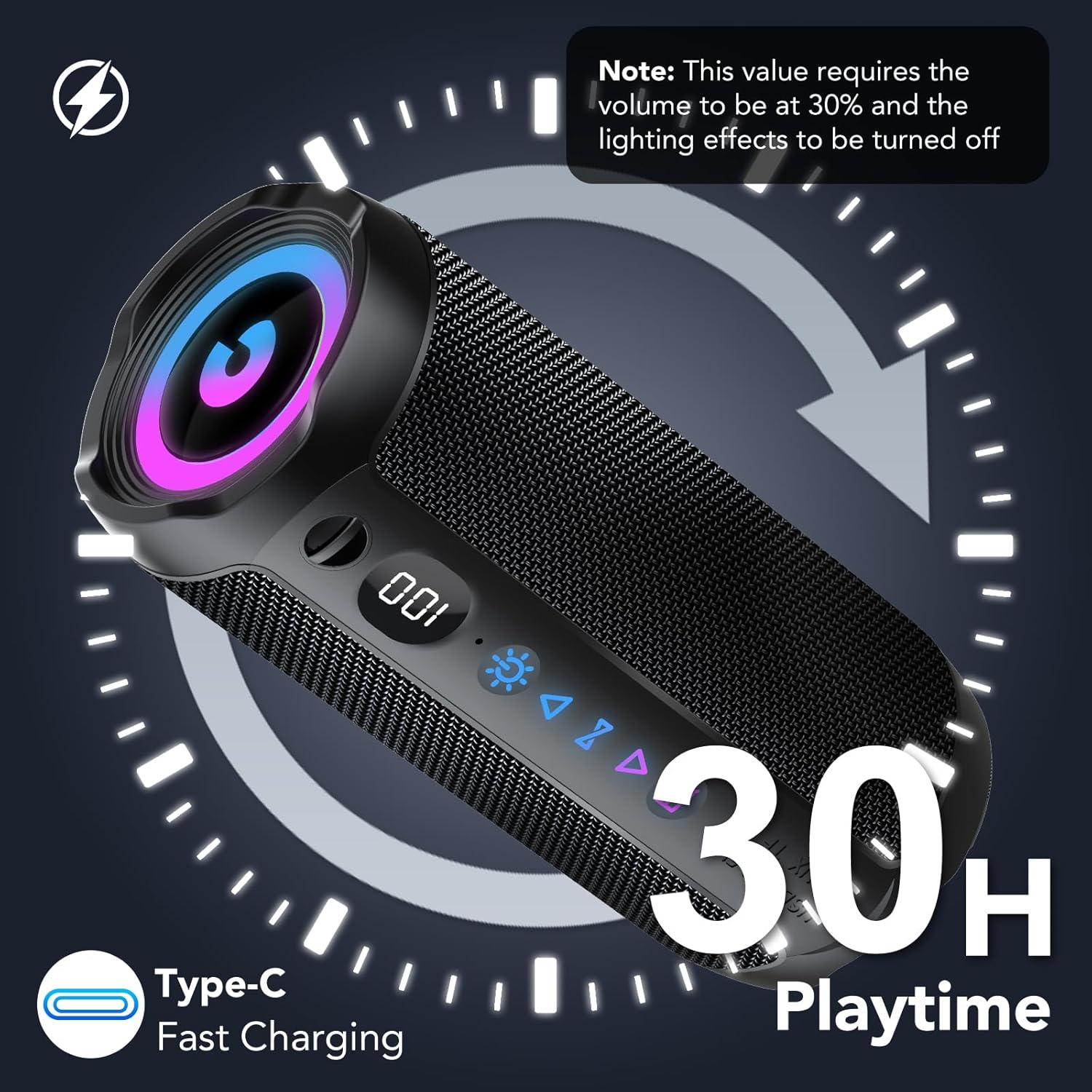
Image: The speaker displaying its battery level and indicating 30 hours of playtime with Type-C fast charging capability.
2. Power On/Off
- To Power ON: Press and hold the Power button for 2 seconds.
- To Power OFF: Press and hold the Power button for 2 seconds.
3. Bluetooth Pairing
- Turn on the speaker. It will automatically enter Bluetooth pairing mode, indicated by a flashing Bluetooth icon.
- On your device (smartphone, tablet, computer), enable Bluetooth and search for available devices.
- Select "coioc S18-2" from the list.
- Once connected, the speaker will emit a confirmation sound, and the Bluetooth icon will stop flashing.
Operating Instructions
1. Connection Methods
The coioc S18-2 speaker supports multiple connection options:
- Bluetooth (BT): For wireless audio streaming from compatible devices.
- AUX: Connect via the 3.5mm audio cable for wired playback.
- TF Card: Insert a MicroSD (TF) card with music files for direct playback.
- USB: Connect a USB drive with music files for direct playback.

Image: The speaker highlighting its four versatile connection methods: Bluetooth, AUX, TF card, and USB.
2. TWS (True Wireless Stereo) Pairing
For an immersive stereo experience, you can pair two coioc S18-2 speakers together:
- Ensure both speakers are powered on and not connected to any other Bluetooth device.
- On one speaker (this will be the primary speaker), press the TWS button twice. It will enter TWS pairing mode.
- The primary speaker will automatically search for and connect to the secondary speaker.
- Once successfully paired, both speakers will emit a confirmation sound.
- Now, connect your device to the primary speaker via Bluetooth as described in the 'Bluetooth Pairing' section. Audio will play in stereo through both speakers.

Image: Two coioc S18-2 speakers wirelessly connected to a laptop via Bluetooth 5.4, illustrating the TWS pairing feature for enhanced stereo audio.
3. RGB Lighting Modes
The speaker features dynamic RGB lighting. To control the lighting:
- Press the Light button once to cycle through different RGB lighting effects.
- Press the Light button three times to turn off the lights.

Image: The speaker showcasing its RGB multicolor breathing light effects, alongside an illustration of its IPX7 waterproof rating.
4. EQ Modes
The speaker offers different Equalizer (EQ) modes to optimize your listening experience:
- Press the EQ button once to switch between available modes.
- Available modes include: Normal and Vocal.

Image: A visual representation of the speaker's EQ modes, highlighting 'Normal' and 'Vocal' settings to suit different musical preferences.
Waterproofing (IPX7)
The coioc S18-2 speaker is IPX7 waterproof, meaning it can be submerged in water up to 1 meter for 30 minutes. This makes it ideal for use by the pool, at the beach, or in rainy conditions. Ensure the charging port cover is securely closed before exposing the speaker to water.

Image: The coioc S18-2 speaker partially submerged in water, illustrating its IPX7 waterproof capability.
Maintenance
- Clean the speaker with a soft, damp cloth. Do not use harsh chemicals or abrasive cleaners.
- Store the speaker in a cool, dry place when not in use.
- Avoid exposing the speaker to extreme temperatures or direct sunlight for prolonged periods.
- Ensure the port cover is sealed when not charging or using wired connections to maintain waterproofing.
Troubleshooting
| Problem | Possible Cause | Solution |
|---|---|---|
| Speaker does not turn on | Low battery | Charge the speaker fully. |
| Cannot pair via Bluetooth | Speaker not in pairing mode / Device Bluetooth off / Too far from device | Ensure speaker is in pairing mode. Turn on Bluetooth on your device. Move speaker closer to device (within 10 meters). |
| No sound | Volume too low / Incorrect input source / Device not connected | Increase speaker and device volume. Check connection method (Bluetooth, AUX, TF, USB). Re-pair Bluetooth if necessary. |
| TWS pairing fails | Speakers too far apart / Already connected to another device | Ensure both speakers are close to each other. Disconnect speakers from other Bluetooth devices before TWS pairing. |
Specifications
| Feature | Detail |
|---|---|
| Model Name | S18-2 |
| Brand | coioc |
| Color | Black |
| Speaker Output Power | 30 Watts |
| Connectivity Technology | Bluetooth 5.4 |
| Wireless Communication Range | Up to 30 meters (100 feet) |
| Audio Output Mode | Stereo |
| Power Source | Battery Powered (4000 mAh) |
| Playtime | Up to 30 hours |
| Waterproof Rating | IPX7 |
| Special Features | Stereo Pairing (TWS), Bass Boost, Dustproof, Noise Cancellation, LED Battery Indicator, Lightweight, LED Light, Built-in Microphone, USB Port, AUX, TF Card Slot |
| Product Dimensions | 5D x 5W x 5H cm (approximately 2D x 2W x 2H inches) |
| Compatible Devices | Phone, Tablet, Computer, Television |
Warranty and Support
The coioc S18-2 Portable Bluetooth Speaker comes with a limited warranty. For detailed warranty information or technical support, please refer to the warranty card included in your package or contact coioc customer service through the retailer where you purchased the product. Please retain your proof of purchase for warranty claims.