
Upstreman CD20
Contents
Upstreman 2.0 Cu.Ft Countertop Pastry Display Refrigerator (Model CD20) User Manual
Your guide to safe and efficient operation
1. Introduction
Thank you for choosing the Upstreman 2.0 Cu.Ft Countertop Pastry Display Refrigerator, Model CD20. This appliance is designed for commercial use, providing optimal conditions for displaying and preserving pastries, cakes, beverages, and other food items. Its features include a digital thermostat for precise temperature control, LED lighting for enhanced presentation, and a fog-free view. Please read this manual thoroughly before installation, operation, or maintenance to ensure proper use and to prevent damage to the unit or injury to yourself.
2. Safety Instructions
Important: Always follow basic safety precautions when using electrical appliances to reduce the risk of fire, electric shock, and injury.
- Ensure the refrigerator is placed on a stable, level surface capable of supporting its weight when fully loaded.
- Do not block ventilation openings. Maintain adequate space around the unit for proper air circulation.
- Connect to a grounded electrical outlet only. Do not use extension cords or ungrounded adapters.
- Do not store explosive substances such as aerosol cans with a flammable propellant in this appliance.
- Unplug the appliance before cleaning or performing any maintenance.
- Keep children away from the appliance.
- This appliance is designed for commercial use and meets ETL standards.
3. Package Contents
Verify that all items are present in the packaging:
- Upstreman 2.0 Cu.Ft Countertop Pastry Display Refrigerator (Model CD20)
- Adjustable shelves (2)
- User Manual
4. Setup
4.1 Unpacking
- Carefully remove all packaging materials, including tape and protective films.
- Inspect the refrigerator for any shipping damage. Contact your retailer immediately if damage is found.
4.2 Placement
- Place the unit on a firm, level surface. Use a spirit level to ensure it is perfectly balanced.
- Ensure there is adequate space (at least 4 inches) around the back and sides of the unit for proper ventilation. Do not place it in direct sunlight or near heat sources.
- The unit measures 17.6" W × 15.7" D × 32.2" H. Consider these dimensions for placement.

Image: The Upstreman 2.0 Cu.Ft Countertop Pastry Display Refrigerator, black, showcasing its compact design and capacity for various items like macarons, cupcakes, and a 10-inch cake.
4.3 Initial Cleaning
- Before first use, clean the interior and exterior surfaces with a soft cloth and mild detergent. Rinse with clean water and dry thoroughly.
4.4 Power Connection
- Plug the refrigerator into a dedicated 120V, 60Hz grounded electrical outlet.
- Allow the unit to stand upright for at least 2-4 hours before plugging it in to allow refrigerants to settle.
4.5 Adjusting Shelves
- The refrigerator comes with adjustable shelves. To adjust, simply lift the shelf and reposition it to the desired height using the shelf supports on the interior walls.

Image: Close-up showing user-friendly details of the Upstreman display refrigerator, including adjustable shelves, an external handle, and bright LED lighting.
5. Operating Instructions
5.1 Powering On/Off
- Locate the power switch on the control panel. Press it to turn the unit on or off.
5.2 Digital Temperature Control
- The digital thermostat allows precise temperature settings. The operating temperature range is 35.6°F to 50°F (2°C to 10°C).
- To set the temperature:
- Press the 'Set' button once. The current temperature setting will flash.
- Use the 'Temperature Up' (▲) or 'Temperature Down' (▼) buttons to adjust to your desired temperature.
- Press the 'Set' button again or wait a few seconds for the display to stop flashing, and the new setting will be saved.
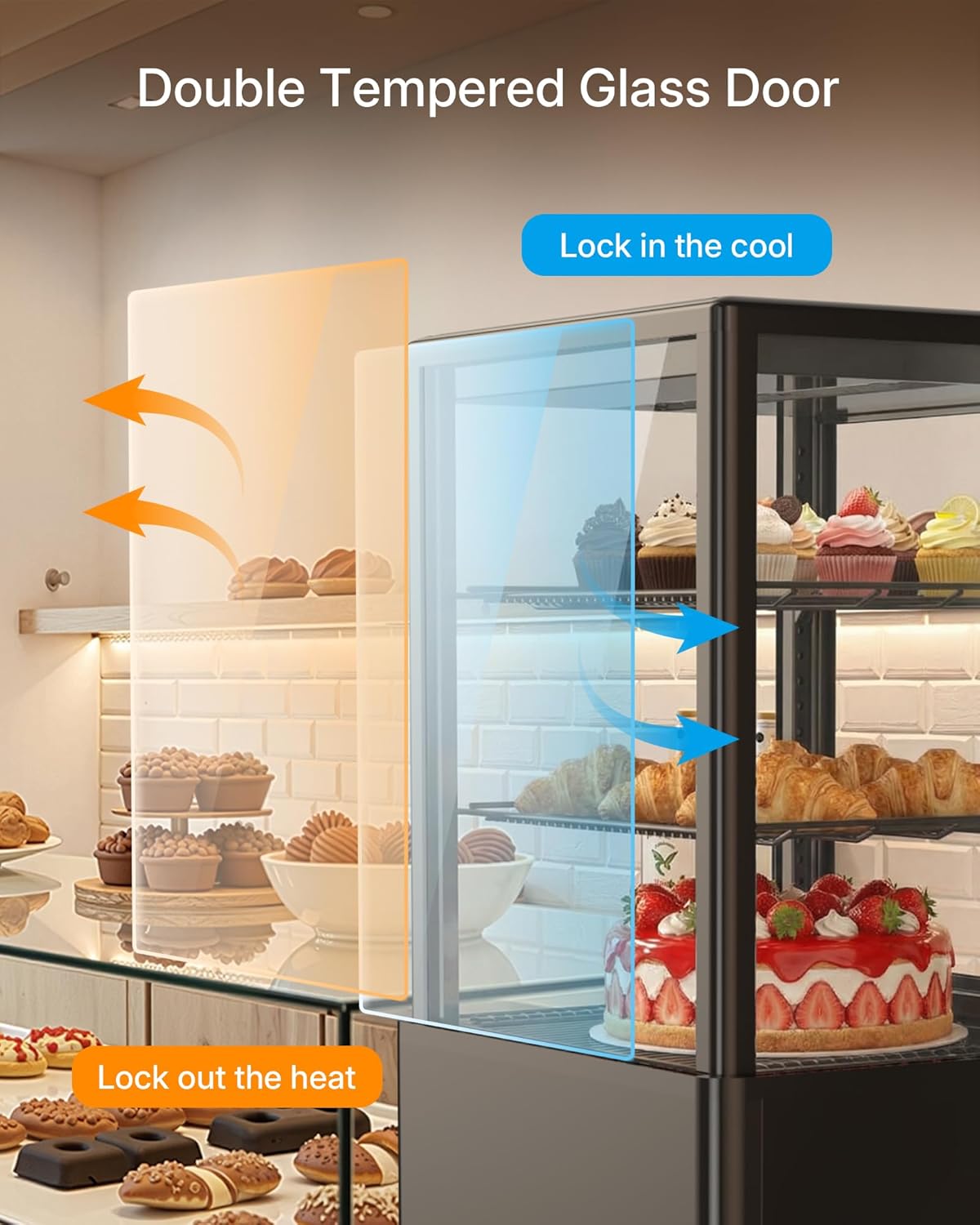
Image: Close-up of the digital control panel, showing the temperature display, 'Temperature Up' and 'Temperature Down' buttons, 'Set' button, LED & Defrost indicator, and the main power switch.
5.3 LED Lighting
- The internal LED lighting enhances product visibility. The LED light can be controlled via the control panel. Refer to the control panel diagram for the specific LED light button.
5.4 Auto Defrost Mode
- The unit features an automatic defrost system (Frost Free) to prevent ice buildup, ensuring clear visibility and efficient cooling.

Image: Illustration of the air-cooling system within the Upstreman display refrigerator, demonstrating how it maintains a clear, fog-free interior compared to other models.
6. Maintenance
6.1 Cleaning the Interior
- Always unplug the unit before cleaning.
- Remove all items and shelves from the refrigerator.
- Wash the interior surfaces and shelves with a solution of mild detergent and warm water. Do not use abrasive cleaners or harsh chemicals.
- Rinse thoroughly with clean water and dry completely before returning items.
6.2 Cleaning the Exterior and Glass
- Wipe the exterior surfaces with a soft cloth dampened with mild detergent.
- Clean the double-layer tempered glass doors with a glass cleaner or a damp cloth to maintain a clear, fog-free view.
6.3 Defrosting
- This unit features a Frost Free defrost system, which automatically manages ice buildup. Manual defrosting is generally not required.
- The automatic evaporation system effectively prevents water spillage from condensation.
7. Troubleshooting
Before contacting customer support, please refer to the following table for common issues and solutions:
| Problem | Possible Cause | Solution |
|---|---|---|
| Refrigerator does not operate | No power to the unit. | Check if the power cord is securely plugged into a working outlet. Check the circuit breaker. |
| Unit is not cooling sufficiently | Temperature setting is too high; Door is not closed properly; Excessive door openings; Poor ventilation. | Lower the temperature setting. Ensure the door is fully closed. Reduce frequency of door openings. Ensure adequate space around the unit for air circulation. |
| Excessive noise | Unit is not level; Objects vibrating against the unit. | Adjust leveling feet to ensure the unit is stable. Remove any objects touching the unit. |
| Interior fogging or condensation | High humidity; Frequent door openings. | Ensure the door is closed properly. Reduce frequency of door openings. The auto defrost mode helps manage this. |
8. Specifications
| Feature | Specification |
|---|---|
| Model Name | CD20 |
| Product Dimensions (D x W x H) | 15.7"D x 17.6"W x 32.2"H |
| Capacity | 2.0 cubic feet |
| Temperature Range | 35.6°F to 50°F (2°C to 10°C) |
| Voltage | 120 volts |
| Defrost System | Frost Free |
| Number of Shelves | 2 (Adjustable) |
| Item Weight | 68.4 pounds |
| Cooling Method | Compressor |
| Special Features | Adjustable Shelves, Digital Temperature Control, Frost Free, LED Display |
| Certification | ETL Listed |
9. Warranty and Support
9.1 Manufacturer's Warranty
This Upstreman refrigerator comes with a 1 Year Manufacturer's Warranty. This warranty covers defects in materials and workmanship under normal use. Please retain your proof of purchase for warranty claims.
9.2 Customer Support
For any questions, technical assistance, or warranty claims, please contact Upstreman customer support. Refer to the contact information provided with your purchase or visit the official Upstreman website for support details.
Ask a question about this manual
Ask about setup, troubleshooting, compatibility, parts, safety, or missing instructions. Manuals+ will review the question and use this page’s manual context to help answer it.