
G Keni B0GGGQ7W3B
G Keni Portable CD Player with FM Radio, Remote, LED Lights, MP3/USB/AUX - Model B0GGGQ7W3B
Brand: G Keni | Model: B0GGGQ7W3B
Introduction
Thank you for purchasing the G Keni Portable CD Player. This device offers versatile audio playback options including CD, FM radio, USB, and AUX input, along with integrated LED lights and remote control functionality. This manual provides essential information for safe and efficient use of your new CD player.
Safety Information
Please read all safety instructions carefully before using this product. Keep this manual for future reference.
- Do not expose the unit to rain or moisture to prevent fire or electric shock.
- Do not block any ventilation openings. Ensure proper airflow around the unit.
- Do not place the unit near heat sources such as radiators, heat registers, stoves, or other apparatus (including amplifiers) that produce heat.
- Use only attachments/accessories specified by the manufacturer.
- Unplug this unit during lightning storms or when unused for long periods.
- Refer all servicing to qualified service personnel. Servicing is required when the apparatus has been damaged in any way.
- Do not open the CD compartment while a disc is spinning.
- Keep batteries out of reach of children.
Package Contents
Verify that all items are included in your package:
- G Keni Portable CD Player Unit x1
- AC Power Cord x1
- Remote Control x1
- Instruction Manual x1

Product Overview
Familiarize yourself with the main components and controls of your CD player.

Front Panel Controls and Ports:
- Display Screen: Shows current mode, track number, frequency.
- Volume Control (VOL+/-): Adjusts the audio output level.
- MIC Jack: For microphone input (if applicable).
- USB Port: For playing MP3 files from a USB flash drive.
- Headphone Jack (3.5mm): For private listening.
- Mode Button: Switches between CD, FM, USB, AUX modes.
- LED Button: Controls the LED light modes.
- Play/Pause Button: Starts or pauses playback.
- Stop Button: Stops playback.
- Skip/Search Buttons (Previous/Next): Navigates tracks or radio stations.
Rear Panel / Side Features:
- AC Power Input: Connects to the included AC power cord.
- Battery Compartment: Holds 4 x C-size (UM-2) batteries for portable use.
- FM Antenna: Extendable antenna for improved FM radio reception.
- AUX Input: Connect external audio devices via a 3.5mm audio cable.

Setup
Powering the Unit:
Your G Keni CD player can be powered by AC electricity or batteries.
- AC Power:
- Connect the AC power cord to the AC input jack on the back of the unit.
- Plug the other end of the AC power cord into a standard wall outlet.
- Battery Power:
- Open the battery compartment cover on the bottom of the unit.
- Insert 4 x C-size (UM-2) batteries (not included), ensuring correct polarity (+/-).
- Close the battery compartment cover securely.
Remote Control Battery Installation:
Insert 2 x AAA batteries (not included) into the remote control, observing the correct polarity.
Operating Instructions
General Operation:
- Power On/Off: The unit powers on automatically when connected to AC or when a function is selected with batteries. There is no dedicated power switch. To turn off, disconnect AC or remove batteries.
- Volume Adjustment: Use the VOL+ and VOL- buttons on the unit or remote control to adjust the volume.
- Mode Selection: Press the MODE button on the unit or remote to switch between CD, FM, USB, and AUX modes.
CD Playback:
This unit supports CD, CD-R, CD-RW, and MP3 CD formats.
- Open the CD compartment cover.
- Place a CD with the label side facing up onto the spindle.
- Close the CD compartment cover.
- Press the MODE button to select CD mode. "CD" will appear on the display.
- The CD will begin playing automatically. If not, press the Play/Pause button.
- Use the Previous/Next buttons to skip tracks.
- Press the Stop button to stop playback.

FM Radio Operation:
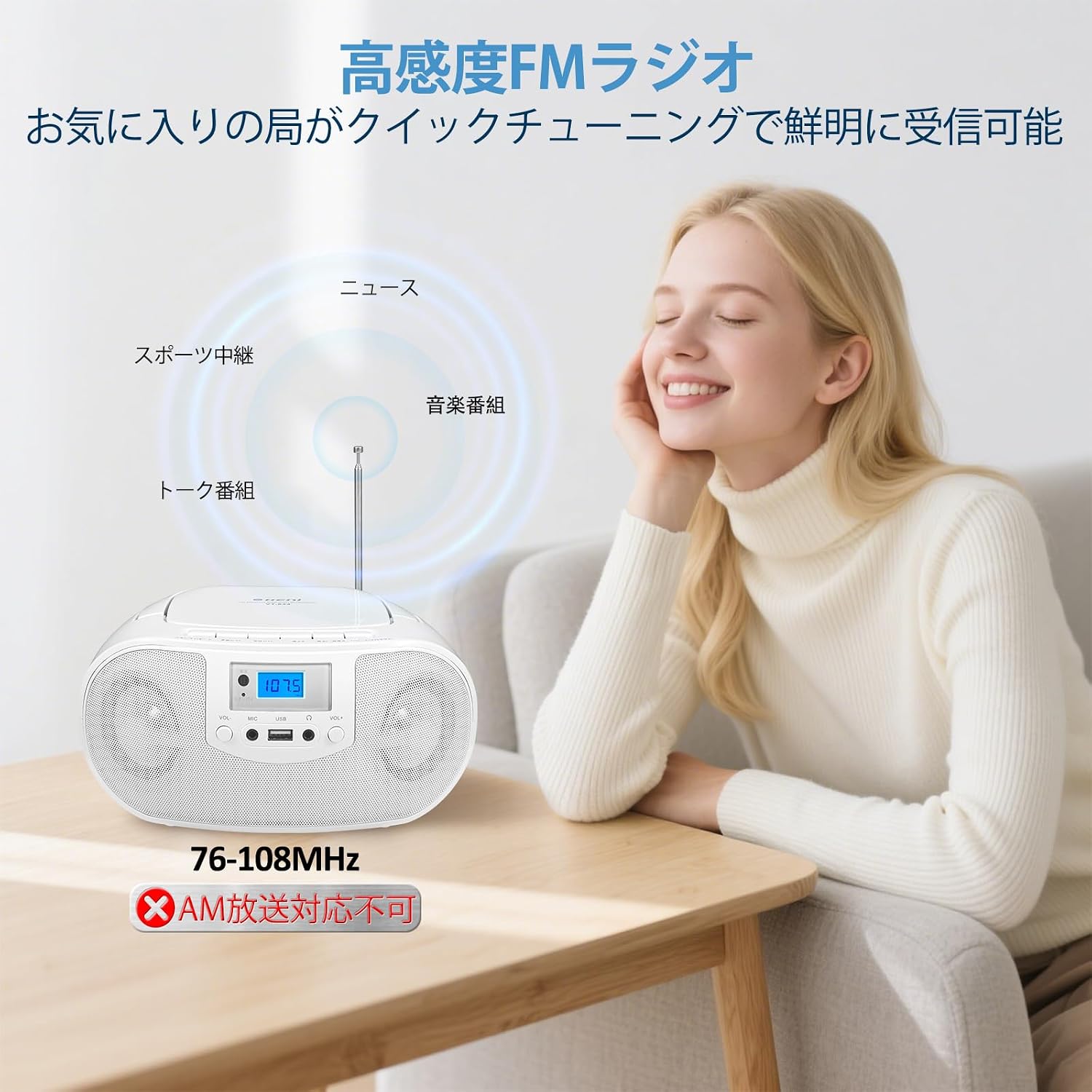
The unit supports FM radio (76-108MHz). AM radio is not supported.
- Extend the FM antenna for optimal reception.
- Press the MODE button to select FM radio mode. The frequency will appear on the display.
- Press and hold the Previous/Next buttons to automatically scan for the next available station.
- Press the Previous/Next buttons briefly to fine-tune the frequency manually.
USB Playback:
Play MP3 audio files from a USB flash drive.
- Insert a USB flash drive into the USB port on the front panel.
- Press the MODE button to select USB mode. "USB" will appear on the display.
- The unit will automatically detect and play MP3 files.
- Use the Previous/Next buttons to navigate tracks.

AUX Input:
Connect external audio devices (e.g., smartphone, tablet) via a 3.5mm audio cable (not included).
- Connect one end of a 3.5mm audio cable to the AUX input jack on the unit.
- Connect the other end to the headphone jack or audio output of your external device.
- Press the MODE button to select AUX mode. "AUX" will appear on the display.
- Control playback and volume from your external device.
LED Light Function:
The integrated LED lights can sync with music or display various patterns.
- Press the LED button on the unit or remote control to cycle through different light modes (e.g., flash, strobe, fade) or turn the lights off.
- The lights will respond to the rhythm of the music when active.

Equalizer (EQ) Modes:
Adjust the sound profile using the EQ modes via the remote control.
- Press the EQ button on the remote control to cycle through 5 preset sound modes:
- FLAT: Natural sound.
- CLASSIC: Optimized for classical music.
- ROCK: Enhanced for rock music.
- JAZZ: Tailored for jazz music.
- POP: Suited for pop music.

Maintenance
- Cleaning the Unit: Use a soft, dry cloth to clean the exterior of the unit. Do not use abrasive cleaners or solvents.
- CD Lens Cleaning: If CD playback issues occur, use a commercially available CD lens cleaner disc to clean the laser lens.
- Battery Care: If the unit will not be used for an extended period, remove the batteries to prevent leakage and damage.
- Storage: Store the unit in a cool, dry place away from direct sunlight and extreme temperatures.
Troubleshooting
| Problem | Possible Cause | Solution |
|---|---|---|
| No power | AC cord not properly connected; Batteries depleted or incorrectly inserted. | Ensure AC cord is securely plugged in. Replace batteries or check polarity. |
| CD not playing / "NO DISC" error | CD inserted incorrectly; CD is dirty or scratched; CD lens is dirty; Unsupported disc format. | Insert CD with label side up. Clean or replace CD. Use a CD lens cleaner. Ensure disc is CD, CD-R, CD-RW, or MP3 CD. |
| Poor FM reception | Antenna not extended; Weak signal. | Fully extend the FM antenna. Reposition the unit for better reception. |
| USB not playing | USB drive not inserted correctly; Unsupported file format; USB drive not formatted correctly. | Ensure USB drive is fully inserted. Only MP3 files are supported. Format USB drive to FAT32 (NTFS is not supported). |
| Remote control not working | Batteries depleted or incorrectly inserted; Obstruction between remote and unit. | Replace remote batteries, check polarity. Remove any obstructions. Ensure remote is pointed at the unit. |
Specifications
| Brand | G Keni |
| Model | B0GGGQ7W3B |
| Color | White |
| Connectivity Technology | AUX |
| Speaker Type | Stereo (2 Speakers) |
| Power Source | AC Power Cord, 4 x C-size (UM-2) Batteries (not included) |
| Supported Audio Formats | CD, CD-R, CD-RW, MP3 (from CD/USB) |
| FM Frequency Range | 76-108MHz (AM not supported) |
| Product Weight | 1.2 kg |
| Dimensions (Approx.) | Width 11.7cm × Height 21.1cm × Depth 23.9cm |
| Country of Origin | China |
Warranty and Support
This product comes with a 1-year warranty from the date of purchase. For warranty claims, product exchange, returns, or technical support, please contact your retailer or the manufacturer directly. Please refer to the contact information provided with your purchase documentation.
- Warranty Period: 1 Year
- Support: For product exchange, returns, and technical assistance, please contact the seller.
Ask a question about this manual
Ask about setup, troubleshooting, compatibility, parts, safety, or missing instructions. Manuals+ will review the question and use this page’s manual context to help answer it.