
Introduction
Thank you for choosing the iFFALCON 55U75A 55-inch Smart TV. This manual provides essential information for setting up, operating, and maintaining your new television. Please read it thoroughly before use and keep it for future reference.

The iFFALCON 55U75A 55-inch Smart TV, showcasing its sleek design.
Safety Information
Always follow basic safety precautions when using this product to reduce the risk of fire, electric shock, and injury.
- Do not expose the TV to rain or moisture.
- Do not open the cabinet; refer all servicing to qualified personnel.
- Ensure proper ventilation around the TV.
- Use only the power adapter and cables provided by the manufacturer.
- Keep the TV away from direct sunlight, heat sources, and strong magnetic fields.
- Clean the TV with a soft, dry cloth. Avoid liquid cleaners.
Package Contents
Verify that all items are present in the package:
- iFFALCON 55U75A 55-inch Smart TV
- Power Adapter
- Power Cable
- Remote Control
- Stand
- User Manual
Setup
1. Stand Installation
To install the TV stand:
- Carefully place the TV face down on a soft, flat surface to prevent screen damage.
- Attach the stand legs to the designated slots on the bottom of the TV.
- Secure the legs with the provided screws.

Diagram showing the TV dimensions and how to attach the stand.
2. Connecting Peripherals
Connect your external devices to the TV using the available ports:
- HDMI: For high-definition audio and video devices like gaming consoles, Blu-ray players, or set-top boxes. The TV features 4 HDMI ports.
- USB: For connecting USB storage devices to play media files.
- Wi-Fi: Connect to your home network for internet access and smart TV features.
- Bluetooth: For wireless connection to compatible audio devices or accessories.

Rear view of the TV, illustrating the various input and output ports.
3. Initial Power-On
After connecting all necessary cables, plug the power cable into an electrical outlet. Press the power button on the remote control or the TV to turn it on. Follow the on-screen instructions for initial setup, including language selection, network connection, and Google TV account setup.
Operating the TV
Remote Control
The remote control allows you to navigate the TV's interface, adjust settings, and access smart features. Familiarize yourself with the buttons for power, volume, channel, input selection, and smart TV functions.
Google TV Features
Your iFFALCON 55U75A comes with Google TV, offering a personalized entertainment experience. Access your favorite streaming services, apps, and content recommendations. Use Google Assistant for voice commands to search for movies, control smart home devices, and more.
Display Technology: QLED and 144Hz Native Refresh Rate
Experience vibrant and lifelike visuals with QLED technology, featuring advanced quantum crystal materials for richer colors and higher stability. The 144Hz native refresh rate ensures ultra-smooth motion, ideal for gaming and fast-paced action scenes, reducing blur and enhancing clarity.
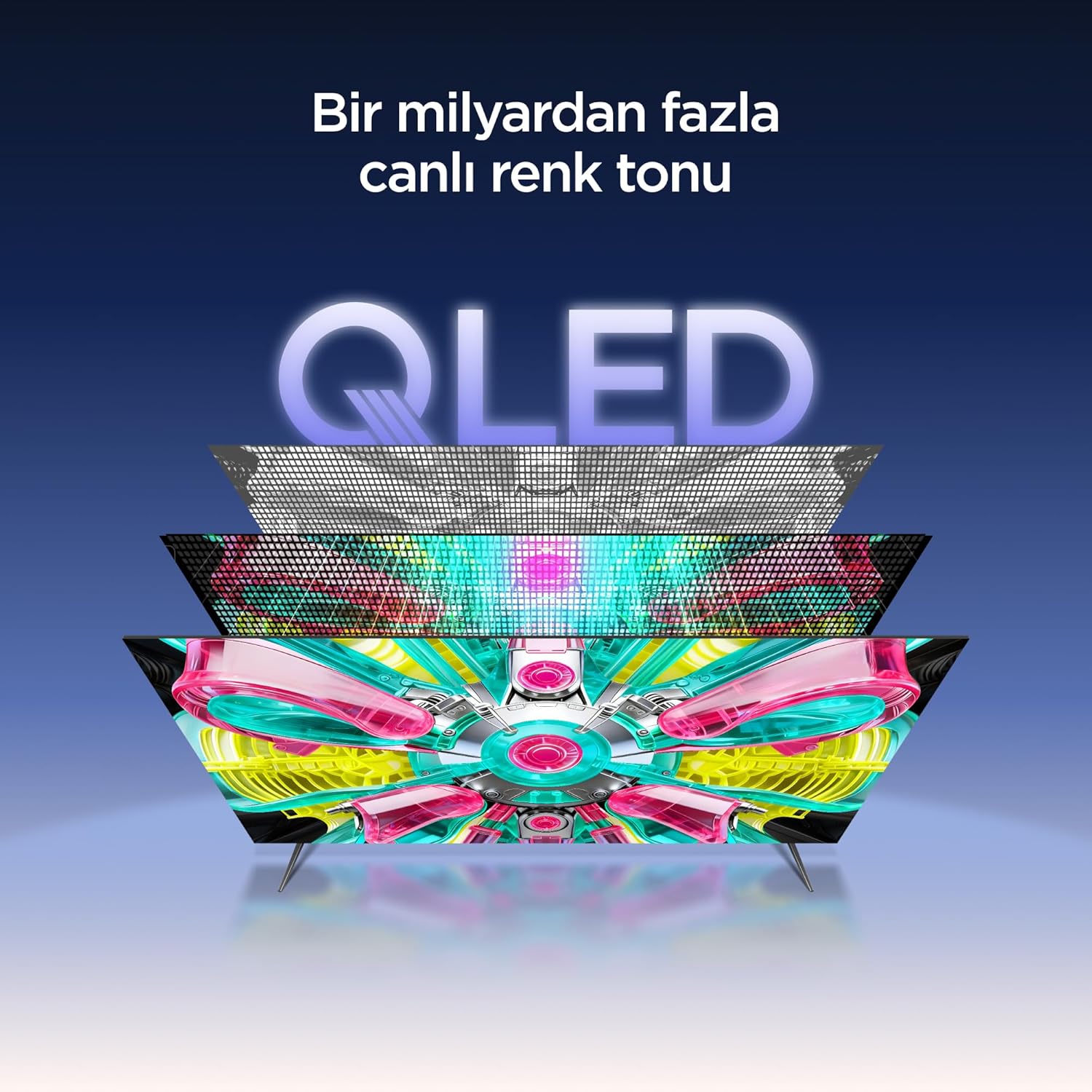
An illustration of the QLED display technology layers, providing over a billion vibrant color tones.
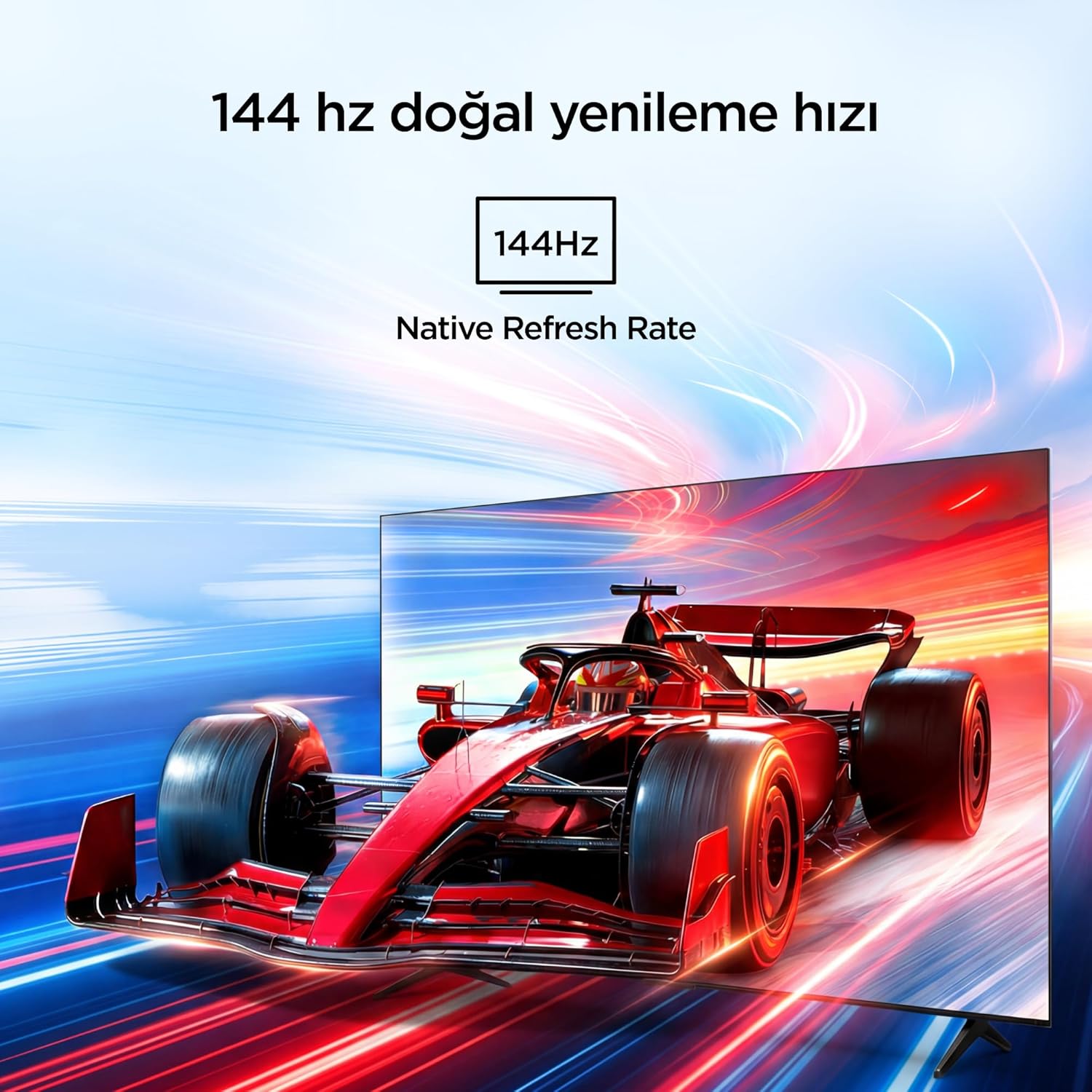
Visual representation of the 144Hz Native Refresh Rate, demonstrating smooth motion for gaming and action.
Audio Experience: Dolby Vision Atmos & DTS Virtual X
Immerse yourself in high-quality audio with Dolby Vision Atmos, delivering rich and captivating sound. DTS Virtual X provides virtual 3D sound, bringing the scene into your room with audio from above, the sides, and behind.

An image depicting the immersive audio experience provided by Dolby Vision Atmos.
AiPQ Pro Processor
The AiPQ Pro Processor, powered by artificial intelligence, optimizes contrast and color accuracy in every scene. It analyzes visual content and masterfully balances skin tones and color distribution for vivid and realistic visuals.
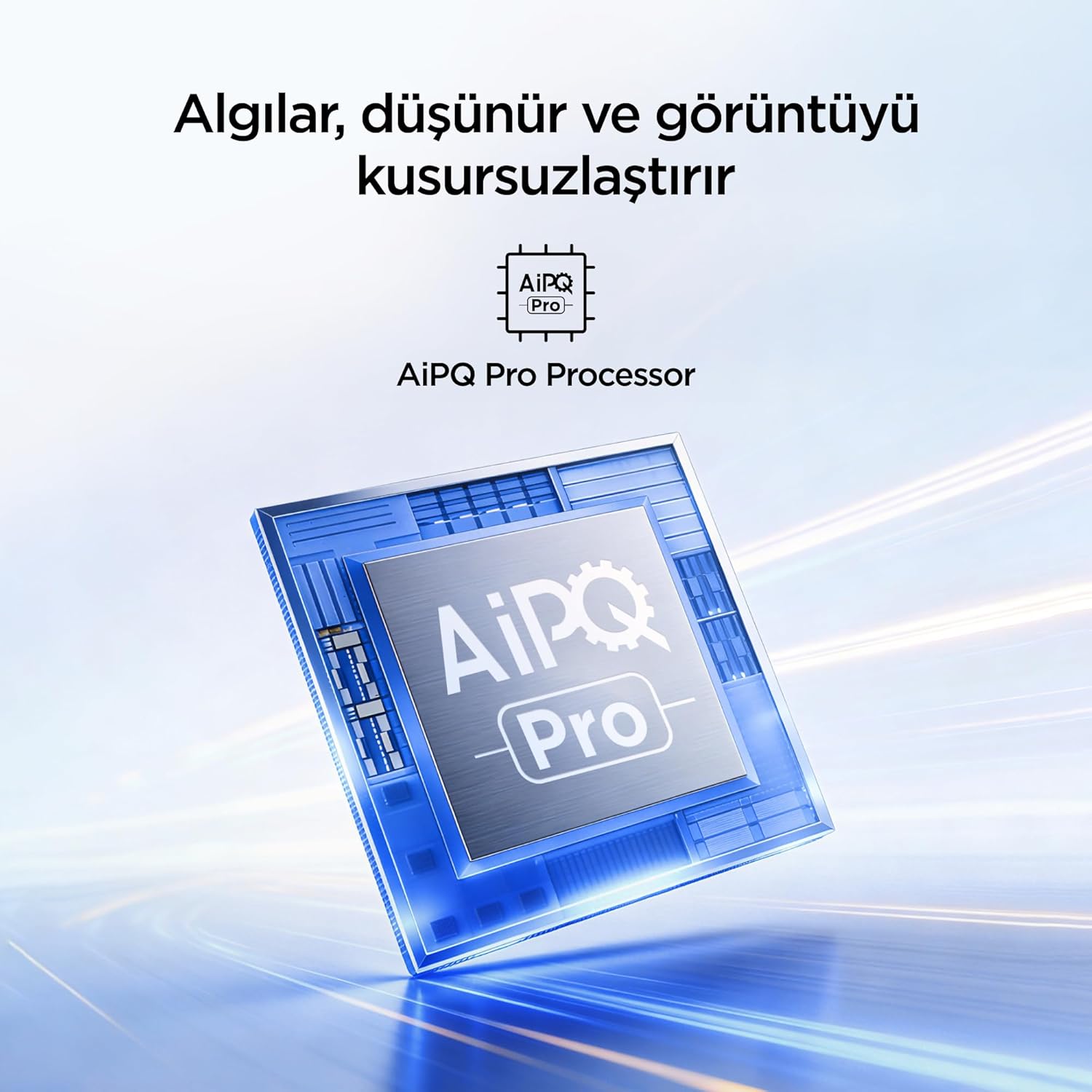
A visual of the AiPQ Pro Processor, highlighting its role in image optimization.
HVA Panel Technology
The HVA Panel offers 5x contrast enhancement, a low reflection film, and a wide viewing angle of over 178°. This technology provides powerful and accurate contrast, delivering sharper and more striking images.

Comparison illustrating the superior contrast and detail of HVA Panel Technology over conventional IPS panels.
Game Master & Gamebar
The Game Master feature, along with the dedicated Gamebar, provides special screen designs for gaming consoles. Comprehensive graphics and game modes allow for personalized settings, giving you an advantage when starting a game.

An image showing the Gamebar interface, designed for optimizing gaming experiences on consoles.
Multiple Eye Care
The TV is equipped with Multiple Eye Care technologies, such as low blue light and natural light optimization, to help reduce eye strain during long viewing sessions, providing a more comfortable experience.

Visual explanation of Multiple Eye Care features like low blue light and flicker-free viewing.
Maintenance
Proper maintenance ensures the longevity and optimal performance of your TV.
- Cleaning the Screen: Gently wipe the screen with a soft, lint-free cloth. For stubborn marks, slightly dampen the cloth with water or a specialized screen cleaner (never spray directly onto the screen).
- Cleaning the Cabinet: Use a soft, dry cloth to wipe the TV cabinet.
- Ventilation: Ensure the ventilation openings on the back of the TV are not blocked to prevent overheating.
- Power Cord: Regularly check the power cord for any damage. If damaged, contact customer support for replacement.
Troubleshooting
If you encounter issues with your TV, refer to the following common problems and solutions before contacting support.
| Problem | Possible Solution |
|---|---|
| No power | Check if the power cord is securely plugged into the TV and the power outlet. Ensure the outlet is working. |
| No picture, but sound is present | Check the input source. Ensure the external device is properly connected and powered on. |
| No sound, but picture is present | Check the volume level and mute settings. Ensure audio cables are correctly connected. |
| Remote control not working | Replace the batteries. Ensure there are no obstructions between the remote and the TV's IR sensor. |
| Wi-Fi connection issues | Restart your router and modem. Check TV network settings and ensure the password is correct. |
Specifications
| Feature | Detail |
|---|---|
| Screen Size | 55 Inch |
| Brand | iFFALCON |
| Display Technology | QLED |
| Resolution | 4K |
| Refresh Rate | 144 Hz |
| Key Features | 144Hz Native Refresh Rate, AiPQ Pro Processor, Bezel-less Design, Google Assistant, HVA Screen, Multi Eye Care, Free Sync |
| Connectivity Technology | Bluetooth, HDMI, USB, Wi-Fi |
| Product Dimensions (D x W x H) | 7D x 122.4W x 70.8H cm |
| Model Name | 55U75A |
| Product Weight | 13.5 Kilogram |
| Total HDMI Ports | 4 |
| Energy Efficiency | A+ |
| Color | Black |
| Model Year | 2026 |
| Manufacturer | iFFALCON |
| Origin Country | China |
Warranty & Support
Your iFFALCON 55U75A Smart TV comes with a 2-year manufacturer warranty. For warranty claims, technical support, or service inquiries, please contact iFFALCON customer service. Refer to the warranty card included in your package for detailed terms and conditions.
For further assistance, visit the official iFFALCON website or contact their authorized service centers.


