
Introduction
The ARTDOT Wireless Vacuum Pen is designed to enhance your diamond painting experience by providing a wax-free, ergonomic, and efficient tool for precise diamond placement. This manual provides essential information on setting up, operating, maintaining, and troubleshooting your device.
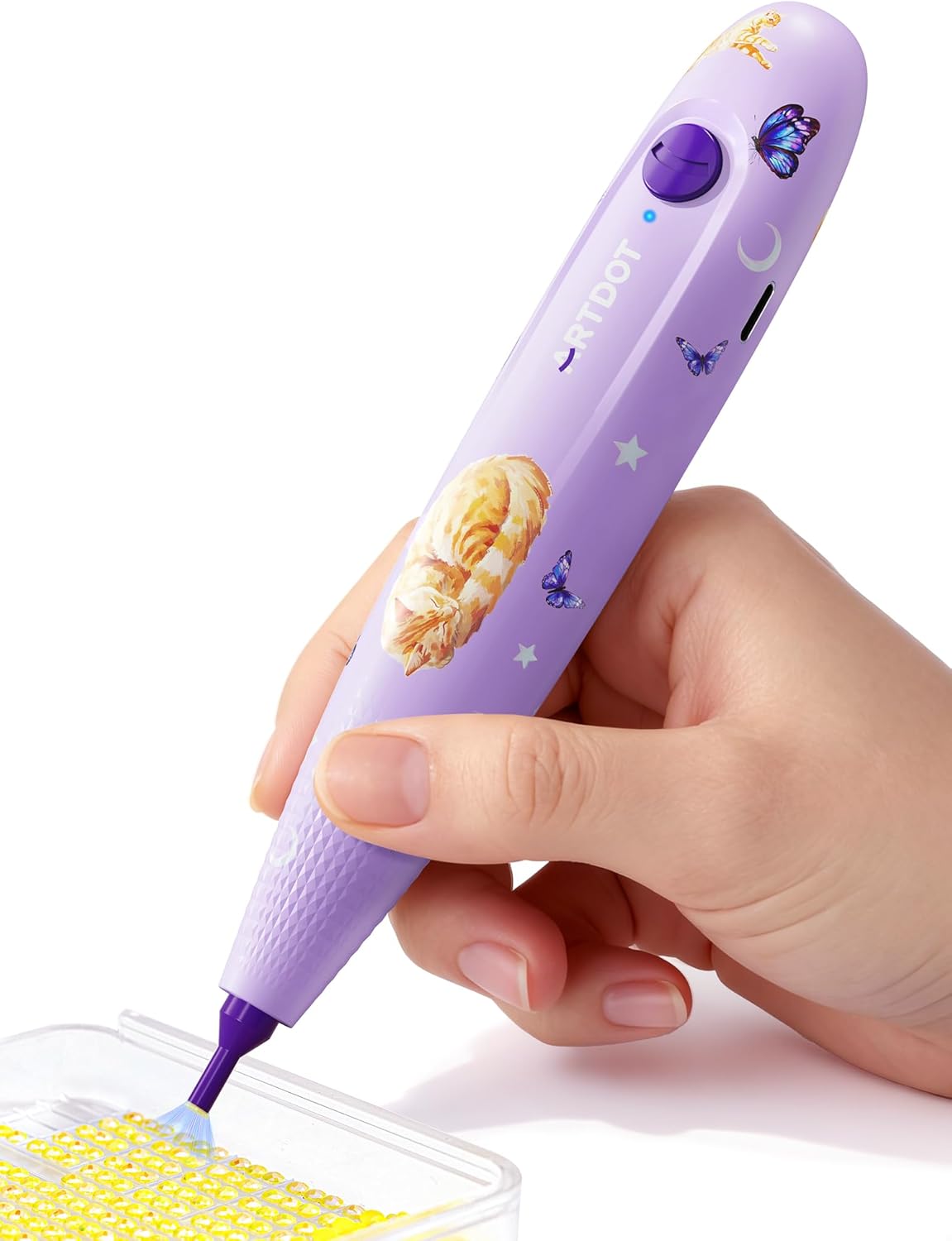
Image: The ARTDOT Wireless Vacuum Pen, showcasing its design and purple color.

Image: A user demonstrating the ARTDOT Wireless Vacuum Pen on a diamond painting canvas.
Setup Instructions
Package Contents
Before use, ensure all items are present in the package:
- ARTDOT Wireless Vacuum Pen
- Charging Cable
- User Manual (this document)
- Heaven and Earth Box (packaging)
Charging the Pen
The vacuum pen features a built-in rechargeable battery. For optimal performance, fully charge the pen before its first use.
- Connect the provided charging cable to the charging port on the pen.
- Plug the other end of the charging cable into a compatible USB power source (e.g., computer USB port, USB wall adapter).
- The indicator light on the pen will illuminate during charging. Refer to the pen's indicator light for charging status (e.g., solid light for charging, light off or changing color for full charge).
- A full charge typically provides approximately 6 hours of continuous use.
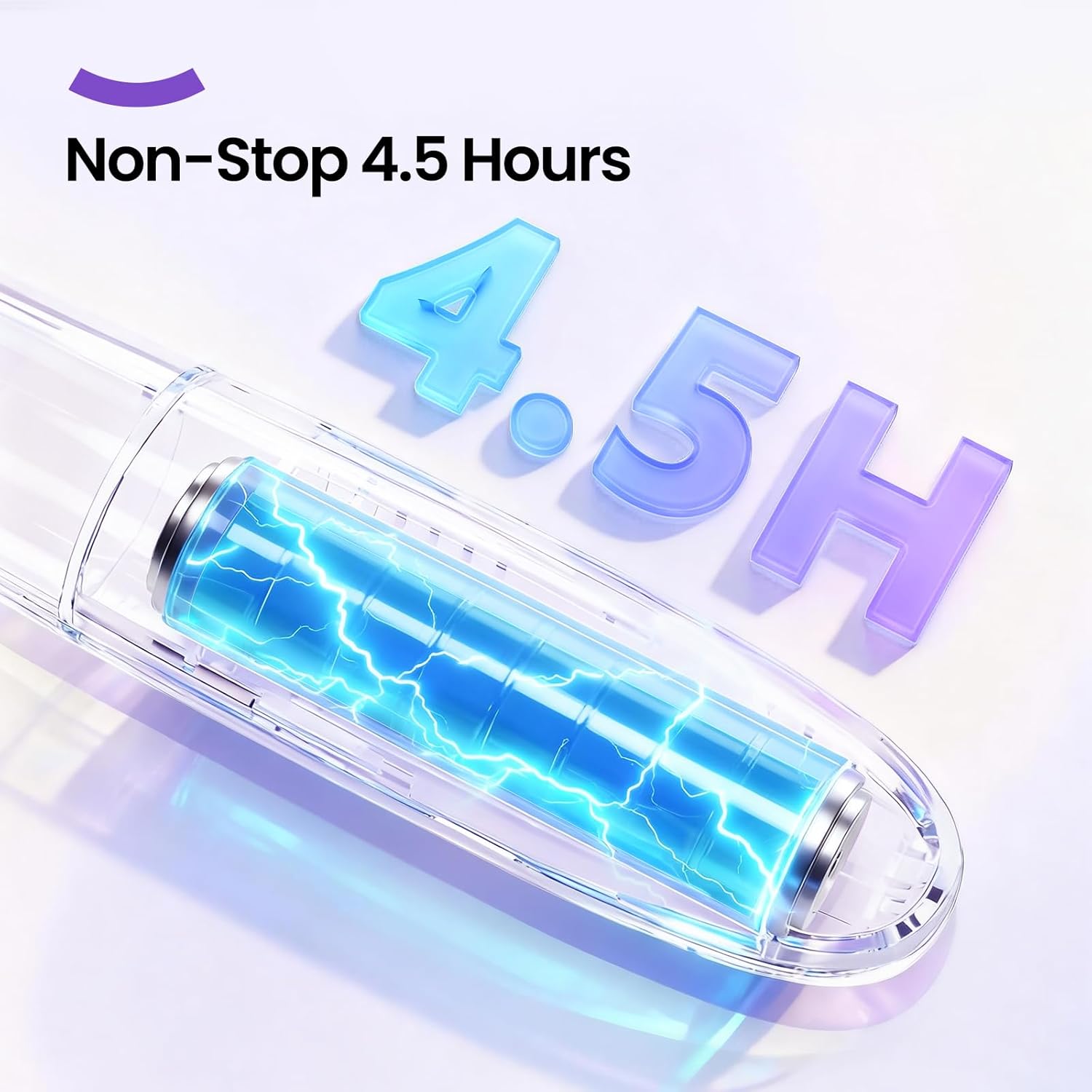
Image: An illustration depicting the internal battery of the vacuum pen and its long-lasting charge.
Operating Instructions
Turning On/Off
Press the power button located on the pen to turn it on. Press it again to turn it off.
Picking Up Diamonds
The vacuum pen uses a controlled suction system for precise diamond pickup.
- Ensure the pen is charged and turned on.
- Gently press the tip of the vacuum pen onto the surface of a diamond. The pen's suction will pick up the diamond.
- The wax-free design eliminates the need for constant wax refreshing, allowing for uninterrupted crafting.

Image: The vacuum pen tip demonstrating precise diamond pickup from a tray, highlighting its wax-free operation.
Placing Diamonds
To place a diamond, position the pen over the desired spot on your diamond art canvas.
- Once the diamond is aligned, release the suction by lifting the pen. The diamond will be accurately placed.
- The controlled vacuum system ensures diamonds are placed exactly where intended without slipping or misalignment.
Ergonomic Design
The pen is designed for comfort during extended crafting sessions, weighing approximately 51g with a 25mm diameter.
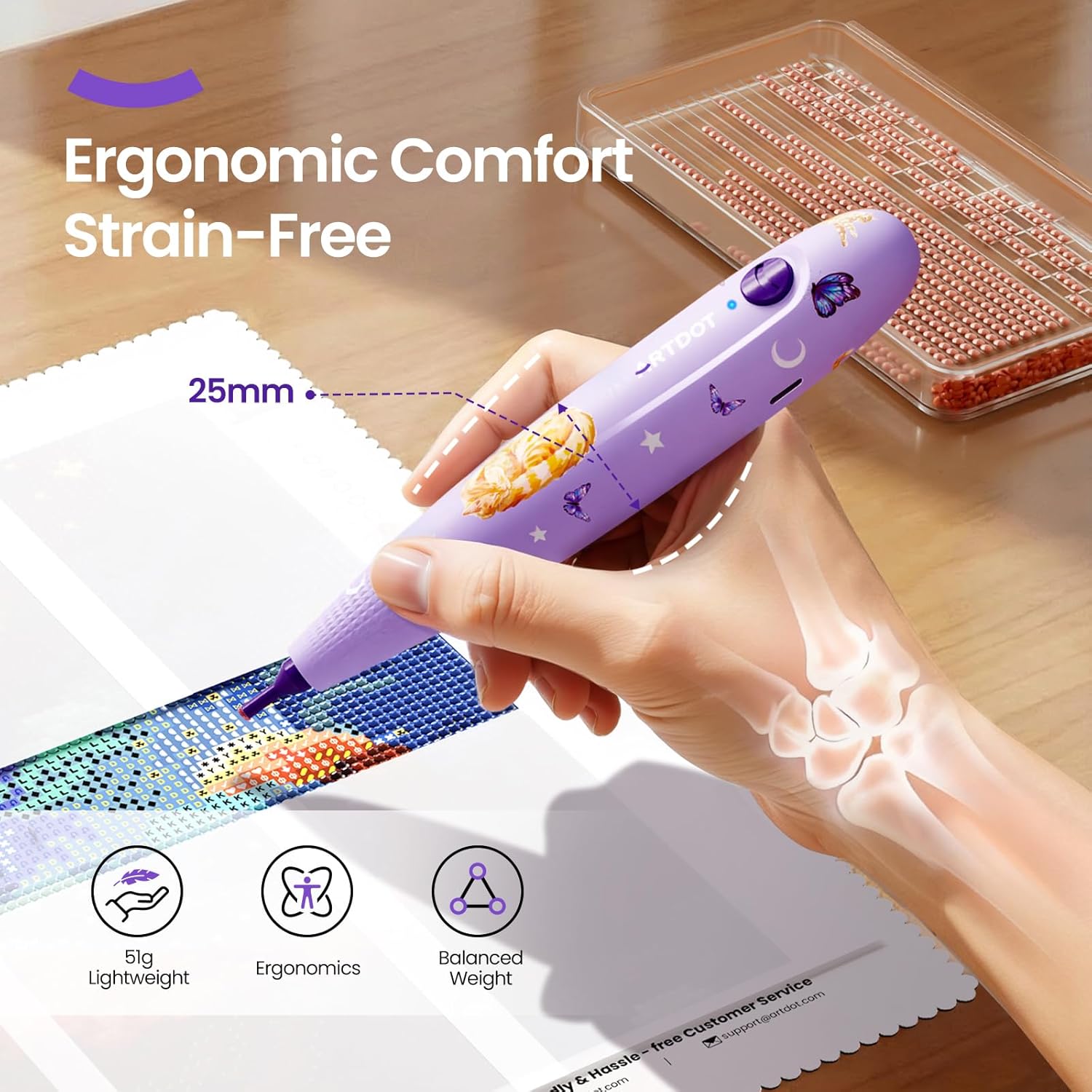
Image: A hand holding the vacuum pen, emphasizing its lightweight and ergonomic design for comfortable use.
Cordless Operation
The wireless design provides freedom of movement and eliminates cable management issues, allowing for focused crafting.

Image: A visual comparison highlighting the convenience of the cordless ARTDOT pen over a traditional wired vacuum pen.
Quiet Operation
The pen operates below 40dB, ensuring a quiet crafting environment.

Image: The vacuum pen being used quietly, with a sleeping cat nearby, to demonstrate its low noise level.
Product Video
Video: An official video from ARTDOT demonstrating the features and usage of the Diamond Painting Pen.
Maintenance
Cleaning the Pen Tip
The vacuum pen features an upgraded, wear-resistant PPS tip designed for durability and consistent performance. Due to its wax-free operation, minimal cleaning is required.
- If any dust or debris accumulates on the tip, gently wipe it with a soft, dry cloth.
- Avoid using harsh chemicals or abrasive materials, as these may damage the tip or the pen's surface.
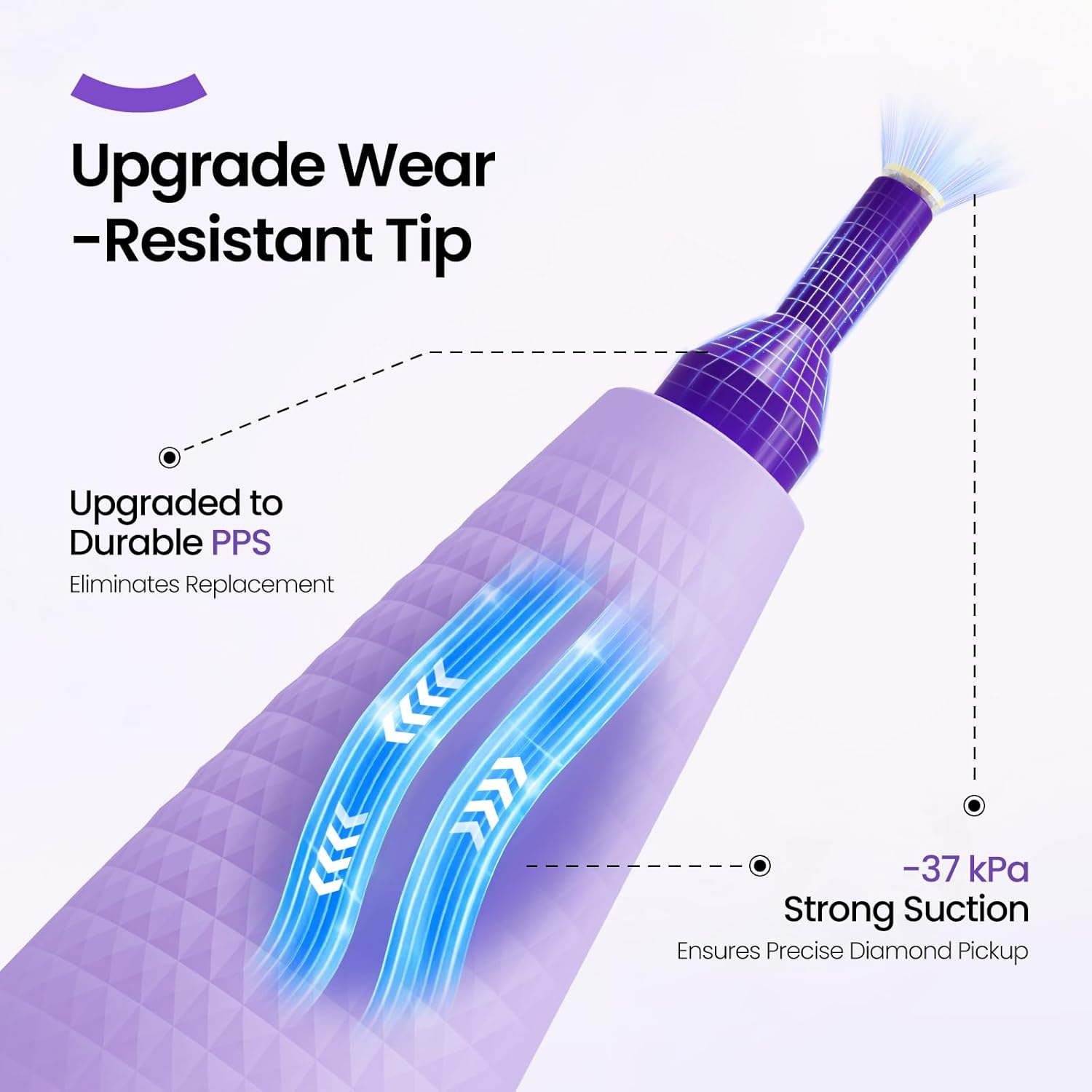
Image: A diagram illustrating the durable, wear-resistant PPS tip and strong suction mechanism of the vacuum pen.
Troubleshooting
| Problem | Possible Cause | Solution |
|---|---|---|
| Pen does not turn on | Battery is depleted | Charge the pen using the provided charging cable. |
| Weak or no suction | Pen tip is obstructed or dirty | Gently clean the pen tip with a soft, dry cloth to remove any debris. |
| Charging indicator light not working | Charging cable or power source issue | Ensure the charging cable is securely connected. Try a different USB port or power adapter. |
| Diamonds are not picked up consistently | Incorrect angle or pressure | Ensure the pen tip is pressed gently and directly onto the diamond's surface. |
Specifications
- Brand: ARTDOT
- Model Number: AD-DDP-VPC
- Color: PURPLE
- Item Dimensions (L x W x H): 7.28 x 3.58 x 1.34 inches
- Material: Diamond (referring to application, pen material not specified in detail)
- Weight: Approximately 51g
- Diameter: 25mm
- Operating Noise Level: Below 40dB
- Included Components: Vacuum pen, charging cable, user manual, Heaven and Earth Box
Warranty Information
Please refer to the product packaging or the official ARTDOT website for specific warranty details. Typically, products are covered by a limited warranty against manufacturing defects from the date of purchase. Keep your proof of purchase for warranty claims.
Customer Support
For further assistance, technical support, or inquiries regarding your ARTDOT Wireless Vacuum Pen, please contact ARTDOT customer service through their official website or the contact information provided on the product packaging.
You may also visit the ARTDOT Store on Amazon for more product information and support resources.