
1. Introduction
The elecci YL059 GPS Drone is designed for enthusiasts seeking a balance of advanced performance and user-friendly operation. This drone features GPS-assisted flight capabilities, intelligent obstacle avoidance, and a screen remote control for an immersive flying experience. This manual provides essential information for safe and effective operation, from initial setup to advanced flight functions.
2. Package Contents
Verify that all items are present in your package:
- 1 × elecci YL059 Drone
- 1 × Screen Remote Controller
- 2 × Battery
- 1 × Charger
- 4 × Propellers (spare)
- 1 × Handbag
- 1 × SD Card
- 1 × User Manual (this document)
3. Product Overview
3.1 Drone Components
The YL059 drone is equipped with brushless motors for smooth and quiet operation, an adjustable 4K camera, and an obstacle avoidance sensor. The design prioritizes stability and responsive control.

Image: The elecci YL059 GPS Drone shown alongside its screen remote control, highlighting its compact design and integrated camera.

Image: A close-up view of the elecci YL059 drone, emphasizing its 180-degree Electronic Stability Control (ESC) camera for dynamic aerial shots.
3.2 Screen Remote Control
The remote control features a built-in screen for direct FPV (First Person View) transmission, eliminating the need for a separate smartphone. It provides crisp footage and precise control over the drone's movements and camera functions.

Image: The elecci YL059 GPS Drone in flight above its screen remote control, illustrating the 'One click airdrop' feature and key functionalities like GPS return and brushless power.
3.3 Product Video Overview
Video: An official overview of the elecci YL059 GPS Drone, demonstrating its features and capabilities, including obstacle avoidance and airdrop functionality.
4. Setup
4.1 Battery Installation and Charging
- Drone Battery: Insert the fully charged battery into the drone's battery compartment until it clicks into place.
- Remote Control Battery: Ensure the remote control is charged. Use the provided charger to charge both drone and remote batteries. The charging indicator will show status.
4.2 Propeller Installation
Attach the propellers according to the markings (A and B) on the propellers and motor arms. Ensure they are securely fastened. Incorrect propeller installation will prevent proper flight.
4.3 SD Card Insertion
Insert the provided SD card into the drone's camera slot for recording photos and videos. Ensure it is inserted correctly to avoid damage.
5. Operating Instructions
5.1 Pre-Flight Checklist
- Ensure drone and remote batteries are fully charged.
- Check propellers for damage and ensure they are securely attached.
- Verify the SD card is inserted.
- Choose an open, clear area for flight, away from obstacles, people, and animals.
- Ensure GPS signal is strong before takeoff for stable flight and return functions.
5.2 Power On/Off
- Power On: Press and hold the power button on the drone, then on the remote control, until indicator lights illuminate.
- Power Off: Press and hold the power button on the remote control, then on the drone, until indicator lights turn off.
5.3 Pairing and Calibration
Follow the on-screen instructions on the remote control to pair the drone and perform compass calibration before the first flight and whenever flying in a new location.
5.4 Takeoff and Landing
- One-Key Takeoff: Press the designated takeoff button on the remote control. The drone will automatically ascend to a safe height.
- Manual Takeoff: Push both joysticks down and outwards to start the motors, then slowly push the left joystick up to ascend.
- One-Key Landing: Press the designated landing button. The drone will descend and land automatically.
- Manual Landing: Slowly pull the left joystick down to descend.
5.5 Basic Flight Controls
Use the joysticks on the remote control to maneuver the drone:
- Left Joystick (Throttle/Yaw): Up/Down for altitude, Left/Right for rotation.
- Right Joystick (Pitch/Roll): Up/Down for forward/backward movement, Left/Right for left/right movement.
6. Advanced Features
6.1 GPS Auto-Return and Positioning
The YL059 drone utilizes GPS for precise positioning and intelligent return functions. It will automatically return to its takeoff point under the following conditions:
- Low Battery: When the drone's battery is critically low.
- Signal Loss: If the connection between the drone and remote control is lost.
- One-Key Return: Activated manually by pressing the dedicated button on the remote control.
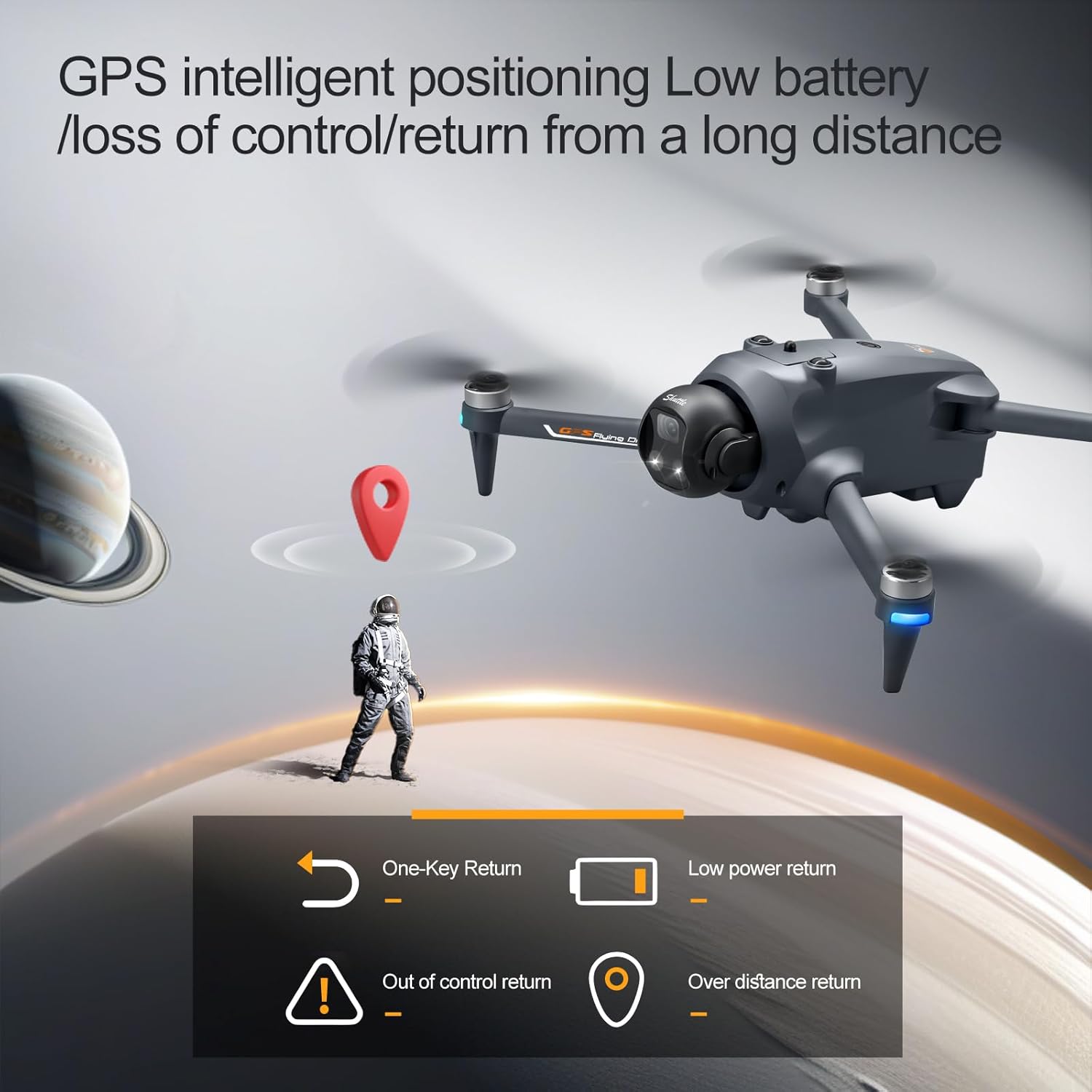
Image: Illustration of the elecci YL059 drone's GPS intelligent positioning, showing its ability to return automatically on low battery, signal loss, or user command.
6.2 Advanced Obstacle Avoidance
The drone features real-time obstacle detection, allowing it to navigate complex environments safely. The obstacle avoidance sensor helps prevent collisions by detecting objects in its path.

Image: A detailed view of the elecci YL059 drone's lift obstacle avoidance head, demonstrating its sensitive perception for collision prevention.
6.3 One-Key Airdrop
The one-key airdrop function allows for controlled release of small payloads. This feature can be used for recreational purposes, such as dropping small items in designated areas.
6.4 4K Camera and Adjustable Lens
Capture high-quality aerial photos and videos with the integrated 4K camera. The electronic lens can be adjusted to achieve dynamic angles during flight, enhancing your photographic and videographic capabilities.
7. Maintenance
- Cleaning: Regularly clean the drone body, camera lens, and obstacle avoidance sensors with a soft, dry cloth. Avoid using liquids.
- Propeller Inspection: Check propellers for cracks, bends, or other damage before each flight. Replace damaged propellers immediately using the provided spares.
- Battery Care: Store batteries in a cool, dry place. Do not overcharge or over-discharge. If not used for extended periods, charge them to approximately 50% capacity.
- Storage: When not in use, store the drone and remote control in the provided handbag in a dry environment, away from direct sunlight and extreme temperatures.
8. Troubleshooting
- Drone not powering on: Ensure the battery is fully charged and correctly inserted.
- Remote control not connecting: Ensure both drone and remote are powered on and follow the pairing instructions in Section 5.3.
- Unstable flight/Drifting: Perform compass calibration (Section 5.3). Check for damaged propellers. Fly in calm conditions.
- No GPS signal: Fly in an open outdoor area with a clear view of the sky. Wait for the GPS indicator to show a strong signal before takeoff.
- Poor camera quality/No recording: Ensure the camera lens is clean and the SD card is correctly inserted and has sufficient free space.
9. Specifications
| Feature | Specification |
|---|---|
| Brand | elecci |
| Model Name | YL059 |
| Video Capture Resolution | 4K |
| Connectivity Technology | Bluetooth, Wi-Fi |
| Control Type | Remote Control |
| Special Features | 360 Degree Flip, Auto Follow, One Button Return, One Key Rotation, Obstacle Avoidance |
| Item Weight | 6.4 ounces |
| Battery Cell Composition | Lithium Ion |
| Optical Sensor Technology | Optical Flow, CMOS |
| Dimensions (L x W x H) | 9.05"L x 4.55"W x 7.08"H |
10. Safety Guidelines
Operating a drone requires responsibility. Adhere to the following safety guidelines:
- Local Regulations: Always comply with local aviation laws and regulations.
- Clear Environment: Fly in open areas, away from buildings, trees, power lines, and other obstacles.
- Visual Line of Sight: Maintain visual line of sight with the drone at all times.
- Weather Conditions: Do not fly in strong winds, rain, snow, or fog.
- Respect Privacy: Be mindful of others' privacy when operating the drone's camera.
- Battery Safety: Use only approved chargers and batteries. Do not puncture or damage batteries.
- Age Recommendation: This product is recommended for adult users.
11. Warranty and Support
For warranty information and technical support, please refer to the contact details provided with your purchase or visit the official elecci website. Keep your proof of purchase for warranty claims.