
1. Introduction
Thank you for choosing the Wantek Wireless TV Headphones WANTAEK-TV996-S1. These headphones are designed to provide a private and comfortable audio experience for your television viewing, featuring low-latency Bluetooth 5.4 technology and versatile connectivity options. This manual provides detailed instructions for setup, operation, maintenance, and troubleshooting to ensure optimal performance.
2. Package Contents
Please check the box for the following items:
- 1 x Wantek Wireless TV Headset
- 1 x Transmitter Charging Station
- 1 x DC 5V Power Adapter
- 1 x USB-A to USB-C Charging Cable
- 1 x Optical Cable
- 1 x 3.5mm AUX Cable
- 1 x RCA Cable
3. Product Overview
The Wantek Wireless TV Headphones system consists of an over-ear headset and a transmitter charging station. The headset features comfortable earcups and an adjustable headband. The transmitter station serves as a charging dock and a hub for connecting to your TV via various audio inputs.

Image: The transmitter charging station showing its Type-C charging port, Digital Optical/TOSLINK/SPDIF port, RCA Audio out ports, and 3.5mm AUX port.
The headset is designed for extended wear, featuring high-quality protein leather earcups and breathable cotton for comfort. It offers clear dialogue and a soft, secure fit, making it suitable for users with varying hearing needs.

Image: An older man comfortably wearing the Wantek Wireless TV Headphones while using a laptop, illustrating the thoughtful design for comfortable listening, clear dialogue, and a soft, secure fit.
The system provides high-fidelity audio, allowing you to experience depth and clarity in sound.

Image: A man wearing the Wantek Wireless TV Headphones while watching television with his dog, emphasizing the high-fidelity audio experience.
4. Setup Guide
4.1. Charging the Headphones
- Connect the DC 5V Power Adapter to the transmitter charging station.
- Place the headphones onto the charging station. Ensure the charging contacts align.
- The headphones will begin charging automatically. A full charge provides approximately 45 hours of use.
4.2. Connecting the Transmitter to your TV
The transmitter supports Optical, 3.5mm AUX, and RCA audio connections. Choose the appropriate cable for your TV.
- Optical Connection: Connect one end of the optical cable to the Optical/TOSLINK/SPDIF port on the transmitter and the other end to the optical audio output port on your TV.
- 3.5mm AUX Connection: Connect one end of the 3.5mm AUX cable to the AUX port on the transmitter and the other end to the 3.5mm audio output (headphone jack) on your TV.
- RCA Connection: Connect the RCA cable to the RCA Audio out ports on the transmitter (red to red, white to white) and the other end to the corresponding RCA audio output ports on your TV.
4.3. Powering On and Initial Pairing
The headphones are designed for simple plug-and-play operation with the transmitter.
- Ensure the transmitter is powered on and connected to your TV.
- Power on the headphones. They will automatically connect to the transmitter. No complex Bluetooth pairing steps are required for TV mode.
5. Operating Instructions
5.1. Using TV Mode
Once the headphones are connected to the transmitter, you can enjoy private TV audio. The system features low-latency audio (less than 40ms), ensuring synchronization between audio and video.

Image: A man wearing the Wantek Wireless TV Headphones while watching television, demonstrating the private viewing experience in TV Mode.

Image: A man enthusiastically watching a sports game with the Wantek Wireless TV Headphones, illustrating the benefit of no lip-sync delay and low latency for an immersive experience.
5.2. Using Bluetooth Mode (for Mobile Devices/Computers)
The headphones can also connect directly to Bluetooth-enabled devices like smartphones or laptops.
- Ensure the headphones are powered on.
- Activate Bluetooth pairing mode on the headphones (refer to the specific button on your headset for this function, usually a long press on the power button or a dedicated Bluetooth button).
- On your device (smartphone, laptop), search for Bluetooth devices and select "Wantek TV996" (or similar) to pair.
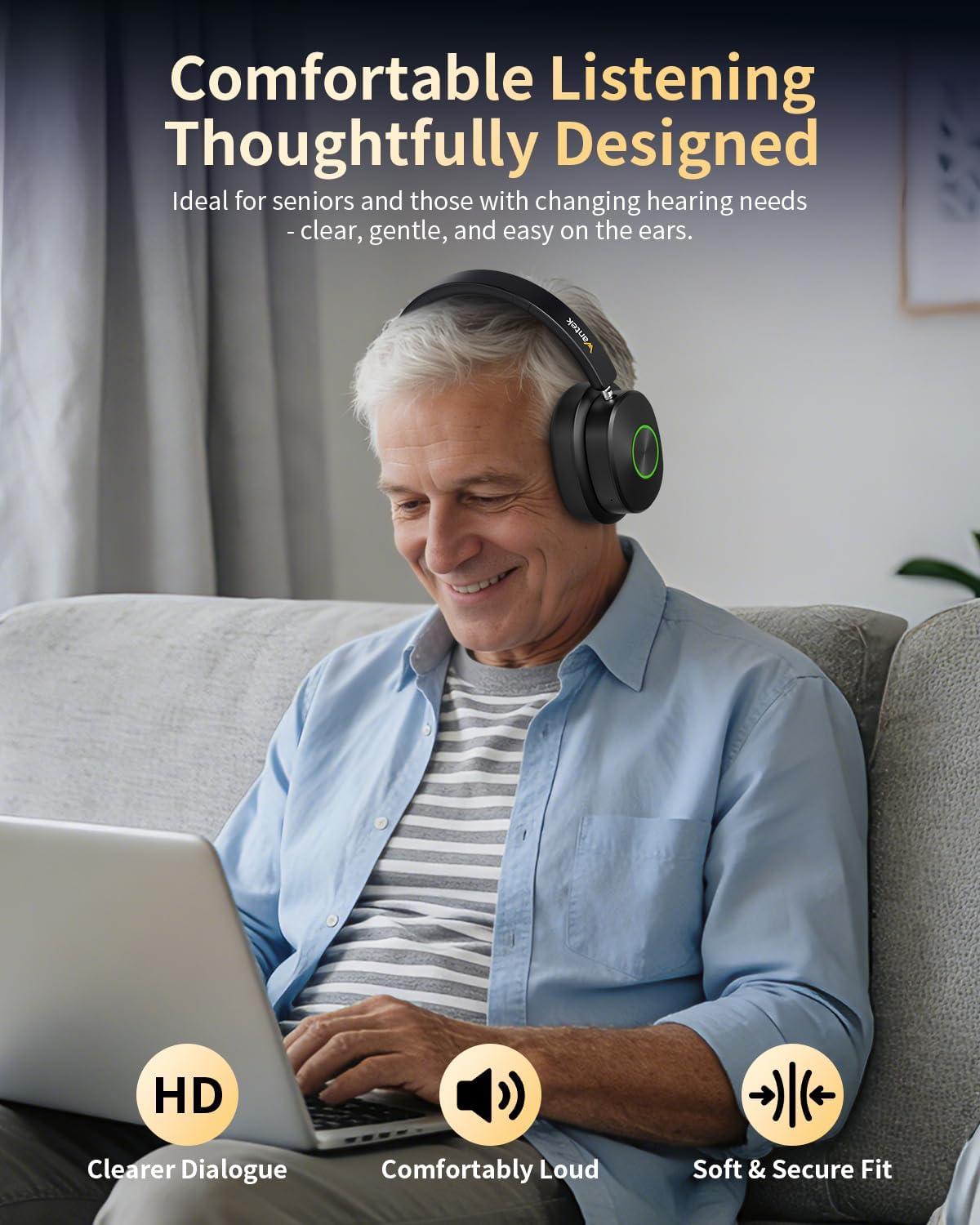
Image: A woman wearing the Wantek Wireless TV Headphones while working on a laptop, demonstrating the ability to connect via Bluetooth for clear, cable-free sound from other devices.
5.3. Switching Between TV and Bluetooth Modes
The headphones allow you to switch between TV audio (via transmitter) and Bluetooth audio (from a paired device).

Image: A man shown in two scenarios: watching TV with the headphones and then listening to music from his phone with the same headphones, illustrating the flexibility to switch between TV mode and Bluetooth mode.
5.4. Volume Control
Adjust the volume using the controls located on the headphones. These controls allow you to set your preferred listening level independently.
6. Maintenance and Care
- Cleaning: Use a soft, dry cloth to clean the headphones and transmitter. Do not use liquid cleaners or aerosols.
- Storage: When not in use, place the headphones on the charging station for convenient storage and to ensure they are always charged. Store in a cool, dry place away from direct sunlight and extreme temperatures.
- Battery Care: To prolong battery life, avoid fully discharging the headphones frequently. Charge them regularly.
7. Troubleshooting
- No Sound in TV Mode:
- Ensure the transmitter is properly connected to the TV's audio output and powered on.
- Verify the TV's audio output settings are configured correctly for the chosen connection type (Optical, AUX, RCA).
- Check that the headphones are powered on and paired with the transmitter.
- Adjust the volume on both the headphones and the TV.
- No Sound in Bluetooth Mode:
- Ensure the headphones are in Bluetooth pairing mode and successfully connected to your device.
- Check the volume levels on both the headphones and your connected device.
- Try unpairing and re-pairing the headphones with your device.
- Audio Delay/Lag:
- The headphones are designed for low latency. Ensure you are using the TV mode with the transmitter for optimal performance.
- Check for any interference from other wireless devices.
- Headphones Not Charging:
- Ensure the power adapter is securely connected to the charging station and a power outlet.
- Verify that the headphones are correctly placed on the charging station and the charging contacts are clean and aligned.
8. Specifications
| Model Name | WANTAEK-TV996-S1 |
| Brand | Wantek |
| Connectivity Technology | Wireless (Bluetooth) |
| Wireless Communication Technology | Bluetooth 5.4 |
| Bluetooth Range | Up to 100 feet (approx. 30 meters) |
| Headphone Jack | Optical / 3.5mm AUX / RCA |
| Ear Placement | Over-Ear (Supra-aural) |
| Form Factor | Circum-Aural |
| Impedance | 32 Ohms |
| Noise Control | Environmental Noise Suppression |
| Audio Driver Type | Dynamic |
| Control Type | Touch Control |
| Control Method | Push Button |
| Average Battery Life | 45 hours |
| Compatible Devices | Television |
| Recommended Uses | Watching Television |
| Internal Material | Stainless Steel, Aluminum, Plastic, Faux Leather |
| Color | Black |
9. Warranty Information
Specific warranty details for the Wantek Wireless TV Headphones WANTAEK-TV996-S1 are not provided in the product information. Please refer to the product packaging or contact the manufacturer directly for warranty terms and conditions.
10. Customer Support
For technical assistance, troubleshooting, or further inquiries regarding your Wantek Wireless TV Headphones WANTAEK-TV996-S1, please contact Wantek customer support. Contact information can typically be found on the product packaging, the manufacturer's official website, or through your retailer.