
1. Introduction
The Luminous Zelio M 1200 Sine Wave Inverter is designed to provide reliable power backup for homes, offices, and shops. This inverter delivers a pure sine wave output, ensuring the safety and longevity of your sensitive electronic appliances. With advanced features and robust protection mechanisms, the Zelio M 1200 offers efficient and uninterrupted power during outages.
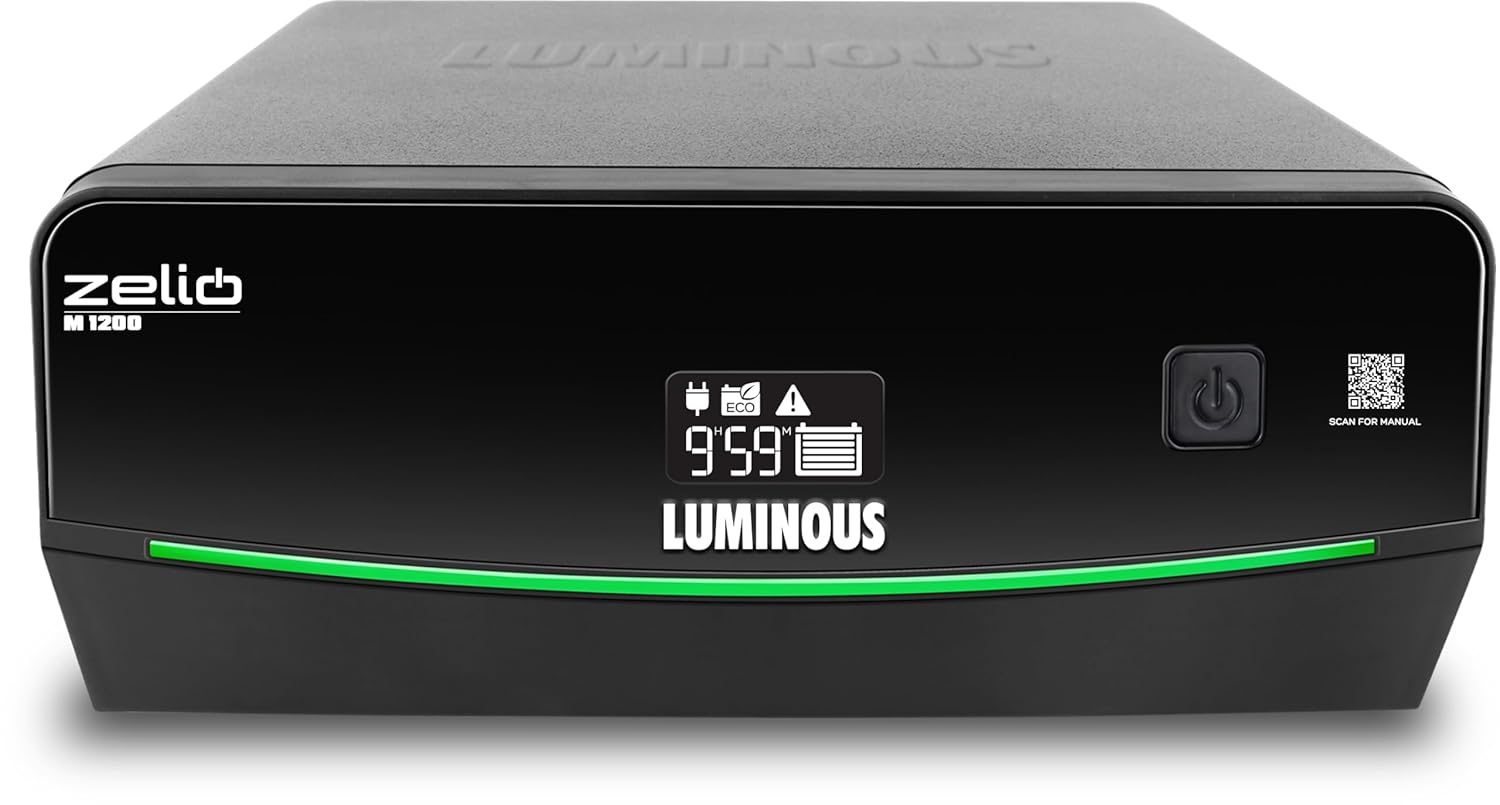
Figure 1: Front view of the Luminous Zelio M 1200 Inverter.
Key Features:
- 900VA / 756W Power Output: Capable of powering essential appliances like lights, fans, TVs, and routers.
- UPS/REG & ECO Mode Support: Offers regulated voltage for sensitive devices (UPS mode) and a wide input range for unstable power conditions (ECO mode).
- Fast Transfer Time (<20 ms): Ensures a seamless transition to battery power during outages.
- 12V Single Battery System: Compatible with various battery types (tubular, SMF, flat) ranging from 80Ah to 250Ah.
- LCD Display & Safety Alerts: Provides real-time information on battery status, backup time, and fault conditions with audible alerts.
2. Setup and Installation
Proper installation is crucial for the safe and efficient operation of your Luminous Zelio M 1200 Inverter. Please follow these steps carefully.
2.1 Unpacking and Inspection
- Carefully remove the inverter from its packaging.
- Inspect the unit for any signs of physical damage. If damaged, do not proceed with installation and contact customer support.
- Ensure all accessories listed in the packing list are present.
2.2 Choosing an Installation Location
- Install the inverter in a well-ventilated area, away from direct sunlight, heat sources, and flammable materials.
- Ensure the location is dry and free from dust and moisture.
- Maintain adequate clearance around the inverter for proper airflow.
- The inverter should be placed on a flat, stable surface.
2.3 Battery Connection
The Zelio M 1200 requires a 12V battery. Ensure the battery is fully charged before connecting it to the inverter.
- Turn off the inverter and disconnect it from the mains power supply.
- Connect the red cable from the inverter to the positive (+) terminal of the battery.
- Connect the black cable from the inverter to the negative (-) terminal of the battery.
- Ensure all connections are tight and secure to prevent sparking.
- Verify the battery polarity before switching on the inverter. Incorrect polarity can damage the unit.
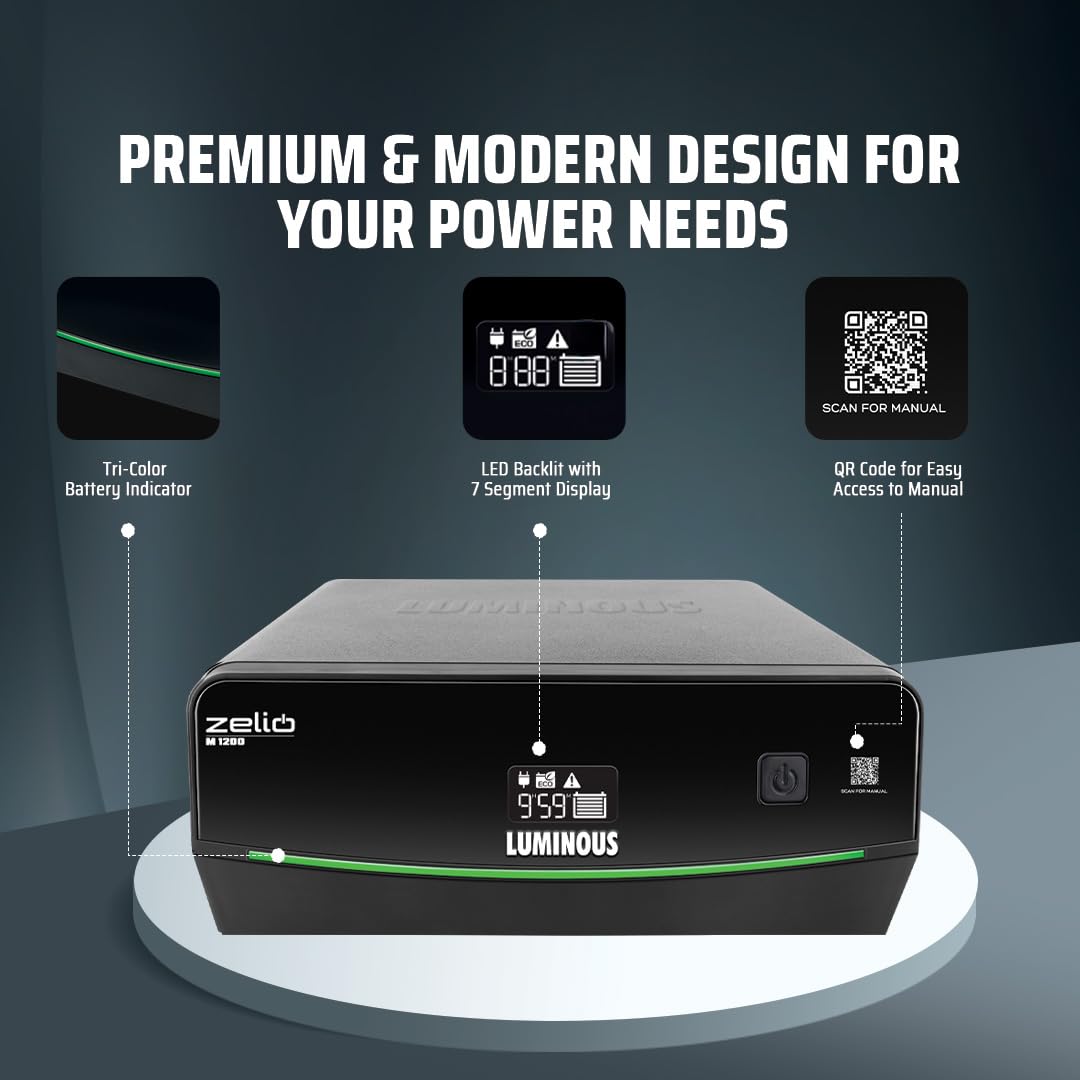
Figure 2: Inverter display showing battery indicator and QR code for manual access.
2.4 Mains Power and Load Connection
- Plug the inverter's mains power cord into a grounded wall socket.
- Connect your appliances (lights, fans, TV, etc.) to the output sockets of the inverter. Do not overload the inverter beyond its rated capacity (756W).
3. Operating Instructions
Understand how to operate your Zelio M 1200 Inverter and utilize its various modes.
3.1 Powering On/Off
- To Power On: Press and hold the power button for a few seconds until the LCD display illuminates.
- To Power Off: Press and hold the power button again until the display turns off.
3.2 Understanding the LCD Display
The LCD display provides critical information about the inverter's status and operation.

Figure 3: LED Backlit Segment Display for simplified power monitoring.
- Battery Status: Indicates the current charge level of the connected battery.
- Backup Time: Estimates the remaining backup time based on the current load and battery charge.
- Fault Indicators: Displays specific error codes or symbols in case of a malfunction (e.g., overload, short circuit, low battery).
- Operating Mode: Shows whether the inverter is in UPS/REG mode or ECO mode.
3.3 Operating Modes
- UPS/REG Mode: Provides a stable and regulated output voltage, ideal for sensitive electronic devices like computers, televisions, and medical equipment. This mode has a narrower input voltage window.
- ECO Mode: Designed for areas with frequent and wide voltage fluctuations. It allows the inverter to operate within a broader input voltage range, conserving battery power by switching to inverter mode only when necessary. This mode is suitable for less sensitive appliances.
To switch between modes, refer to the specific button or menu option on your inverter's control panel, usually indicated by a dedicated button or a combination of button presses.

Figure 4: The Zelio M 1200 Inverter can power essential loads like LED bulbs, fans, LED tubelights, and LED TVs.
4. Maintenance
Regular maintenance ensures the longevity and optimal performance of your Luminous Zelio M 1200 Inverter.
4.1 General Care
- Keep the inverter clean and free from dust. Use a dry, soft cloth for cleaning.
- Ensure proper ventilation by keeping the vents clear of obstructions.
- Avoid exposing the inverter to extreme temperatures or humidity.
4.2 Battery Maintenance
- For lead-acid batteries, regularly check the electrolyte level and top up with distilled water if necessary.
- Keep battery terminals clean and free from corrosion. Apply petroleum jelly to the terminals to prevent corrosion.
- Ensure the battery is fully charged periodically, especially if the inverter is not used for extended periods.
4.3 Periodic Checks
- Inspect all cable connections for tightness and signs of wear or damage.
- Test the inverter's backup function periodically by disconnecting the mains power to ensure it switches to battery mode correctly.
5. Troubleshooting
This section provides solutions to common issues you might encounter with your Luminous Zelio M 1200 Inverter.
| Problem | Possible Cause | Solution |
|---|---|---|
| Inverter not turning on |
|
|
| No power output in backup mode |
|
|
| Inverter beeping continuously |
|
|
| Battery not charging |
|
|

Figure 5: The Zelio M 1200 features multiple protections including MCB, over temperature, short circuit, overload, and low battery/overcharge protection.
6. Specifications
Detailed technical specifications for the Luminous Zelio M 1200 Sine Wave Inverter.
| Feature | Detail |
|---|---|
| Brand | Luminous |
| Model Name | Zelio M 1200 |
| Inverter Capacity (VA) | 900 VA |
| Wattage | 756 Watts |
| Voltage | 12 Volts |
| Power Source | Battery Powered |
| Recommended Uses | Home, Office, Shops |
| Battery Capacity Compatibility | 80Ah to 250Ah (Tubular, SMF, Flat) |
| Item Dimensions (L x W x H) | 27.5L x 24.1W x 11.6H Centimeters |
| Item Weight | 10.2 Kilograms |
| Colour | Black |
| Warranty | 36 Months |
7. Warranty Information
The Luminous Zelio M 1200 Sine Wave Inverter comes with a comprehensive warranty to ensure your peace of mind.
Warranty Period: This product is covered by a 36 Months Warranty from the date of purchase. This warranty covers manufacturing defects and malfunctions under normal use conditions.
For warranty claims or service, please retain your purchase receipt and contact Luminous customer support.
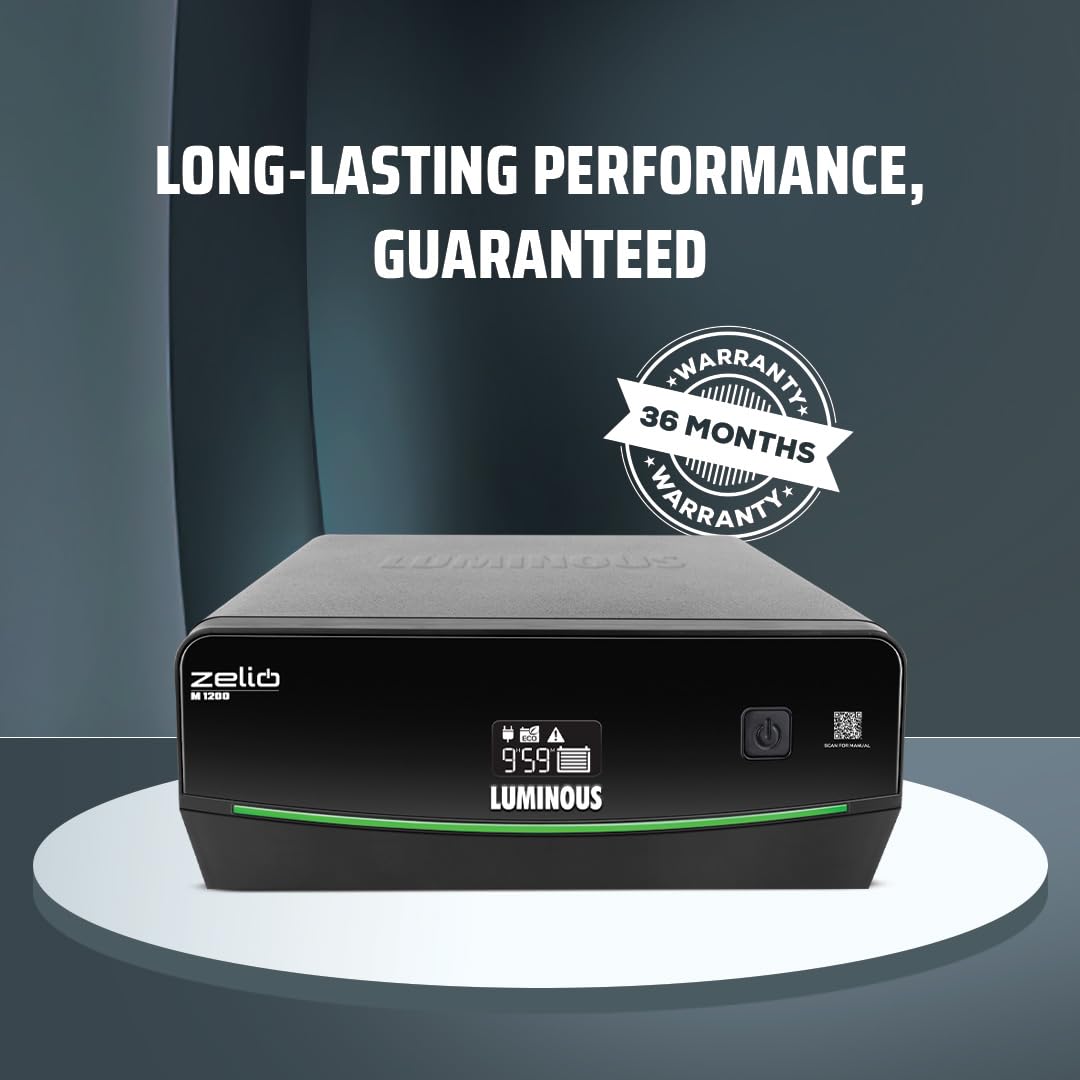
Figure 6: The Luminous Zelio M 1200 Inverter comes with a 36-month warranty.
8. Customer Support
For any queries, technical assistance, or service requests, please contact Luminous customer support.
- Manufacturer: Luminous Power Technologies Private Limited
- Manufacturer Address: Luminous power technologies pvt. Ltd Village-malpur, baddi, District-solan, himachal pradesh-173205
- Packer Contact Information: Luminous Power Technologies Private Limited Plot No 150, Sector- 44, Gurugram, Haryana -122003
- Email Id: Care@luminousindia.com
- Website: Visit the Luminous Store on Amazon for more information and support.

Figure 7: Luminous offers comprehensive installation, trained service engineers, nationwide network, warranty assurance, and 24/7 customer support.


